
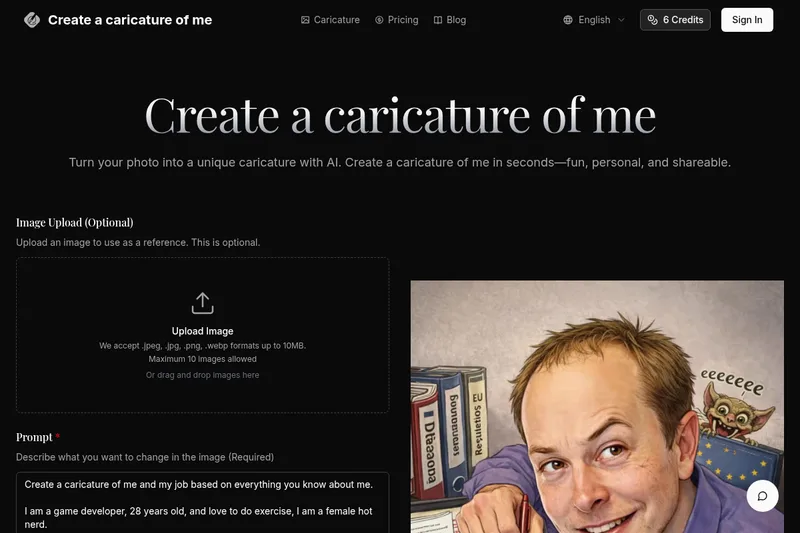
Createacaricatureofme
Create a Caricature of Me is a web-based AI image tool that turns user photos into personalized caricatures in seconds. Users can upload images, provide a prompt, choose AI models and output formats, then generate and download stylized caricatures for social, personal, or light professional use.
Createacaricatureofme is image & design software teams evaluate for content & marketing. Use this page to review pricing, integration signals, and the best alternatives before you commit.
Profile facts come from the vendor source. AiMatch labels unknown pricing or API details instead of estimating them.
Review official source →Used in These Packs
Quick Overview
Best for: Content & Marketing
What it does
Image & Design software for decision-makers comparing workflow fit and alternatives.
Best fit
Content & Marketing
Pricing snapshot
Paid from 3 credits per image for Google's fast image generation model (as listed on the site)
Next step
Compare Createacaricatureofme with similar tools before you shortlist it.
Compare this tool before you shortlist it
Review alternatives, pricing posture, and workflow fit side by side.
Create a Caricature of Me is a consumer-facing web application that uses third‑party AI image models to transform user photos into stylized caricatures. The site lets users optionally upload up to 10 reference images (jpeg, jpg, png, webp up to 10MB), enter a text prompt describing desired changes, pick from multiple AI models and aspect ratios, and generate high‑resolution caricature outputs for download. The tool is aimed at people who want quick, shareable profile images, personalized gifts, team avatars, or social media art without design skills.
Create a Caricature of Me is a web-based AI image tool that turns user photos into personalized caricatures in seconds. Users can upload images, provide a prompt, choose AI models and output formats, then generate and download stylized caricatures for social, personal, or light professional use.
Own this listing?
Claim this page for a one-time $29 to add pricing, features, screenshots, verified owner details, and a clearly labeled 30-day category position after the profile is live.
Claim this listing for $29Key Features
Image upload
Optional upload of up to 10 images in .jpeg, .jpg, .png, .webp formats up to 10MB as references for transformation.
Prompt-driven customization
Users provide a text prompt describing how they want the caricature to look (styles, job, age, personality cues) to guide the AI transformation.
Multiple AI models
Selectable AI models for generation (Nano Banana, Nano Banana Pro, GPT-4o Image, Flux Kontext, and others) to achieve different looks and quality levels.
Aspect ratio and output format options
Choose aspect ratios (1:1, 16:9, 3:4, 2:3, auto, etc.) and output formats (PNG, JPG) before generating images.
Fast generation workflow
Advertised 'from photo to caricature in seconds' workflow with a four‑step process: upload, describe, pick model/format, generate and download.
Multiple style support
Supports cartoon, sketch, anime, or custom styles per user prompt to produce a wide range of artistic results.
Pricing
Per-image credits (model-specific)
3 credits per image for Google's fast image generation model (as listed on the site)- Model-specific credit cost noted on model selector
Use Cases
Social media avatars and profile pictures
Create unique, recognizable caricature avatars optimized for social networks and profile imagery.
Gifts and personal keepsakes
Generate personalized caricatures as gifts or prints for friends and family.
Team avatars and event artwork
Produce unified or themed caricature avatars for teams, event posters, or promotional materials suitable for light professional contexts.
Personal projects and prints
Create high‑resolution caricatures for personal art projects, prints, or online sharing.
Integrations
Nano Banana / Nano Banana Pro
Listed as selectable AI models for image generation.
GPT-4o Image
Listed as a selectable AI model for image generation.
Flux Kontext
Listed as a selectable AI model for image generation.
Google Veo & Sora, Kling, Wan
Named third‑party AI model providers referenced as powering generation options. (Site states generated content reflects third‑party AI model outputs.)
Benefits
Limitations
Frequently Asked Questions
No verified FAQs are available.
Getting Started
- 1 Step 1: Upload a photo — choose a clear, well‑lit face or full‑body image (front or slight angle); up to 10 images, max 10MB each.
- 2 Step 2: Describe your caricature style — enter a prompt specifying style (cartoon, sketch, anime, custom), details about appearance and context.
- 3 Step 3: Pick model and format — select an AI model, aspect ratio and output format (PNG or JPG).
- 4 Step 4: Generate and download — click Generate; wait seconds for the result, then download and share.
Support
Email support available at [email protected].
docs
Privacy Policy, Terms of Service, and Refund Policy linked on the site for additional information.
API
Compare Createacaricatureofme with similar tools
See how it stacks up against alternatives
Related Tools
View all 386 →
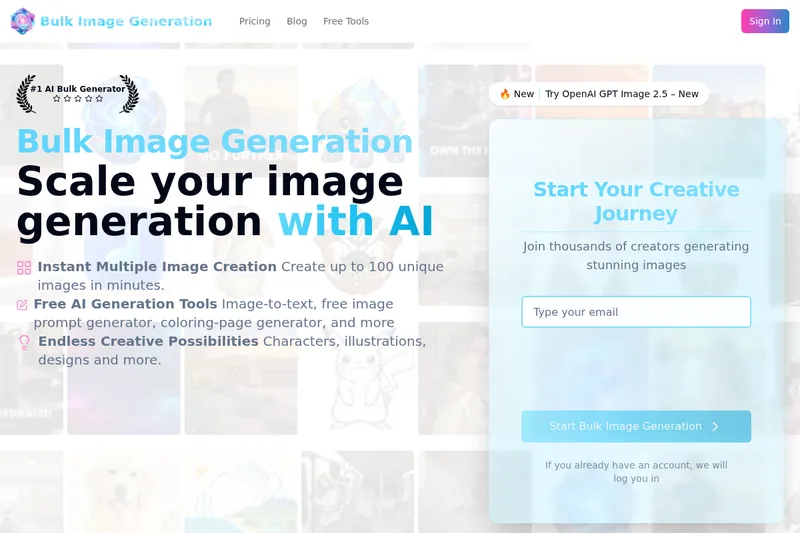
Bulk Image Generation
Bulk Image Generation is a web-based AI image generator that creates large batches of images (up to 100) in seconds using the Flux 1.1 model, and includes free tools for prompt generation, image-to-text, bulk editing, resizing, and other resources for creators and professionals.

Flux Pro AI (FluxProWeb)
Flux Pro AI (FluxProWeb) is a web-based suite for AI image and video generation, editing, and enhancement that offers multiple text-to-image, image-to-image and text-to-video tools and a catalog of production-grade models for creators and professionals.

Cartoonize AI
Cartoonize AI is a web-based AI image tool that converts photos into a wide range of cartoon and stylized images (anime, Pixar, Studio Ghibli, pixel art, etc.) with adjustable settings and high-resolution downloads.
Try This Skill
Try This Skill is a curated marketplace of AI image transformation 'skills' that let users upload photos and get professional-quality edits and stylizations (restoration, colorization, stylized portraits, product visuals) with an emphasis on preserving original composition and poses. New users receive free credits and daily free trial skills to try outputs.

ghibli-image-generator
An AI-powered web tool that transforms photos and text prompts into Studio Ghibli–style artwork, offering character transforms, fantasy landscapes, ChatGPT prompt integration, and options for commercial licensing and high-resolution (up to 4K) outputs.

Budget-Friendly Alternatives
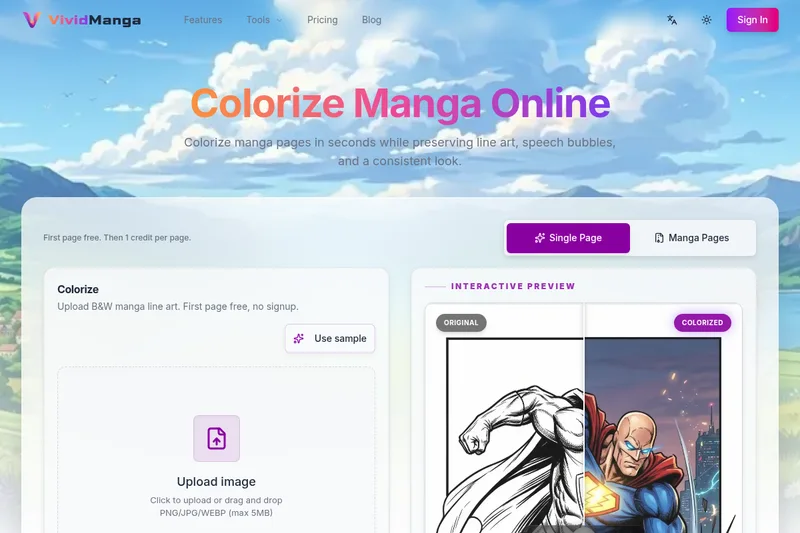
Vividmanga
VividManga is a web-based AI manga colorizer that converts black-and-white manga pages, panels, and line art into color while preserving line art, speech bubbles, and character consistency. It supports single-page tests and batch workflows (ZIP/CBZ) for creators, archivists, and content producers.

Aigardenplanner
AIGardenPlanner is a browser-based, AI-powered garden design tool that turns photos, sketches or 3D models of an outdoor space into photorealistic garden designs, animated videos and explorable 3D walkthroughs. It targets home gardeners and landscaping professionals with an instant visualizer, a free drag-and-drop 3D editor, plant recommendation and identification tools, and subscription plans with commercial licensing.

Fotographer AI
Fotographer AI provides an API-first generative imaging platform for production-grade product photography: non-destructive inpainting, scene generation, and background generation that preserves product pixels, geometry, and brand identity for large-scale e-commerce and marketing workflows.

Face Finder
Face Finder is a paid reverse face-search service that compares an uploaded face photo against images on public web pages and returns visual matches ordered by confidence with direct source links for evidence-style people-search research.
Scenario
Scenario is a creative AI infrastructure platform for production-grade generation of image, video, audio, and 3D assets. It provides model training on brand assets, a library of hundreds of models, visual workflow builders, reusable apps, and an API-first architecture for teams and enterprises.
Image to Text Converter
Online Image to Text Converter (Imagetotext.io) is a freemium web tool that uses OCR (including Tesseract and Python libraries) to extract editable text from images, screenshots, handwritten notes, and scanned documents.
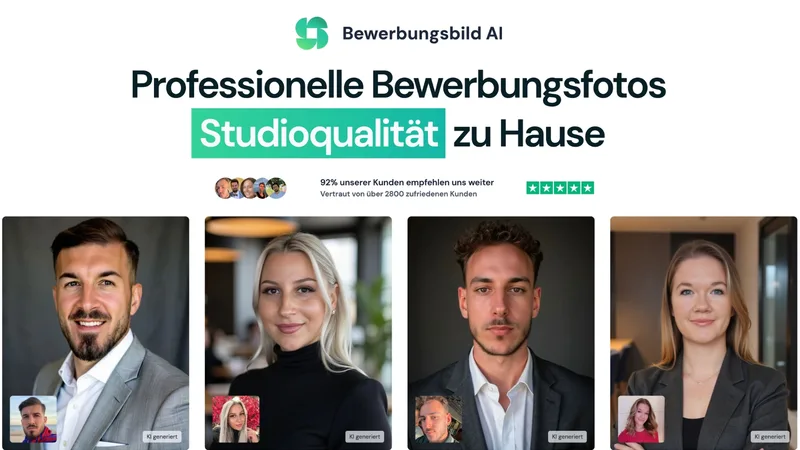
Bewerbungsbild
Bewerbungsbild AI is a Germany-based AI service that generates studio-quality application (Bewerbungs) photos from user selfies, offering dozens to hundreds of professional variations, quick turnaround, and dedicated packages starting at €29.