chat.cx
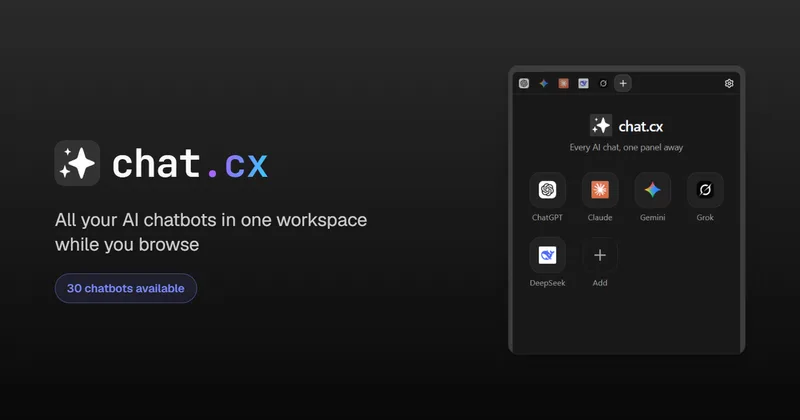
chat.cx is a Chrome extension workspace that embeds dozens of AI chat services (ChatGPT, Claude, Gemini, Grok, Perplexity, etc.) side-by-side in a browser panel so you can open, sign in, and use real provider sites without a new account or relay servers.
chat.cx is chat software teams evaluate for chat. Use this page to review pricing, integration signals, and the best alternatives before you commit.
Profile facts come from the vendor source. AiMatch labels unknown pricing or API details instead of estimating them.
Review official source →Quick Overview
Best for: Chat
What it does
Chat software for decision-makers comparing workflow fit and alternatives.
Best fit
Chat
Pricing snapshot
Freemium from $0
Next step
Compare chat.cx with similar tools before you shortlist it.
Compare this tool before you shortlist it
Review alternatives, pricing posture, and workflow fit side by side.
chat.cx is a browser extension (Chrome/Chromium-based browsers) that embeds the actual web chat interfaces of many AI providers into a persistent side panel, popup, or full-page tab so you can keep conversations one click away without creating a new account or routing traffic through third-party servers. It supports both provider-hosted sites (ChatGPT, Claude, Gemini, Grok, Perplexity, and more) and native API endpoints compatible with the OpenAI Chat Completions API, including local endpoints such as Ollama or LM Studio.
The product is aimed at users who want to streamline multi-model workflows in the browser: compare responses side-by-side, keep chats loaded while browsing, send page text or screenshots into chats, and run API-backed native chats using keys stored locally on the device.
All your AI chatbots in one panel while you browse. ChatGPT, Claude & more. chat.cx is a AI Tool featured on Dang.ai. Learn more about chat.cx's AI tool.
Own this listing?
Claim this page for a one-time $29 to add pricing, features, screenshots, verified owner details, and a clearly labeled 30-day category position after the profile is live.
Claim this listing for $29Key Features
Embedded real provider sites
Embeds the real chat sites (chatgpt.com, claude.ai, gemini.google.com, and nearly 30 others) inside a browser panel so your own accounts, history, and subscriptions carry over.
Bring Your Own Keys (BYOK) / Native API chats
Point the extension at any OpenAI-compatible endpoint (OpenAI, OpenRouter, Groq, Azure, xAI, local Ollama/LM Studio) and configure base URL, key, model, system prompt, sampling, headers, and streaming with a connection test.
Multi-tab persistent workspace
Chats open as tabs inside the extension that keep state, stay loaded in the background, and restore the exact conversation when reopened. You can open the same service multiple times.
Multiple surfaces
Use the side panel, toolbar popup, full-page tab, new window, or a standalone app window; launcher toolbar and Alt+S shortcut follow your chosen surface.
Page context insertion
Send page text, a selection, or a screenshot into any chat from the panel or via right-click Ask AI; captured context is preserved even if a site cannot accept automatic inserts.
Chat client features
Threads with search and temporary mode, markdown with highlighted code and math, live reasoning view, voice in/out, attachments, and per-message timing and token stats.
Local-first keys and privacy
No chat.cx servers or relay — traffic goes directly from your browser to each provider; API keys and native-chat history are stored in the extension's local storage and are never synced to any cloud.
Searchable catalog and customization
Catalog of ~30 chatbots with a new-tab picker, pin favorites to Home, reorder tabs, dock/collapse the tab strip, and light/dark/system themes.
Tools
Keyless web search parsed locally, web fetch, and image generation behind a cost confirmation; a single set of switches applies across chats.
Hard reload and session management
Hard Reload re-syncs a login into the panel when a site shows you signed out there but remains signed in in a normal tab.
Pricing
Full product with a limit of up to 5 chat tabs; no account, no trial, no card required.
Free
$0- No account required
- Up to 5 chat tabs
- Every chatbot in the catalog
- Page text and screenshots into any chat
Early Supporter (lifetime license)
One-time pay-what-you-want- Unlimited chat tabs
- Every current Free feature
- Every pro feature that ever ships
- Works on every device you own
Use Cases
Compare model outputs
Open the same prompt across two or more chats (including the same service multiple times) to compare responses and keep long answers visible while you continue working.
Research while browsing
Send page text, a selection, or screenshots into a chat to ask questions about the page without leaving the content you're reading.
Use local or custom APIs
Connect to OpenAI-compatible endpoints, cloud providers, or local servers (Ollama, LM Studio) to use private or self-hosted models directly from the browser.
Persistent multi-chat workflows
Keep multiple chats loaded in background tabs to maintain context and streaming responses as you switch between tasks.
On-the-fly assistant access
Use the edge launcher or right-click Ask AI to quickly open a chat preloaded with page context or selections for instant assistance.
Integrations
Chat provider embeds
Supports embedding many provider sites such as ChatGPT, Claude, Gemini, Grok, Perplexity, Character.AI, You.com, and others (nearly 30 listed).
OpenAI-compatible endpoints
Native API chats support OpenAI, OpenRouter, Groq, Azure, xAI, and local endpoints like Ollama and LM Studio.
Browser support
Designed for Chromium-based browsers (Google Chrome, Microsoft Edge, Brave).
Benefits
Limitations
Frequently Asked Questions
Do I need a new account for chat.cx?
Does chat.cx replace my ChatGPT, Claude, or Gemini subscription?
How is this different from just opening tabs?
Where do my API keys and chats live?
Can I use a local model?
Which browsers does chat.cx support?
Is chat.cx affiliated with the AI services listed above?
Getting Started
- 1 Install the chat.cx Chrome/Chromium extension.
- 2 Pick the AI sites you use from the catalog or add an OpenAI-compatible API endpoint and configure its key and settings.
- 3 Sign in to each provider once in a normal tab if required; open chats in the chat.cx workspace and send page text, selections, or screenshots into chats as needed.
Support
docs
FAQ and product pages on the chat.cx website (Support, FAQ, Policies, Privacy Policy, Terms of Service).
feedback
Feedback link available in the website navigation to report issues or request features.
API
Compare chat.cx with similar tools
See how it stacks up against alternatives
Related Tools
View all 81 →



DeepSeek-v3
DeepSeek-v3 is a large Mixture-of-Experts (MoE) language model served via the DeepSeek-v3 web service, offering a free, unlimited-access chat interface and deployment options for multiple GPUs/NPUs with a focus on stability and high benchmark performance.


Premium Alternatives
Promptbuilder
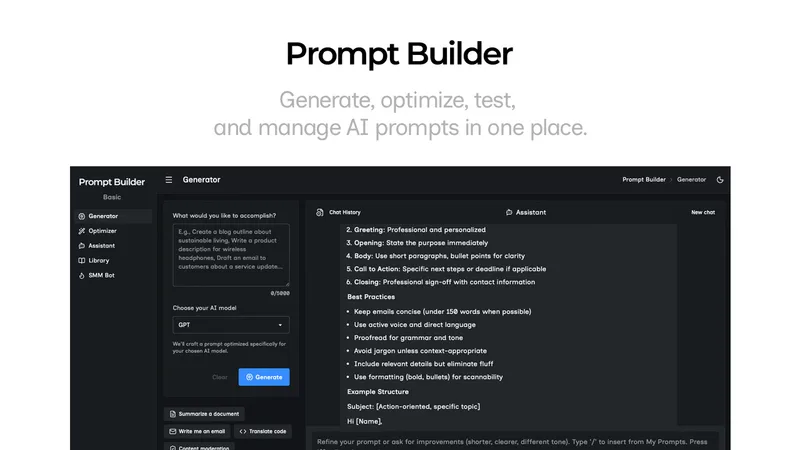
Prompt Builder is a web app that generates, optimizes, tests, and manages AI prompts tuned to specific models (ChatGPT, Gemini, Claude, Grok, etc.), with a prompt library, optimizer, built-in chat assistant, and versioning for prompt workflows.

pandachat-ai
PandaChat runs supervised AI customer operations for complex Adria/DACH e‑commerce stacks: a managed team of specialists and supervisors that connects to your systems, handles multilingual 24/7 support across channels, and sends daily briefings with value reports.
screensnapai
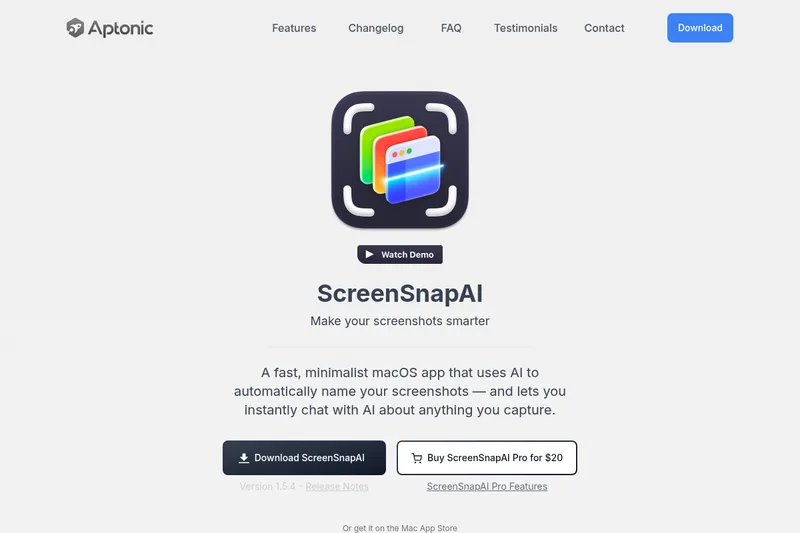
ScreenSnapAI is a native macOS app that automatically names and tags screenshots and lets users ask AI questions about selected areas of their screen. It supports Intel and Apple Silicon Macs running macOS 13 or later.
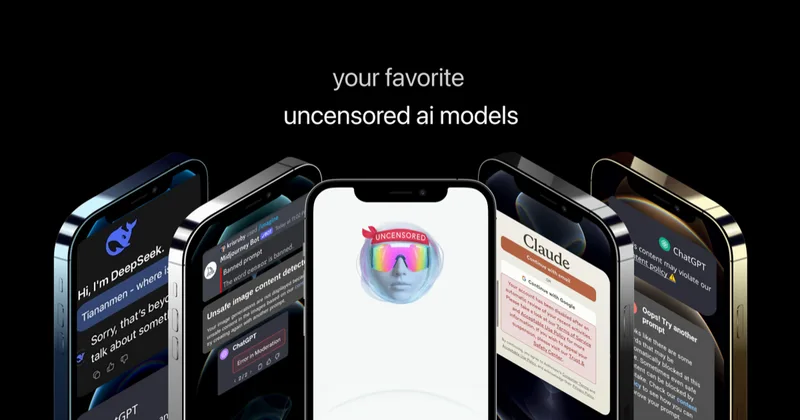
Uncensored
Uncensored AI is a chat and developer platform that provides access to a broad catalog of powerful, minimally filtered AI models for chat, voice, vision, code, and API access, with privacy features like auto-redaction and developer tooling.