
Chatdoc
ChatDOC is an AI assistant for interacting with documents (PDFs, DOCs, websites, EPUB, MD, TXT and scans). It lets users upload files, ask questions across every file, and view sourced answers with click-to-see footnotes and origin highlights.
Chatdoc is research software teams evaluate for education & research. Use this page to review pricing, integration signals, and the best alternatives before you commit.
Quick Overview
Best for: Education & Research
What it does
Research software for decision-makers comparing workflow fit and alternatives.
Best fit
Education & Research
Pricing snapshot
Freemium from Free
Next step
Compare Chatdoc with similar tools before you shortlist it.
Compare this tool before you shortlist it
Review alternatives, pricing posture, and workflow fit side by side.
Chatdoc
ChatDOC is an AI-powered document assistant designed to help users read, search, and ask questions across uploaded files and web content. It supports a broad set of file types (PDF, DOC, DOCX, SCAN, WEBSITE, EPUB, MD, TXT) and provides sourced answers with visible origins via its TapSource feature (click footnotes to reveal context and quotations). The product targets knowledge workers, students, researchers, and teams who need fast, trustworthy extraction and Q&A across documents, with features like OCR, translation, formula recognition, and image analysis (paid add-on).
ChatDOC is an AI assistant for interacting with documents (PDFs, DOCs, websites, EPUB, MD, TXT and scans). It lets users upload files, ask questions across every file, and view sourced answers with click-to-see footnotes and origin highlights.
Own this listing?
Claim this page to add pricing, features, screenshots, and verified owner details.
Claim this listingKey Features
Multi-format file support
Upload and parse PDFs, DOC/DOCX, scanned documents, websites, EPUB, Markdown, and plain text files for question-answering and content extraction.
TapSource (answers with origins)
Answers include visible origins and footnotes; click footnotes to reveal context, highlighted source text, and quoted passages that back each answer.
Unlimited pages/files/folders (as advertised)
The site advertises unlimited pages, unlimited files, and unlimited folders for certain plans to store and query documents.
OCR and scanned document parsing
Optical character recognition for scanned PDFs and images to make content searchable and answerable.
Image analysis (paid add-on)
Image analysis capability is offered as a paid add-on to extract and analyze visual content inside documents.
Formula and table recognition
Recognizes formulas and cross-page tables, preserving layout and formatting while extracting data.
Translation and multi-language support
Accurate translation while preserving layout; the product mentions support for 25+ languages and untouching layouts.
Drag & drop file upload and web workflow
Simple upload via drag-and-drop or click; workflows to ask, answer, and share insights across files without manual searching.
Prompt library & ChatDOC Studio
Tools to build and reuse prompts and workflows (ChatDOC Studio and prompt library features referenced on the site).
Browser extensions
Chrome and Edge-related integration options are referenced (extensions or browser support listed in navigation).
Pricing
100 questions free; no credit card required; limited daily/question and file/page limits as shown on the site.
Free
Free- 100 questions free · No card needed · Cancel anytime
- Try for Free / day (page shows '10 in total/day' and '100 in total' in listing)
- Supports PDF/DOC/DOCX/SCAN/WEBSITE/EPUB/MD/TXT
Pro (Paid)
Not available (page references 'Pro' and subscription options but exact price not listed in provided content)- Advertised as offering unlimited pages/files for Pro subscribers
- Paid add-ons such as Image Analysis and TapSource features indicated
Use Cases
Research and literature review
Upload papers, reports and books to ask focused questions, extract quotes, and trace original sources with TapSource footnotes.
Contract and legal document analysis
Parse long contracts and documents to find clauses, summarize key points, and verify origins without reading every page manually.
Education and studying
Students can upload lecture notes, textbooks, or scanned materials, ask questions, and get sourced answers and highlighted context.
Team knowledge handoffs
Share document collections and ask contextual questions to onboard teammates or preserve knowledge across projects faster.
Data extraction from tables and formulas
Extract cross-page tables and recognize formulas for reuse in analysis, reporting, or conversion to other formats.
Integrations
ChatDOC API
Programmatic access to ChatDOC capabilities is referenced (API mentioned in the navigation), enabling integration into other tools and workflows.
Browser (Chrome / Edge)
Chrome and Edge support/extensions are referenced, allowing in-browser access or quick uploads from web content.
Benefits
Limitations
Frequently Asked Questions
What file types does ChatDOC support?
Is there a free tier and what does it include?
How does TapSource work?
Is image or scanned content supported?
Getting Started
- 1 Step 1: Sign up for a free account — the site advertises 100 questions free and no credit card required.
- 2 Step 2: Upload documents using drag & drop or click to upload (supports PDF/DOC/DOCX/SCAN/WEBSITE/EPUB/MD/TXT).
- 3 Step 3: Ask questions across your files, click footnotes to view origins (TapSource), and upgrade if you need larger limits or paid add-ons like Image Analysis.
Support
Docs / Help Center
Help Center and product guide links are present in the navigation for documentation and onboarding guidance.
Blog
Blog and changelog are listed for updates, guides, and release notes.
API documentation
API is referenced in the site navigation; API docs are likely available via the product's 'API' resource link (specific doc URL not provided).
API
Compare Chatdoc with similar tools
See how it stacks up against alternatives
Related Tools
View all 90 →%22%2F%3E%20%3Ctext%20x%3D%2250%25%22%20y%3D%2250%25%22%20dominant-baseline%3D%22central%22%20text-anchor%3D%22middle%22%20font-family%3D%22system-ui%2C-apple-system%2Csans-serif%22%20font-weight%3D%22700%22%20font-size%3D%2250%22%20fill%3D%22white%22%3EB%3C%2Ftext%3E%20%3C%2Fsvg%3E)
BreederCheck
BreederCheck is a free online database that compiles USDA APHIS animal welfare inspection reports and grades every USDA‑licensed breeder, dealer, exhibitor, and research facility in the United States to help prospective pet buyers and the public evaluate facility compliance.


Drooid with News Analysis
Drooid is a news aggregation app that collects articles from multiple reputable sources and provides AI-generated summaries presenting multiple perspectives, enabling users to see the full picture faster with in-depth analysis and community interaction.

Stratify AI
Stratify AI is an AI-powered user research platform that automates the entire research process, enabling teams to get user feedback in hours instead of weeks and focus on building products users actually want.

Saasthink
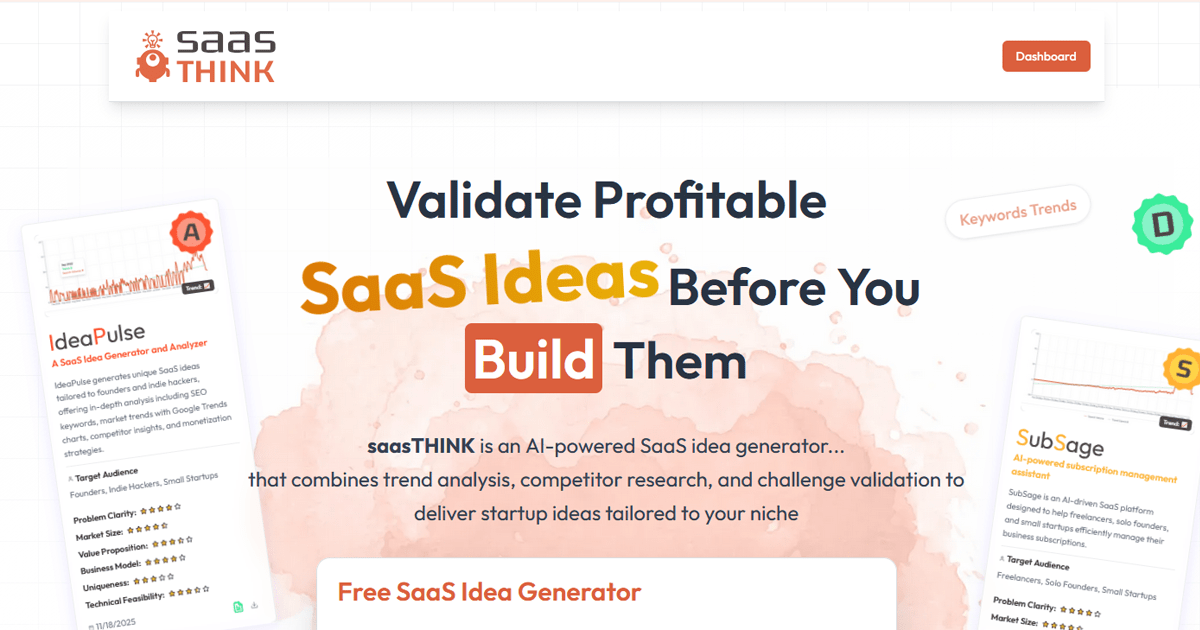
SaaSThink is an AI-powered SaaS idea generator and validation platform that produces ranked startup ideas and investor-grade deep analysis reports using real-time market intelligence (Google Trends, keyword volumes, competitor data and Reddit signals) for founders, indie hackers and small startups.


Perceptinsight
PerceptInsight appears to be a product/site (branded Percept Insight) linked from perceptinsight.com that offers demos, documentation, features information, pricing and contact options; the site content on the provided page is a 404 (Page Not Found).
Premium Alternatives

Spencer for Mac
Spencer for Mac is a tool that allows users to save and restore their perfect window layouts, enabling quick switching between customized workspace profiles on macOS 13 Ventura or later.


botgauge
BotGauge is an AI-driven autonomous QA solution that delivers over 80% test coverage within two weeks, enabling faster, more reliable end-to-end testing with human-verified accuracy. It is designed for engineering teams seeking to automate testing without the need for scripting or large QA teams.

freeday-ai
Freeday AI offers AI-powered digital employees that automate workflows in customer service, KYC verification, and accounts payable, helping businesses improve efficiency, reduce errors, and cut operational costs.

botfast
BotFast is a Python boilerplate for building, customizing, deploying and monetizing AI-powered Telegram bots, offering containerized deployment, payment integrations, MongoDB support, image generation via DALL·E 3 and support for multiple models including GPT-4o Multimodal.


Closerscopy
ClosersCopy is an AI-powered copywriting platform that helps marketers, copywriters, and teams generate long-form content, sales copy, ads, emails and SEO-optimized blog posts using proprietary AI models, customizable frameworks and a library of templates.
