

chatgptdeutsch
ChatGPTDeutsch.info provides a free, in-browser German-language access point to ChatGPT-style AI chat: ask questions, write and edit texts, create images and use files as context without registration. It offers selectable models and response modes and is positioned as an independent (non‑OpenAI) German entry point.
chatgptdeutsch is chat software teams evaluate for chat. Use this page to review pricing, integration signals, and the best alternatives before you commit.
Profile facts come from the vendor source. AiMatch labels unknown pricing or API details instead of estimating them.
Review official source →Quick Overview
Best for: Chat
What it does
Chat software for decision-makers comparing workflow fit and alternatives.
Best fit
Chat
Pricing snapshot
Free from Free
Next step
Compare chatgptdeutsch with similar tools before you shortlist it.
Compare this tool before you shortlist it
Review alternatives, pricing posture, and workflow fit side by side.
ChatGPTDeutsch.info is an independent German-language entry point that lets users interact with a ChatGPT-style AI directly in the browser without registration. Users can ask questions, write and edit texts, create AI images and upload files to provide context. The site exposes selectable models and response modes (Instant, Thinking, Pro) and groups tools (image creation, file upload, deep research and web search) behind a plus-menu. The site explicitly notes it is not an official OpenAI page and advises against entering sensitive data; sessions remain local to the browser and no public search-indexed chat history is created.
A platform providing access to ChatGPT in German without registration.
Own this listing?
Claim this page for a one-time $29 to add pricing, features, screenshots, verified owner details, and a clearly labeled 30-day category position after the profile is live.
Claim this listing for $29Key Features
Free, no-signup in-browser chat
Start the AI chat immediately in the browser without creating an account; sessions persist locally in the browser.
German-language interface
Designed as a German-language access point: prompts, examples and guidance are provided in German.
Model selection
Multiple models are selectable or auto-chosen (listed examples include GPT-5.4 mini, GPT-5.5 and GPT-5.6 Sol) to match task complexity.
Response modes
Predefined modes (Instant, Thinking, Pro) let users pick speed vs. depth/performance for responses.
Image generation
Create AI images from text descriptions via the chat's 'Bild erstellen' tool.
File and image uploads
Upload files or images to provide contextual information to the chat.
Research and web tools
Tools for deep research and web search are available from the plus-menu to support queries that require external context.
Guides and examples
Built-in guidance for prompts, example prompts and a step-by-step beginner guide to improve output quality.
Pricing
Free in-browser access without an account; usable for many everyday tasks but subject to usage limits for heavy use, image generation or compute-intense models.
Free
Free- In-browser chat without registration
- Access to image creation, file uploads and basic models/modes (subject to usage limits)
Use Cases
Drafting and editing texts
Write or improve emails, cover letters, CV text and other documents; request rewrites, shortenings or tone adjustments.
Summarization and translation
Summarize long texts and translate content to or from German for study or work purposes.
Brainstorming and planning
Generate ideas, outlines, checklists and study or project plans.
Image generation from prompts
Create AI images by describing desired motifs in the chat's image creation tool.
Research preparation
Structure research questions, plan next search steps and use file uploads or web search to augment the chat's context.
Coding help and explanations
Get simple code explanations and assistance for learning or small development tasks.
Integrations
Web Search
Integrated web search tool to augment chat responses with online information.
Deep Research
Tool for more thorough research workflows from within the chat.
File & Image Uploads
Upload documents and images to provide additional context to the AI.
Benefits
Limitations
Frequently Asked Questions
Kann ich hier ChatGPT auf Deutsch kostenlos nutzen?
Brauche ich für den Chat eine Anmeldung?
Ist ChatGPTDeutsch.info eine offizielle OpenAI-Website?
Was kann ich mit dem KI-Chat machen?
Welches Modell soll ich wählen?
Getting Started
- 1 Step 1: Enter a question or choose a provided example prompt in the chat input field.
- 2 Step 2: Send the prompt using the send control, then read and critically evaluate the reply; ask follow-ups as needed.
- 3 Step 3: Select a response mode (Instant, Thinking, Pro) and let Auto or manual model selection choose an appropriate model.
- 4 Step 4: Open the plus-menu to add images, upload files, start a deep research or perform a web search to enrich the session.
- 5 Step 5: Use full-screen mode for focused work and note that the session is stored locally; there is no public search-indexed chat history.
Support
Docs
On-site guides and Ratgeber (e.g., prompt guides, privacy and usage tips) available on the website.
Contact / Impressum
Contact details and legal imprint are available via the site's contact/impressum pages (linked on the site).
API
Compare chatgptdeutsch with similar tools
See how it stacks up against alternatives
Related Tools
View all 81 →

chatwise
ChatWise is a desktop AI chat app that connects to models such as GPT-4, Claude, and Gemini using your own API keys or existing subscriptions. It supports multimodal chats, web search, and MCP-connected tools while storing data locally except when sending requests to an LLM provider.

Nofiltergpt
NoFilterGPT is an anonymous, unfiltered AI chat platform and API that promises uncensored conversational AI, image and video generation/editing, and voice features while claiming to purge logs and encrypt communications. It targets users seeking unrestricted AI interactions and developers via RESTful API access.
Premium Alternatives
Promptbuilder
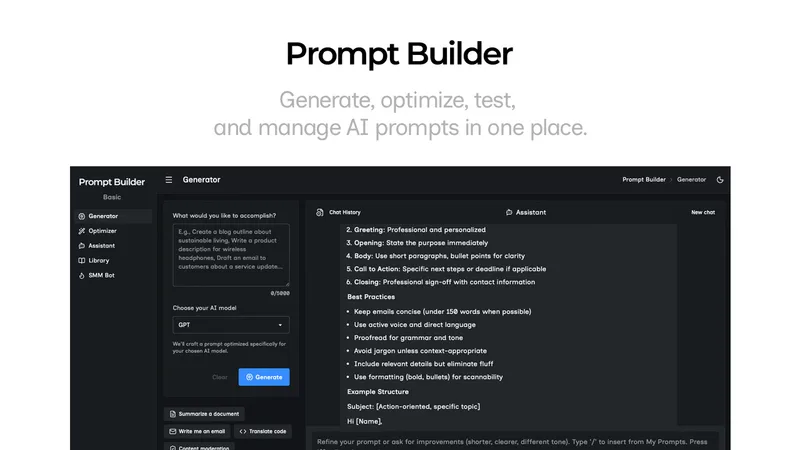
Prompt Builder is a web app that generates, optimizes, tests, and manages AI prompts tuned to specific models (ChatGPT, Gemini, Claude, Grok, etc.), with a prompt library, optimizer, built-in chat assistant, and versioning for prompt workflows.
screensnapai
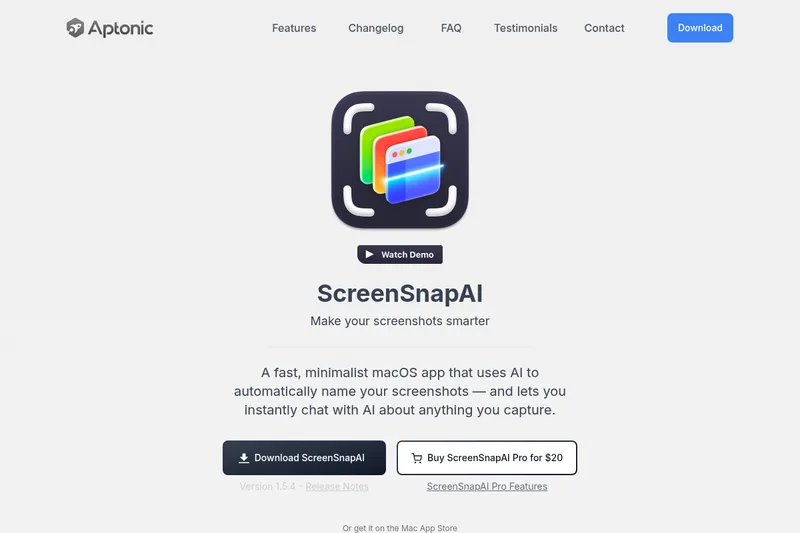
ScreenSnapAI is a native macOS app that automatically names and tags screenshots and lets users ask AI questions about selected areas of their screen. It supports Intel and Apple Silicon Macs running macOS 13 or later.

Uncensored
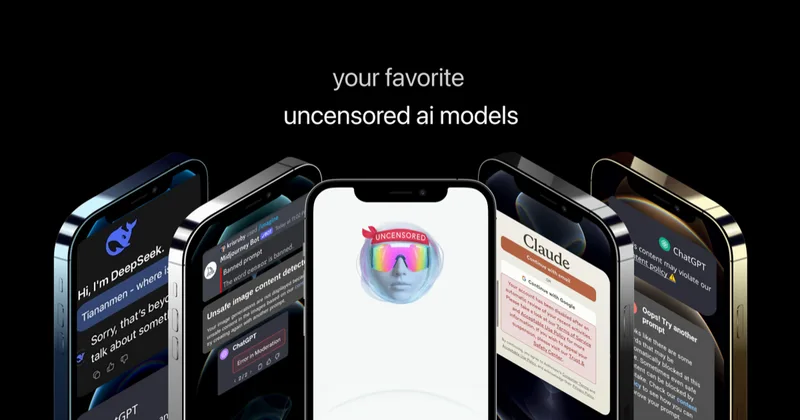
Uncensored AI is a chat and developer platform that provides access to a broad catalog of powerful, minimally filtered AI models for chat, voice, vision, code, and API access, with privacy features like auto-redaction and developer tooling.

pandachat-ai
PandaChat runs supervised AI customer operations for complex Adria/DACH e‑commerce stacks: a managed team of specialists and supervisors that connects to your systems, handles multilingual 24/7 support across channels, and sends daily briefings with value reports.