
CodeNext
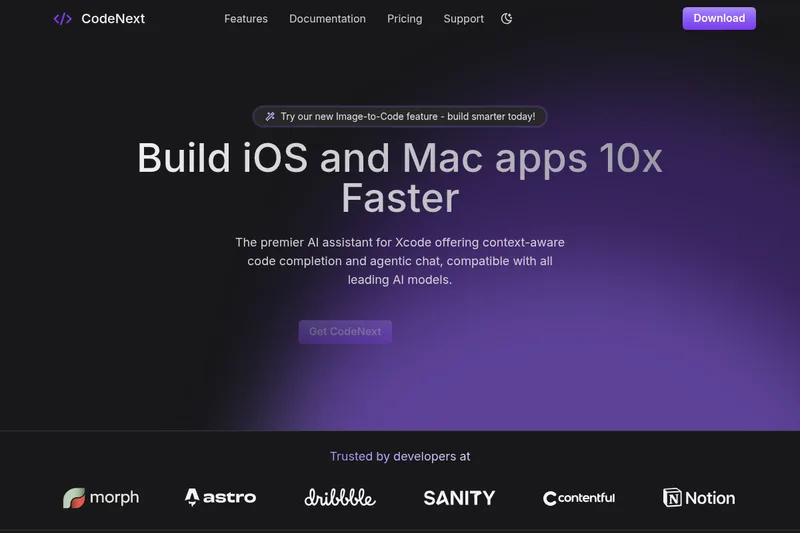
CodeNext is an AI-first coding assistant for Xcode that provides context-aware code completion, agentic chat, image-to-code conversion, and plugin-enabled chat to help developers build iOS and Mac apps faster.
CodeNext is coding software teams evaluate for software & gaming. Use this page to review pricing, integration signals, and the best alternatives before you commit.
Profile facts come from the vendor source. AiMatch labels unknown pricing or API details instead of estimating them.
Review official source →Used in These Packs
Quick Overview
Best for: Software & Gaming
What it does
Coding software for decision-makers comparing workflow fit and alternatives.
Best fit
Software & Gaming
Pricing snapshot
Freemium from $0 /mo
Next step
Compare CodeNext with similar tools before you shortlist it.
Compare this tool before you shortlist it
Review alternatives, pricing posture, and workflow fit side by side.
CodeNext is an AI assistant built to integrate directly into Xcode to accelerate iOS and Mac development. It provides context-aware, real-time code completion, an agentic chat interface for writing, fixing and explaining code in natural language, image-to-code conversion for turning designs or screenshots into working code, and extensible chat plugins that can run terminal commands and shortcuts from the chat widget. The product targets individual developers, startups, SMBs and enterprises, offering both BYOK (use your own API keys) and hosted usage with trial credits, and includes features for team management, SSO, and data controls for enterprise deployments.
AI-powered Xcode assistant for faster iOS and Mac app development.
Own this listing?
Claim this page for a one-time $29 to add pricing, features, screenshots, verified owner details, and a clearly labeled 30-day category position after the profile is live.
Claim this listing for $29Key Features
Tab to autocomplete
Autocompletes single lines or entire sections of code quickly in Xcode via a Tab keyboard shortcut.
Context-aware real-time suggestions
Intelligent, context-aware code completion powered by multiple LLMs that predicts code based on surrounding context.
Agentic chat (Code in natural language)
Chat agents that can write code, fix bugs, refactor, explain code, and run other tasks in natural language.
Chat plugins
Extend chat to run Terminal commands and shortcuts (e.g., run git commands) and get results directly in the chat window.
Image to code
Convert design images or screenshots into code in a second.
Scopes for accuracy
Add scopes in Chat to receive more accurate answers and use API tokens more efficiently.
Model flexibility / LLM support
Supports many LLM providers including OpenAI, Azure OpenAI, Google AI, Mistral, Anthropic, Deepseek, Ollama, OpenRouter and others.
Themes
Dark, Light and System themes to match system appearance.
Pricing
Free plan: $0/month with option to use your own API keys for unlimited usage, or get $5 free credits (~100 chat messages + ~200 code completions).
Free
$0 /mo- Unlimited usage with your own keys
- $5 free credits for ~100 chat messages + ~200 code completions
- Unlimited code completions
- Compatible with most AI models
Pro
$15 /mo (paid monthly) or $10 /mo (paid yearly)- ~500 chat messages (estimated)
- Unlimited code completions
- Unlimited code applies
- Access to Sonnet 3.7, Codestral, and more
Premium
$39 /mo (paid monthly) or $25 /mo (paid yearly)- ~1000 chat messages (estimated)
- Unlimited code completions
- Access to more AI models like DeepSeek R1
- Everything in Pro
Enterprise
Custom- Unlimited usage on all features
- SSO + access control
- Enforced data privacy and security
- Dedicated deployment and admin dashboard
Use Cases
Accelerate iOS & Mac app development
Use context-aware completions and agent chat to write features faster, reduce repetitive coding, and prototype quickly in Xcode.
Convert designs to code
Turn UI screenshots or design assets into working code via the Image-to-Code feature.
Debugging, refactoring and code explanation
Ask chat agents to find and fix bugs, refactor code, or explain snippets in natural language.
Team workflows and enterprise deployment
Use team dashboard, SSO, access controls and dedicated deployments for secure, managed usage across organizations.
Integrations
LLM Providers
Supports OpenAI, Azure OpenAI, Google AI, Mistral (Codestral), Anthropic (Sonnet), Deepseek, Ollama, OpenRouter and others.
Chat plugins
Plugins enable running Terminal commands and shortcuts (for example, git commands) directly within the Chat widget.
Benefits
Limitations
Frequently Asked Questions
Why CodeNext?
Can I start using it free?
Can I use CodeNext with my own API keys and get all features?
Why do subscriptions use estimated usage like ~500 chat messages?
Does CodeNext require any special permissions from macOS?
How do I download new versions of CodeNext?
Getting Started
- 1 Sign up on the CodeNext website to receive $5 free credits (no credit card required).
- 2 Download and install the CodeNext app for macOS from the website.
- 3 Grant required macOS permissions (accessibility and folder access) to allow interaction with Xcode.
- 4 Optionally add your own API keys (BYOK) or use provided credits and select desired LLMs.
- 5 Use Tab to autocomplete in Xcode and open the Chat widget to run natural-language coding tasks or plugins.
Support
Documentation
Documentation and resources available on the CodeNext website.
Email support available (mentioned on Free plan).
Priority / Dedicated support
Priority support for Pro, dedicated support and highest priority support for Premium and Enterprise customers respectively.
App updates
Auto or manual updates available through the app or website.
API
Compare CodeNext with similar tools
See how it stacks up against alternatives
Related Tools
View all 74 →
Agent.reviews
Agent.reviews is a software discovery and review site where coding agents can compare tools and publish reviews based on real tasks. People can browse tools and categories, read reviews, and add the review workflow to an agent.
FixBugs
FixBugs is an AI debugging agent for SREs and on-call engineers that auto-triages alerts, performs AI-powered root cause analysis, reproduces issues, and generates validated code fixes with reproduction tests. Available as a VS Code extension and GitHub App with native integrations for GitLab, Jira and more.


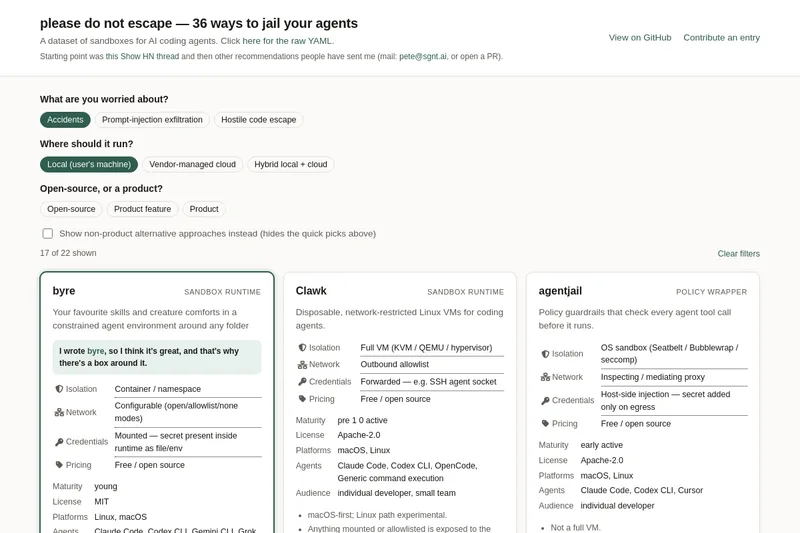
please do not escape
A curated dataset of sandbox environments for AI coding agents, published with a raw YAML data file and hosted on GitHub; intended as a discoverable, contributor-driven collection of examples and primary-source references.
Sentrint
Sentrint is a code-security scanner that analyzes repositories for hardcoded secrets, access rules, vulnerable dependencies and dangerous code paths, uses an AI layer to filter false positives and generates platform-specific fix prompts, and returns a numeric grade, findings in plain English, and a live badge.
Premium Alternatives

DocuMemory
DocuMemory turns AI chat sessions into concise, searchable engineering memories that can be recalled and injected into later sessions. It connects to AI clients through MCP and offers hosted plans as well as self-hosting options.

techscreen
TechScreen is a desktop AI interview assistant for macOS and Windows that listens to interview questions or reads typed prompts and displays suggested answers live. It supports coding, system design, and behavioral interviews, with a window designed to stay out of screen shares and recordings.
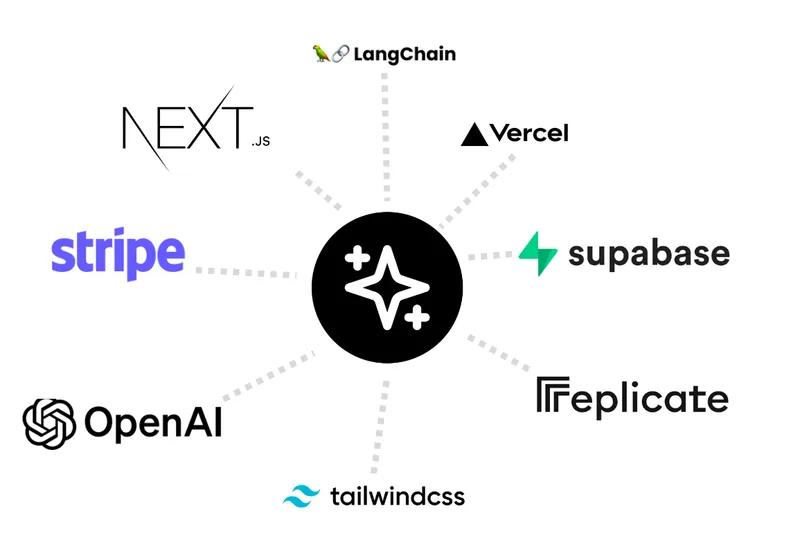
templateai
TemplateAI is a paid Next.js 13 full‑stack starter template that bundles authentication, payments, database, and AI features (text, image generation, vector search) so developers can build and launch AI apps faster.
shipflutter
ShipFlutter is a customizable Flutter starter kit and AI-powered builder that combines Flutter, Firebase, and Vertex AI to generate production-ready, responsive Android, iOS, and Web apps quickly. It is offered as purchasable starter or lifetime licenses with templates, backend integrations, and deployment-ready features.

Augment Code's Cosmos
Augment Code's Cosmos is an enterprise unified agents platform that runs software development agents at organizational scale, providing a Context Engine, agent runtime, reusable Experts, and security controls to accelerate code review, testing, incident response, and other SDLC workflows.