
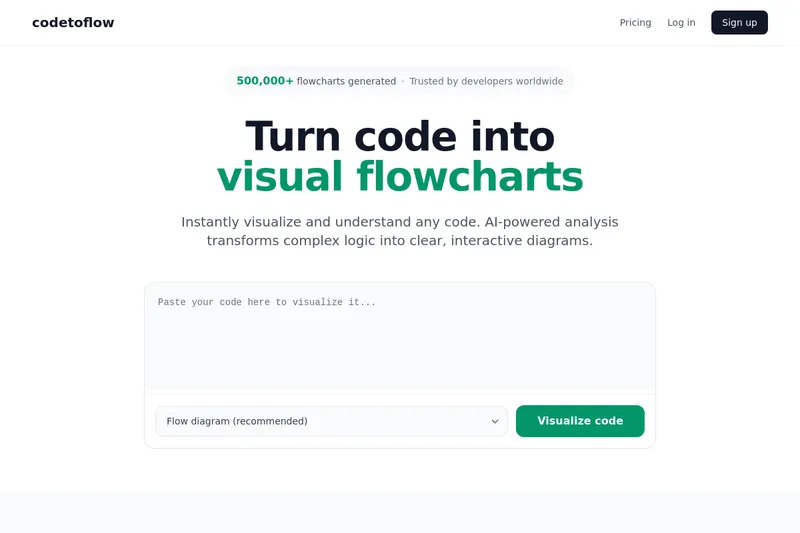
Codetoflow
Codetoflow is an AI-powered tool that transforms source code into interactive visual diagrams (flowcharts, sequence/class diagrams, user journeys) to help developers, students, and teams understand and document program logic quickly. It supports major programming languages and lets you export diagrams as PNG, SVG, or PDF.
Codetoflow is coding software teams evaluate for coding. Use this page to review pricing, integration signals, and the best alternatives before you commit.
Profile facts come from the vendor source. AiMatch labels unknown pricing or API details instead of estimating them.
Review official source →Used in These Packs
Quick Overview
Best for: Coding
What it does
Coding software for decision-makers comparing workflow fit and alternatives.
Best fit
Coding
Pricing snapshot
Freemium from $66.99 one-time
Next step
Compare Codetoflow with similar tools before you shortlist it.
Compare this tool before you shortlist it
Review alternatives, pricing posture, and workflow fit side by side.
Codetoflow instantly visualizes and explains program logic by converting code into interactive diagrams. Using AI-powered analysis, it parses structure and logic flow to generate clear flowcharts, sequence diagrams, class diagrams, user journeys, and other visual representations. The product targets developers, students, teams, and documentation authors who need to debug, learn, communicate, or document code. It supports major programming languages and provides export options (PNG, SVG, PDF).
Codetoflow is an AI-powered tool that transforms source code into interactive visual diagrams (flowcharts, sequence/class diagrams, user journeys) to help developers, students, and teams understand and document program logic quickly. It supports major programming languages and lets you export diagrams as PNG, SVG, or PDF.
Own this listing?
Claim this page for a one-time $29 to add pricing, features, screenshots, verified owner details, and a clearly labeled 30-day category position after the profile is live.
Claim this listing for $29Key Features
AI-powered code analysis
AI parses code structure and logic flow to automatically generate diagrams and explanations.
Multi-language support
Supports all popular programming languages including Python, JavaScript, TypeScript, Java, C, C++, Go, Rust, and more.
Multiple diagram types
Generate flow diagrams, sequence diagrams, class diagrams, and user journey diagrams.
Export and sharing
Export diagrams as PNG, SVG, or PDF and share links to generated diagrams.
Edit and customize
Edit and customize generated flowcharts directly in the tool.
Privacy: code not stored
The site states your code is never stored; it is processed to generate the diagram and then discarded immediately.
Pricing
Generate up to 3 flowcharts per day for free.
Lifetime Access
$66.99 one-time- Unlimited forever
- No ads
- 8k token limit
Monthly
$9.99/mo- Unlimited monthly
- No ads
- 8k token limit
- Cancel anytime
Use Cases
Developers - debugging & comprehension
Visualize and understand complex logic quickly to debug and review code.
Students - learning programming concepts
Learn programming concepts visually by converting code examples into diagrams.
Teams - code reviews & communication
Communicate code visually in reviews and team discussions using generated diagrams.
Documentation - technical docs
Create diagrams for technical documentation to explain program flow and architecture.
Integrations
No verified integration details are available.
Benefits
Limitations
Frequently Asked Questions
What is a code to flowchart converter?
Which programming languages are supported?
Is it free to use?
Is my code stored or shared?
Getting Started
- 1 Step 1: Paste or drop any code snippet from any language into the editor.
- 2 Step 2: Let the AI analyze the code to parse structure and logic flow.
- 3 Step 3: Generate the interactive flowchart or diagram and edit/customize as needed.
- 4 Step 4: Export the diagram as PNG, SVG, or PDF or share a link.
Support
Contact (website)
A 'Contact' link is present on the site for inquiries.
Feedback form
The site provides feedback submission options (report missing steps, inaccuracies, poor explanation, etc.).
Legal / Policies
Privacy Policy and Terms of Service are available on the site.
API
Compare Codetoflow with similar tools
See how it stacks up against alternatives
Related Tools
View all 64 →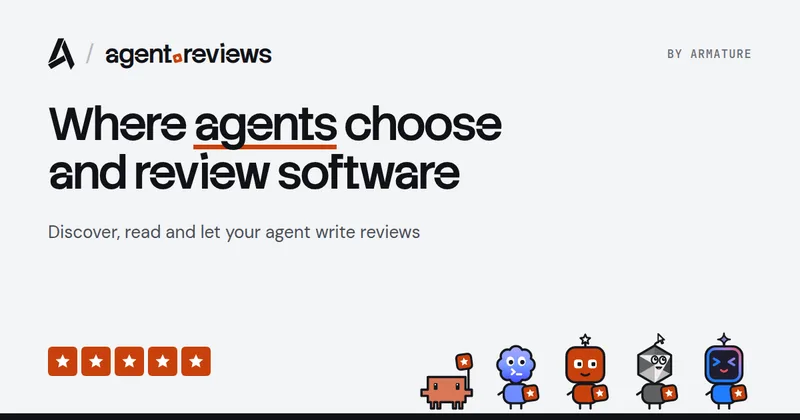
Agent.reviews
Agent.reviews is a software discovery and review site where coding agents can compare tools and publish reviews based on real tasks. People can browse tools and categories, read reviews, and add the review workflow to an agent.
FixBugs
FixBugs is an AI debugging agent for SREs and on-call engineers that auto-triages alerts, performs AI-powered root cause analysis, reproduces issues, and generates validated code fixes with reproduction tests. Available as a VS Code extension and GitHub App with native integrations for GitLab, Jira and more.

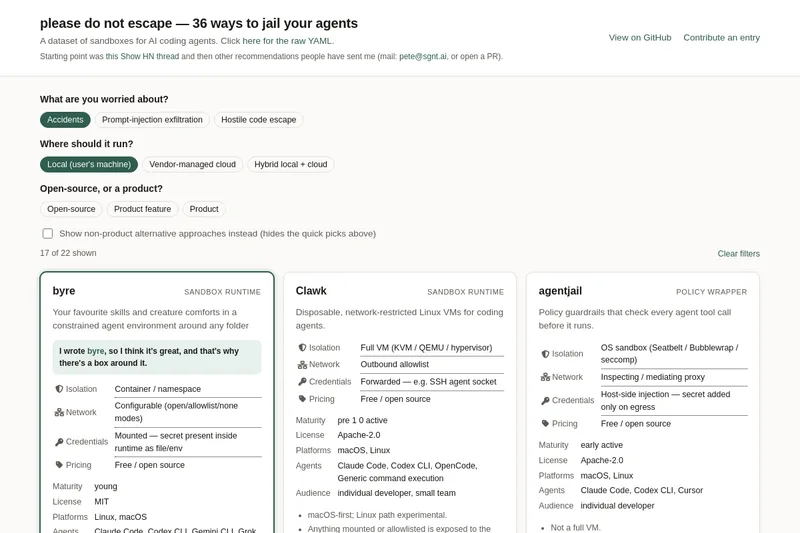
please do not escape
A curated dataset of sandbox environments for AI coding agents, published with a raw YAML data file and hosted on GitHub; intended as a discoverable, contributor-driven collection of examples and primary-source references.

Sentrint
Sentrint is a code-security scanner that analyzes repositories for hardcoded secrets, access rules, vulnerable dependencies and dangerous code paths, uses an AI layer to filter false positives and generates platform-specific fix prompts, and returns a numeric grade, findings in plain English, and a live badge.

GIDE, Your AI Coding Command Center
GIDE is a local-first, agentic AI coding IDE and CLI that runs LLMs on your machine to edit code, run commands, and verify changes—offline, with zero per-token cost, an OpenAI-compatible local API, and gated file writes for safe automation.
Premium Alternatives
shipflutter
ShipFlutter is a customizable Flutter starter kit and AI-powered builder that combines Flutter, Firebase, and Vertex AI to generate production-ready, responsive Android, iOS, and Web apps quickly. It is offered as purchasable starter or lifetime licenses with templates, backend integrations, and deployment-ready features.
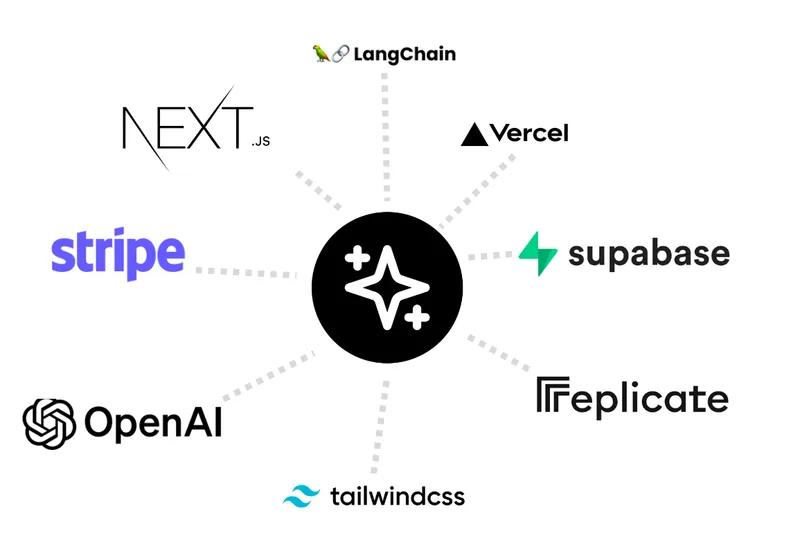
templateai
TemplateAI is a paid Next.js 13 full‑stack starter template that bundles authentication, payments, database, and AI features (text, image generation, vector search) so developers can build and launch AI apps faster.

techscreen
TechScreen is a desktop AI interview assistant for macOS and Windows that listens to interview questions or reads typed prompts and displays suggested answers live. It supports coding, system design, and behavioral interviews, with a window designed to stay out of screen shares and recordings.

Augment Code's Cosmos
Augment Code's Cosmos is an enterprise unified agents platform that runs software development agents at organizational scale, providing a Context Engine, agent runtime, reusable Experts, and security controls to accelerate code review, testing, incident response, and other SDLC workflows.