
Cody Enterprise
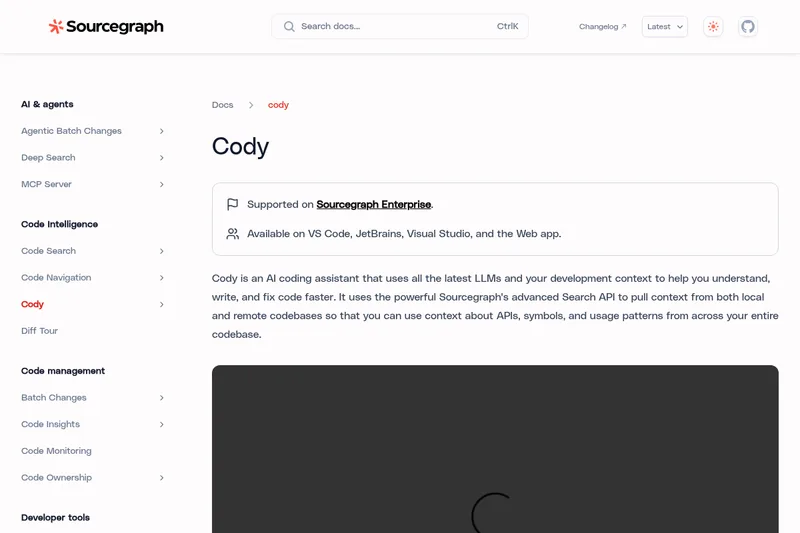
Cody uses AI and context from local and remote codebases to help developers understand, write, edit, and debug code. Sourcegraph Enterprise users can contact Sourcegraph to try Cody Enterprise.
One of 74 tools in Coding
Who it's for
- Developers working in VS Code, JetBrains, or Visual Studio who want code chat, completions, edits, or debugging assistance.
- Development teams that need an assistant to draw context from local and remote repositories, APIs, and symbols.
- Sourcegraph Enterprise users who want to try Cody as part of their development workflow.
Not the right fit if…
- Teams requiring non-experimental Visual Studio support: the page labels Cody for Visual Studio as experimental.
How it fits your workflow
Use Cody through an IDE extension, the Sourcegraph web app, or the command line. In chat, ask about code or request code generation and edits; Cody has the open file and repository as context by default.
Add context with @ for specific files, symbols, remote repositories, or other non-code artifacts. Cody also uses Sourcegraph Search API context from local and remote codebases.
Use auto-edit suggestions, autocomplete, prompts, and debugging features while working. From Sourcegraph Code Search, open a repository or file and select the Cody button to continue in chat.
Pricing
Enterprise
Contact sales
- · See the provider pricing page for current rates, billing periods, and usage limits.
Prices checked on Sep 7, 2026 from the vendor's site. They can change; confirm before you buy.
Key features
- Chat
- Chat directly with AI to ask questions about code, generate code, and edit code. Cody has the context of your open file and repository by default and supports adding context via @ for files, symbols, or repositories.
- Auto-edit
- Suggests code changes by analyzing cursor movements and typing; after an initial edit it proposes contextual modifications based on cursor position and recent changes.
- Prompts
- Automate tasks with premade and customizable prompts that can be saved and shared with your team.
- Context
- Uses Sourcegraph's advanced Search API to pull context from local and remote codebases so responses are informed by repository-wide APIs, symbols, and usage patterns.
- Debug code
- Optimized to identify and fix errors in code, offering debugging suggestions and autocomplete to accelerate the debugging process.
- Context Filters
- Allows ignoring selected repositories from chat and autocomplete results to control and manage what context Cody uses.
Works with
- GitHub
- GitLab
- VS Code
- JetBrains
- Visual Studio (Experimental)
- Sourcegraph Code Search / Search API
- Cody CLI
Limitations to know
- Visual Studio support is marked experimental.
- The page says users interested in Cody Enterprise should contact the Sourcegraph team to try it; it does not provide Enterprise pricing or plan details.
Alternatives to consider
-
Code Snippets AI
Choose it if your team wants a code snippet library and desktop app alongside codebase indexing and AI assistants.
-
OpenCode
Choose it if you want an open source coding agent usable from the terminal, IDE, or a desktop app.
Getting started
- Contact the Sourcegraph team to try Cody for Sourcegraph Enterprise.
- Choose an available option: VS Code, JetBrains, Visual Studio (experimental), the Sourcegraph web app, or the command line.
- Install the Cody extension for an IDE, or use Cody in the Sourcegraph web app.
Frequently asked questions
Is Cody available for individuals?
Cody Free and Pro were discontinued in July 2025. This listing covers Cody Enterprise.