Colorchanger
ColorChanger is an AI-powered online image color editor that lets users replace colors in photos — including hair and clothing — with professional precision via a simple upload-and-generate workflow.
Colorchanger is image & design software teams evaluate for creative & design. Use this page to review pricing, integration signals, and the best alternatives before you commit.
Profile facts come from the vendor source. AiMatch labels unknown pricing or API details instead of estimating them.
Review official source →Used in These Packs
Quick Overview
Best for: Creative & Design
What it does
Image & Design software for decision-makers comparing workflow fit and alternatives.
Best fit
Creative & Design
Pricing snapshot
Freemium from New users get 1 free AI generation
Next step
Compare Colorchanger with similar tools before you shortlist it.
Compare this tool before you shortlist it
Review alternatives, pricing posture, and workflow fit side by side.
ColorChanger is an online AI-powered image color changer that lets users replace colors in photos, change hair color, and edit clothing colors with professional precision. The product targets users working on e-commerce, fashion, and creative projects and advertises a simple, three-step workflow: upload an image, choose the object from an AI-detected list, and apply a new color. New users receive a free trial generation to test the tool.
ColorChanger is an AI-powered online image color editor that lets users replace colors in photos — including hair and clothing — with professional precision via a simple upload-and-generate workflow.
Own this listing?
Claim this page for a one-time $29 to add pricing, features, screenshots, verified owner details, and a clearly labeled 30-day category position after the profile is live.
Claim this listing for $29Key Features
AI-Powered Color Replacement
Automatic recoloring of objects using AI to change colors in photos, including hair and clothing (described as "AI-Powered Color Changer").
AI Object Detection
Automatically identifies and suggests recolorable elements in the image via an "AI-powered object detection list" to simplify selection.
Color Palette & Custom Picker
Choose colors from a provided palette or use a custom color picker to set the desired replacement color before generating.
Quick Generation Time
Generates the recolored image in approximately 10-20 seconds after color selection.
Supported Formats & Limits
Supports uploading JPG and PNG images, with uploads up to 4MB.
Free Trial Generation
New users receive 1 free AI generation to try the tool.
Downloadable Output
Download the transformed, high-quality image after the AI completes recoloring.
Pricing
New users receive 1 free AI generation as a trial.
Free trial
New users get 1 free AI generation- 1 free AI generation
Use Cases
E-commerce product images
Change apparel and product colors to present variations and mockups for online stores (explicitly called out as suitable for e-commerce).
Fashion and styling
Experiment with hair and clothing color changes for styling, lookbooks, or client previews (page references hair & clothing editing).
Creative projects
Use color replacement for creative edits, marketing assets, and visual experimentation (page lists "creative projects").
Integrations
No verified integration details are available.
Benefits
Limitations
Frequently Asked Questions
No verified FAQs are available.
Getting Started
- 1 Step 1: Upload your image (JPG or PNG up to 4MB) via drag-and-drop or file selector.
- 2 Step 2: Choose the object to recolor from the AI-powered object detection list.
- 3 Step 3: Pick a new color from the palette or use the custom color picker and click Generate; download the resulting image.
Support
docs
Resources and Documents linked on the site (footer mentions "Resources Documents").
legal
Privacy Policy and Terms of Service pages are available from the site footer.
API
Compare Colorchanger with similar tools
See how it stacks up against alternatives
Related Tools
View all 386 →

Imageexpander
iExPander is an online AI-powered Image Expander (outpainting) that extends photo borders, generates context-aware backgrounds, and adapts images to multiple aspect ratios for social media, e-commerce, and creative projects.

Aighibliimage
AI Ghibli (Aighibliimage) is an AI-powered web platform that transforms user photos into artwork inspired by Studio Ghibli’s visual style using selectable sub-styles and adjustable parameters.
Bestfaceswap
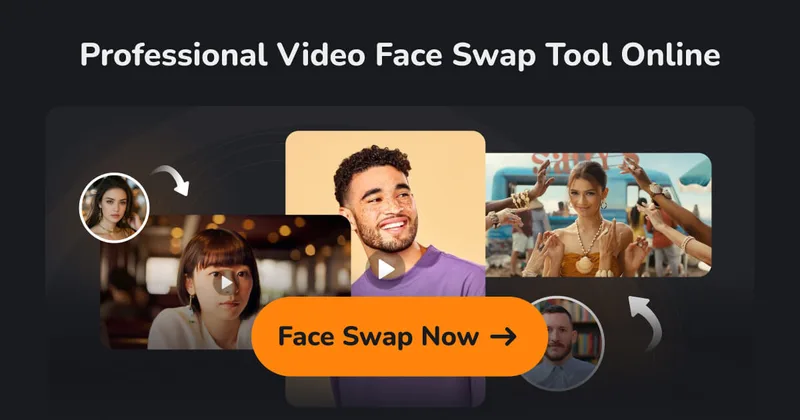
BestFaceSwap is a web-based AI face swapping service for photos and videos that creates realistic, high-quality face swaps using facial landmark detection, 3D reconstruction, and depth maps — aimed at creators and filmmakers.
Cozaiphoto
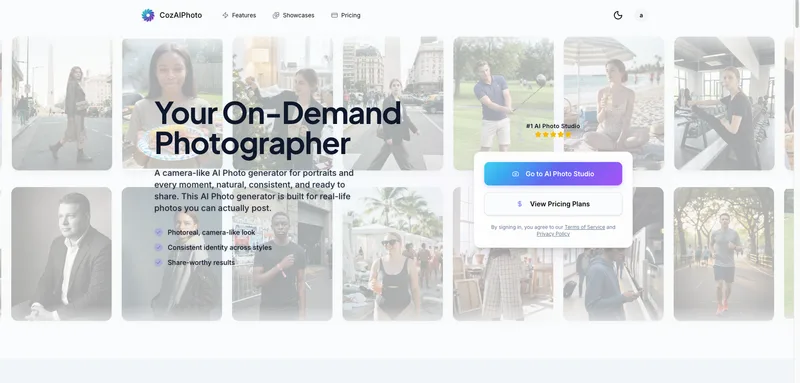
CozAIPhoto is an on-demand AI Photo Studio that generates photoreal, camera-like portrait and lifestyle images (up to 4K) with consistent identity across styles, aimed at social profiles, creators, and professional headshots.

Headshotpro
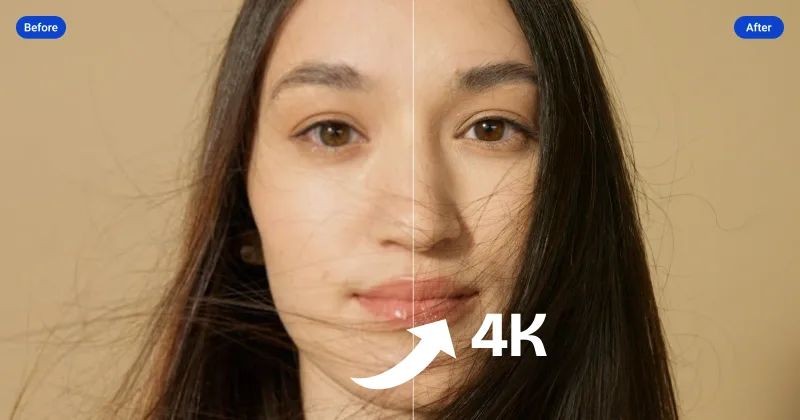
HeadshotPro is an AI-powered service that generates professional business headshots from a small set of selfies, producing hundreds of realistic, production-ready images for individuals and teams.

Profilebakery
Profile Bakery is an AI headshot generator that creates professional-quality headshots from a single selfie, offering a free preview without signup and paid full packages (personalized training) typically delivered in ~15 minutes.
Premium Alternatives

Artiphoria AI
Artiphoria AI is a web-based AI image generation software that creates unique images in one click using neural networks and machine learning, aimed at artists, designers, creators and businesses.
Hairstyleai
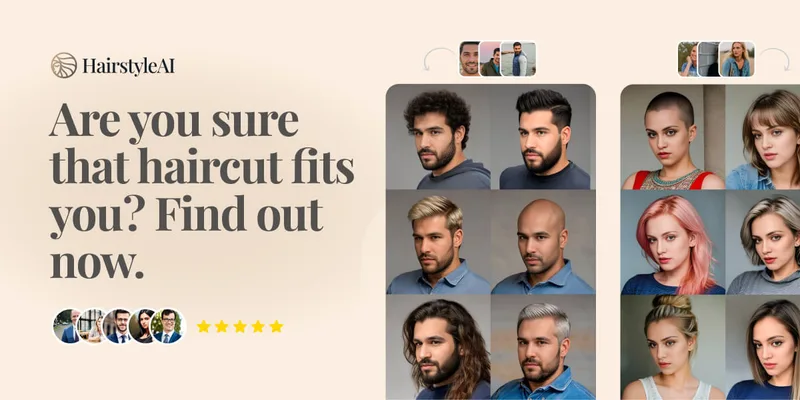
HairstyleAI is a virtual AI hairstyle try-on service (powered by HeadshotPro.com) that lets users preview new haircuts on their photos before committing to a real cut, offering dozens of generated looks and downloadable HD images.
phopet
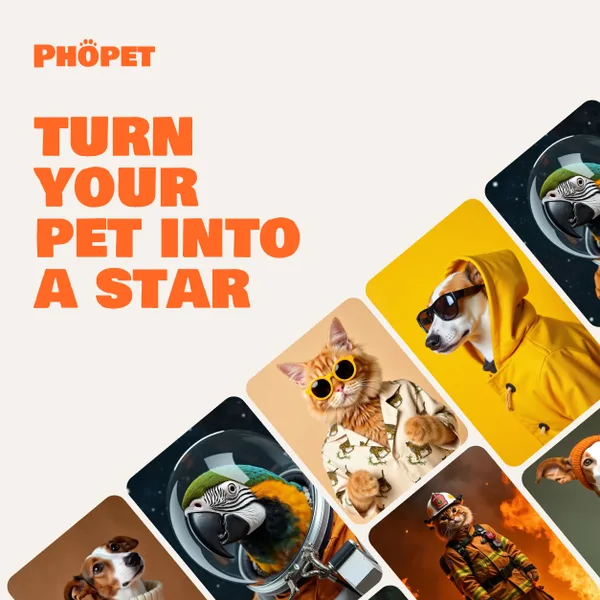
Phopet is a pet-focused image-generation service that trains a custom AI model from user-uploaded pet photos to produce themed, studio-quality images, upscaled prints, and merchandise-ready assets. It targets pet owners who want personalized photo packs and creative stories featuring their pets.
Prophotos
ProPhotos is a commercial AI-powered headshot generator that creates photorealistic, industry-specific professional headshots from user-uploaded photos, aimed at individuals and enterprises wanting quick, production-ready portraits for LinkedIn, resumes, and corporate use.

RoomAI
RoomAI is a web-based AI room-design tool that restyles real room photos while preserving the room geometry (walls, windows, openings, ceiling height and camera angle). It offers 300+ styles, 20+ room presets, virtual staging and decluttering with fast, full-resolution results for property listings, designers, photographers and homeowners.