

Unstudio
Unstudio is an AI-powered tool for generating natural-looking product shots and visuals with extensive creative control, offering 200+ pre-built set-ups to mix and match products and scenes for instant product imagery.
Unstudio is image & design software teams evaluate for image & design. Use this page to review pricing, integration signals, and the best alternatives before you commit.
Profile facts come from the vendor source. AiMatch labels unknown pricing or API details instead of estimating them.
Review official source →Used in These Packs
Quick Overview
Best for: Image & Design
What it does
Image & Design software for decision-makers comparing workflow fit and alternatives.
Best fit
Image & Design
Pricing snapshot
Free
Next step
Compare Unstudio with similar tools before you shortlist it.
Compare this tool before you shortlist it
Review alternatives, pricing posture, and workflow fit side by side.
Unstudio is an AI-powered service for creating product visuals and product shots instantly. The site promotes 'AI Powered Product Shots' and promises natural-looking images with 'total creative freedom,' positioning itself as a tool to generate high-quality product imagery. The platform advertises a library of over 200 set-ups that users can mix and match to create scenes and product compositions, and it targets product-focused use cases such as food, furniture, cosmetics, jewelry, and accessories. The site includes calls to action like 'Try It for free!', 'Login', and 'Book a Demo', indicating both self-serve and demo/onboarding options for prospective users.
Unstudio is an AI-powered tool for generating natural-looking product shots and visuals with extensive creative control, offering 200+ pre-built set-ups to mix and match products and scenes for instant product imagery.
Own this listing?
Claim this page for a one-time $29 to add pricing, features, screenshots, verified owner details, and a clearly labeled 30-day category position after the profile is live.
Claim this listing for $29Key Features
AI-powered product shots
Generates product visuals using AI; the site emphasizes 'AI Powered' and claims results that look natural ('So good, you will forget it’s AI').
200+ pre-built set-ups
Provides over 200 set-ups users can choose from to compose scenes and product arrangements ('With 200+ of set-ups to choose from').
Mix-and-match scenes and products
Enables combining different products and scenes to create custom visuals ('mix & match different products and scenes').
Free trial / try-before-you-buy
Site includes a 'Try It for free!' call to action indicating a free trial or free access option.
Pricing
The site advertises 'Try It for free!' indicating a free trial or free-access option, but no detailed pricing tiers are provided on the page.
Use Cases
Food product visuals
Create product shots and scenes for food items (listed under Use-Cases on the site).
Furniture imagery
Generate styled product shots for furniture and home goods (listed as a use-case).
Cosmetics product photography
Produce natural-looking shots for cosmetics and beauty products (site lists Cosmetics as a use-case).
Jewelry and accessories
Create detailed visual assets for jewelry and accessories (Jewelry and Accessories are listed use-cases).
General e-commerce product shots
Instant product visuals for online catalogs and marketing across multiple product categories.
Integrations
No verified integration details are available.
Benefits
Limitations
No verified limitations are available.
Frequently Asked Questions
No verified FAQs are available.
Getting Started
- 1 Step 1: Visit the site and select 'Try It for free!' to access the product
- 2 Step 2: Choose from the library of set-ups (200+ options) and mix & match products and scenes
- 3 Step 3: Use 'Login' to access saved projects or 'Book a Demo' for a guided walkthrough or enterprise onboarding
Support
Docs / Walkthrough
The site lists 'Walkthrough' which suggests guided documentation or tutorials are available.
Contact / Email
Site navigation includes 'Contact Us' and 'Email' for direct inquiries.
Support
A 'Support' link is present in the site navigation for assistance.
Demo booking
Users can 'Book a Demo' via the site for product demonstrations or onboarding.
API
Compare Unstudio with similar tools
See how it stacks up against alternatives
Related Tools
View all 386 →
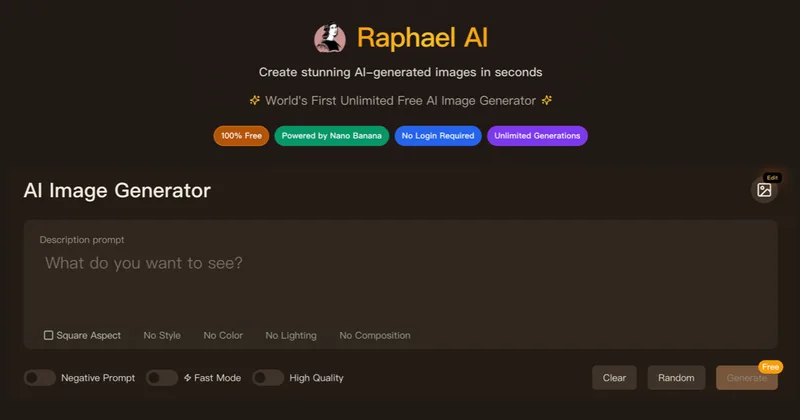
Raphael
Raphael AI is a web-based platform offering a free, unlimited AI image generator plus a suite of AI creative tools (image editing, image-to-image, video, lip-sync, 3D generation and voice cloning) with multi-model routing and professional-grade models for high-resolution outputs.
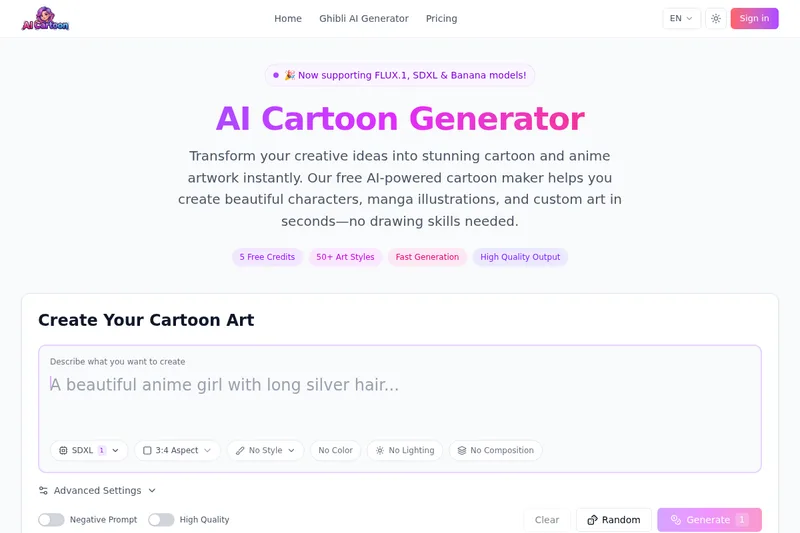
AI Cartoon Generator
AI Cartoon Generator is a free web-based tool that transforms text prompts into cartoon and anime-style artwork using advanced AI models (SDXL, FLUX.1, Banana), offering 50+ art styles, high-resolution outputs, and commercial usage rights.

free-ai-clipart-generator
Free AI clipart generator that creates custom 1024×1024 PNG clipart on demand—no sign-up, no watermarks. Pick a style, type an idea, and download ready-to-use images with an hourly high-quality quota and curated PNG collections.
Image-Generator.com
Image-Generator.com is a free web application that generates AI images from text prompts, offering multiple styles, aspect ratios, and prompt suggestions with no registration required.
Nano2
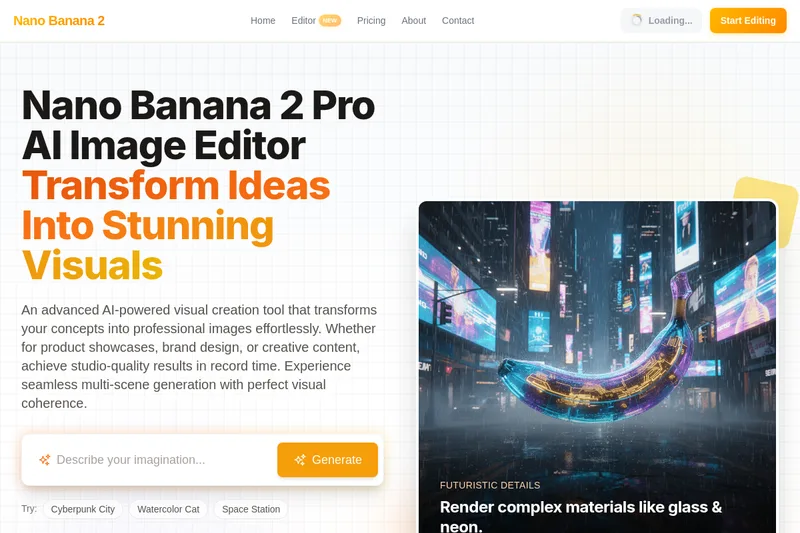
Nano Banana 2 Pro is an AI-powered image editor that generates high-quality 1024×1024 images with claimed perfect element consistency across scenes and ultra-fast (2.3s) generation, using conversational chat-based editing and iterative refinement for professional and commercial use.
Premium Alternatives
Hairstyleai
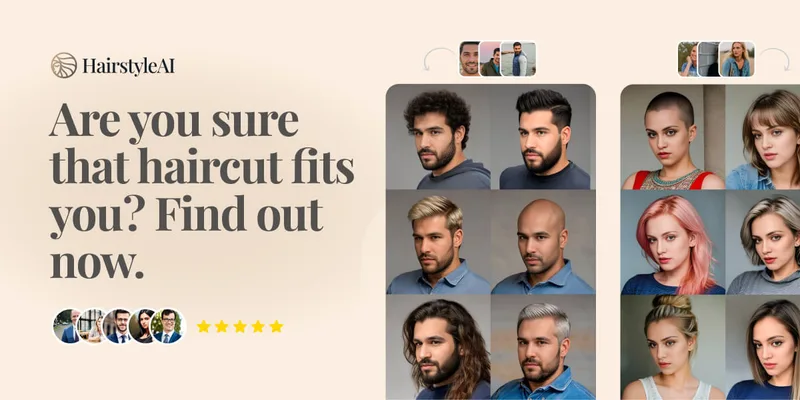
HairstyleAI is a virtual AI hairstyle try-on service (powered by HeadshotPro.com) that lets users preview new haircuts on their photos before committing to a real cut, offering dozens of generated looks and downloadable HD images.

drawingpics
DrawingPics is a native macOS app for Apple Silicon that converts sketches into photorealistic or stylized images in real time using Core ML and the Apple Neural Engine. It runs fully offline, is available as a one-time purchase, and targets creators and small studios.
RoomAI
RoomAI is a web-based AI room-design tool that restyles real room photos while preserving the room geometry (walls, windows, openings, ceiling height and camera angle). It offers 300+ styles, 20+ room presets, virtual staging and decluttering with fast, full-resolution results for property listings, designers, photographers and homeowners.

phopet
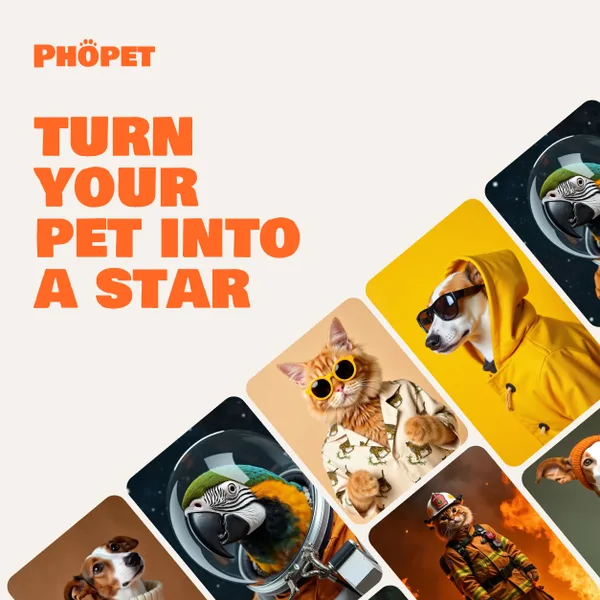
Phopet is a pet-focused image-generation service that trains a custom AI model from user-uploaded pet photos to produce themed, studio-quality images, upscaled prints, and merchandise-ready assets. It targets pet owners who want personalized photo packs and creative stories featuring their pets.
Aiportraitgen
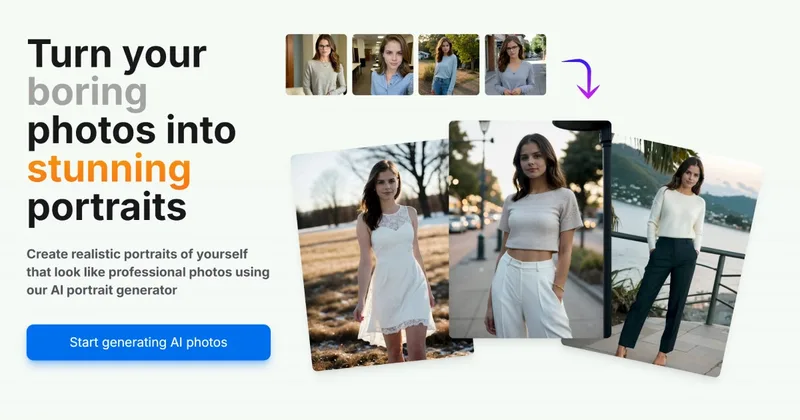
AI Portrait Gen is an online AI portrait generator that creates realistic, high-quality portrait photos from a few user-supplied photos. It offers customizable locations, outfits and styles, pay-as-you-go credits (no subscription), and privacy protections for uploaded images.
Image-AI.pro
Image-AI.pro is a professional AI image generation platform powered by the proprietary img-v2 Pro engine, offering studio-quality, multi-style image generation with instant, no-registration access and an optional VIP membership for faster, higher-resolution outputs.