Photoai
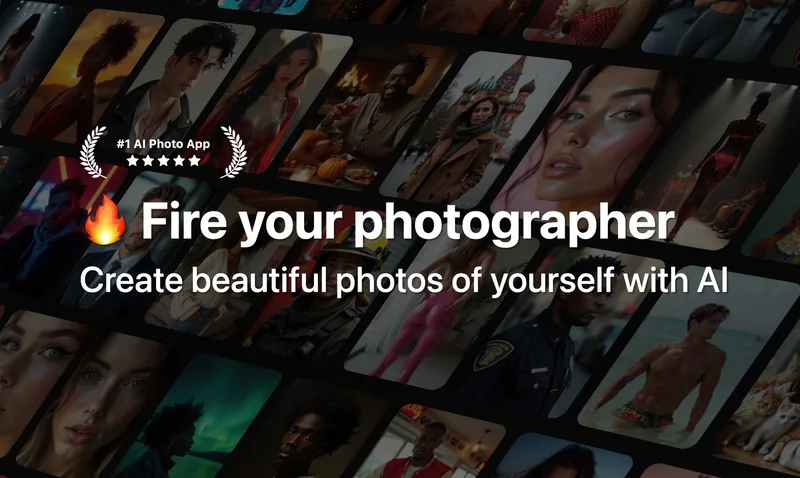
Photo AI is a web-based generative media studio that trains a personalized AI model from user selfies to produce photorealistic AI photos and short videos (including mocap and talking videos), plus fashion try-on, batch generation, and restoration tools for creators, e-commerce, and professionals.
Photoai is image & design software teams evaluate for content & marketing. Use this page to review pricing, integration signals, and the best alternatives before you commit.
Profile facts come from the vendor source. AiMatch labels unknown pricing or API details instead of estimating them.
Review official source →Used in These Packs
Quick Overview
Best for: Content & Marketing
What it does
Image & Design software for decision-makers comparing workflow fit and alternatives.
Best fit
Content & Marketing
Pricing snapshot
Freemium from Subscription-based (monthly/annual). Specific prices not listed on the provided page.
Next step
Compare Photoai with similar tools before you shortlist it.
Compare this tool before you shortlist it
Review alternatives, pricing posture, and workflow fit side by side.
Photo AI is a browser-based AI photo and video generation platform that trains a personalized AI model from a small set of user selfies and then generates highly photorealistic images and short videos featuring that model. It targets content creators, influencers, photographers, e-commerce sellers, and professionals who need headshots, social media content, product imagery, and virtual try-ons without organizing physical photoshoots. The product emphasizes fast training (models ready in roughly a minute), consistent character generation, and a suite of production features including Hyper Realism generation, video conversion, motion capture (Mocap), batch generation, zoom/out uncropping, upscaling, and themed photo packs.
Photo AI is a web-based generative media studio that trains a personalized AI model from user selfies to produce photorealistic AI photos and short videos (including mocap and talking videos), plus fashion try-on, batch generation, and restoration tools for creators, e-commerce, and professionals.
Own this listing?
Claim this page for a one-time $29 to add pricing, features, screenshots, verified owner details, and a clearly labeled 30-day category position after the profile is live.
Claim this listing for $29Key Features
Personal AI model training
Create an AI model of a person by uploading a set of selfies (generally 5–20 images). The model is trained on Photo AI's pipeline (DreamBooth + Flux/Hyper Realism) and becomes reusable for unlimited photo/video generations.
Photorealistic image generation (Hyper Realism)
Generates high-detail, realistic photos across wide shots, close-ups, and macro using the proprietary Hyper Realism pipeline for consistent faces, lighting, and sharper image quality.
AI video generation & talking videos
Convert any generated photo into a short video clip and optionally add talking scripts and audio; produces short animated clips from static images.
Motion capture (Mocap) transfer
Transfer motion from an uploaded motion video onto an AI-generated photo to create realistic movement for AI characters and influencers.
Try-On & Batch Try-On Clothes
Upload clothing images to dress your AI model; supports batch try-on to process multiple garments for fashion labels and e-commerce (noted as available on Premium/Ultra plans).
Photo packs & presets
Curated themed packs (dating, Instagram, travel, professional headshots, creative styles) that produce full shoots with prewritten prompts and aesthetics included in membership.
Batch image-to-image / remix
Upload multiple source images to remix or edit them at once using your trained AI model for efficient large-scale content generation.
Zoom Out (uncrop) and Upscale
Uncrop images to extend backgrounds realistically (Zoom Out) and increase detail/resolution with Upscale.
Combine photos & merge people
Fuse two photos into one AI-generated image that blends elements while preserving identities and style.
Photo restoration & colorization
Restore old, faded, or black-and-white photos using AI (Magic Edit) and optionally turn restored photos into short videos.
Credits system & affiliate program
Generation uses a credits system per feature (photos, videos, upscales etc.). An affiliate/referral program awards credits to both referrer and new user.
Pricing
Starter
Subscription-based (monthly/annual). Specific prices not listed on the provided page.- Starter-level credits and referral reward differences (starter referral yields 100 credits).
Pro / Premium / Max / Ultra
Subscription-based (monthly and annual options). Annual subscriptions are described as >50% cheaper and can provide 6+ months free compared to monthly billing.- Monthly credits allocation for generations; Pro/Max/Ultra receive free photos per new model.
- Access to photo packs, batch features, and higher-generation features depending on plan.
Use Cases
Social media content and influencer images
Create Instagram, TikTok, and other social-ready photos and short videos of yourself or synthetic influencers to grow an audience or produce campaign content.
E-commerce product photography & virtual try-ons
Generate product photos and videos where AI models hold or wear products, enabling Shopify and online merchants to scale imagery without physical models or shoots.
Professional headshots and personal branding
Produce studio-quality headshots and executive portraits (LinkedIn, CEO/Founder headshots) for resumes, media kits, and pitch materials.
Dating profile photos
Use themed photo packs (Tinder, Hinge, Bumble) to create curated dating images designed to increase engagement on dating apps.
Photographer previsualization and concept testing
Photographers can test shoot concepts and lighting virtually before committing to real-world shoots.
AI influencer creation & monetization
Design fully synthetic influencer personas (appearance, attributes) to generate content and potentially monetize via sponsorships.
Integrations
Stripe (billing portal)
Photo AI uses Stripe for billing and provides a Stripe billing portal at photoai.com/billing to manage subscriptions and invoices.
Google login
Users can continue or sign in using their Google account.
Apple (iOS subscriptions)
If signed up via the Photo AI iOS app, subscriptions are managed through Apple.
Mixamo (T-pose / 3D model export mention)
Photo AI supports generating a T-pose 3D model suitable for Mixamo rigging (mentioned as a supported export/use case).
Benefits
Limitations
Frequently Asked Questions
How do I cancel my subscription?
Can I get a refund?
What AI model do you use?
How do credits work?
Getting Started
- 1 Step 1: Sign up or log in at photoai.com (Google login supported).
- 2 Step 2: Click 'Create new AI model', provide model metadata (name, gender, age, etc.) and upload 5–20 diverse selfies.
- 3 Step 3: Wait for training to complete (~1 minute), then run photo packs or write prompts to take photos and optionally convert them to videos.
Support
Docs / FAQ
Extensive on-site FAQ and help pages covering topics like cancellations, refunds, refunds eligibility, billing, and feature guides.
Billing (Stripe portal)
Self-service billing management via photoai.com/billing (Stripe customer portal) to view invoices, switch plans, and cancel subscriptions.
Affiliate / community
On-site referral/affiliate program details and community ideas sections for sharing use cases and earning credits.
API
Compare Photoai with similar tools
See how it stacks up against alternatives
Related Tools
View all 386 →

ArtiverseHub AI (Nano Banana Pro)
ArtiverseHub AI (Nano Banana Pro) is an all-in-one AI creative platform for generating images and video from natural-language prompts, managing multiple image models through a unified interface, and supporting creators with credits, private generations, and commercial rights.

Spacely
Spacely AI is a web-based and SketchUp-integrated interior design tool that uses AI to generate photorealistic room renders, enable rapid edits (lighting, materials, furniture), and produce client-ready visuals in under a minute for designers, architects, realtors, and space owners.
beautiai
BeautiAI is a web-based AI photo editor that transforms user photos into stylized AI art using a gallery of 64+ styles and multiple advanced image-generation models. It targets creators and social-media users with quick, credit-based image generations and live previews.

Aiimageeditor
AIImageEditor is a free, browser-based suite of AI-powered photo tools for tasks like background removal, watermark removal, text replacement, image enhancement, upscaling, object removal, style transfer, and more — designed for individual and commercial use with one-click workflows.
Premium Alternatives


Picture to Text
Picture to Text is an online OCR image-to-text converter that extracts editable text from images, screenshots, PDFs and handwritten notes using advanced OCR technology. It offers free and paid tiers with batch processing, multi-format support, and multi-language extraction.


Image-AI.pro
Image-AI.pro is a professional AI image generation platform powered by the proprietary img-v2 Pro engine, offering studio-quality, multi-style image generation with instant, no-registration access and an optional VIP membership for faster, higher-resolution outputs.

Aux Machina
Aux Machina is an AI-powered image creation platform that generates custom, royalty-free visuals and offers upcoming AI-assisted image-editing tools, aimed at creators, marketers, and teams who need quick, high-quality images.
phopet
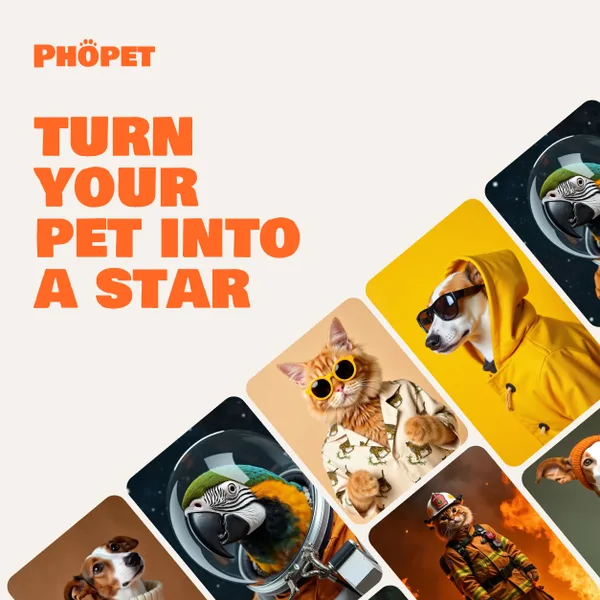
Phopet is a pet-focused image-generation service that trains a custom AI model from user-uploaded pet photos to produce themed, studio-quality images, upscaled prints, and merchandise-ready assets. It targets pet owners who want personalized photo packs and creative stories featuring their pets.