Daily Grind
Daily Grind is a simple, lightweight time tracking app for Mac freelancers designed to stay out of your way and help you focus on your work by tracking tasks and time efficiently without unnecessary features.
Daily Grind is time tracking software teams evaluate for productivity. Use this page to review pricing, integration signals, and the best alternatives before you commit.
Used in These Packs
Quick Overview
Best for: Productivity
What it does
Time Tracking software for decision-makers comparing workflow fit and alternatives.
Best fit
Productivity
Pricing snapshot
Free
Next step
Compare Daily Grind with similar tools before you shortlist it.
Compare this tool before you shortlist it
Review alternatives, pricing posture, and workflow fit side by side.
Daily Grind
Daily Grind is a minimalist time tracking application specifically built for Mac freelancers who need a straightforward way to manage their hours without distractions. It focuses on essential features such as adding tasks, tracking time, and exporting data, avoiding the complexity and bloat of many other time tracking tools. The app operates offline, requires no accounts or cloud services, ensuring privacy and simplicity for users who want to focus on their work.
A minimalist menubar time tracker for Mac designed for freelancers to track hours, billable time, and earnings without logins or cloud syncing.
Own this listing?
Claim this page to add pricing, features, screenshots, and verified owner details.
Claim this listingKey Features
Add tasks
Easily create and manage tasks to organize your work and track time against specific activities.
Track time
Simple and efficient time tracking directly from the Mac menu bar, allowing you to monitor your work hours without interruption.
Export data
Export your tracked time data for reporting or invoicing purposes.
Pricing
Daily Grind is available as a free download with no mention of paid tiers.
Use Cases
Freelance project time tracking
Track hours spent on multiple client projects easily to ensure accurate billing and productivity monitoring.
Task-focused work sessions
Manage and monitor time spent on individual tasks to improve focus and time management.
Offline time tracking
Use the app without internet connectivity or cloud accounts, ideal for privacy-conscious users.
Integrations
Claim this listing to add integrations.
Benefits
Limitations
Frequently Asked Questions
Do I need to create an account to use Daily Grind?
Can I export my tracked time data?
Is Daily Grind available on platforms other than Mac?
Getting Started
- 1 Download Daily Grind from the official website.
- 2 Install the app on your Mac and launch it to access the menu bar tracker.
- 3 Start adding tasks and tracking your time immediately without any account setup.
Support
docs
Support and information available on the official website.
API
Compare Daily Grind with similar tools
See how it stacks up against alternatives
Related Tools
View all 183 →
Autoslide AI PowerPoint Add In
Autoslide AI PowerPoint Add-In is a productivity tool designed to help professionals create and format PowerPoint presentations faster using AI-driven slide formatting, content generation, and a rich resource library.

Streakhunter
StreakHunter helps Product Hunt users keep a daily presence by tracking streaks and reminding you not to miss a day on Product Hunt.


chatgpt-toolbox
ChatGPT Toolbox is a powerful browser extension designed to enhance and organize your ChatGPT experience with features like multi-step prompt chaining, folder management, media gallery, audio conversion, and advanced search capabilities.

Attrove AI
Attrove is an AI-powered noise-canceling communication platform designed to help teams focus on critical updates by monitoring communication apps and surfacing important insights, reducing meetings and status update overhead.



Premium Alternatives

question-base
Question Base is an AI-powered answer agent integrated with Slack that automatically responds to repetitive internal questions by searching verified documentation and knowledge bases, helping teams save time and improve knowledge management.
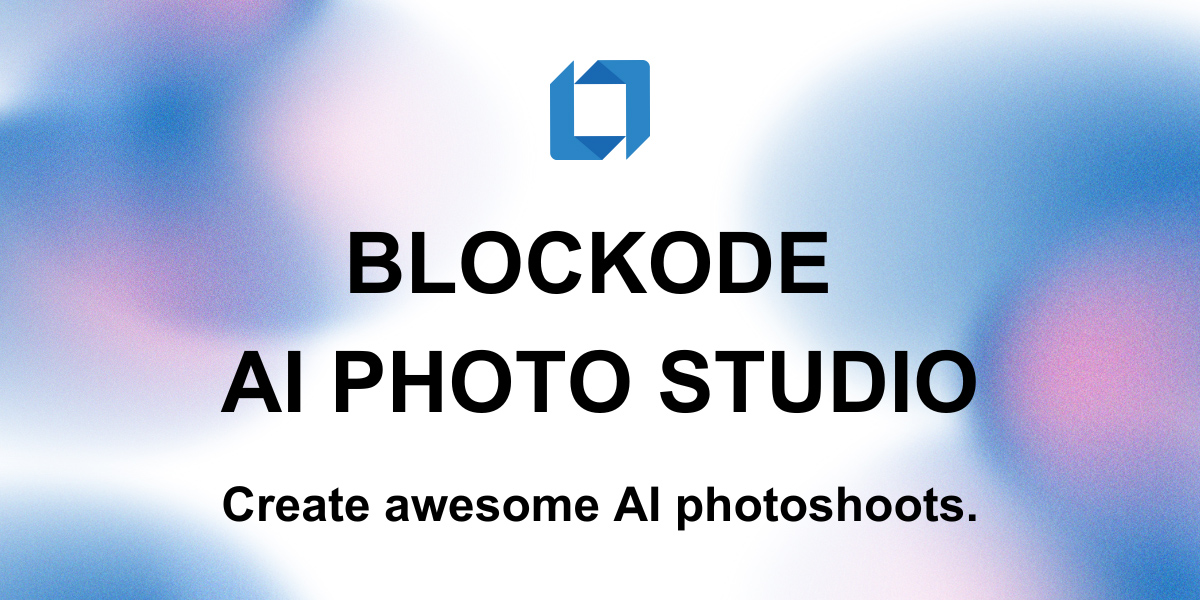
Photostudio
Blockode AI Photo Studio generates custom AI photoshoots by training a studio-specific model from your uploaded selfies, letting you create consistent, high-resolution images via prompts and image-to-image generation.

talkforce-ai
TalkForce AI is an AI-powered customer care solution that automates routine inquiries, appointment scheduling, and customer support with intelligent voice agents, providing 24/7 seamless service and enhancing customer satisfaction for businesses across various industries.
Productcapture
ProductCapture is an AI-powered service that transforms supplier or raw product images into professional, sales-ready photos for ecommerce, delivering curated, photorealistic results typically within 24 hours.
%22%2F%3E%20%3Ctext%20x%3D%2250%25%22%20y%3D%2250%25%22%20dominant-baseline%3D%22central%22%20text-anchor%3D%22middle%22%20font-family%3D%22system-ui%2C-apple-system%2Csans-serif%22%20font-weight%3D%22700%22%20font-size%3D%2250%22%20fill%3D%22white%22%3EA%3C%2Ftext%3E%20%3C%2Fsvg%3E)

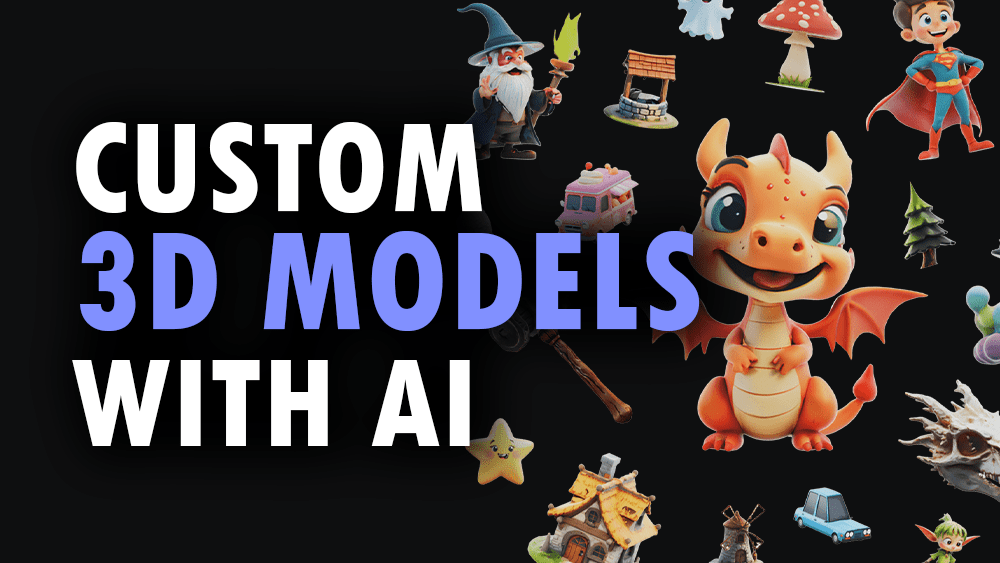
3daistudio
3D AI Studio is an AI-powered platform that generates production-ready 3D models, textures, and optimized meshes from text prompts or images in seconds. It targets creators, game developers, studios, and 3D printing users who need fast, export-ready assets without manual modelling.