

Context
Context is an enterprise platform to build, deploy, and continuously improve AI agents and workflows — a unified execution layer that runs on your infrastructure, connects to institutional data, and enforces enterprise permissioning and evaluation.
Context is ai office suite software teams evaluate for ai agents. Use this page to review pricing, integration signals, and the best alternatives before you commit.
Profile facts come from the vendor source. AiMatch labels unknown pricing or API details instead of estimating them.
Review official source →Used in These Packs
AI Tools for Excel & Spreadsheets Pack
View this curated Starter Pack
AI Business Productivity Tools
View this curated Starter Pack
AI Marketing Tools
View this curated Starter Pack
AI Automation & Workflow Tools
View this curated Starter Pack
AI Design & Graphic Tools
View this curated Starter Pack
Quick Overview
Best for: AI Agents
What it does
AI Office Suite software for decision-makers comparing workflow fit and alternatives.
Best fit
AI Agents
Pricing snapshot
Contact for pricing
Next step
Compare Context with similar tools before you shortlist it.
Compare this tool before you shortlist it
Review alternatives, pricing posture, and workflow fit side by side.
Context is an enterprise-grade platform for building, deploying, and improving AI agents and production workflows. It provides a unified environment (Workspace, Engine, Unify, Evals) where teams and agents work together on the same documents, files, and runbooks, with integrated evaluations and rubrics to validate outputs before they ship. The platform emphasizes enterprise controls — identity through your IdP, customer-managed keys, audit logs on every action, and deployment options including hosted, your VPC, on-prem appliance, or air-gapped — while supporting any model or agent framework and more than 800 connectors to institutional data sources.
Context is the first AI Office Suite that automates your workflow by creating documents, presentations, spreadsheets, and more using your data, tools, and style.
Own this listing?
Claim this page for a one-time $29 to add pricing, features, screenshots, verified owner details, and a clearly labeled 30-day category position after the profile is live.
Claim this listing for $29Key Features
Unified Workspace
Documents, spreadsheets, decks, kanbans, and file viewers built in so teams and agents share the same environment and deliverables.
Engine & Execution Layer
An execution platform that runs agents and routes steps to the appropriate model, with step-level model routing and continuous improvement.
Unify (Context Graph)
Institutional context engine that captures knowledge, relationships, and permissions so agents can ground runs in firm data and reuse learning.
Evals, Rubrics & Golden Sets
Built-in evaluation suite where rubrics and golden sets validate every run, gate changes, and ensure regressions are caught automatically.
Model & Agent Flexibility
Support for any model or agent framework (Claude, GPT, Gemini, Kimi, open weights) and ability to bring your own models or use Context's workflows.
800+ Connectors
Permissioned connectors across data warehouses, documents, CRMs, ticketing, and internal systems (Snowflake, Box, Salesforce, Jira, Slack, etc.).
Enterprise Identity & Audit
Identity inherited from your IdP on every action, customer-managed keys, and an audit log on every action.
Flexible Deployment
Hosted, in your VPC, on-prem appliance, or air-gapped deployment options so compute and identity remain under customer control.
Accepted Outputs as Training Data
Your team's accepted outputs become training data for custom models you own and serve, improving task-specific performance over off-the-shelf agents.
Pricing
Current pricing details are not available from the vendor source.
Use Cases
Due Diligence & Financial Review
Agents read financials, tickets, and calls to draft diligence memos and flag risk signals and growth opportunities (example: Acme Q4 diligence).
Semiconductor Design & Fab Analytics
Chip design agents track RTL-to-GDSII progress, flag critical-path slips, and surface manufacturing diagnostics.
Workflow Automation & Handoffs
Automates handoffs across teams and tools (ServiceNow, Slack, Asana) to streamline ops and incident workflows.
Legal & Contract Review
Contract review, regulatory matters, and matter management using prebuilt legal agents and connectors to document stores.
Customer Support & Network Ops
Telecom use cases for network operations and customer support by integrating ticketing and telemetry systems.
Integrations
Snowflake
Connector to data warehouse sources for institutional context.
Databricks
Connector to engineering and analytics data platforms.
BigQuery
Connector to Google Cloud data warehouse.
Postgres
Connector for relational databases.
Looker
BI tool connector for dashboards and analytics context.
Box
Document and file storage connector used by prebuilt agents (due diligence).
Notion
Knowledge and docs connector.
Confluence
Enterprise docs and wiki connector.
Google Drive
Document and spreadsheet connector.
Salesforce
CRM connector for sales and customer context.
HubSpot
CRM/marketing connector.
Zendesk
Support ticketing connector.
ServiceNow
ITSM and workflow connector.
Jira
Engineering issue tracker connector.
GitHub
Code and repo context connector.
Slack
Collaboration and notification connector.
Microsoft Teams
Collaboration and messaging connector.
Benefits
Limitations
No verified limitations are available.
Frequently Asked Questions
No verified FAQs are available.
Getting Started
- 1 Contact Context / Book a demo ("Talk to us. Bring a workflow your team runs today and see it run in your environment.").
- 2 Connect your data sources once using the permissioned connectors ("Connect a source once. Agents read, work, and write back under the access rules you set.").
- 3 Configure identity and permissions (IdP integration), define runbooks and rubrics, and choose deployment (hosted, VPC, on-prem, air-gapped) before deploying agents.
Support
Contact / Sales
Email [email protected] and "Talk to us" / sales/demo requests via the website.
Demo
Book a demo or request to see a workflow run in your environment (site: "Talk to us. Bring a workflow your team runs today and see it run in your environment.").
Docs / Resources
Website resources, blog, FAQ, and marketplace pages linked from the site.
API
Compare Context with similar tools
See how it stacks up against alternatives
Related Tools
View all 671 →
Needle2
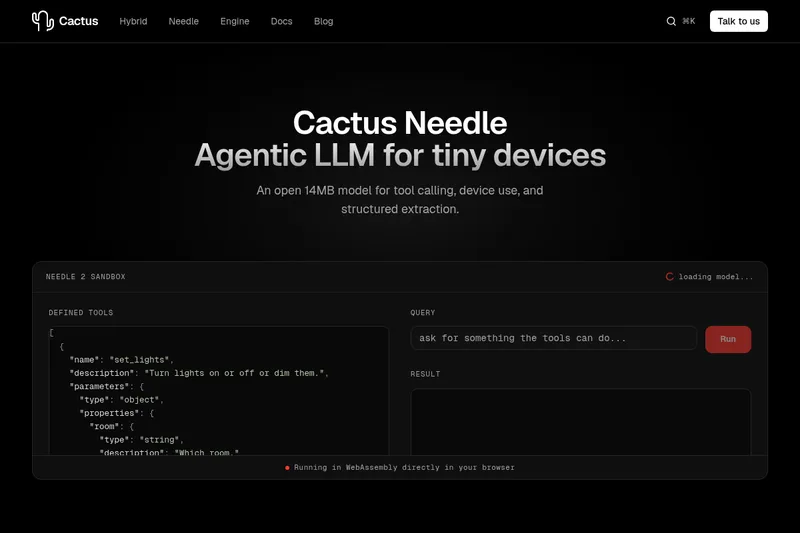
Needle 2 is an open, production-ready 45M-parameter agentic LLM from Cactus designed for tool calling, device control, and structured extraction on extremely small devices; the shipped CQ2-bit binary is ~14 MB and runs in ~28 MB of RAM across Cortex-M, microcontrollers, phones, Raspberry Pi and WebAssembly.
The cheapest GPU cloud
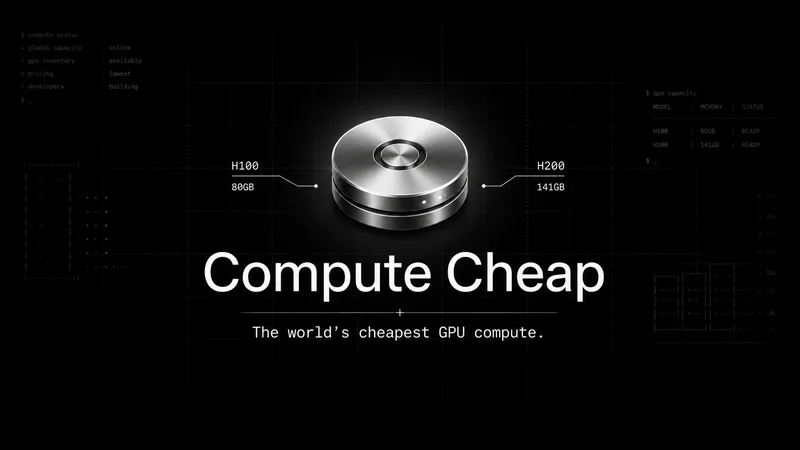
Compute Cheap provides low-cost GPU compute for training and inference, offering H100 and H200 SXM GPUs as interruptible or reserved capacity with published per-GPU-hour pricing and a simple request/reserve/run workflow.
Oodle.ai
Oodle Agent Observability provides agent/LLM observability at scale with S3-backed columnar storage, fast search (<1s P99), out-of-the-box AI-powered insights, and flat ingestion-based pricing designed to retain 100% of traces affordably for debugging and optimizing production agents.


Premium Alternatives
Abliterated LLM provider for cyber tasks
Refuseless hosts GLM 5.3 Abliterated models through an OpenAI-compatible API for cybersecurity and coding work. The page states that prompts are not retained and shows integrations with OpenCode and Pi.
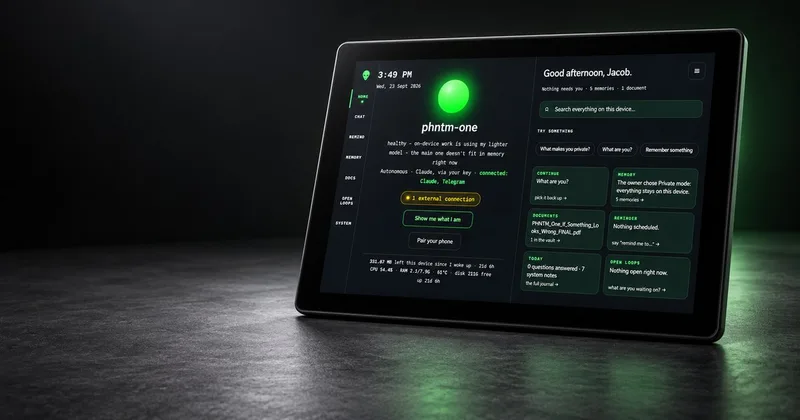
PHNTM ONE
PHNTM One is a private, local-first AI appliance: a hand-built desktop device (Raspberry Pi 5, 8 GB, 10.1″ touchscreen) that runs an on-device model (Gemma 3 4B) to provide a voice-capable assistant, memories, document reading, timers, Home Assistant integration and offline knowledge — sold as a one-time $549 purchase with no subscription and zero telemetry by default.
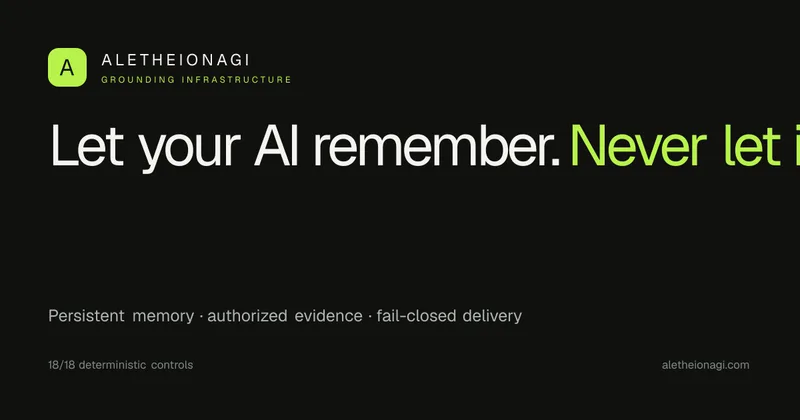
AletheionAGI
AletheionAGI provides a grounded-memory layer for AI systems that enforces evidence-bound delivery, namespace isolation, and policy authorization so AI readers cannot produce unsupported claims. It's targeted at production-facing use cases like customer support, commerce agents and internal copilots.

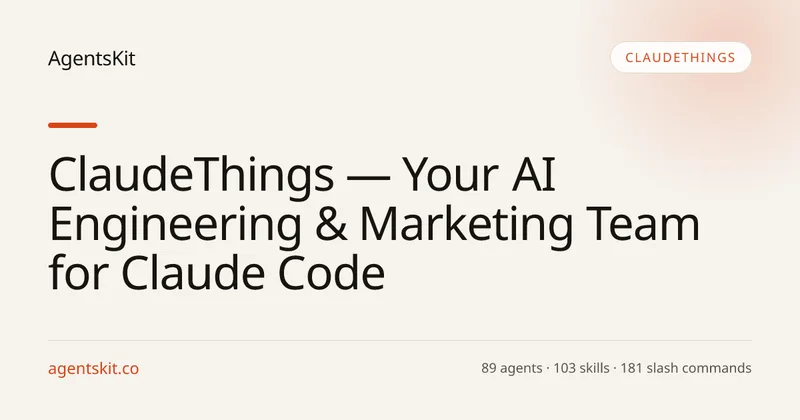
ClaudeThings
ClaudeThings provides a packaged, continuously-updating set of 89 specialized agents, 103 pre-built skills, and 181 slash commands that act as an AI engineering and marketing team for Claude Code — delivered as a private GitHub repo and installed with a single npx command. It adapts to any stack via a CLAUDE.md project manifest and is sold as a one-time purchase with lifetime updates.
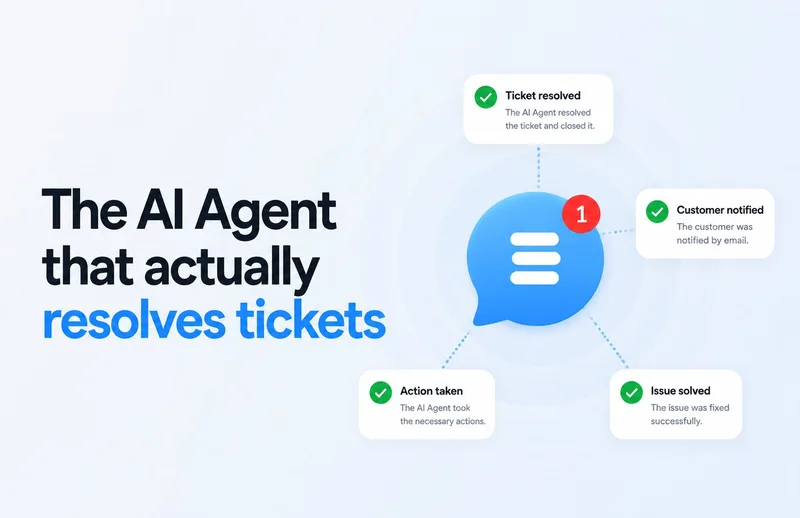
Customerly Aura
Customerly Aura is an AI customer-support agent that uses company knowledge and customer data to resolve tickets, take actions such as processing refunds, and escalate issues to human agents when needed. It works across live chat, email, WhatsApp, Facebook Messenger, and mobile apps.