
Dumbnote
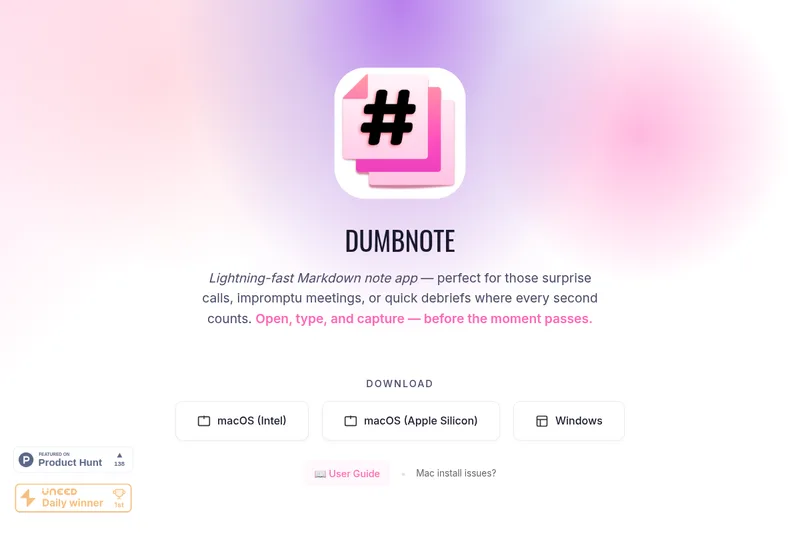
DumbNote lets writers and developers create, search, and share Markdown notes stored as local files. Its offline desktop app supports quick capture and exports notes to PDF, ZIP, or GitHub Gist.
One of 125 tools in Productivity
Who it's for
- Developers who want a desktop Markdown editor for code notes and snippets stored as plain files.
- Writers who want to capture ideas or journal offline without an account.
- People taking quick notes in calls or meetings who want search, tags, and links to organize them.
How it fits your workflow
Install the macOS or Windows app, then write notes in Markdown with a live preview. You can import existing .md files or drag in images, PDFs, and other files.
Keep notes as local Markdown files and use search, tags, wiki-style links, or multiple windows to organize and revisit them. The app works offline.
When you need to share or back up notes, export to PDF or ZIP, publish through GitHub Gist, or use the listed GitHub Sync feature.
Pricing
Free: No sign-ups and no subscriptions are required according to the site (page states 'No sign-ups. No subscriptions.').
Install
No subscription; explicit pricing not listed on the page
- · Local .md storage
- · All core editing and export features
Prices checked on Sep 29, 2026 from the vendor's site. They can change; confirm before you buy.
Key features
- Plain .md file storage
- All notes are saved as plain .md files on your machine — no proprietary formats, no hidden folders, and no forced cloud sync.
- Live Markdown preview
- Side-by-side live markdown preview to see formatted output as you write.
- One-click PDF export
- Export notes to PDF quickly for sharing, printing, or archiving.
- GitHub Gist publishing / GitHub Sync
- Publish notes instantly via public or private GitHub Gists and one-click backup options.
- Multi-window support
- Open multiple notes at once to avoid switching tabs and work with several documents simultaneously.
- Drag & drop attachments
- Add images, PDFs, or other files via drag-and-drop; they work instantly offline.
Works with
- GitHub Gist
- Local file system / external backups
Limitations to know
- No built-in cloud sync — notes are intentionally stored locally only (users must back up manually or via their own services).
- Platform downloads listed only for macOS (Intel & Apple Silicon) and Windows — no Linux or native mobile downloads mentioned on the page.
Alternatives to consider
-
Reflect
Choose it if you want an open-source, cross-device note-taking app with daily notes and backlinks alongside local Markdown files.
-
Dotflowy
Choose it if you prefer an open-source outliner with real-time sync, tags, filters, and OPML or Markdown export.
Getting started
macOS (Intel or Apple Silicon) or Windows.
- Download the build for your operating system.
- On macOS, if a security warning blocks installation, right-click the .pkg file and select Open.
- Select Install in the dialog and open DumbNote from the Applications folder.
- Import existing .md files by dropping them into the app, or create a note and start writing.
Frequently asked questions
How do I install DumbNote on macOS if I see a security warning?
Right click on the .pkg file, then select Open. Click Install in the dialog. Find DumbNote in your Applications folder. If you still have issues, see Apple's Guide (macOS Security Warning instructions provided on the site).
Does DumbNote sync notes to the cloud?
No — DumbNote saves all notes as plain .md files on your machine and does not perform cloud sync by default ('No cloud sync, no hidden folders, no proprietary formats').
Can I export my notes?
Yes — one-click PDF export, export to ZIP, or publish via GitHub Gist are supported for sharing and archiving.