
filegpt
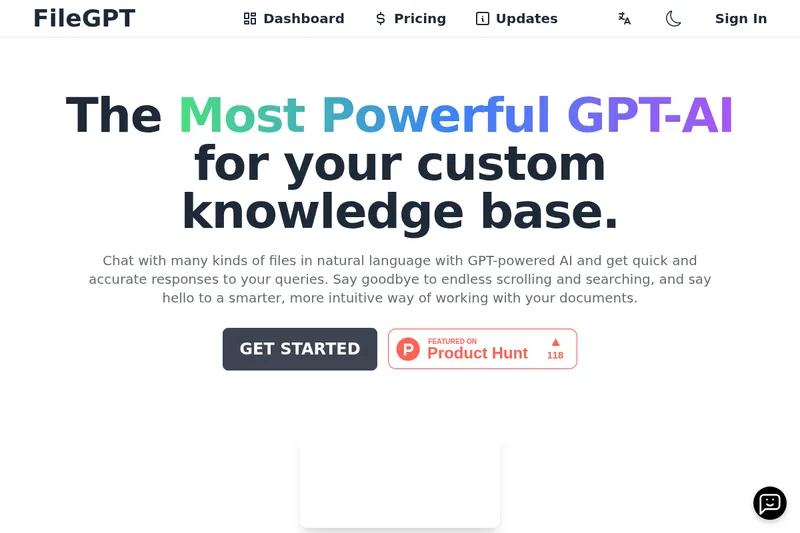
FileGPT lets professionals ask natural-language questions across documents, audio, video, YouTube, and webpages. It helps users find and combine information from selected sources without searching each one manually.
One of 76 tools in Chat
Who it's for
- Program managers who need to review and query information across multiple files and online content.
- Data scientists working with document collections and other supported content formats.
- Readers preparing responses who want to ask questions about supported reading materials.
How it fits your workflow
Add supported content such as PDFs, DOC or TXT files, audio, YouTube content, and webpages. FileGPT also says it can parse handwritten documents and analyze audio and video.
Select one or more sources and ask questions in natural language. FileGPT returns answers based on the selected content and can integrate information across multiple files.
Pricing
Free: FileGPT can be tried for free. The page says users need to upgrade their account to increase usage; plan names and prices are not stated.
The vendor doesn't publish prices. Check with filegpt directly.
Prices checked on Oct 11, 2026 from the vendor's site. They can change; confirm before you buy.
Key features
- Multi-format content
- Ask questions about PDFs, TXT and DOC files, audio, YouTube content, webpages, and other supported formats.
- Long-text support
- The page says FileGPT supports large files and long texts.
- Cross-source querying
- Select multiple sources and ask questions across them, with answers that can integrate information from the selected content.
- Smart content parsing
- The page says FileGPT can extract text from handwritten documents and analyze audio and video content.
Limitations to know
- Increasing usage beyond the free offering requires an account upgrade; the supplied content does not specify usage caps or paid-plan prices.
Alternatives to consider
-
pdf-gpt
Choose it if your workflow centers on PDFs and you need features such as clickable page citations or support for more than 90 languages.
Getting started
- Visit FileGPT and select Get Started.
- Try the free offering.
- Add supported content, select sources, and ask a question.
Frequently asked questions
What is FileGPT?
FileGPT is an LLM-based app for asking questions about and interacting with content from multiple formats.
Can I try FileGPT for free?
Yes. The page says users can try it for free, but need to upgrade their account to increase usage.
What kind of plans are offered?
The page directs users to its Pricing page for plan options but does not list plan names or prices in the supplied content.
How long will I have access to FileGPT?
The page says users will have unlimited access to all their collections of contents.
How does FileGPT differ from ChatPDF or ChatDOC?
The page says FileGPT supports larger files and longer texts and lets users ask questions across multiple files and integrate them in a single answer.
What kinds of files does FileGPT support?
The page lists PDF, DOC, TXT, audio, YouTube, and webpages, and also describes support for video and other formats.