
Visus
Visus lets teams and individuals train a custom ChatGPT-like AI on their own documents to get instant, verified answers and conversational follow-ups, with configurable behavior and integrations into common workspace tools.
Visus is chat software teams evaluate for chat. Use this page to review pricing, integration signals, and the best alternatives before you commit.
Profile facts come from the vendor source. AiMatch labels unknown pricing or API details instead of estimating them.
Review official source →Quick Overview
Best for: Chat
What it does
Chat software for decision-makers comparing workflow fit and alternatives.
Best fit
Chat
Pricing snapshot
Free
Next step
Compare Visus with similar tools before you shortlist it.
Compare this tool before you shortlist it
Review alternatives, pricing posture, and workflow fit side by side.
Visus is a web product that enables individuals and teams to train a custom ChatGPT-style AI on their own documents so they can ask natural-language questions and receive instant, verified answers based solely on their training material. It is positioned for both individual users and business team leaders and emphasizes rapid access to institutional knowledge, conversational follow-ups, and configurable behavior. The product highlights security and integrations with common workplace tools to let users train and query their knowledge from the places they already work.
Train your own ChatGPT AI on your documents and knowledge base.
Own this listing?
Claim this page for a one-time $29 to add pricing, features, screenshots, verified owner details, and a clearly labeled 30-day category position after the profile is live.
Claim this listing for $29Key Features
Document-based training
Upload and organize documents; Visus analyzes and learns from your files so answers are based on your training material.
Natural-language Q&A
Ask questions in plain language and receive instant answers; supports conversational follow-ups.
Configurable behavior
Adjust parameters such as sensitivity and accuracy through a user-friendly interface to tune results for different needs (e.g., marketing copy vs. customer support).
Verified answers from source material
Answers are presented as based entirely on the user's training material, emphasizing grounded responses.
Security and encryption
Data encrypted in transit with TLS 1.2+ and servers use full-disk AES 256; strict permissions enforcement to ensure users only receive authorized information.
Workspace integrations
Connectors to common knowledge and communication tools to train and access the AI from existing workflows.
Pricing
The site advertises "Get started for free", but no detailed pricing tiers are provided on the page.
Use Cases
Internal knowledge base querying
Make company documents instantly searchable so employees can ask questions and get verified answers without manual searching.
Customer support and instant responses
Provide support agents or users with quick, accurate answers based on product documentation and policies.
Content generation and marketing
Generate text for marketing websites or other collateral by tuning the AI's sensitivity and accuracy settings.
Research and insight discovery
Uncover insights from accumulated documents quickly by asking targeted questions and follow-ups.
Integrations
Google Drive
Train your AI on documents stored in Google Drive.
Confluence
Connect Confluence as a knowledge source for training and answering questions.
Notion
Import Notion content to build the AI's knowledge base.
Slack
Connect Slack to query or surface answers in team conversations.
Microsoft Teams
Integrate with Teams to access the AI within workplace collaboration.
Discord
Connect Discord workspaces; the site also references a Discord community.
Chrome Extension
Access your AI from anywhere via a browser extension.
Benefits
Limitations
Frequently Asked Questions
No verified FAQs are available.
Getting Started
- 1 Step 1: Train — Upload your documents with a few clicks so Visus can organize and analyze them.
- 2 Step 2: Configure — Use the interface to adjust parameters like sensitivity and accuracy to match your needs.
- 3 Step 3: Ask — Type queries and receive instant, document-based answers; iterate with follow-up questions.
Support
Contact support via [email protected] (address listed on site).
community
Discord community referenced on the site for user engagement and support.
sales/demo
"Book a demo" option for product demos and onboarding conversations.
API
Compare Visus with similar tools
See how it stacks up against alternatives
Related Tools
View all 81 →



GPTOnline.ai
GPTOnline.ai is a free, ad-supported web interface that provides instant chat access to advanced GPT language models (promoting GPT-5) without registration, aimed at students, creators, marketers and developers.

Premium Alternatives
Uncensored
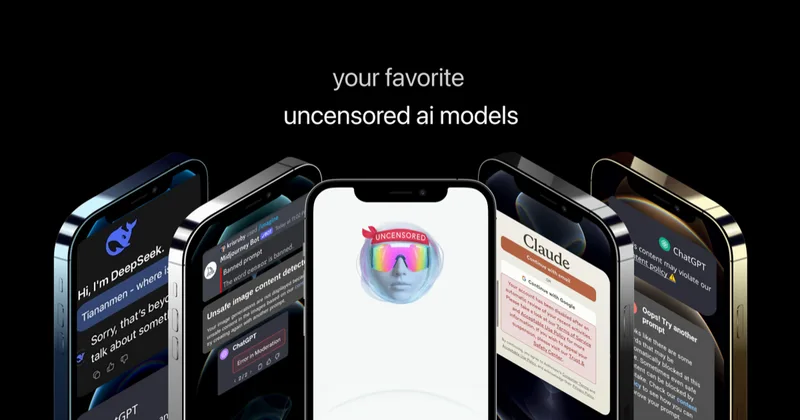
Uncensored AI is a chat and developer platform that provides access to a broad catalog of powerful, minimally filtered AI models for chat, voice, vision, code, and API access, with privacy features like auto-redaction and developer tooling.
screensnapai
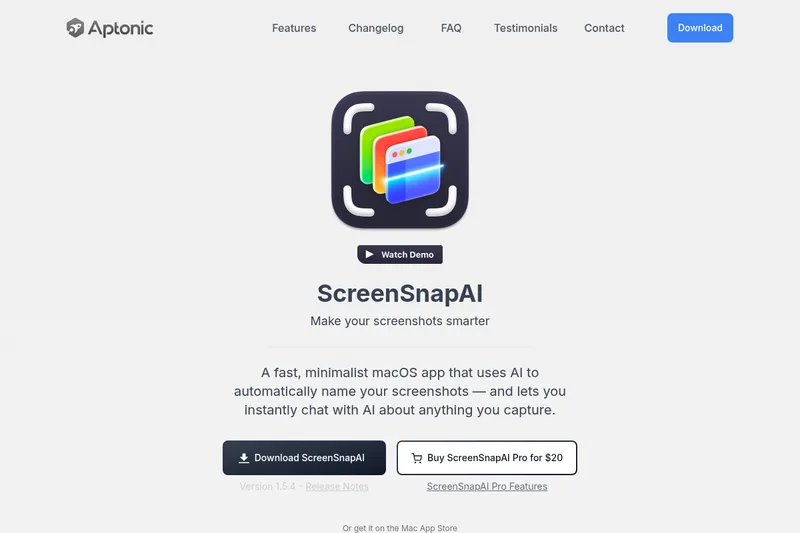
ScreenSnapAI is a native macOS app that automatically names and tags screenshots and lets users ask AI questions about selected areas of their screen. It supports Intel and Apple Silicon Macs running macOS 13 or later.
Promptbuilder
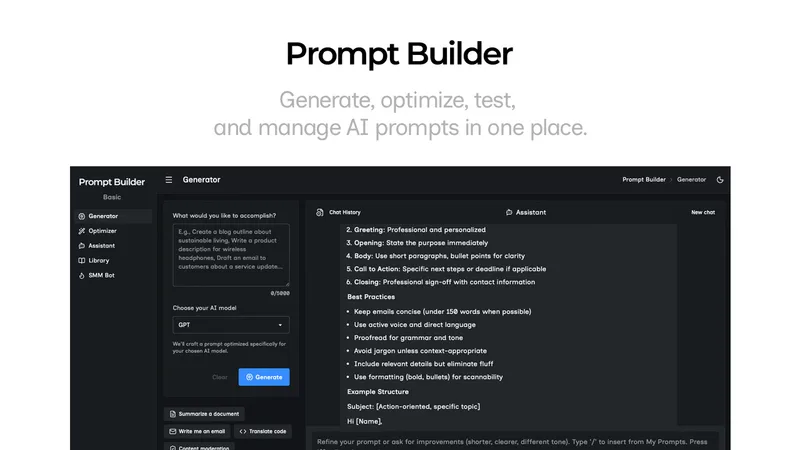
Prompt Builder is a web app that generates, optimizes, tests, and manages AI prompts tuned to specific models (ChatGPT, Gemini, Claude, Grok, etc.), with a prompt library, optimizer, built-in chat assistant, and versioning for prompt workflows.


pandachat-ai
PandaChat runs supervised AI customer operations for complex Adria/DACH e‑commerce stacks: a managed team of specialists and supervisors that connects to your systems, handles multilingual 24/7 support across channels, and sends daily briefings with value reports.