

Fluentdictation
FluentDictation is a web app that turns YouTube videos into level-based English dictation exercises with bilingual captions, instant accuracy feedback, sentence-by-sentence practice, and pronunciation assessment — no login required for basic use.
Fluentdictation is education software teams evaluate for education. Use this page to review pricing, integration signals, and the best alternatives before you commit.
Used in These Packs
Quick Overview
Best for: Education
What it does
Education software for decision-makers comparing workflow fit and alternatives.
Best fit
Education
Pricing snapshot
Free from Free
Next step
Compare Fluentdictation with similar tools before you shortlist it.
Compare this tool before you shortlist it
Review alternatives, pricing posture, and workflow fit side by side.
Fluentdictation
FluentDictation converts YouTube videos into interactive, level-adaptive dictation drills designed for learners from A1 to C2. It provides sentence-by-sentence playback, bilingual captions and transcripts, instant scoring for typed and spoken responses, and tools for shadowing and pronunciation practice. The product is aimed at self-learners, teachers, and exam-preparation students who want evidence-based listening, accuracy, and fluency training using authentic video content; basic features can be used without signing up.
FluentDictation is a web app that turns YouTube videos into level-based English dictation exercises with bilingual captions, instant accuracy feedback, sentence-by-sentence practice, and pronunciation assessment — no login required for basic use.
Own this listing?
Claim this page to add pricing, features, screenshots, and verified owner details.
Claim this listingKey Features
Adaptive Dictation Levels
CEFR-based levels from A1 (beginner) to C2 (proficient) let learners choose appropriate difficulty and progressively challenge listening and dictation skills.
Free Video Selection
Any YouTube video link can be turned into a dictation drill so users practice with content they enjoy; site also provides curated and featured videos and playlists.
Bilingual Subtitles & Transcripts
Side-by-side bilingual captions and full transcripts let learners compare their typed dictation to the original quickly and learn meaning in context.
Sentence-by-Sentence Training
Player segments clips into short lines for focused micro-dictations and repeated practice on tricky sentences or phrases.
Instant Accuracy Feedback
Real-time scoring highlights mistakes in typed dictation and speaking, allowing immediate correction and targeted practice.
Accent Diversity Library
Collection and filters for different accents (British, American, Australian, etc.) so learners can train ear and comprehension across varieties of English.
Pronunciation Coach & Assessment
After speaking lines aloud, users receive fluency and accuracy scores with highlights to guide retries and improvement.
Shadowing Boost
Looped short segments with countdowns encourage speaking along with the model audio to build rhythm, stress, and smooth delivery.
Evidence-based Methods & Teacher Resources
Guidance and references to research on dictation, dictogloss, and segmentation explain why the approach is effective for accuracy, vocabulary, and listening.
Pricing
Basic dictation features are free with no login required: paste a URL and start interactive YouTube dictation immediately.
Free / Basic
Free- Paste a YouTube URL and run dictation drills
- Bilingual captions, sentence-by-sentence playback, instant typed feedback
- No sign-up required for basic tools
Use Cases
IELTS / Exam Listening Practice
Sentence-level dictations mimic exam tasks and help learners practice accuracy and exam-style listening under realistic conditions.
Vocabulary & Spelling Improvement
Comparing dictation output to transcripts helps learners notice articles, verb endings, and correct spellings in authentic contexts.
Accent & Comprehension Training
Filter and practice with videos in British, American, Australian and other accents to improve comprehension of different varieties of English.
Business & Workplace English
Use curated or user-provided business-themed videos to learn workplace vocabulary and jargon through targeted dictation exercises.
Classroom & Teacher-Led Activities
Teachers can use micro-dictations, dictogloss-style activities, and shadowing drills to run interactive, evidence-based listening lessons.
Self-study Fluency & Pronunciation
Learners practice shadowing and use instant pronunciation feedback to build fluency, rhythm, and more accurate spoken delivery.
Integrations
YouTube
Primary integration — converts YouTube video audio and captions into dictation drills, plays segmented audio, and displays transcripts and bilingual captions.
Telegram (Chat & Voice)
FluentDictation promotes practice on Telegram (chat and voice); the site mentions Telegram-based practice options.
Discord
Community and support channel — the site links to a Discord server for users to join and discuss practice, resources, and feedback.
Benefits
Limitations
Frequently Asked Questions
How can I start YouTube dictation for free?
Does the tool support bilingual subtitles during dictation?
Is dictation useful for IELTS listening practice?
How does dictation improve comprehension of fast speakers?
Can I find business content for dictation?
Why is dictation effective for vocabulary building?
How do I practice different accents?
Is advanced dictation available?
Getting Started
- 1 Step 1: Paste a YouTube video link or choose one of the featured/curated videos.
- 2 Step 2: Let the app prepare audio and captions automatically (audio and captions auto-ready).
- 3 Step 3: Listen to short, sentence-length segments and type what you hear.
- 4 Step 4: Check your typed answers against the transcript and correct mistakes.
- 5 Step 5: Use shadowing mode to speak along with short loops for fluency practice.
- 6 Step 6: Use the pronunciation assessment to get instant scores and retry until satisfied.
Support
Feedback
Site provides a feedback mechanism (link on the site) for user comments and bug reports.
Discord
Public Discord server for community support, discussion, and resources (join link available on site).
Docs / Blog / FAQ
Built-in FAQ, dictation blog, how-to guides, and level/playlist pages provide onboarding and pedagogical guidance.
API
Compare Fluentdictation with similar tools
See how it stacks up against alternatives
Related Tools
View all 159 →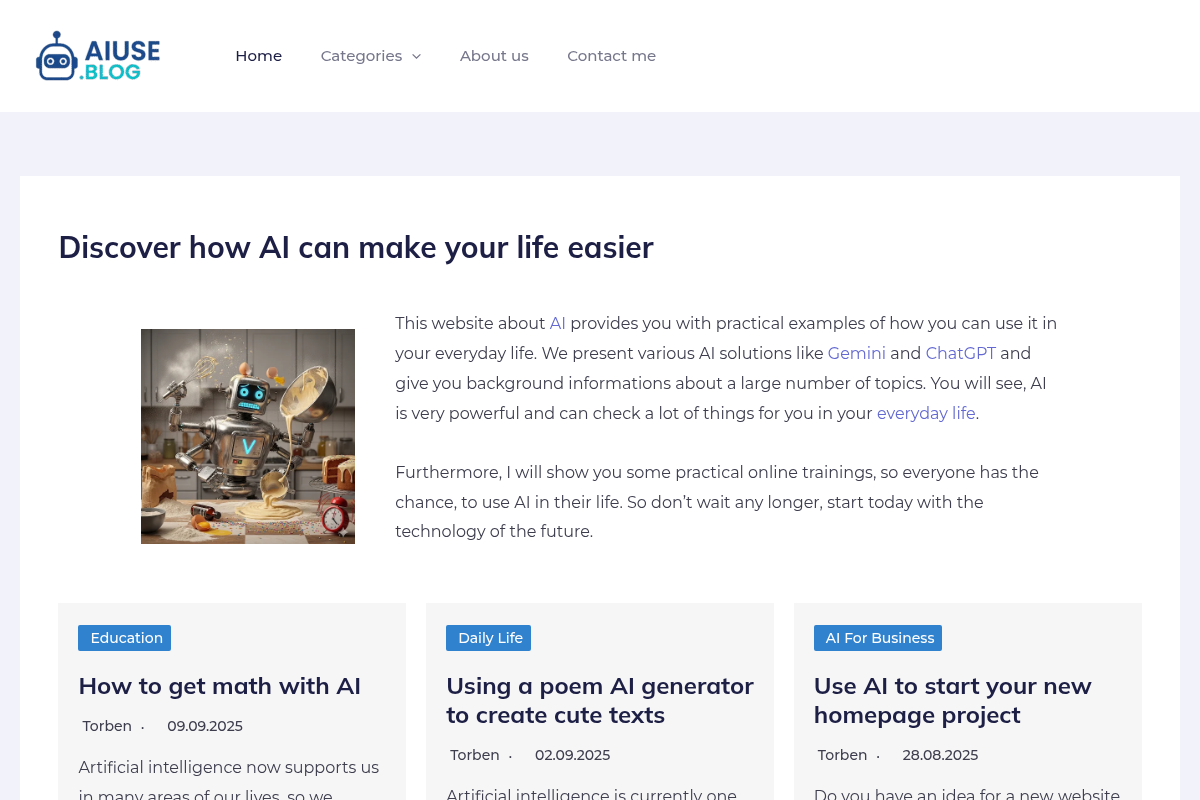
AIuse.blog
AIuse.blog is a website dedicated to showcasing practical examples of how artificial intelligence can simplify everyday life, education, business, and travel. It offers insights, tutorials, and AI tool recommendations to help users integrate AI into their daily routines.
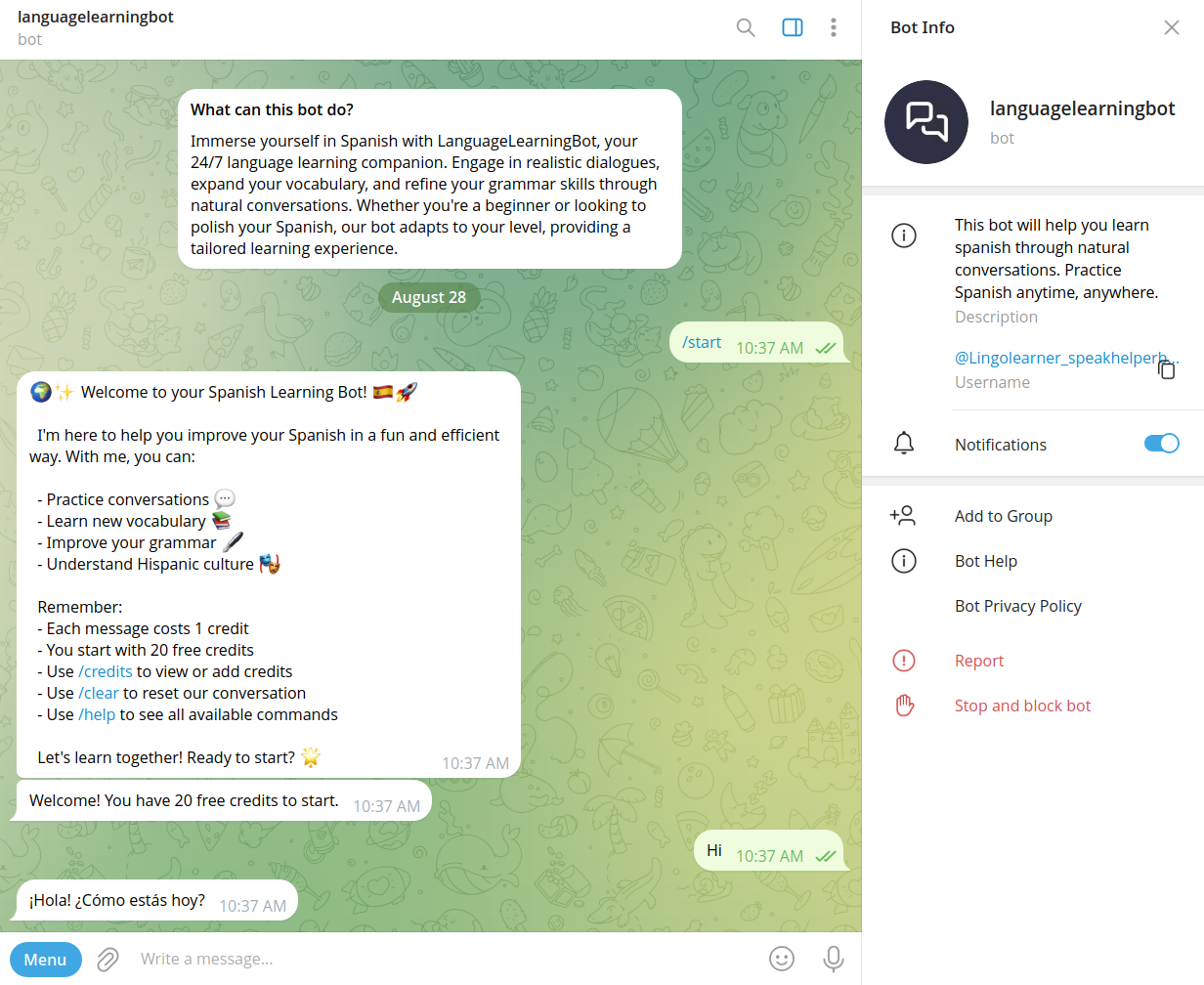
Speakhelper
Speakhelper is a personal Spanish tutor chatbot that helps users improve their Spanish through natural conversations, vocabulary expansion, and grammar corrections, all integrated into daily life without the need for textbooks or memorization.

Questgen
Questgen is an AI-powered quiz generator that creates various types of assessments such as MCQs, True/False, Fill-in-the-blanks, and more from text, PDFs, videos, and other formats instantly. It is designed for educators, students, HR teams, and edtech companies to save time and enhance learning and assessment processes.

Interactive Quiz
Information about Interactive Quiz is not available due to access restrictions on the source page.


Scrimba
Scrimba is an interactive learning platform offering comprehensive coding courses and paths, focusing on fullstack development, AI engineering, and modern web technologies. It provides hands-on lessons designed to build hireable skills in JavaScript, React, Node, and more.

blend-ed
Blend-ed is an AI-powered learning platform that unifies authoring, LMS, and LXP to deliver skill-based learning at scale. It uses AI skill intelligence to identify skill gaps, create personalized learning paths, and measure learning outcomes, helping organizations build workforce capabilities effectively.
Premium Alternatives
Retouchpro
Retouchpro (AI Photo Generator) is a web-based AI image generation and editing platform for creators, influencers, and agencies that produces photorealistic and stylized images in seconds using multiple top image models and community-driven templates.

AI For Graphic Designers
AI for Graphic Designers is an ebook and 8-hour video course designed to teach graphic designers how to leverage AI tools for creating art, logos, videos, and more, while also learning how to monetize AI-generated designs.



Claude Sonnet 4.5
Claude Sonnet 4.5 is a state-of-the-art AI coding model designed for building complex agents and using computers effectively. It excels in reasoning, math, and long-duration autonomous coding tasks, making it ideal for developers, researchers, and professionals in finance, law, medicine, and STEM fields.

actionize-ai
Actionize is a no-code platform that enables users to connect custom GPTs to thousands of apps via popular automation tools like Zapier and Make.com, simplifying the integration of external data and workflows into GPTs.

Stack-ai
StackAI is an enterprise platform for building, orchestrating, and deploying AI agents and no-code workflows that extract, retrieve, and generate structured insights from unstructured data. It is aimed at IT, risk, finance, and operational teams that need governed, production-ready AI automation with enterprise-grade security and broad integrations.