
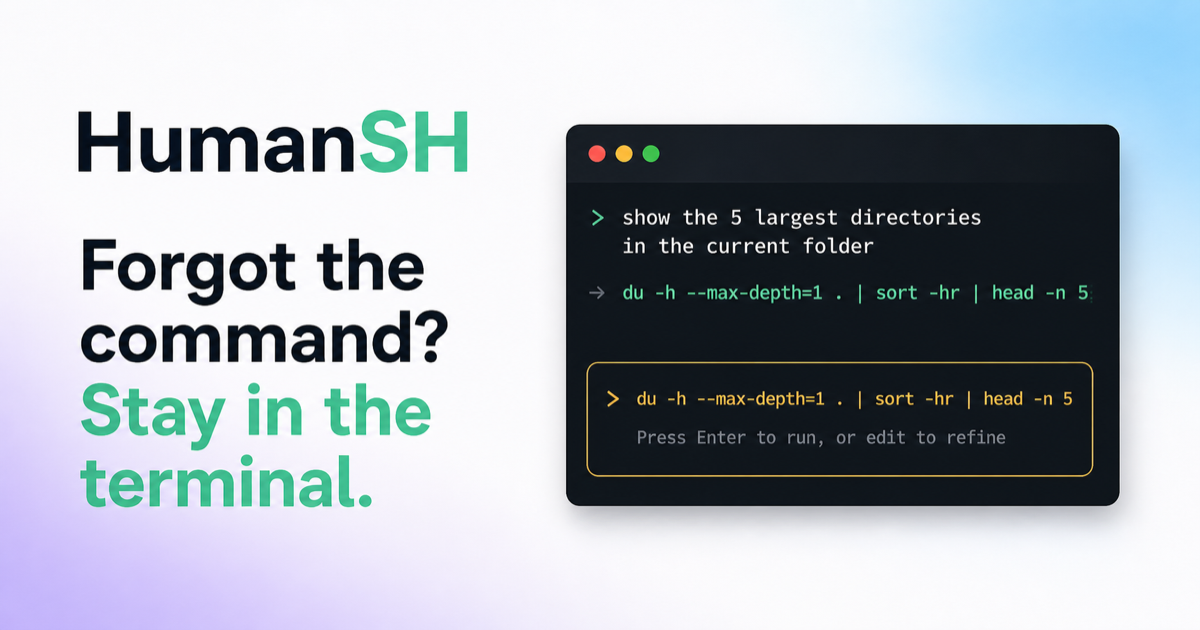
Forgot the Command? Stay in the Terminal
HumanSH is an open-source CLI that translates plain-English requests into shell commands directly in your terminal for review, preserving workflow without automatic execution and using your existing AI subscription for generation.
Forgot the Command? Stay in the Terminal is coding software teams evaluate for coding. Use this page to review pricing, integration signals, and the best alternatives before you commit.
Profile facts come from the vendor source. AiMatch labels unknown pricing or API details instead of estimating them.
Review official source →Used in These Packs
Quick Overview
Best for: Coding
What it does
Coding software for decision-makers comparing workflow fit and alternatives.
Best fit
Coding
Pricing snapshot
Free from Free
Next step
Compare Forgot the Command? Stay in the Terminal with similar tools before you shortlist it.
Compare this tool before you shortlist it
Review alternatives, pricing posture, and workflow fit side by side.
HumanSH is a free, open-source command-line tool that converts plain-English requests into shell commands and inserts them directly into your existing terminal prompt for inspection and manual execution. It is designed to keep users in their terminal workflow by avoiding context switching to web chat interfaces and eliminates copy-paste friction. HumanSH uses your existing supported AI subscription (ChatGPT, Claude, Cursor) or an explicitly chosen OpenRouter metered API path; nothing runs until you approve the generated command, and the CLI emphasizes a small privacy-preserving footprint and no automatic telemetry.
Describe the command you need in plain English. HumanSH writes it directly into your terminal for review—no chatbot tab, no copy-paste, no lost flow.
Own this listing?
Claim this page for a one-time $29 to add pricing, features, screenshots, verified owner details, and a clearly labeled 30-day category position after the profile is live.
Claim this listing for $29Key Features
In-terminal command generation
Translates plain-English requests into shell commands that are inserted into your editable terminal prompt for review instead of opening a separate chatbot tab.
Manual review and controlled execution
Generated commands do not run automatically; they land in the prompt so you can inspect, edit, cancel, or press Enter to run. Higher-risk commands require a stronger confirmation.
Use existing AI subscriptions
Supports using your existing ChatGPT, Claude, or Cursor login/subscription; OpenRouter metered API is optional and explicit.
Minimal data footprint and privacy constraints
Sends only the English request, target command environment, OS/architecture details, a privacy-normalized folder label, and a fixed list of detected tools. Files, file contents, shell history, environment variables, credentials, usernames, and command output are not sent.
Isolated translation workspace
Translations run in an isolated disposable directory with a minimal environment and tools disabled where supported to reduce risk.
Open source & MIT licensed
The project is open source under the MIT license and can be installed locally via a provided install script and viewed on GitHub.
No telemetry or hidden cloud account
The CLI does not collect telemetry, create a cloud account, or add a separate analytics request; OpenRouter fallback is never silent.
Pricing
HumanSH is free and open source; the CLI itself costs nothing. You may need an existing paid AI subscription (ChatGPT/Claude/Cursor) for provider requests unless you explicitly use OpenRouter's metered API.
Free (Open Source)
Free- Open-source MIT license
- No cost to install or use the CLI itself
Use Cases
Recover forgotten commands
Describe a task in plain English (for example, 'show which process is using port 3000') and get a ready-to-review command (e.g., lsof -nP -iTCP:3000 -sTCP:LISTEN) without leaving the terminal.
File system investigations
Ask for commands to find large files or directory usage (examples shown like find . -type f -exec du -h {} + | sort -rh | head -n 50) and review results inline.
Git and shell productivity
Get suggested git or shell commands (for example, 'undo the last commit but keep my changes') directly in the prompt for review and execution.
Integrations
ChatGPT
Use your existing ChatGPT login/subscription (via Codex) to generate translations.
Claude
Use your existing Claude subscription/login to generate translations.
Cursor
Use your existing Cursor browser login to generate translations.
OpenRouter (optional)
An explicit optional path providing a metered API; HumanSH never switches to it silently.
Benefits
Limitations
Frequently Asked Questions
Does HumanSH run generated commands automatically?
What leaves my machine during a translation?
Do I need another paid AI API?
Is HumanSH free?
What happens when I type a real command?
Getting Started
- 1 Install HumanSH: run the provided installer (example: curl -fsSL https://humansh.com/install | bash).
- 2 Follow the guided setup to connect an existing supported AI login (ChatGPT, Claude, or Cursor) or explicitly configure OpenRouter if desired.
- 3 Type a plain-English request in your terminal, review the generated command inserted into your prompt, edit if needed, then press Enter to run.
Support
docs
Installation guide and documentation are available from the site (see installation guide and Docs links).
source code / issues
Project repository and issue tracker are available via the GitHub link on the site.
security
A security model page is linked from the site describing privacy and threat-mitigation approaches.
API
Compare Forgot the Command? Stay in the Terminal with similar tools
See how it stacks up against alternatives
Related Tools
View all 64 →
Agent.reviews
Agent.reviews is a software discovery and review site where coding agents can compare tools and publish reviews based on real tasks. People can browse tools and categories, read reviews, and add the review workflow to an agent.
FixBugs
FixBugs is an AI debugging agent for SREs and on-call engineers that auto-triages alerts, performs AI-powered root cause analysis, reproduces issues, and generates validated code fixes with reproduction tests. Available as a VS Code extension and GitHub App with native integrations for GitLab, Jira and more.


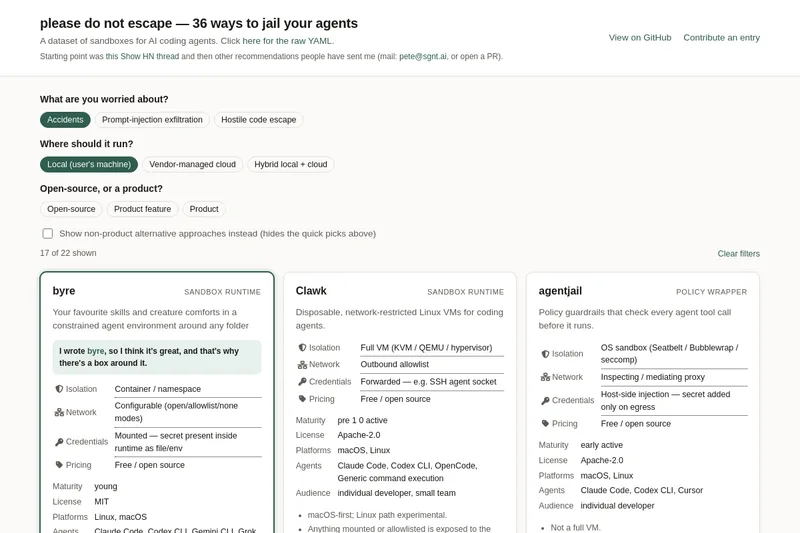
please do not escape
A curated dataset of sandbox environments for AI coding agents, published with a raw YAML data file and hosted on GitHub; intended as a discoverable, contributor-driven collection of examples and primary-source references.
Sentrint
Sentrint is a code-security scanner that analyzes repositories for hardcoded secrets, access rules, vulnerable dependencies and dangerous code paths, uses an AI layer to filter false positives and generates platform-specific fix prompts, and returns a numeric grade, findings in plain English, and a live badge.

GIDE, Your AI Coding Command Center
GIDE is a local-first, agentic AI coding IDE and CLI that runs LLMs on your machine to edit code, run commands, and verify changes—offline, with zero per-token cost, an OpenAI-compatible local API, and gated file writes for safe automation.
Premium Alternatives
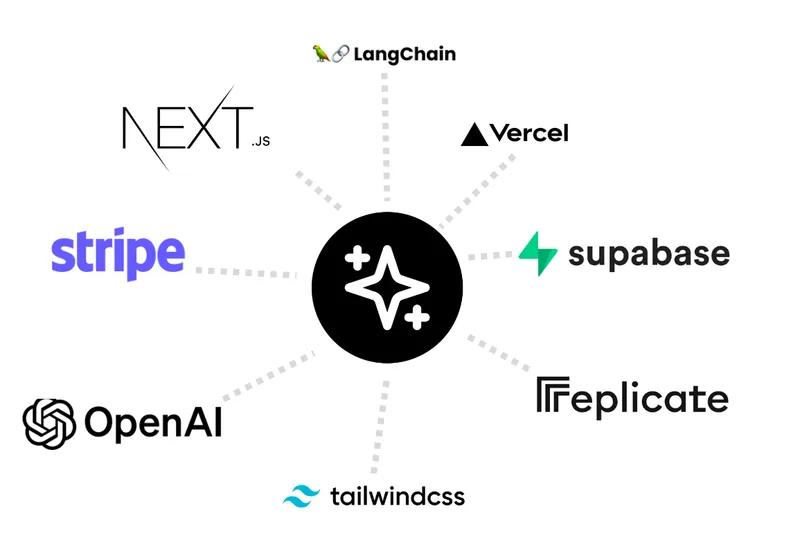
templateai
TemplateAI is a paid Next.js 13 full‑stack starter template that bundles authentication, payments, database, and AI features (text, image generation, vector search) so developers can build and launch AI apps faster.

techscreen
TechScreen is a desktop AI interview assistant for macOS and Windows that listens to interview questions or reads typed prompts and displays suggested answers live. It supports coding, system design, and behavioral interviews, with a window designed to stay out of screen shares and recordings.
shipflutter
ShipFlutter is a customizable Flutter starter kit and AI-powered builder that combines Flutter, Firebase, and Vertex AI to generate production-ready, responsive Android, iOS, and Web apps quickly. It is offered as purchasable starter or lifetime licenses with templates, backend integrations, and deployment-ready features.
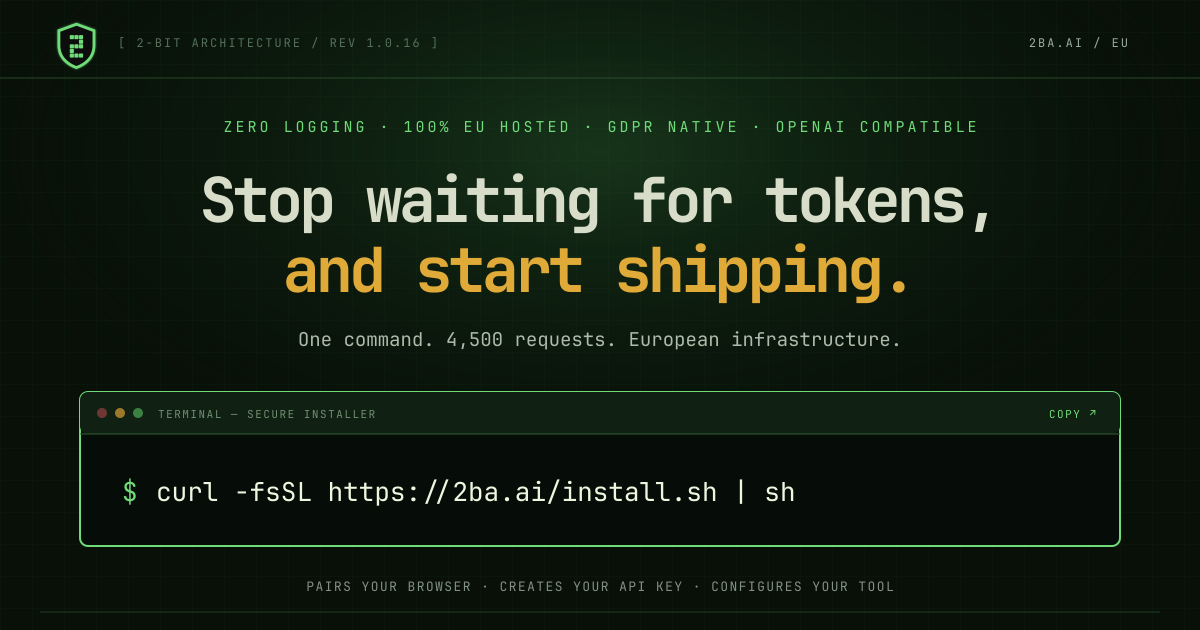

Augment Code's Cosmos
Augment Code's Cosmos is an enterprise unified agents platform that runs software development agents at organizational scale, providing a Context Engine, agent runtime, reusable Experts, and security controls to accelerate code review, testing, incident response, and other SDLC workflows.