
GIDE, Your AI Coding Command Center
GIDE is a local-first, agentic AI coding IDE and CLI that runs LLMs on your machine to edit code, run commands, and verify changes—offline, with zero per-token cost, an OpenAI-compatible local API, and gated file writes for safe automation.
GIDE, Your AI Coding Command Center is coding software teams evaluate for coding. Use this page to review pricing, integration signals, and the best alternatives before you commit.
Profile facts come from the vendor source. AiMatch labels unknown pricing or API details instead of estimating them.
Review official source →Used in These Packs
Quick Overview
Best for: Coding
What it does
Coding software for decision-makers comparing workflow fit and alternatives.
Best fit
Coding
Pricing snapshot
Free from Free (30-day trial, no credit card required)
Next step
Compare GIDE, Your AI Coding Command Center with similar tools before you shortlist it.
Compare this tool before you shortlist it
Review alternatives, pricing posture, and workflow fit side by side.
GIDE is an AI-powered coding command center that runs large language models locally on your machine to assist with code editing, running tests, and automating multi-file refactors. It provides an agentic workflow—describe a goal and GIDE will plan, edit files, run shell commands, and verify results—while enforcing a write gate so nothing is written until you approve each change. GIDE targets software developers, teams working in regulated or air-gapped environments, and anyone who wants a private, offline coding assistant with a CLI and an OpenAI-compatible local API.
GIDE (GenerativeIDE) is a privacy-first, model-agnostic AI code editor. Run local models offline or connect your own API key. Zero token costs on local AI. Air-gap ready.
Own this listing?
Claim this page for a one-time $29 to add pricing, features, screenshots, verified owner details, and a clearly labeled 30-day category position after the profile is live.
Claim this listing for $29Key Features
Local agentic editing
An agent that plans tasks, edits files across the repo, runs commands, and verifies results; every write and shell command is gated for user approval.
Offline local models
Ships with a bundled local model (Ornith 9B) via llama.cpp so it runs entirely on your hardware with no internet required; supports other on-device models (Qwen, Gemma, DeepSeek) and GGUF files.
Zero token cost & unlimited usage
Local model execution incurs no per-token billing or cloud rate limits—use is limited only by local hardware and electricity.
OpenAI-compatible local API
Provides a local OpenAI-compatible endpoint bound to 127.0.0.1 so existing tools and SDKs can point to the local model without rewrites.
Command-line interface (CLI)
The same agent runs in a terminal with scriptable exit codes, making it usable alongside editors like neovim and in CI.
Semantic retrieval & persistent memory
RAG-style semantic retrieval across the repository and persistent memory to carry context across sessions.
Security & governance features
JSONL audit logs, bearer-token authentication, local API keys stored hashed, folder trust, and controls for air-gapped/regulatory use cases.
Model-agnostic & hybrid cloud support
Works with on-device models and can optionally connect to cloud frontier models (Claude, GPT, Gemini) using your own API key; the agent harness remains identical either way.
Extensible skills & tool connections
Support for skill files and MCP to connect external tools (examples include OpenShell) so the agent can act beyond the editor.
Pricing
Free to download with a 30-day trial on paid plans; local models incur no per-token charges (you pay only for electricity/hardware).
30-day trial
Free (30-day trial, no credit card required)- Full-feature trial of paid plans for 30 days
- Access to local models and CLI during trial
Use Cases
Everyday developer workflows
Automate repetitive edits, fix failing tests, refactor across multiple files, and run local verification steps with an agent that shows diffs and asks before writing.
CI and automation
Use the CLI in scripts or CI to run the same local agent, gating edits and returning real exit codes for automation pipelines.
Regulated or air-gapped environments
Run models and tooling entirely offline for compliance and data residency; includes audit telemetry and authentication for governance.
Integrating existing tools
Point existing OpenAI-based tools or SDKs at the local OpenAI-compatible endpoint to reuse current integrations without rewriting.
Integrations
OpenAI-compatible endpoint
Expose a local API at 127.0.0.1 that mimics OpenAI so existing SDKs and tools can point to GIDE without changes.
On-device models (Ornith, Qwen, Gemma, DeepSeek) and GGUF
Switch between bundled and user-provided on-device models, auto-detected and runnable via llama.cpp with GPU acceleration.
Cloud frontier models (optional)
Optionally connect your own cloud keys for models like Claude, GPT, and Gemini while keeping the same agent harness.
MCP / OpenShell
Connect external tools via MCP so the agent can call out to team tools and custom integrations.
Benefits
Limitations
Frequently Asked Questions
Can GIDE run fully offline?
Do I need to pay for AI tokens?
What AI model does GIDE use?
Is GIDE suitable for regulated or air-gapped environments?
Getting Started
- 1 Download and install GIDE (example install: curl -fsSL https://generativeide.com/install.sh | sh).
- 2 Open the app or run the CLI to start the bundled local model (Ornith 9B works out of the box).
- 3 Mint a local API key (gide apikey create) and point any OpenAI-compatible SDK or tool at the printed base_url to use the local endpoint.
Support
Docs
Product documentation and CLI docs available from the website (Download · Docs · CLI).
Contact
Contact page on the site for sales, security, or enterprise inquiries.
CLI help
Built-in CLI commands and usage (examples shown on the site) for scripting and key management.
API
OpenAI-compatible local API with example base URL (http://127.0.0.1:41337/v1). See site API reference and CLI docs for details.
Local models incur no cloud rate limits; usage is metered per local key. A busy local model responds with 429 and a retry header rather than queueing.
Compare GIDE, Your AI Coding Command Center with similar tools
See how it stacks up against alternatives
Related Tools
View all 71 →
Agent.reviews
Agent.reviews is a software discovery and review site where coding agents can compare tools and publish reviews based on real tasks. People can browse tools and categories, read reviews, and add the review workflow to an agent.
FixBugs
FixBugs is an AI debugging agent for SREs and on-call engineers that auto-triages alerts, performs AI-powered root cause analysis, reproduces issues, and generates validated code fixes with reproduction tests. Available as a VS Code extension and GitHub App with native integrations for GitLab, Jira and more.


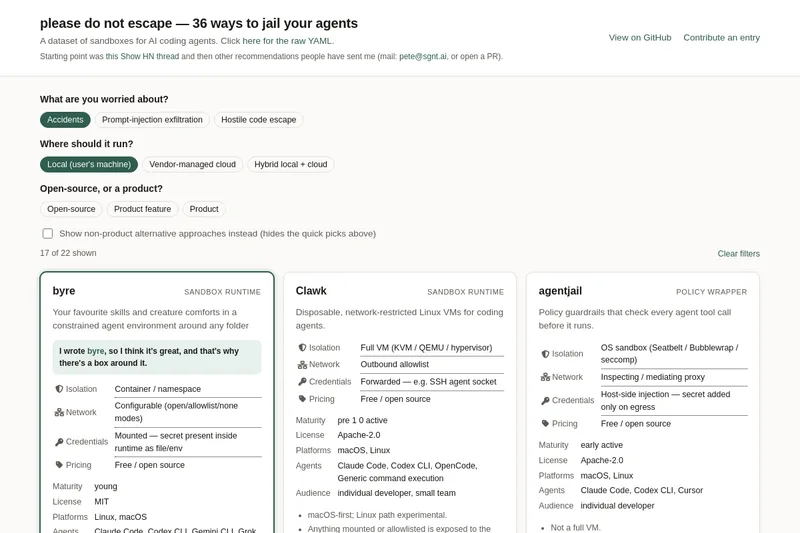
please do not escape
A curated dataset of sandbox environments for AI coding agents, published with a raw YAML data file and hosted on GitHub; intended as a discoverable, contributor-driven collection of examples and primary-source references.
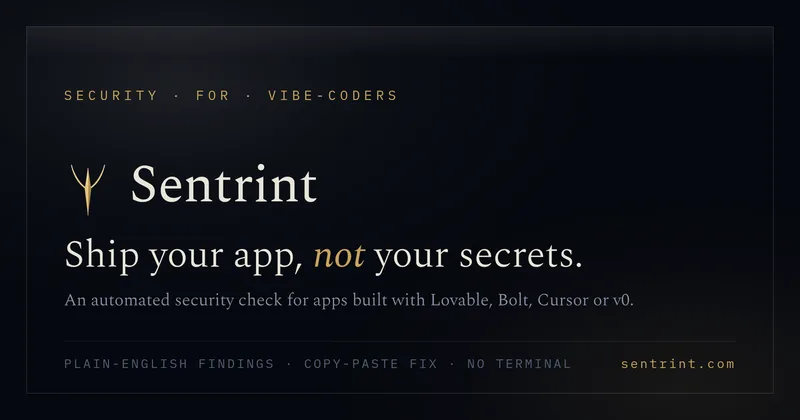
Sentrint
Sentrint is a code-security scanner that analyzes repositories for hardcoded secrets, access rules, vulnerable dependencies and dangerous code paths, uses an AI layer to filter false positives and generates platform-specific fix prompts, and returns a numeric grade, findings in plain English, and a live badge.
Premium Alternatives

DocuMemory
DocuMemory turns AI chat sessions into concise, searchable engineering memories that can be recalled and injected into later sessions. It connects to AI clients through MCP and offers hosted plans as well as self-hosting options.
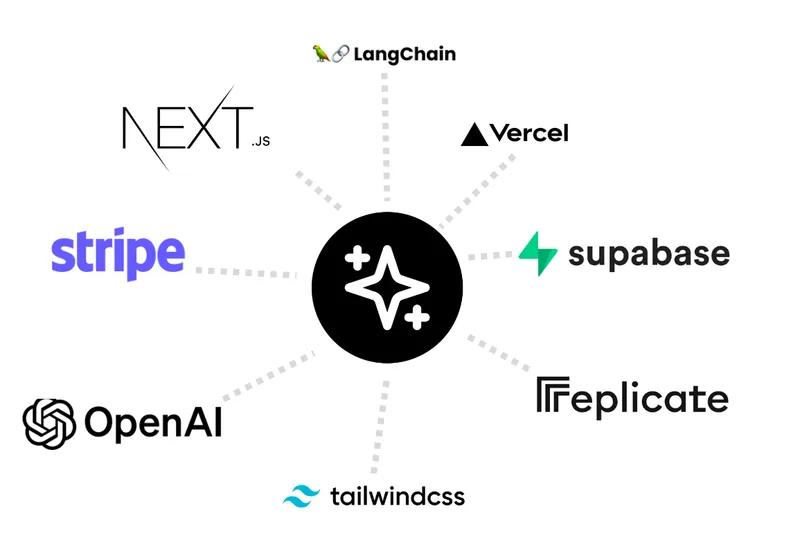
templateai
TemplateAI is a paid Next.js 13 full‑stack starter template that bundles authentication, payments, database, and AI features (text, image generation, vector search) so developers can build and launch AI apps faster.

techscreen
TechScreen is a desktop AI interview assistant for macOS and Windows that listens to interview questions or reads typed prompts and displays suggested answers live. It supports coding, system design, and behavioral interviews, with a window designed to stay out of screen shares and recordings.
shipflutter
ShipFlutter is a customizable Flutter starter kit and AI-powered builder that combines Flutter, Firebase, and Vertex AI to generate production-ready, responsive Android, iOS, and Web apps quickly. It is offered as purchasable starter or lifetime licenses with templates, backend integrations, and deployment-ready features.

Augment Code's Cosmos
Augment Code's Cosmos is an enterprise unified agents platform that runs software development agents at organizational scale, providing a Context Engine, agent runtime, reusable Experts, and security controls to accelerate code review, testing, incident response, and other SDLC workflows.