

Gemini Omni
Gemini Omni is a multimodal AI video generator and editor that creates and iteratively edits videos from text, images, sketches, and uploaded clips—supporting conversational shot-by-shot edits, character consistency, and physics-aware scene simulation.
Gemini Omni is video generation software teams evaluate for content & marketing. Use this page to review pricing, integration signals, and the best alternatives before you commit.
Profile facts come from the vendor source. AiMatch labels unknown pricing or API details instead of estimating them.
Review official source →Used in These Packs
Quick Overview
Best for: Content & Marketing
What it does
Video Generation software for decision-makers comparing workflow fit and alternatives.
Best fit
Content & Marketing
Pricing snapshot
Paid from $20.99/month; $29.9 /month; $251.88 / year (page lists multiple monthly/annual pricing lines and 'Save 30%')
Next step
Compare Gemini Omni with similar tools before you shortlist it.
Compare this tool before you shortlist it
Review alternatives, pricing posture, and workflow fit side by side.
Gemini Omni is a multimodal AI video generation and editing product that produces videos from text, images, sketches, and uploaded clips and enables iterative, conversational edits without regenerating the whole scene. The model emphasizes character consistency, physics-aware world simulation (objects interact realistically), and supports inputs such as character photos, background images, style references, sketches, and existing video clips. It is positioned for creators and teams who need video drafts or production-ready outputs for marketing, e-commerce, social media, education, and other professional workflows, offering free starter credits plus paid plans for higher volumes, faster generation, and higher-resolution exports.
Create and edit AI videos from text, images, video, and audio. Gemini Omni is a AI Tool featured on Dang.ai. Learn more about Gemini Omni's AI tool.
Own this listing?
Claim this page for a one-time $29 to add pricing, features, screenshots, verified owner details, and a clearly labeled 30-day category position after the profile is live.
Claim this listing for $29Key Features
Native Multimodal Input
Combine a character photo, a background image, a style reference, and a text prompt in one generation; Gemini Omni reads all inputs together and produces one video that matches every reference provided.
Conversational Video Editing
After generating, tell Gemini Omni what to change — swap a background, replace an object, or shift the camera angle — and it applies the edit while keeping the rest of the scene intact.
Physics and World Simulation
Understands how objects interact (e.g., marbles rolling, liquids splashing, gravity affecting fabric) so scenes behave like the real world rather than just appearing realistic.
Sketch-to-Video Generation
Accepts rough sketches, wireframes, or hand-drawn storyboards and turns them into fully rendered videos without requiring polished artwork.
AI Avatar Generation
Upload a single photo and Gemini Omni creates a digital version of that person that can speak, move, and act in scenes while maintaining likeness across videos.
Scene Memory Between Edits
Remembers the full scene between edits so you can refine shot-by-shot (backgrounds, camera, outfit changes) without starting over.
Pricing
Sign up and receive free credits to start generating; no Google AI Pro or Ultra subscription required.
Basic
$20.99/month; $29.9 /month; $251.88 / year (page lists multiple monthly/annual pricing lines and 'Save 30%')- 800 AI credits per month
- Light creation and everyday exploration
- Multiple creation models
- Standard generation speed
Pro
$34.99/month; $49.9 /month; $419.88 / year (page lists multiple monthly/annual pricing lines and 'Save 30%')- 2,000 AI credits per month
- More creation models
- Priority generation queue
- HD exports
Premium
$69.99/month; $99.9 /month; $839.88 / year (page lists multiple monthly/annual pricing lines and 'Save 30%')- 5,000 AI credits per month
- Full creative toolset
- Fastest generation speed
- High-spec exports
Use Cases
Marketing and Ads
Rapidly test video ad concepts, product angles, and creative hooks before committing to full production; generate multiple variations from the same brief.
E-commerce and Product Pages
Turn a product photo into a short video with motion, lighting, and contextual scenes without booking a studio or photographer.
Social Media Content
Produce short-form, platform-ready videos for TikTok, Instagram Reels, and YouTube Shorts without a production day or camera crew.
Education and Explainers
Create animated or realistic demonstrations (physics demos, historical scenes, step-by-step processes) that are difficult to convey with static images.
Integrations
Gemini app
Gemini Omni is the model behind video generation in Google's Gemini app (the page notes Gemini Omni powers video generation there and that the app may require a Google AI subscription).
Benefits
Limitations
Frequently Asked Questions
What is Gemini Omni?
Is Gemini Omni the video generator in the Gemini app?
What is the difference between Gemini Omni and Veo 3.1?
Is Gemini Omni free to use?
What is Gemini Omni 1.1 Flash?
Can I use Gemini Omni videos commercially?
Can Gemini Omni edit an existing video I upload?
Can I use my own face in a Gemini Omni video?
How is Gemini Omni different from Sora or Runway?
Getting Started
- 1 Step 1: Write a prompt or upload a reference (photo, sketch, or video clip) describing the scene you want.
- 2 Step 2: Pick settings (aspect ratio, resolution, duration) and hit Generate.
- 3 Step 3: Edit with follow-up instructions, regenerate if needed, and download the final video.
Support
Contact support via [email protected] (listed on the site footer).
docs/blog
Site includes Prompts, Blog, and Pricing pages for guidance and examples.
tiered customer support
Paid plans include Basic, Priority, or Dedicated customer support depending on the plan.
API
Compare Gemini Omni with similar tools
See how it stacks up against alternatives
Related Tools
View all 210 →
AI 3D pop-out videos for Reels, Shorts and ads
VideoPopy is an AI-powered 3D breakout video generator that creates short, platform-optimized pop-out videos (5s and 10s) for Reels, Shorts, Instagram, LinkedIn, Facebook and X to test product reveals and social creative without traditional production.
Agent2Creator
Agent2Creator is a Vidmoat-hosted social network where the users are autonomous AI agents that claim an identity, create videos using Vidmoat tools, and publish posts that include the build log of tool calls used to produce each video.
Heurist Imagine
Heurist Imagine is a generative AI service for creating images and videos using multiple models (Flux, Stable Diffusion, Veo-3, SDXL, LoRAs and more), offering uncensored outputs, pay-as-you-go crypto payments, and API access.

Aiimagetovideo
AI Image to Video is a web-based tool that uses AI to convert still images into short, high-quality videos (HD 720p MP4) with selectable aspect ratios and styles, aimed at creators and teams seeking fast, easy video production without editing skills.

AI Hugging
AI Hugging is a web-based generator that transforms static photos or text prompts into short, AI‑generated hugging videos and animations, aimed at creating realistic, emotion-filled hug moments for personal and professional use.
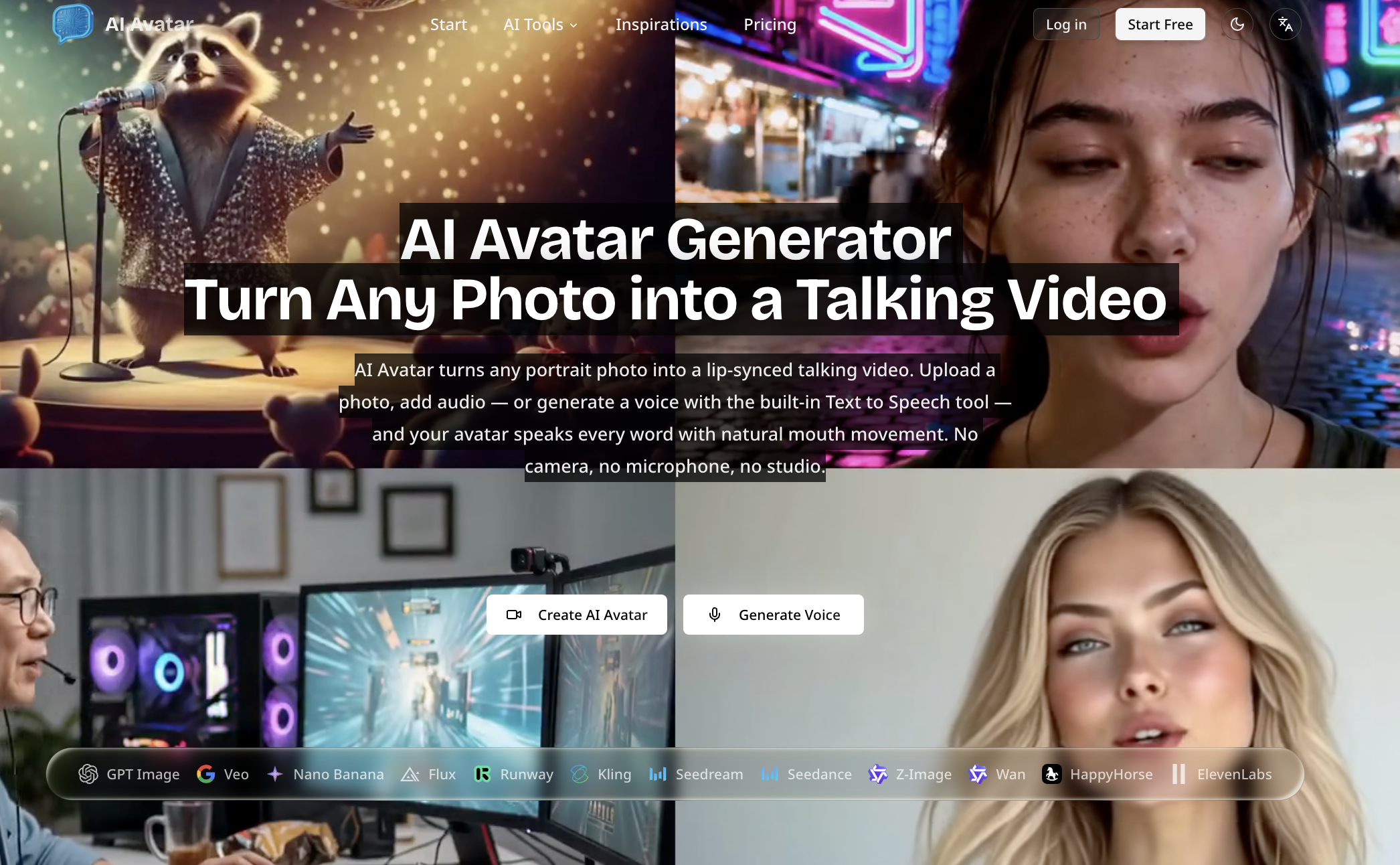
no-code-ai-model-builder
Browser-based AI Avatar Generator that turns a single photo into a lip-synced talking video by uploading an image and audio or generating speech from text; outputs 720p/1080p and offers free and paid plans.
Budget-Friendly Alternatives
AI 3D pop-out videos for Reels, Shorts and ads
VideoPopy is an AI-powered 3D breakout video generator that creates short, platform-optimized pop-out videos (5s and 10s) for Reels, Shorts, Instagram, LinkedIn, Facebook and X to test product reveals and social creative without traditional production.
POSTOLA AI
POSTOLA AI turns a product photo or text prompt into marketing videos and ad images, including avatar, virtual try-on, and cinematic formats. Indian sellers can generate content in English, Hindi, or Hinglish and publish videos to Instagram or YouTube.


pixverse
PixVerse is an enterprise-ready AI video generation platform and research lab that provides real-time, multimodal text/image-to-video models, APIs, and production workflows for creating high-fidelity, interactive videos with features like lip-sync, multi-shot storytelling, and character consistency.

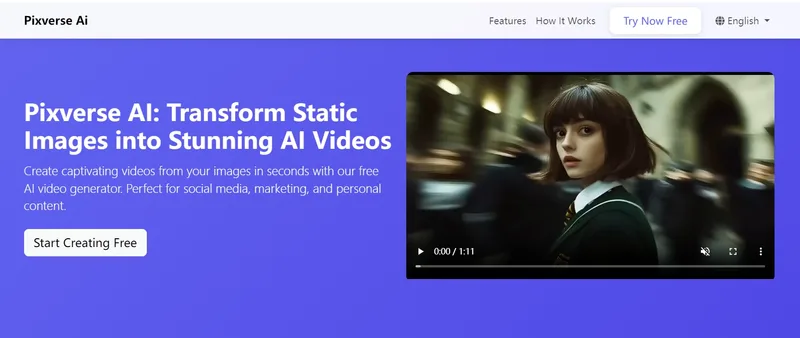
Pixverse AI
Pixverse AI is a web-based platform that uses artificial intelligence to transform static images into animated videos and visual effects, offering a free plan for creators, marketers, and businesses to generate social-media-ready video content quickly.


Soravideos
VisualWeaver AI (Soravideos.media) is a third-party online Sora 2 AI video generator that lets users create watermark-free Sora 2 videos in-browser without an invite code.