HeyVid AI
HeyVid is an all-in-one AI-powered creative studio for generating videos, images, avatars, lip-syncing, and audio from text or images using multiple leading generative models.
HeyVid AI is video generation software teams evaluate for content & marketing. Use this page to review pricing, integration signals, and the best alternatives before you commit.
Profile facts come from the vendor source. AiMatch labels unknown pricing or API details instead of estimating them.
Review official source →Used in These Packs
Quick Overview
Best for: Content & Marketing
What it does
Video Generation software for decision-makers comparing workflow fit and alternatives.
Best fit
Content & Marketing
Pricing snapshot
Free from 50% off (limited-time offer shown on site); exact plan prices not listed on the provided page
Next step
Compare HeyVid AI with similar tools before you shortlist it.
Compare this tool before you shortlist it
Review alternatives, pricing posture, and workflow fit side by side.
HeyVid is an integrated AI creative platform that lets users generate high-quality videos, images, avatars, and audio from text prompts or uploaded images. The product aggregates many top generative models (video and image) into a single workspace and offers tools such as Text to Video, Image to Video, Video to Video, Video Transition, Reference-to-Video consistency, AI Avatar creation, and Lip Sync across 17+ languages. The platform is positioned for both beginners and professionals, emphasizing one-click creation, end-to-end workflow support (scriptwriting through post-production), and support for creators, marketers, educators, developers and businesses.
HeyVid AI is an all-in-one platform to generate videos and images from text or images, with access to multiple video and image models. HeyVid AI is a AI Tool featured on Dang.ai. Learn more about HeyVid AI's AI tool.
Own this listing?
Claim this page for a one-time $29 to add pricing, features, screenshots, verified owner details, and a clearly labeled 30-day category position after the profile is live.
Claim this listing for $29Key Features
Text to Video
Generate videos directly from text prompts using selectable video models and settings (aspect ratio, resolution, duration).
Image to Video
Animate a still image into a realistic, dynamic video using image-to-video models and animation tools.
Video to Video
Recreate or restyle existing videos into different creative animation styles using supported video models.
Video Transition
Create smooth transitions between two images or video clips.
Reference to Video
Keep characters and scenes consistent across frames by using reference-based generation.
AI Avatar
Turn a portrait photo into a realistic talking avatar video.
Lip Sync
Sync mouth movements to any audio in 17+ languages.
Multi-model Access
Access many top video and image models from a single interface (examples listed include Seedance, Veo, Sora, Runway, Midjourney, Stable Diffusion, DALL·E, and others).
Image Generation & Refinement
Text-to-image, image-to-image, and image refining/stylizing tools with access to multiple image models.
One-Click Creation & Workflow Tools
Prebuilt workflows and controls from scriptwriting to storyboarding and post-production with project management features.
Audio Tools
Generate audio and sound effects for videos; includes text-to-speech and noise reduction tools listed in the product nav.
Developer & Enterprise Support
Mentions API & workflow support for developers and enterprise-focused use cases and integrations.
Pricing
Free text-to-image generator available (the site advertises a 'Free Text to Image Generator from Prompt'); other features reference credits and pricing pages.
Limited-time promotion
50% off (limited-time offer shown on site); exact plan prices not listed on the provided page- Promotional discount referenced on site
Use Cases
Content Creation for Social & YouTube
Create short-form videos, YouTube content, thumbnails, and clips quickly using text- or image-driven generation.
Marketing & Advertising
Produce launch content, ad campaigns, brand stories, and promotional videos for product launches and digital marketing.
Pitch Decks & Corporate Materials
Generate visuals and videos for pitch decks, investor presentations, onboarding materials, and internal updates.
Education & Course Content
Create course content, tutorials, and training materials with generated visuals and narrated clips.
Developer Workflows & App Demos
Use API & workflow features for app demos, documentation videos, and release notes.
Crowdfunding & Product Storytelling
Produce campaign videos and assets that showcase product features and story-driven content for backers.
Integrations
Generative Model Providers
Integration with many third-party image and video models (listed on the site: Seedance, Veo, Sora, Runway, Midjourney, Stable Diffusion, DALL·E, etc.).
API & Developer Workflows
Mentions 'API & Workflow for Developers' for integrating HeyVid into developer pipelines or apps.
Chrome Extension & PPT.AI
Site lists a Chrome Extension and PPT.AI in product/tools navigation, indicating additional tooling and integrations.
Benefits
Limitations
Frequently Asked Questions
No verified FAQs are available.
Getting Started
- 1 Step 1: Choose a model from the available video or image models.
- 2 Step 2: Describe your vision in the prompt or upload source images/video.
- 3 Step 3: Customize settings (aspect ratio, resolution, duration, audio) and generate content.
- 4 Step 4: Sign in to save projects, access advanced settings, and export results.
Support
Contact page
The site includes a 'Contact Us' link in the footer of https://heyvid.ai/ for support inquiries.
Documentation / Policies
Site footer links include Pricing, Privacy Policy, Refund Policy, and Terms and Conditions for additional information.
API
Compare HeyVid AI with similar tools
See how it stacks up against alternatives
Related Tools
View all 210 →
AI 3D pop-out videos for Reels, Shorts and ads
VideoPopy is an AI-powered 3D breakout video generator that creates short, platform-optimized pop-out videos (5s and 10s) for Reels, Shorts, Instagram, LinkedIn, Facebook and X to test product reveals and social creative without traditional production.
Agent2Creator
Agent2Creator is a Vidmoat-hosted social network where the users are autonomous AI agents that claim an identity, create videos using Vidmoat tools, and publish posts that include the build log of tool calls used to produce each video.


lazyanimator
LazyAnimator is an AI-powered web tool that generates custom video animations from plain-English descriptions and templates, aimed at creators producing short- and long-form video content.
Premium Alternatives

Faceless.so
Faceless.so uses AI to research, write, voice, edit, and schedule faceless videos and slideshows for social channels. Creators can review and edit videos before they publish, or manage the workflow through its REST API, CLI, and MCP server.

Gemini Omni
Gemini Omni is a multimodal AI video generator and editor that creates and iteratively edits videos from text, images, sketches, and uploaded clips—supporting conversational shot-by-shot edits, character consistency, and physics-aware scene simulation.
XYZ Generator
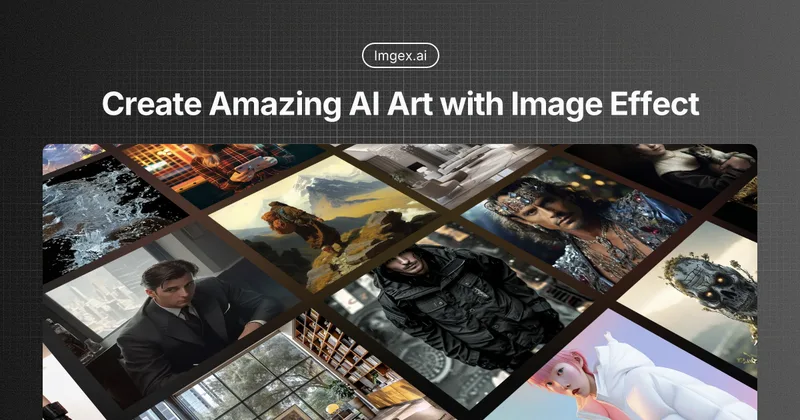
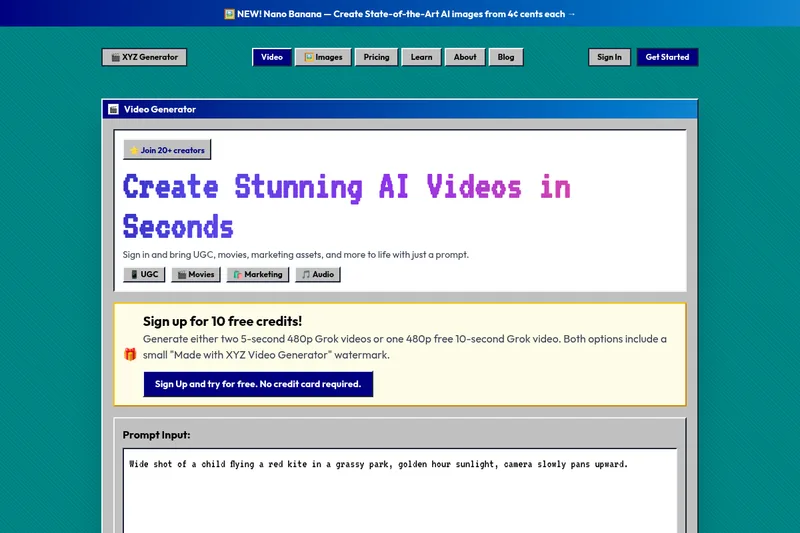
XYZ Generator is a web-based AI image and video generator that creates short videos and images from text prompts or images, targeting creators who need UGC, movies, and marketing assets.
Luma Dream Machine
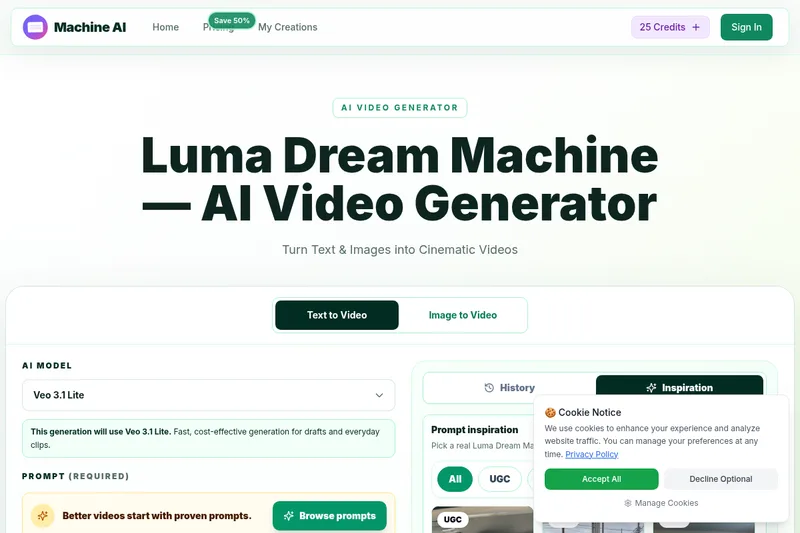
Luma Dream Machine is a web-based AI video generator that creates cinematic clips from text prompts or static images, producing up to 1080p output and designed for creators, professionals, and teams.