

Gridmaker
Grid Maker is a free, browser-based Instagram image splitter that turns any photo into multi-tile Instagram grids (3×1 through 3×6) with live preview, high-resolution output, and instant ZIP download — all processed locally for privacy.
Gridmaker is image & design software teams evaluate for image & design. Use this page to review pricing, integration signals, and the best alternatives before you commit.
Used in These Packs
Quick Overview
Best for: Image & Design
What it does
Image & Design software for decision-makers comparing workflow fit and alternatives.
Best fit
Image & Design
Pricing snapshot
Free from Free
Next step
Compare Gridmaker with similar tools before you shortlist it.
Compare this tool before you shortlist it
Review alternatives, pricing posture, and workflow fit side by side.
Gridmaker
Grid Maker (Instagram Grid Maker) is an online tool that splits a single image into multiple Instagram-ready tiles to create seamless grid and carousel posts. It supports layouts from 3×1 up to 3×6, maintains high-resolution output suitable for Instagram (1080×1080 tiles with even gutters), and runs entirely in the browser so images never leave the user's device. The tool is designed for content creators, social media managers, photographers, and anyone who wants to produce engaging Instagram carousels quickly and privately.
The product emphasizes speed and ease-of-use: upload any landscape, portrait, or square photo (up to 20MB), position and scale with drag controls and a live preview, then download all pieces as a ZIP with numbered filenames ready for posting in reverse order to preserve the reveal effect.
Grid Maker is a free, browser-based Instagram image splitter that turns any photo into multi-tile Instagram grids (3×1 through 3×6) with live preview, high-resolution output, and instant ZIP download — all processed locally for privacy.
Own this listing?
Claim this page to add pricing, features, screenshots, and verified owner details.
Claim this listingKey Features
Professional Instagram Image Splitter
Advanced splitting algorithm that generates perfectly sized Instagram tiles optimized for carousel posts and seamless feed grids.
Multiple Grid Layouts
Choose from six layouts: 3×1, 3×2, 3×3, 3×4, 3×5, and 3×6 to match different creative and engagement strategies.
Live Preview System
Real-time preview with drag controls and live cropping guides to position and scale the image before exporting.
High-Resolution Output
Exports crisp, high-quality tiles (example: nine 1080×1080 tiles for 3×3) using high-quality JPG export settings.
Instant ZIP Download
Download all generated tiles at once as a ZIP file with numbered filenames for easy upload in the correct order.
Privacy First Design
All processing happens locally in the browser; uploaded images are not sent to remote servers.
Mobile-Friendly Interface
Touch-friendly controls and responsive UI make the tool usable on smartphones and tablets.
No Registration Required
Use the tool immediately without creating an account, with unlimited, free usage and no hidden fees.
Pricing
Grid Maker is 100% free to use with no account required, no hidden fees, and unlimited grid creations.
Free
Free- Unlimited use
- No registration
- Local in-browser processing
- Export as JPG files bundled in a ZIP
Use Cases
Create Instagram Carousels
Split panoramic or single images into multiple tiles to post as a swipeable carousel that increases engagement.
Grid Feed Reveal Posts
Design feed-wide reveal effects by posting numbered tiles in reverse order to create a seamless grid on your profile.
Portfolio & Brand Presentation
Showcase photography, product shots, or campaign visuals across multiple tiles for a professional presentation on Instagram.
Mobile Content Creation
Edit, position, and export grid tiles directly from a smartphone or tablet for on-the-go social posting.
Integrations
Claim this listing to add integrations.
Benefits
Limitations
Frequently Asked Questions
What is an Instagram grid maker?
How do I split a photo into a 3×3 grid?
Can I pick layouts other than 3×3?
Is it really 100% free?
Will the split images lose quality?
Why is there a 20MB upload cap?
Can I preview before I download?
How do I keep the grid seamless after posting?
Does the tool work on mobile devices?
Getting Started
- 1 Step 1: Upload Your Image — Choose a high-quality image (landscape, portrait, or square). Maximum file size: 20MB.
- 2 Step 2: Choose Grid & Position — Select a layout (3×1 to 3×6), drag to position and scale the image, and use the live preview to check alignment.
- 3 Step 3: Download & Post — Download the tiles as a ZIP with numbered filenames and upload them to Instagram in reverse order to produce the reveal/carousel effect.
Support
Feedback form
Use the 'Share Your Feedback' option on the site to submit suggestions or report issues.
Website contact
A 'Contact Us' link is referenced on the site for company inquiries (specific contact details not provided on the page content).
Legal & policy pages
Privacy Policy and Terms of Service are available on the site for usage and privacy information.
API
Compare Gridmaker with similar tools
See how it stacks up against alternatives
Related Tools
View all 399 →
Squarefaceai
SquareFaceAI transforms selfies into unique square-faced pixel avatars in seconds using AI. It's a privacy-first, no-signup avatar generator ideal for social profiles, gaming, and creators.


Nanobananapro
Nano Banana Pro is a third‑party AI image generation and editing workspace built on advanced generative models, offering sharper 2K imagery, intelligent 4K upscaling, improved text rendering, and enhanced character consistency for creative and API-driven workflows.
Celebmakerai
CelebMakerAI is an uncensored AI content-creation platform for creators to generate photorealistic images, NSFW videos, custom AI characters, and full multi-scene productions with marketplace-trained models and monetization options.

AI Ultra Editing by Thumblify
ThumblifyAI is an AI-powered thumbnail generator designed to create professional, eye-catching thumbnails from text prompts, sketches, or personalized training on your face and style, helping creators produce scroll-stopping thumbnails quickly and easily.

Swaperface
SwaperFace is a browser-based AI face swapper that lets users replace faces in photos and videos quickly and easily for memes, social content, or entertainment. It emphasizes fast processing, realistic results, and privacy protections.

Zimage
Z-Image is a next-generation, open-source AI image generation and editing foundation model (6B parameters) that emphasizes ultra-fast inference, high-quality outputs, and accurate bilingual (Chinese + English) text rendering for production and creative workflows.
Premium Alternatives



Claude Sonnet 4.5
Claude Sonnet 4.5 is a state-of-the-art AI coding model designed for building complex agents and using computers effectively. It excels in reasoning, math, and long-duration autonomous coding tasks, making it ideal for developers, researchers, and professionals in finance, law, medicine, and STEM fields.


Writingmate
WritingMate.ai appears to be an AI-powered writing product sold through Lemon Squeezy. The public page provides pricing information but includes minimal product detail.

Momentum AI
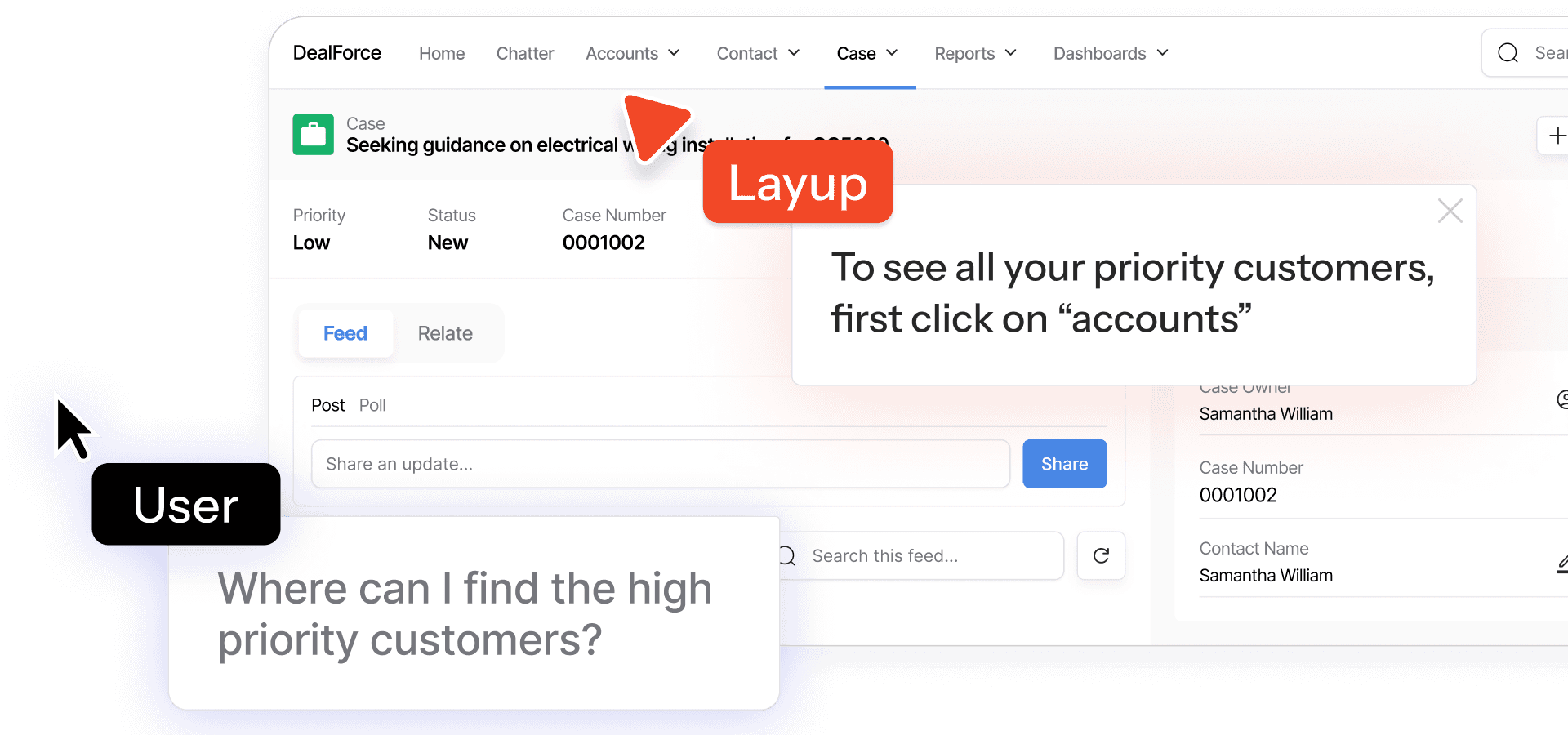
Momentum AI is a production-ready Retrieval-Augmented Generation (RAG) starter kit that provides a complete full-stack application for building AI chatbots capable of understanding documents. It offers a fast setup, free local LLM integration, and comprehensive documentation, designed for developers, indie hackers, companies, and students.
%22%2F%3E%20%3Ctext%20x%3D%2250%25%22%20y%3D%2250%25%22%20dominant-baseline%3D%22central%22%20text-anchor%3D%22middle%22%20font-family%3D%22system-ui%2C-apple-system%2Csans-serif%22%20font-weight%3D%22700%22%20font-size%3D%2250%22%20fill%3D%22white%22%3EK%3C%2Ftext%3E%20%3C%2Fsvg%3E)