

hitpaw-photo-ai
HitPaw FotorPea (formerly HitPaw Photo Enhancer) is an AI-powered photo enhancement tool that denoises, unblurs, colorizes, upscales (to multi‑K resolutions) and generates images using models like Nano Banana Pro. It is available as desktop apps for Windows and Mac, an online service, mobile apps, and a Photoshop plugin.
hitpaw-photo-ai is image & design software teams evaluate for image & design. Use this page to review pricing, integration signals, and the best alternatives before you commit.
Profile facts come from the vendor source. AiMatch labels unknown pricing or API details instead of estimating them.
Review official source →Used in These Packs
Quick Overview
Best for: Image & Design
What it does
Image & Design software for decision-makers comparing workflow fit and alternatives.
Best fit
Image & Design
Pricing snapshot
Freemium from Free (trial requires email to get download link and activate 7-day trial)
Next step
Compare hitpaw-photo-ai with similar tools before you shortlist it.
Compare this tool before you shortlist it
Review alternatives, pricing posture, and workflow fit side by side.
HitPaw FotorPea (formerly HitPaw Photo Enhancer) is an AI-driven image enhancement suite designed to automatically improve image quality, restore blurred or damaged photos, and upscale images to high resolutions. The product uses multiple trained AI models (General, Denoise, Face, Colorize and proprietary models such as Nano Banana Pro) to unblur, denoise, colorize, repair scratches, and upscale images up to 4K/8K/32K/16K as described on the product page. It is offered as downloadable desktop apps for Windows and macOS, an online service, mobile apps, and a Photoshop plugin, targeting photographers, e-commerce sellers, archivists, and other users who need professional-quality image restoration and upscaling.
The product page emphasizes one-click AI enhancements, batch processing for multiple images, and features tailored for real-world workflows (ID photo sizing, background removal, AI Swap, portrait generation). System requirements, supported formats, and step-by-step enhancement instructions are provided for users to get started.
AI photo enhancer for quality improvement, unblurring, and object removal.
Own this listing?
Claim this page for a one-time $29 to add pricing, features, screenshots, verified owner details, and a clearly labeled 30-day category position after the profile is live.
Claim this listing for $29Key Features
Multi-Model AI Enhancement
Offers nine AI models (General, Denoise, Face, Colorize, etc.) including Nano Banana Pro for tasks such as deblurring, denoising, colorizing and generative enhancement.
Magic Upscaler / Ultra-Resolution
One-click upscaling that boosts resolution (claims up to 4K/8K/32K/16K) while preserving and reconstructing detail using AI models.
Unblur / Motion Blur Repair
AI-driven blur repair that corrects motion blur and out-of-focus images, restoring facial and texture detail.
Denoise and Grain Removal
Removes noise, JPEG artifacts and film grain while preserving natural textures and shadow/highlight detail.
Colorize and Scratch Repair
Colorizes black-and-white images, restores faded colors and repairs surface scratches in historical photos.
AI Generator (Nano Banana Pro)
Generative model that can transform text or images into new artwork in varied styles (portraits, landscapes, anime, digital art).
Background Remover
Instant background detection and removal with smooth edges and flexible output transparency options.
AI Swap and Portrait Generator
Realistic face swaps and customizable portrait generation with natural tones, lighting and blends.
Batch Photo Enhancement
Batch processing to enhance multiple images at once for faster workflows—useful for catalogs and bulk projects.
Photoshop Plugin
A professional Photoshop plugin is available to run FotorPea features directly within Photoshop (plugin downloads and a note that its subscription/credits are separate).
Supported Formats and Platforms
Supports many input/output formats (.png, .jpg, .jpeg, .webp, .tif, .tga, .bmp, .jfif, .nef, .raw) and runs on Windows, macOS, online, and mobile (iOS/Android).
Pricing
7-day free trial available by entering an email to receive the download link and activate the trial.
7-Day Free Trial
Free (trial requires email to get download link and activate 7-day trial)- Full trial access described as 'Try It Free' and 'Start Your 7-Day Free Trial'
Paid / Pro
Not specified on the product page (calls to action: 'Buy Now', 'Up to 35% OFF')- Paid purchase options and discounts are promoted on the page; exact plan names and prices are not listed on the provided content.
Use Cases
Restoring Old or Damaged Photos
Colorize, scratch-repair and restore faded historical or family photos to museum-grade visuals using Colorize and Scratch Repair models.
E-commerce and Product Images
Upscale and sharpen product photos to professional quality for catalogs, listing images and marketing materials to improve visual appeal and conversion.
Low-light and Action Photography Recovery
Denoise and unblur shots taken in poor light or with motion to recover usable, high-detail images from otherwise compromised captures.
Batch Enhancement for Catalogs
Process many images in bulk to save time when working on large product libraries or event galleries.
ID and Passport Photos
Auto-size and optimize images to meet passport, visa and ID photo requirements quickly.
Creative Image Generation
Use Nano Banana Pro and portrait generator features to create new images in different artistic styles for content creation and design.
Integrations
Photoshop Plugin
A professional plugin to run FotorPea features inside Photoshop; the plugin is free to try but its subscription and credits for cloud processing are separate from the desktop software.
Benefits
Limitations
Frequently Asked Questions
What is the best photo enhancer for PC?
How can I improve my photo resolution to HD, 2K, 4K, 8K, or even 16K?
How to enlarge photos with HitPaw FotorPea's photo quality enhancer?
Is HitPaw Photo Enhancer now called HitPaw FotorPea?
Can I use HitPaw FotorPea as a photo enhancer plugin in Photoshop?
Can I enhance multiple pictures at once?
Getting Started
- 1 Step 1: Download or open FotorPea (Windows/Mac app, try online or mobile app) and launch the application.
- 2 Step 2: Upload the image(s) you want to enhance (drag & drop or Choose Files).
- 3 Step 3: Select an AI model appropriate to the image (Face Model, Denoise Model, Colorize Model, Upscale) and preview the result, then export when satisfied.
Support
Docs / Support Center
The site includes a Support Center and Help resources (support links and FAQs are listed on the site navigation).
Policies / Account Management
Site-level pages referenced on the product page include Refund Policy, How to Register, Cancel Subscription and other account-related resources.
API
Compare hitpaw-photo-ai with similar tools
See how it stacks up against alternatives
Related Tools
View all 378 →


ArtiverseHub AI (Nano Banana Pro)
ArtiverseHub AI (Nano Banana Pro) is an all-in-one AI creative platform for generating images and video from natural-language prompts, managing multiple image models through a unified interface, and supporting creators with credits, private generations, and commercial rights.
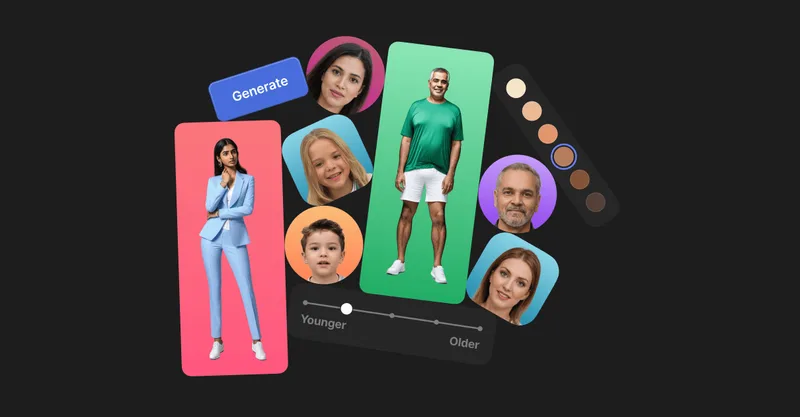
Generated Photos
Generated Photos provides AI-generated, photorealistic faces and full-body humans for creative and commercial projects, offering searchable galleries, real-time generators, datasets, and API/bulk options to scale usage.

T-Rex Label
T-Rex Label is a browser-based AI annotation tool for building computer-vision datasets. Users provide visual prompts such as a bounding box, and its zero-shot detection model can identify similar objects and apply prompts across images without fine-tuning.


ImageUpscalerAI
ImageUpscalerAI is a web-based AI image upscaler that enlarges photos, cartoons and other images (up to 400%/200%) using an AI engine; it offers a free limited tier and a PRO subscription with no conversion limits and a commercial usage license.
Premium Alternatives

imaginebuddy
Imagine Buddy is a web-based library of professionally crafted AI product photoshoot prompts that helps creators and brands generate campaign-ready product imagery using AI image generators like Gemini, ChatGPT/DALL·E, Midjourney, and Stable Diffusion.
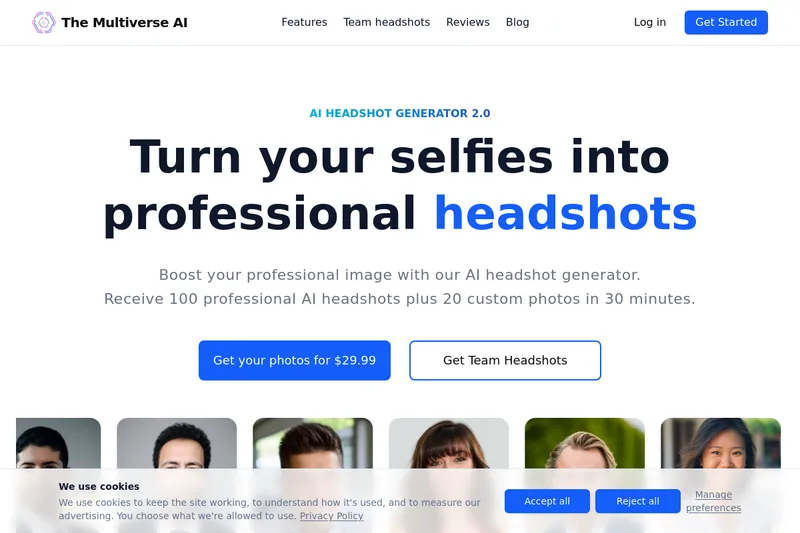
Themultiverse
The Multiverse AI is a commercial AI headshot generator that turns user selfies into professional-quality headshots and team portraits, offering a 30-minute turnaround and an editable set of generated images for individual professionals and corporate teams.
DreamPic.AI
DreamPic.AI is a web service that uses AI (Stable Diffusion + DreamBooth) to train a personalized model from user photos and generate high-resolution, stylized images and avatars of people in hundreds of styles.

Image-AI.pro
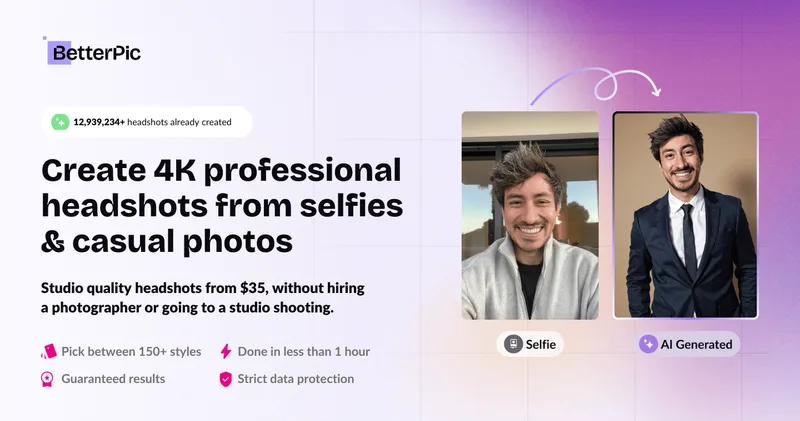
Image-AI.pro is a professional AI image generation platform powered by the proprietary img-v2 Pro engine, offering studio-quality, multi-style image generation with instant, no-registration access and an optional VIP membership for faster, higher-resolution outputs.
Createacaricatureofme
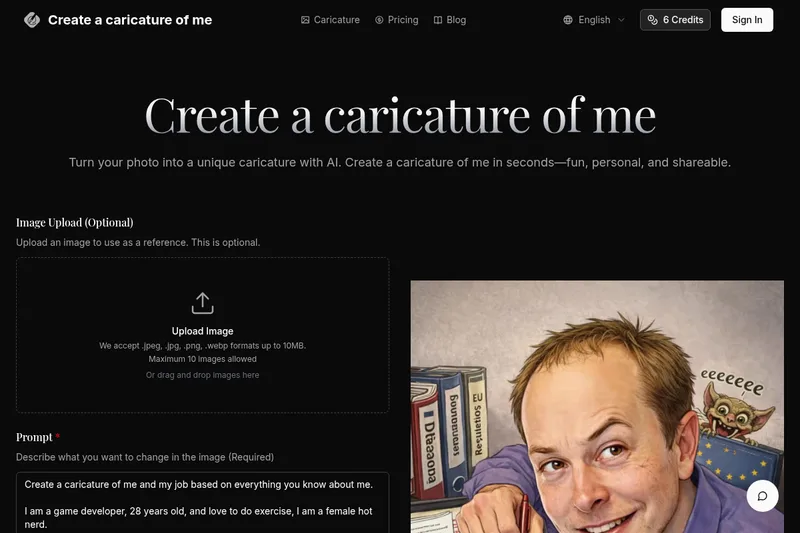
Create a Caricature of Me is a web-based AI image tool that turns user photos into personalized caricatures in seconds. Users can upload images, provide a prompt, choose AI models and output formats, then generate and download stylized caricatures for social, personal, or light professional use.