Image to Text Converter
Online Image to Text Converter (Imagetotext.io) is a freemium web tool that uses OCR (including Tesseract and Python libraries) to extract editable text from images, screenshots, handwritten notes, and scanned documents.
Image to Text Converter is image & design software teams evaluate for image & design. Use this page to review pricing, integration signals, and the best alternatives before you commit.
Profile facts come from the vendor source. AiMatch labels unknown pricing or API details instead of estimating them.
Review official source →Used in These Packs
Quick Overview
Best for: Image & Design
What it does
Image & Design software for decision-makers comparing workflow fit and alternatives.
Best fit
Image & Design
Pricing snapshot
Freemium from Free (daily limits apply)
Next step
Compare Image to Text Converter with similar tools before you shortlist it.
Compare this tool before you shortlist it
Review alternatives, pricing posture, and workflow fit side by side.
Image to Text Converter (Imagetotext.io) is an online OCR-based tool that converts images (JPG, PNG, GIF, JPEG, BMP, TIFF, WEBP, and PDF) into editable text. The service is built using OCR technologies including Tesseract and Python libraries, and supports extraction from screenshots, handwritten notes, printed pages, and scanned documents. It is offered as a freemium web application with optional paid upgrades for higher usage limits and additional features, and supports multiple languages (including Chinese, Indonesian, Danish, German, English, Spanish, French, Italian, Polish, Portuguese, Romanian, Swedish, Czech, Russian, Thai, Korean, Arabic, Turkish, Dutch, and Vietnamese).
Convert images, screenshots, and scanned documents into editable text using OCR. Image to Text Converter is a AI Tool featured on Dang.ai. Learn more about Image to Text Converter's AI tool.
Own this listing?
Claim this page for a one-time $29 to add pricing, features, screenshots, verified owner details, and a clearly labeled 30-day category position after the profile is live.
Claim this listing for $29Key Features
OCR engine (Tesseract & Python libraries)
The tool is developed using OCR, Tesseract, and other Python libraries to perform text recognition from images.
Supports many file formats
Accepts JPG, PNG, JPEG, BMP, GIF, TIFF, WEBP and PDF input formats.
Low-resolution & noisy image handling
Advertised capability to extract text from blurry and low-resolution images with high accuracy.
Mathematical expression detection
Claims ability to detect and extract mathematical syntax such as arithmetic equations and polynomial expressions.
Multiple languages
Supports extraction across numerous languages (EN, ID, DE, FR, ES, IT, PL, RO, SV, CS, RU, TH, KO, CH, PT, AR, VI, TR, NL and more).
Download & copy results
Extracted text can be copied to clipboard or downloaded as a .txt file; provides formatted text, HTML and Markdown output options.
Freemium usage with upgrade options
Free usage is available with daily limits; premium upgrade unlocks higher limits and features like history access.
Pricing
Freemium: free access with daily limits; upgrade required to unlock history and higher usage.
Free / Freemium
Free (daily limits apply)- Basic image to text extraction
- Copy to clipboard and download options
- Daily usage limit
Monthly - $6
$6- 10K Credits Monthly
Monthly - $9
$9- 22K Credits Monthly
Monthly - $20
$20- 100K Credits Monthly
Use Cases
Data extraction for offices
Convert invoices, receipts, forms and other documents into editable text for databases and spreadsheets.
Accessibility
Make printed or handwritten content accessible (e.g., readable by screen readers) by converting images to text.
Digitizing books and documents
Transform printed books, articles and scanned materials into searchable and editable digital text.
Editing and reuse of text
Extract text from screenshots or photos to edit, copy, or share content easily.
Educational note digitization
Students can convert handwritten notes and lecture materials into digital text for organization and study.
Legal and compliance document processing
Extract key information from contracts, printed legal documents, and government forms for review and indexing.
Business automation
Automate manual paperwork and data entry processes to optimize data management and reduce manual errors.
Media and publishing
Extract text from newspaper images or clippings for sharing on social platforms or repurposing content.
Integrations
Tesseract (OCR library)
Underlying OCR engine mentioned as part of the tool's implementation for text recognition.
Benefits
Limitations
Frequently Asked Questions
How To Copy Text From Image?
How does our Photo To Text Tool Works?
Why do I need to extract text from images?
How can I convert handwritten notes into text?
Will my data remain secure?
Getting Started
- 1 Step 1: Upload an image by dragging & dropping, browsing files, pasting, or entering an image URL (supported formats: JPG, PNG, JPEG, BMP, GIF, TIFF, WEBP, PDF).
- 2 Step 2: Click the 'Submit and Extract' button to run the OCR and extract text from the uploaded image.
- 3 Step 3: Copy the extracted text to clipboard or use the Download icon to save the text as a .txt file; upgrade or sign up if you need higher daily limits or history access.
Support
Contact support via [email protected] as listed on the site.
docs/blog
Blog and help content available via the site's Blog and Tools pages for guidance and examples.
contact page
Site includes a 'Contact Us' link for additional inquiries.
API
Compare Image to Text Converter with similar tools
See how it stacks up against alternatives
Related Tools
View all 378 →
Themultiverse
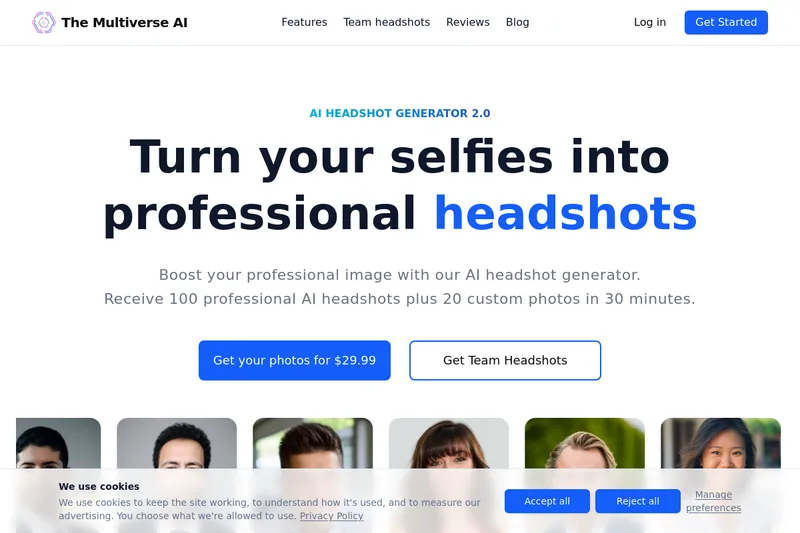
The Multiverse AI is a commercial AI headshot generator that turns user selfies into professional-quality headshots and team portraits, offering a 30-minute turnaround and an editable set of generated images for individual professionals and corporate teams.
Nano-bananapro
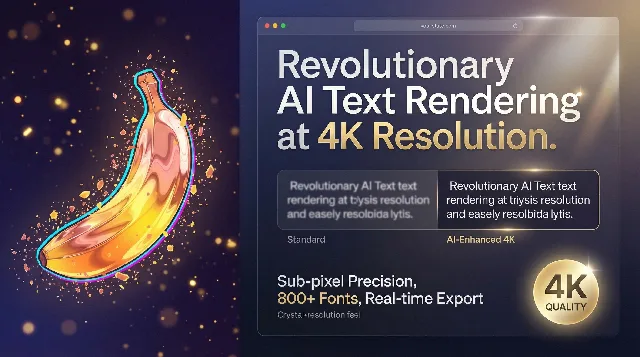
Nano Banana Pro is a free AI-powered 4K image generator and editor that provides integrated style transfer, outpainting, and 4x upscaling in a single workspace, aimed at producing high-resolution visuals with crisp typography and multilingual consistency.
Zimageturbo
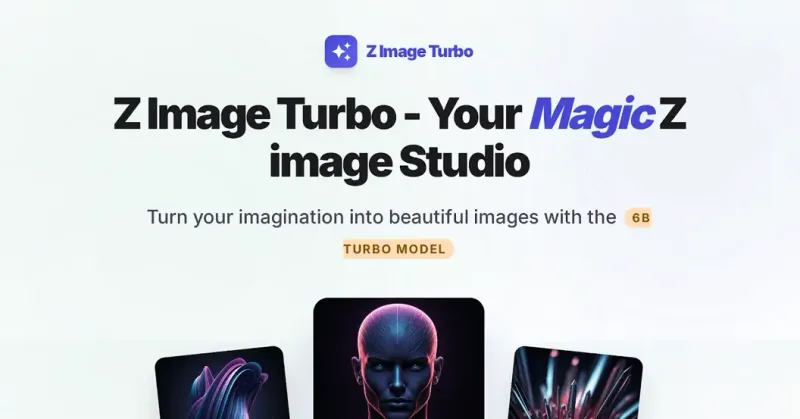
Z Image Turbo is an independent AI image-generation service that uses a '6B Turbo' model to produce photorealistic images in seconds, offering browser and local deployment, multilingual (English/Chinese) prompt support, pro editing tools, and open-source licensing.
Objectremover
Object Remover is a free, browser-based AI object removal tool that uses AI inpainting to erase unwanted people, text, logos, wires, and other distractions from JPG/PNG/WebP photos without sign-up or usage limits.

Nanobanana
Nano Banana is a web-based AI image editor that enables natural-language text-based image edits, consistent multi-character editing, and high-resolution scene-preserving transformations for creators and professionals.

ChatGPT Image Generator
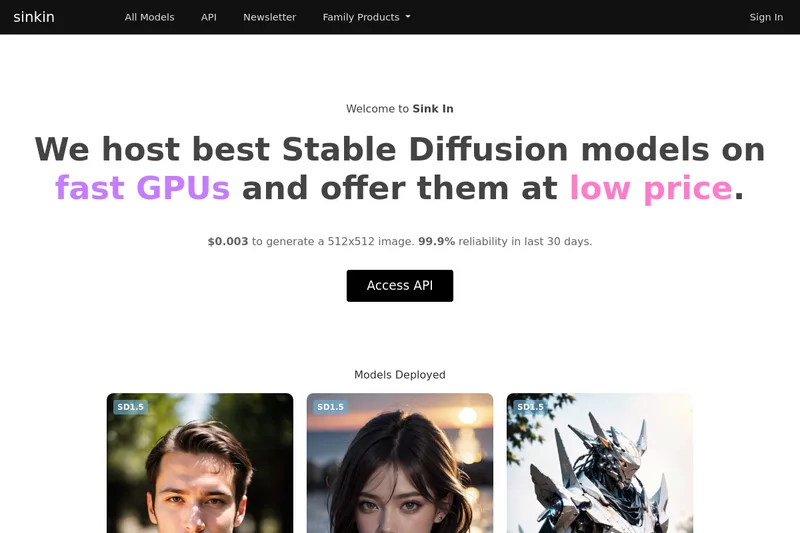
ChatGPT Image Generator is a web-based text-to-image tool that produces AI-generated visuals (up to 4K) from user prompts, offering multiple styles, multi-image generation, and a developer-friendly API for integration.
Premium Alternatives

Aithumbnail
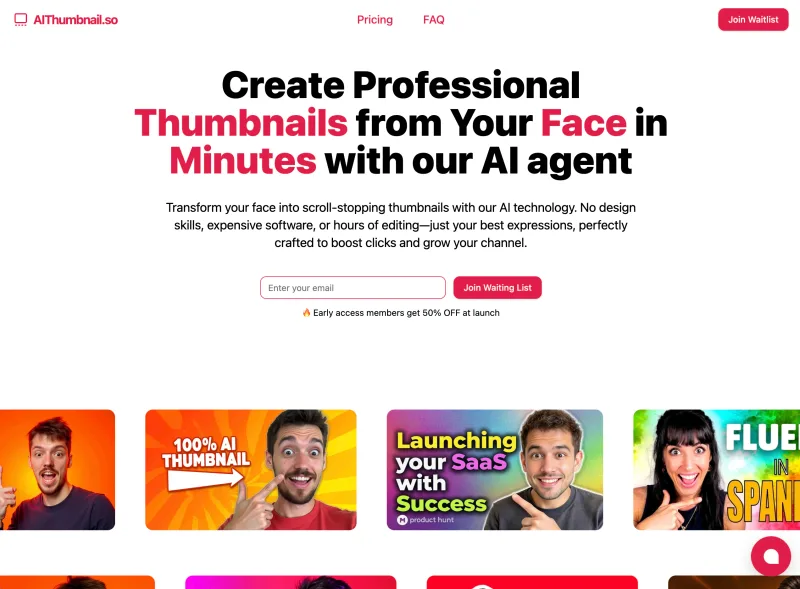
AIThumbnail.so is an AI-powered thumbnail maker for YouTube and creators that generates high-converting thumbnails in under a minute, offering features like Replica Mode, one-photo face integration, and AI smart suggestions to boost CTR and views.

Artiphoria AI
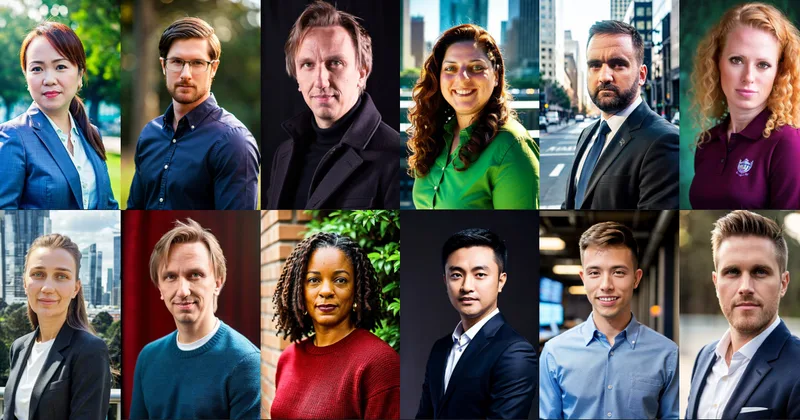
Artiphoria AI is a web-based AI image generation software that creates unique images in one click using neural networks and machine learning, aimed at artists, designers, creators and businesses.
phopet
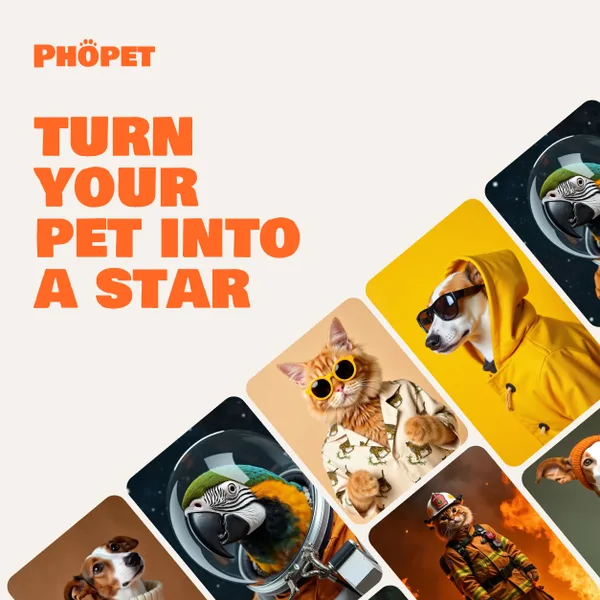
Phopet is a pet-focused image-generation service that trains a custom AI model from user-uploaded pet photos to produce themed, studio-quality images, upscaled prints, and merchandise-ready assets. It targets pet owners who want personalized photo packs and creative stories featuring their pets.