
ImageUpscalerAI
ImageUpscalerAI is a web-based AI image upscaler that enlarges photos, cartoons and other images (up to 400%/200%) using an AI engine; it offers a free limited tier and a PRO subscription with no conversion limits and a commercial usage license.
ImageUpscalerAI is image & design software teams evaluate for image & design. Use this page to review pricing, integration signals, and the best alternatives before you commit.
Profile facts come from the vendor source. AiMatch labels unknown pricing or API details instead of estimating them.
Review official source →Used in These Packs
Quick Overview
Best for: Image & Design
What it does
Image & Design software for decision-makers comparing workflow fit and alternatives.
Best fit
Image & Design
Pricing snapshot
Freemium from Billed monthly or annually (no specific price shown on page)
Next step
Compare ImageUpscalerAI with similar tools before you shortlist it.
Compare this tool before you shortlist it
Review alternatives, pricing posture, and workflow fit side by side.
ImageUpscalerAI is a browser-based tool that uses AI to upscale images — including photos, cartoons and other image types — offering scale options (examples shown: 400% and 200%) and a preserve-dimensions toggle. The site provides a free tier with a conversion limit (noted as 1 per 24 hours) and a paid PRO subscription that removes limits, offers higher quality and faster processing, and grants a commercial usage license for one person. The service states that uploaded images are deleted after 24 hours and that the AI backend is a fork of imaginAIry; the site is implemented with Django and branded as ImageUpscalerAI.com.
AI-powered web tool to enhance image quality and resolution quickly.
Own this listing?
Claim this page for a one-time $29 to add pricing, features, screenshots, verified owner details, and a clearly labeled 30-day category position after the profile is live.
Claim this listing for $29Key Features
AI-powered upscaling
Uses an AI engine (a fork of imaginAIry) to upscale photos, cartoons and images.
Scale options
Supports upscaling options referenced as 400% and 200%, with a "Preserve dimensions" option.
Drag-and-drop upload
Upload images by dragging and dropping or selecting files via the web interface.
Temporary storage policy
Uploaded images are deleted after 24 hours.
PRO subscription features
PRO removes conversion limits, provides faster and higher-quality images, makes images private, removes prompt restrictions, and includes a commercial usage license for one person.
Built on open tooling
The site indicates it is developed with Django and uses a fork of imaginAIry for AI processing.
Pricing
Free tier available with a conversion limit of 1 per 24 hours; specific limits and quotas shown on the site.
PRO
Billed monthly or annually (no specific price shown on page)- No conversion limit
- No restricted functions
- Request extra conversion tools
- Faster and higher-quality images
Use Cases
Photo upscaling
Enlarge and enhance photographic images using AI to improve resolution and quality.
Cartoon and artwork upscaling
Upscale cartoons, illustrations and other non-photographic images while preserving visual detail.
Quick one-off enhancements
Use the free web interface for occasional single-image upscales (limited to conversions per 24 hours).
Integrations
imaginAIry (fork)
The site states it uses a fork of imaginAIry to power the AI upscaling backend.
API
An 'API' item appears in the site navigation, indicating developer/API access is referenced on the site (no details on endpoints on the main page).
Benefits
Limitations
Frequently Asked Questions
No verified FAQs are available.
Getting Started
- 1 Step 1: Open the ImageUpscalerAI web app and drag-and-drop or select an image to upload.
- 2 Step 2: Choose an upscale option (e.g., 200% or 400%) and set the Preserve dimensions option if desired.
- 3 Step 3: Process the image; sign up or upgrade to PRO to remove conversion limits and access private/commercial-use results.
Support
Contact page
The site lists 'Contact us' for support or inquiries (use site contact link).
Developers / API
A 'Developers' and 'API' entry appear in the site navigation for developer resources (follow those links on the site for details).
Legal / policy
Privacy policy and Terms of service are available on the site for legal and usage information.
API
Compare ImageUpscalerAI with similar tools
See how it stacks up against alternatives
Related Tools
View all 386 →
phopet
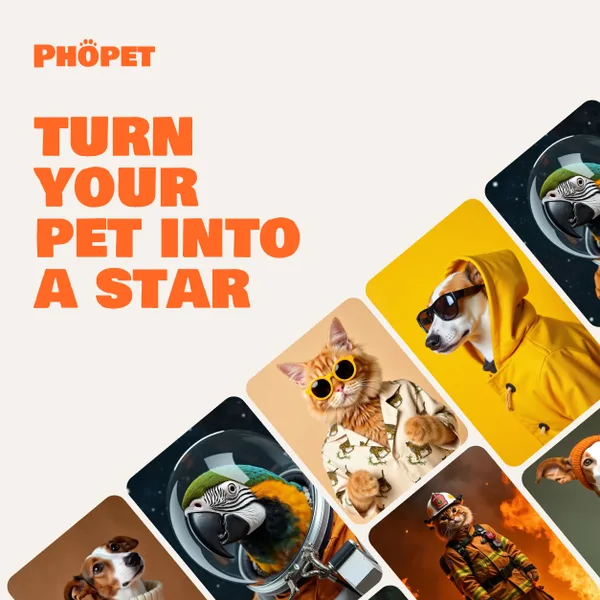
Phopet is a pet-focused image-generation service that trains a custom AI model from user-uploaded pet photos to produce themed, studio-quality images, upscaled prints, and merchandise-ready assets. It targets pet owners who want personalized photo packs and creative stories featuring their pets.

Imagetoprompt
Image to Prompt is a free, AI-powered web tool that analyzes uploaded images and generates detailed text prompts for AI art generators (e.g., Stable Diffusion, Midjourney, DALL‑E) in multiple languages to speed up creative workflows.
Bestfaceswap
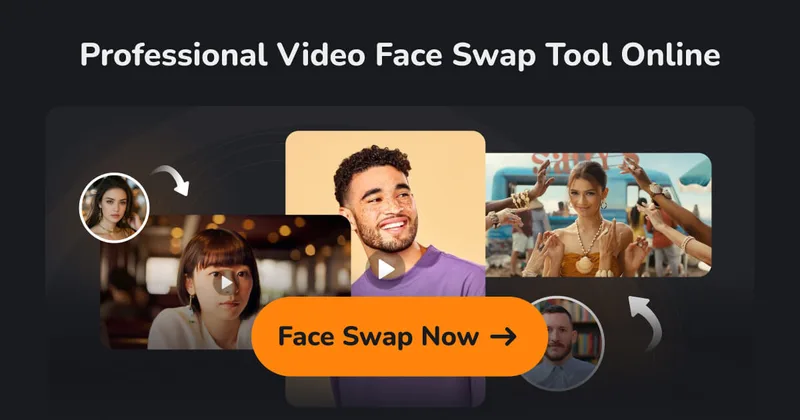
BestFaceSwap is a web-based AI face swapping service for photos and videos that creates realistic, high-quality face swaps using facial landmark detection, 3D reconstruction, and depth maps — aimed at creators and filmmakers.
Bulk Image Generation
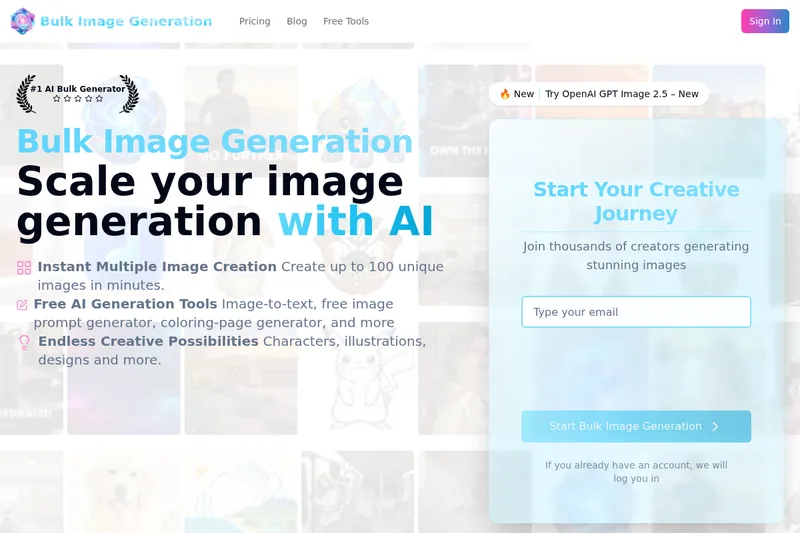
Bulk Image Generation is a web-based AI image generator that creates large batches of images (up to 100) in seconds using the Flux 1.1 model, and includes free tools for prompt generation, image-to-text, bulk editing, resizing, and other resources for creators and professionals.
Themultiverse
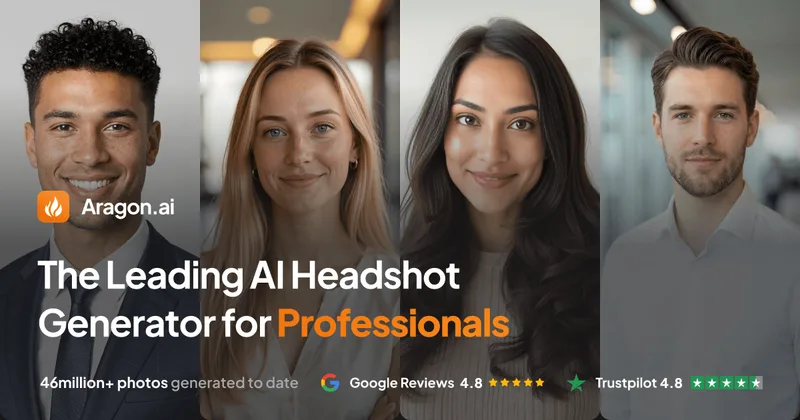
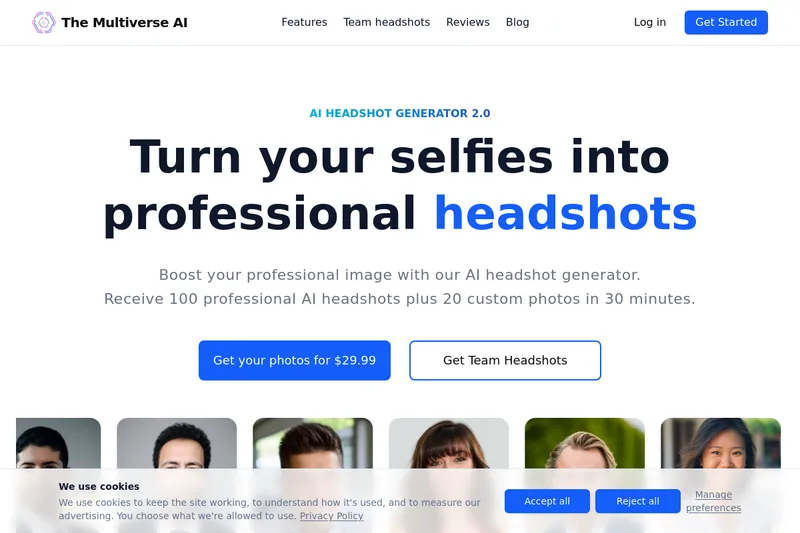
The Multiverse AI is a commercial AI headshot generator that turns user selfies into professional-quality headshots and team portraits, offering a 30-minute turnaround and an editable set of generated images for individual professionals and corporate teams.
Premium Alternatives
Photostudio
Blockode AI Photo Studio is an AI-powered photoshoot generator that trains a custom model from your uploaded selfies to produce stylized, high-resolution AI photoshoots. It targets users who want custom-generated portraits with options for commercial use.
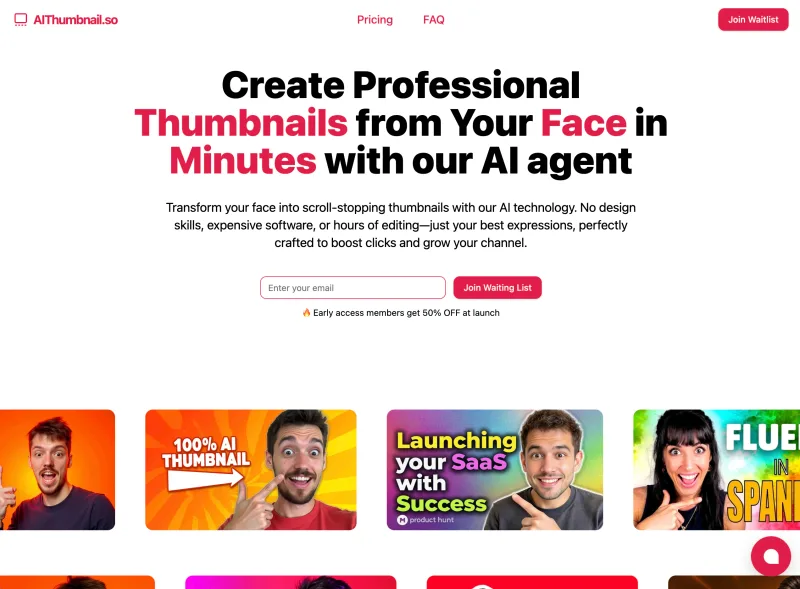
Aithumbnail
AIThumbnail.so is an AI-powered thumbnail maker for YouTube and creators that generates high-converting thumbnails in under a minute, offering features like Replica Mode, one-photo face integration, and AI smart suggestions to boost CTR and views.
phopet
Phopet is a pet-focused image-generation service that trains a custom AI model from user-uploaded pet photos to produce themed, studio-quality images, upscaled prints, and merchandise-ready assets. It targets pet owners who want personalized photo packs and creative stories featuring their pets.

Prophotos
ProPhotos is a commercial AI-powered headshot generator that creates photorealistic, industry-specific professional headshots from user-uploaded photos, aimed at individuals and enterprises wanting quick, production-ready portraits for LinkedIn, resumes, and corporate use.
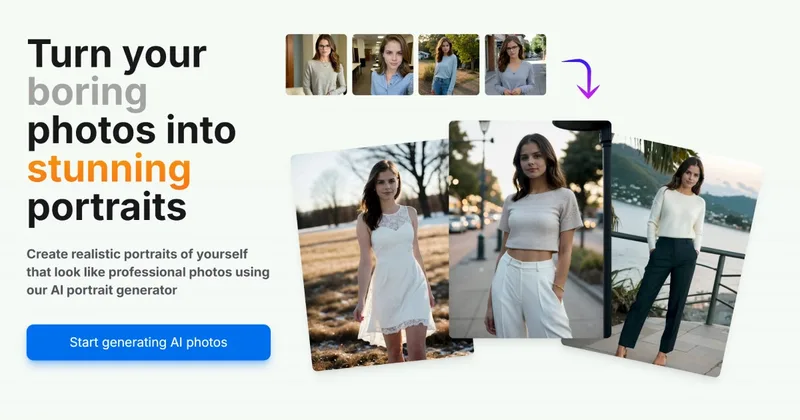
Aiportraitgen
AI Portrait Gen is an online AI portrait generator that creates realistic, high-quality portrait photos from a few user-supplied photos. It offers customizable locations, outfits and styles, pay-as-you-go credits (no subscription), and privacy protections for uploaded images.
drawingpics
DrawingPics is a native macOS app for Apple Silicon that converts sketches into photorealistic or stylized images in real time using Core ML and the Apple Neural Engine. It runs fully offline, is available as a one-time purchase, and targets creators and small studios.

Artiphoria AI
Artiphoria AI is a web-based AI image generation software that creates unique images in one click using neural networks and machine learning, aimed at artists, designers, creators and businesses.