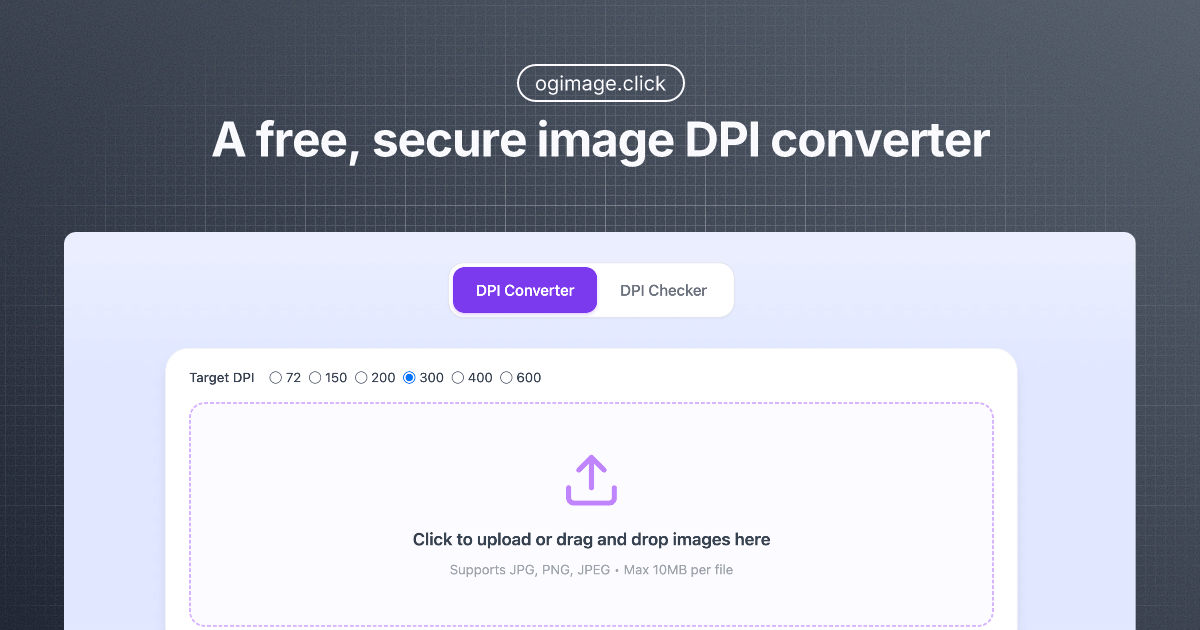
Imagedpi
A free, browser-based Image DPI Converter and Checker that lets you inspect and change image DPI locally without uploads — preserving privacy while preparing images for print or web.
Imagedpi is image & design software teams evaluate for creative & design. Use this page to review pricing, integration signals, and the best alternatives before you commit.
Used in These Packs
Quick Overview
Best for: Creative & Design
What it does
Image & Design software for decision-makers comparing workflow fit and alternatives.
Best fit
Creative & Design
Pricing snapshot
Free from Free
Next step
Compare Imagedpi with similar tools before you shortlist it.
Compare this tool before you shortlist it
Review alternatives, pricing posture, and workflow fit side by side.
Imagedpi
Image DPI Converter (ImageDPI) is a free, secure web tool for checking and changing the DPI (dots per inch) metadata of image files directly in your browser. The tool processes files locally (no uploads), supports common formats like JPEG, PNG and WebP, and is designed for users who need to prepare images for printing or web display while keeping files private. It offers single-file and batch processing, preset targets (e.g., 72, 150, 300 DPI), and simple drag-and-drop uploading with a 20MB per-file limit.
The product is aimed at photographers, designers, print shops, and anyone preparing images for printing who needs to ensure correct DPI metadata and print sizing without changing pixel data or sending files to a server.
A free, browser-based Image DPI Converter and Checker that lets you inspect and change image DPI locally without uploads — preserving privacy while preparing images for print or web.
Own this listing?
Claim this page to add pricing, features, screenshots, and verified owner details.
Claim this listingKey Features
Local Processing & Privacy
All image processing occurs in your browser so files are never uploaded or stored on a server, ensuring 100% local privacy.
DPI Checker
Instantly reads and displays DPI metadata and other relevant file information so you can understand current print-resolution settings.
DPI Converter / Changer
Change the DPI metadata of images (e.g., set to 72, 150, 300, 600 or a custom DPI) to prepare for different print or screen needs without re-encoding pixels.
Professional 300 DPI Preset
A one-click option to set images to 300 DPI, the common standard for high-quality photo printing.
Batch Processing
Process multiple images at once to apply consistent DPI settings across a collection.
Smart DPI Enhancer
Algorithms and intelligent handling to adjust DPI metadata and provide guidance on print-size implications (does not add pixels).
Universal Format Support
Supports major formats including JPEG, PNG and WebP, maintaining format compatibility while updating DPI metadata.
Drag & Drop Upload (Max 20MB)
Simple drag-and-drop or click-to-select upload interface with a 20MB per-file limit.
Quick Access Presets
Common resize and DPI presets (e.g., 1920x1080, 1280x720, 300x300, etc.) for fast workflows.
Pricing
Free: The DPI tools are available at no cost and run locally in the browser (max 20MB per file).
Free
Free- Access to DPI checker and DPI converter
- Local in-browser processing (no uploads)
- Batch processing
- Supports JPEG, PNG, WebP
Use Cases
Prepare images for professional printing
Set images to 300 DPI and verify metadata so photos and graphics print at the intended physical size and sharpness.
Optimize images for web
Convert images to lower DPI values (72–96 DPI) appropriate for screens to avoid unnecessary file size increases while maintaining on-screen appearance.
Batch-adjust image collections
Apply consistent DPI metadata across multiple files when preparing albums, portfolios, or collections for print production.
Check DPI and metadata
Inspect image files to diagnose why images may print smaller than expected or to confirm current DPI and file metadata.
Integrations
Claim this listing to add integrations.
Benefits
Limitations
Frequently Asked Questions
What does DPI stand for?
What's the difference between DPI and PPI?
How can I check the DPI of my images?
Can I increase image DPI without losing quality?
What DPI should I use for printing photos?
Does changing DPI affect image quality?
Can I process multiple images at once?
Is my data safe when using the tool?
What image formats do you support?
Why do some images print smaller than expected?
Getting Started
- 1 Step 1: Upload Your Image — Drag & drop or click to select an image (supported: JPEG, PNG, WebP; max 20MB).
- 2 Step 2: Set Target DPI — Choose a preset (72, 150, 300, 600) or enter a custom DPI value for print optimization.
- 3 Step 3: Download Results — Download the processed file with updated DPI metadata immediately.
Support
Feedback form
Use the "Share Your Feedback" modal on the site to submit suggestions or report issues.
Contact page
A 'Contact Us' link is present on the site for company inquiries (specific contact details not provided on the page content).
Documentation / FAQs
On-site FAQ section provides answers to common questions about DPI, file formats, and usage.
API
Compare Imagedpi with similar tools
See how it stacks up against alternatives
Related Tools
View all 400 →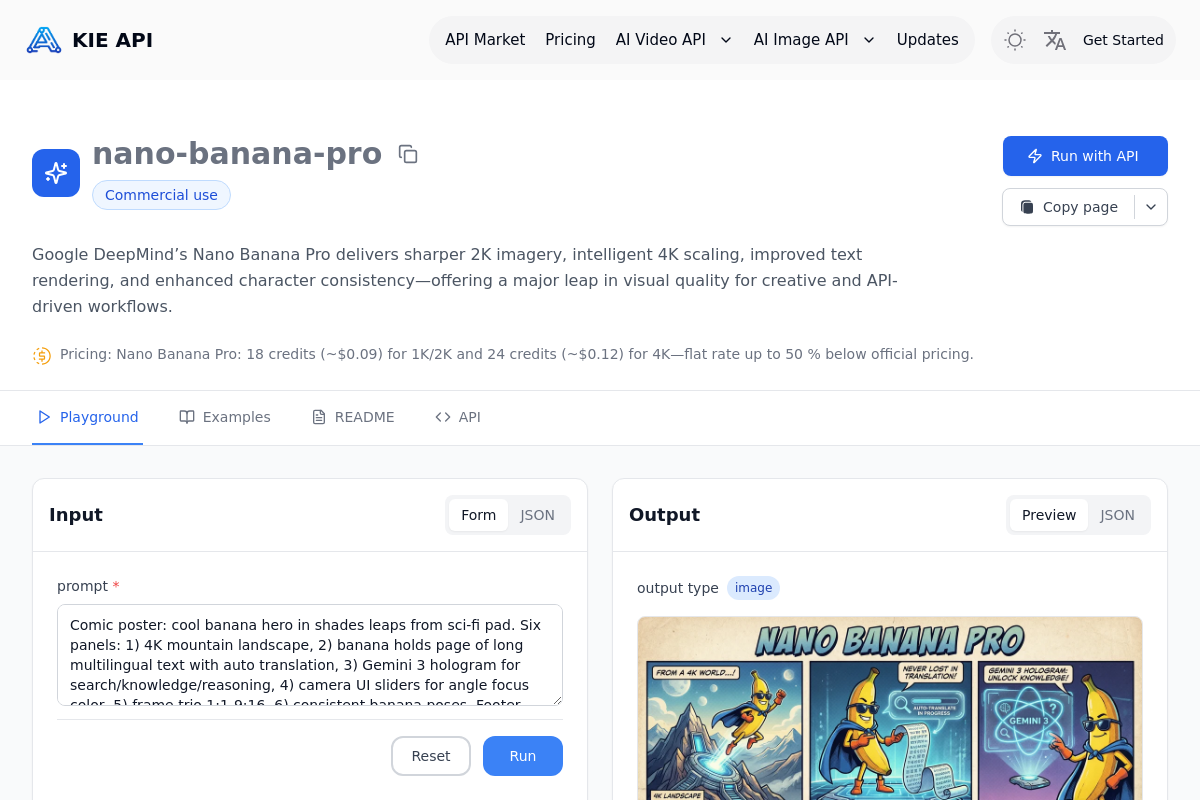
Kie
Kie.ai provides an affordable, integration-friendly way to access Google DeepMind’s Nano Banana Pro (Gemini 3.0 Pro Image) for high-fidelity 1K–4K text-to-image and image-to-image generation with improved text rendering, character consistency, and flexible aspect-ratio control.

Hairstyleai
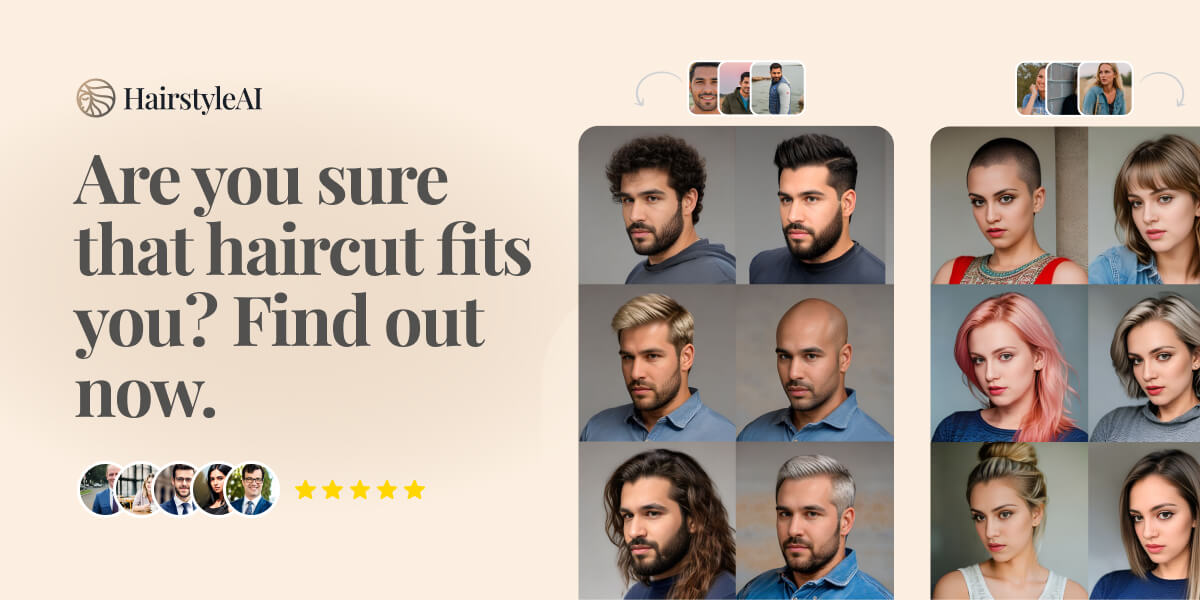
HairstyleAI is a virtual AI-powered hairstyle try-on service for men and women that generates photorealistic images of you in different haircuts so you can preview styles before committing to a real haircut.

Aifengshui
AI Feng Shui is a web tool that uses computer vision and feng shui principles to analyze bedroom and home layouts, giving practical placement, flow, and balance recommendations for modern living spaces.

Roomdeco
RoomDeco AI is an AI-powered interior design and virtual staging web app that lets homeowners, realtors, contractors and designers generate photorealistic interior concepts, virtually stage properties, render SketchUp or hand-drawn sketches, and translate any image or text “vibe” into a custom room style in seconds.

Circlecropimage
Circle Crop Image is a free online tool that instantly converts photos into perfectly circular images for profile pictures, social media, and design projects. No signup is required and all processing happens in your browser to protect privacy.
Makenudeai
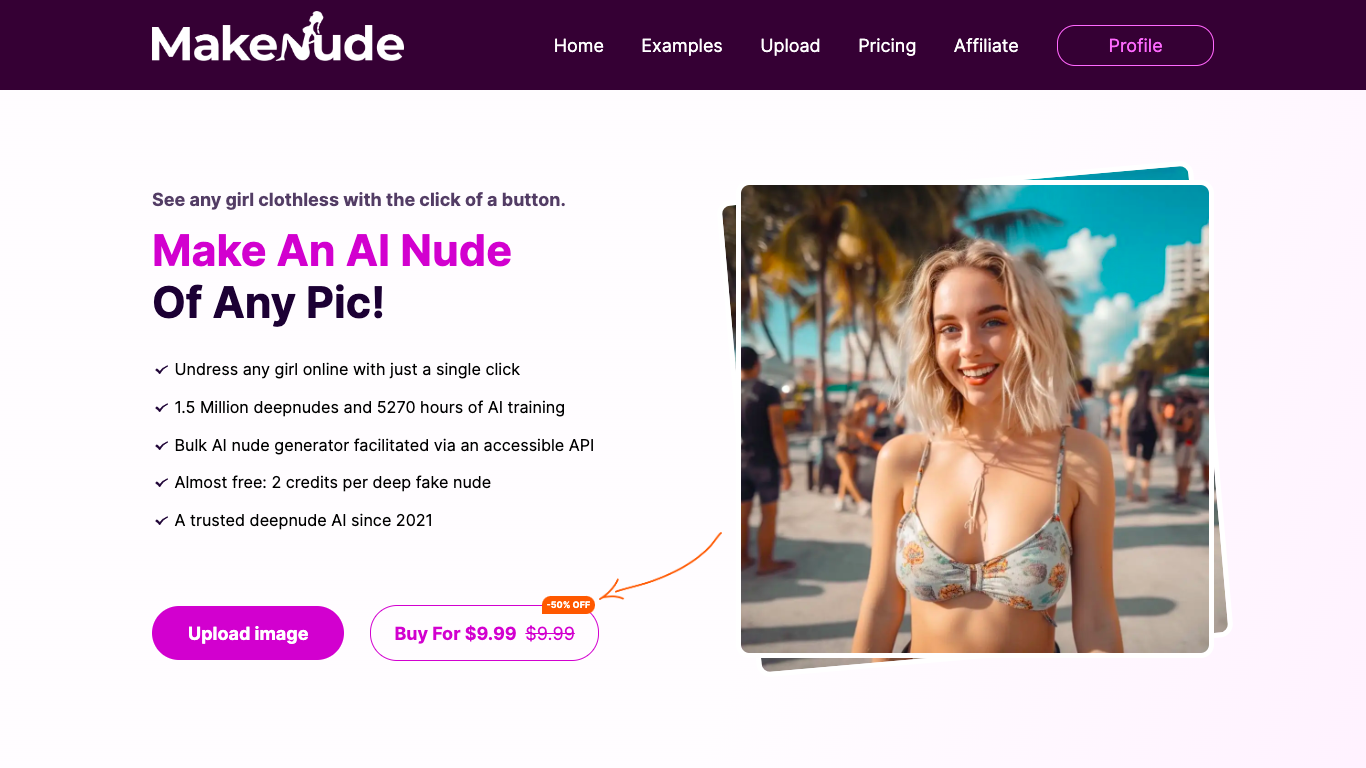
MakeNude.ai is an AI-powered deepnude/undress image generator that transforms photos into realistic nude images using deep learning. It targets users seeking quick, one-click AI-generated nudes and offers consumer and business plans including API and Telegram bot access.
Premium Alternatives


Bestfaceswap
Browser-based AI face swapping for photos and videos that creates realistic, high-quality swaps (1080p) with a simple 3-step workflow aimed at creators, filmmakers, and casual users.