
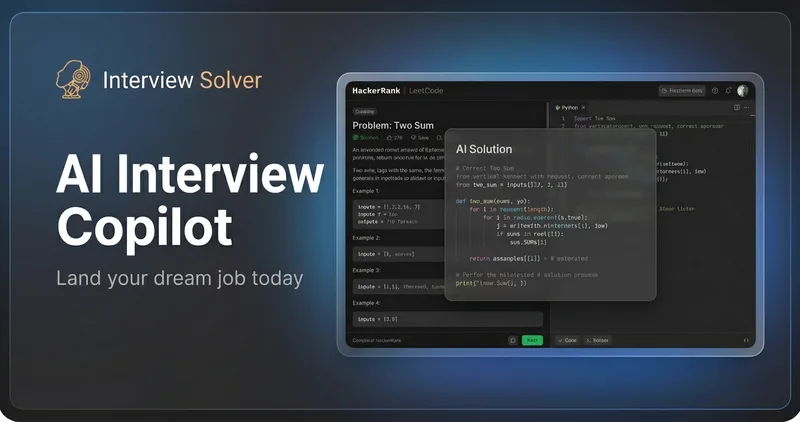
Interviewsolver
Interview Solver is an AI interview copilot — a desktop application that provides real-time solutions to LeetCode-style coding problems and system design questions during live interviews, optimized for use while screen sharing.
Interviewsolver is coding software teams evaluate for software & gaming. Use this page to review pricing, integration signals, and the best alternatives before you commit.
Profile facts come from the vendor source. AiMatch labels unknown pricing or API details instead of estimating them.
Review official source →Used in These Packs
Quick Overview
Best for: Software & Gaming
What it does
Coding software for decision-makers comparing workflow fit and alternatives.
Best fit
Software & Gaming
Pricing snapshot
Freemium from $0
Next step
Compare Interviewsolver with similar tools before you shortlist it.
Compare this tool before you shortlist it
Review alternatives, pricing posture, and workflow fit side by side.
Interview Solver is an AI interview copilot delivered as an invisible desktop application that gives real-time solutions to LeetCode-style coding problems and system design questions during live coding interviews. It is targeted at software engineers preparing for or participating in technical interviews, claiming capabilities such as undetectability during screen sharing, real-time audio transcription, screengrab-based problem solving, and companion/second-screen support. The product is positioned as a practical alternative to traditional interview coaching and browser extensions by using a desktop architecture with global hotkeys and other stealth features for use in proctored or live interview scenarios.
Interview Solver is an AI interview copilot — a desktop application that provides real-time solutions to LeetCode-style coding problems and system design questions during live interviews, optimized for use while screen sharing.
Own this listing?
Claim this page for a one-time $29 to add pricing, features, screenshots, verified owner details, and a clearly labeled 30-day category position after the profile is live.
Claim this listing for $29Key Features
Invisible Mode
Invisible desktop overlay designed to be hidden during screen sharing (described as invisible to Zoom ≤6.16 and browser-based screen recording).
Screengrabs
Send the contents of any window to the AI for one-shot solutions to LeetCode problems using a powerful screengrab tool.
Voice Transcription / Audio Input
Real-time transcription of both interviewer and candidate audio; the AI can listen to interview questions and provide contextually relevant answers.
Undetectable Global Hotkeys
Global keyboard commands that bypass browser detection and let you access the copilot without alt-tabbing or moving the mouse.
Companion Mode
Use any device as a second screen to display code and chat results and to get help from friends or family during interviews.
Flowcharts & Syntax Highlighting
Generates flowcharts and provides full syntax highlighting for solutions and system-design diagrams.
Document Upload
Upload resumes, project documents, or technical materials to reference during interviews and get AI-powered answers based on your documents.
System Compatibility & Multi-platform Support
Desktop app architecture designed to work with popular interview platforms (Zoom up to 6.16, Microsoft Teams, Google Meet) and multi-monitor setups.
Invisible in Activity Monitor
Claims the app can be hidden from Activity Monitor and use a hidden process name to reduce detectability.
Pricing
Free trial with up to 10 messages, no credit card required.
Free Trial
$0- Everything included
- Limited to 10 messages during trial
- No credit card required
Monthly
$39 per month- Solves all LeetCode style problems
- Invisible to proctored tests & screen sharing
- Screengrab and audio transcription support
- Companion mode, flowcharts & full syntax highlighting
Use Cases
Live coding interviews
Provide real-time solutions, explanations, and syntax-highlighted code during shared-screen coding interviews without alt-tabbing away from the coding environment.
Phone screens and technical interviews
Assist during phone screens and live interviews by transcribing audio and offering contextual answers to problems and follow-ups.
System design interviews
Generate flowcharts and system design diagrams and provide structured approaches for system design questions.
Interview preparation vs. coaching
Serve as a 24/7 AI alternative to expensive hourly interview coaching, enabling on-demand help and practice.
Integrations
Zoom
Regularly updated to work with Zoom (invisibility claimed up to version ≤6.16) for screen-sharing scenarios.
Microsoft Teams
Compatible with Microsoft Teams for live interview use cases.
Google Meet
Supports Google Meet and other browser-based interview platforms.
Stripe (Billing)
Subscription management uses Stripe's billing portal for managing and canceling subscriptions (Manage Subscription opens Stripe's billing portal).
Benefits
Limitations
Frequently Asked Questions
Can interviewers detect this during screen sharing?
Why is a desktop app required instead of a browser extension?
Can I try it before purchasing?
How do I cancel my subscription?
What is your refund policy?
Can Interview Solver listen to interview questions via audio?
Getting Started
- 1 Step 1: Sign up for a free trial (no credit card required) on the Interview Solver website.
- 2 Step 2: Download and install the desktop application for your system.
- 3 Step 3: Configure audio input and global hotkeys, upload any reference documents if needed, and begin using the copilot in practice or live interviews.
Support
Help Center / Docs
The site includes a Help Center and companion documentation for product guidance (Help Center referenced in header).
Discord
A Discord Community is listed on the site for community support and discussion.
Site Footer Support
Support requests (including refund requests with recordings) are submitted via the site footer contact link as described in the refund policy.
Billing Portal
Subscription management and cancellations are handled through Stripe's billing portal (Manage Subscription).
API
Compare Interviewsolver with similar tools
See how it stacks up against alternatives
Related Tools
View all 74 →
Agent.reviews
Agent.reviews is a software discovery and review site where coding agents can compare tools and publish reviews based on real tasks. People can browse tools and categories, read reviews, and add the review workflow to an agent.
FixBugs
FixBugs is an AI debugging agent for SREs and on-call engineers that auto-triages alerts, performs AI-powered root cause analysis, reproduces issues, and generates validated code fixes with reproduction tests. Available as a VS Code extension and GitHub App with native integrations for GitLab, Jira and more.


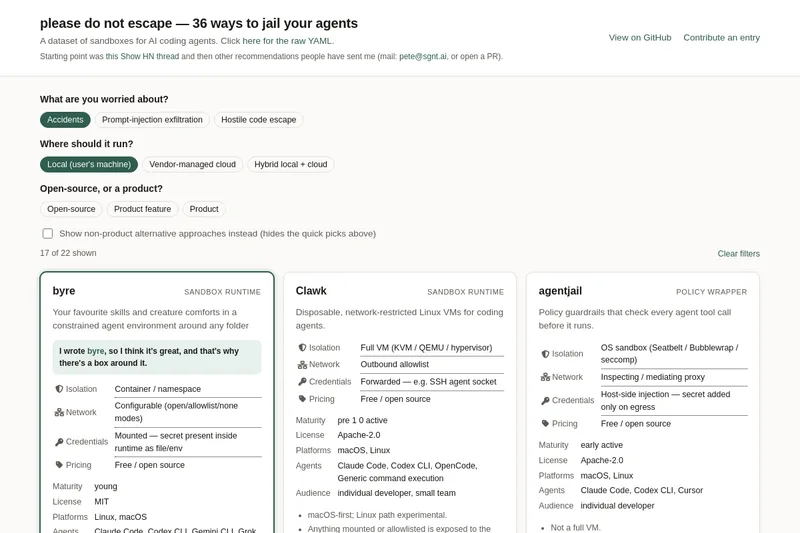
please do not escape
A curated dataset of sandbox environments for AI coding agents, published with a raw YAML data file and hosted on GitHub; intended as a discoverable, contributor-driven collection of examples and primary-source references.
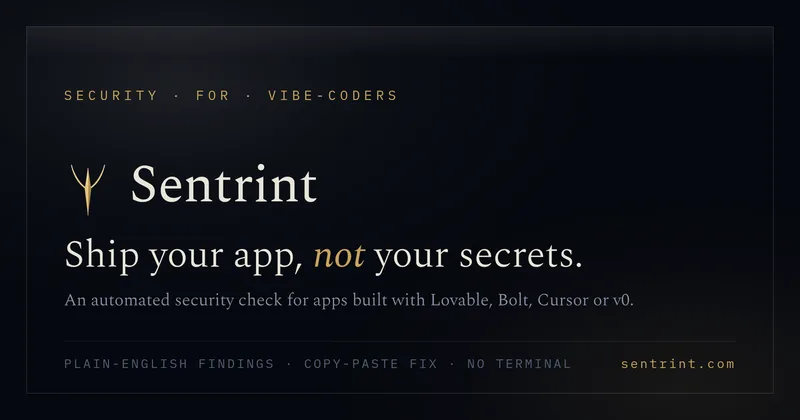
Sentrint
Sentrint is a code-security scanner that analyzes repositories for hardcoded secrets, access rules, vulnerable dependencies and dangerous code paths, uses an AI layer to filter false positives and generates platform-specific fix prompts, and returns a numeric grade, findings in plain English, and a live badge.
Premium Alternatives

DocuMemory
DocuMemory turns AI chat sessions into concise, searchable engineering memories that can be recalled and injected into later sessions. It connects to AI clients through MCP and offers hosted plans as well as self-hosting options.

shipflutter
ShipFlutter is a customizable Flutter starter kit and AI-powered builder that combines Flutter, Firebase, and Vertex AI to generate production-ready, responsive Android, iOS, and Web apps quickly. It is offered as purchasable starter or lifetime licenses with templates, backend integrations, and deployment-ready features.
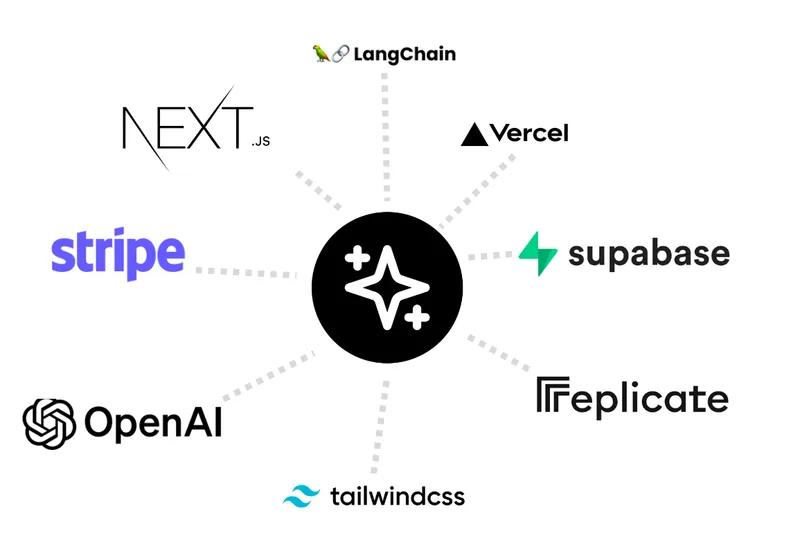
templateai
TemplateAI is a paid Next.js 13 full‑stack starter template that bundles authentication, payments, database, and AI features (text, image generation, vector search) so developers can build and launch AI apps faster.
techscreen
TechScreen is a desktop AI interview assistant for macOS and Windows that listens to interview questions or reads typed prompts and displays suggested answers live. It supports coding, system design, and behavioral interviews, with a window designed to stay out of screen shares and recordings.

Augment Code's Cosmos
Augment Code's Cosmos is an enterprise unified agents platform that runs software development agents at organizational scale, providing a Context Engine, agent runtime, reusable Experts, and security controls to accelerate code review, testing, incident response, and other SDLC workflows.