
ivyNote
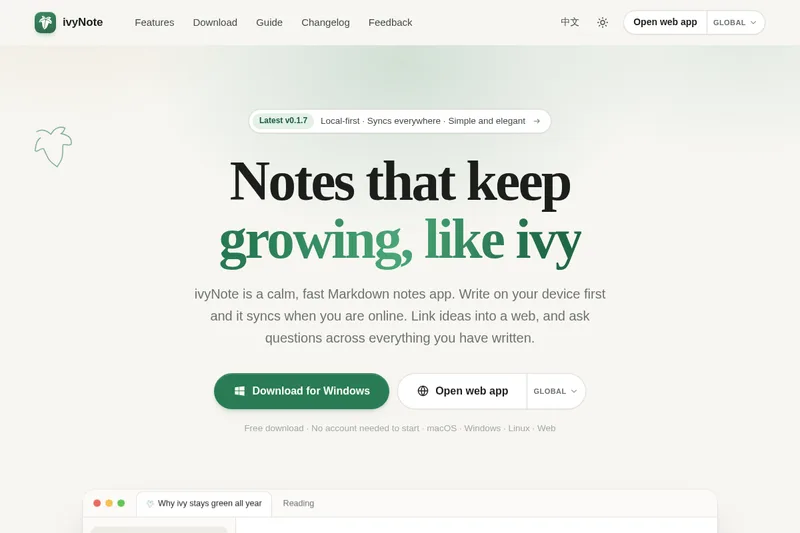
ivyNote is a local-first Markdown notes app for writers who want offline access, synced devices, and linked notes. Users can search their writing with plain-language questions and review the notes behind the answers.
Who it's for
- Markdown writers who want notes stored on their device first and synced when online.
- Researchers or project teams who organize ideas with linked notes, backlinks, and a graph view.
- WordPress publishers who want to share individual notes or automatically publish a folder.
Not the right fit if…
- People who need a native Android or iOS app now: both mobile apps are listed as coming soon.
- Teams who need self-hosting immediately: self-hosting is listed as coming soon.
How it fits your workflow
Create a local library in the desktop app or open the web app, then write in Markdown. Edits are saved on the device first, so writing works offline; signing in enables sync through ivyNote Cloud.
Link notes with [[title]] syntax to build backlinks and a graph. Ask questions across your notes for answers that point back to their sources, or let Claude and other AI tools read and write notes over MCP.
Pricing
Free: Desktop apps are free to download, and a local library requires no account.
Desktop apps
Free to download
- · Local library can be used without an account
ivyNote Cloud
Plans and quotas are listed in the service; prices are not specified on this page.
- · Sync across devices
- · Choose a data center
Prices checked on Nov 8, 2026 from the vendor's site. They can change; confirm before you buy.
Key features
- Markdown editor
- A CodeMirror 6 editor with live preview and support for highlighted code, tables, task lists, and Mermaid diagrams.
- Linked notes and graph
- Connect notes using [[title]] links; backlinks appear automatically, and a graph view displays relationships between notes.
- Ask your notes
- Ask questions in plain language and receive answers with the notes they came from.
- MCP support
- Claude and other AI tools can read and write the same notes over MCP.
- Local-first sync
- Edits are saved on the device first and sync when online. Concurrent edits are merged three-way, with the page stating that conflicts do not lose words.
- Media library
- Paste or drop files to upload them, merge duplicates, see which notes use each file, and clean up unused files.
Works with
- MCP
- WordPress
Limitations to know
- Android and iOS apps are listed as coming soon.
- Self-hosting is listed as coming soon.
- The page says accounts and data in the Mainland China and Global data centers are separate.
- The current macOS build is not notarized by Apple, according to the page.
Alternatives to consider
-
Reflect
Choose it if you want an open-source note-taking app focused on networked notes, daily notes, backlinks, and local Markdown files.
-
Znote
Choose it if you want runnable JavaScript code blocks and Git support built into a local Markdown editor.
-
DumbNote
Choose it if you want an offline desktop Markdown app that saves plain .md files locally without cloud lock-in.
Getting started
- Download the desktop app for macOS, Windows, or Linux, or open the web app.
- Create a local library without an account, or sign up for ivyNote Cloud to sync devices.
- Write Markdown notes and connect them using [[title]] links.
- Import Markdown files, folders, or a Joplin export if you are bringing in existing notes.
Frequently asked questions
Is ivyNote free?
The desktop apps are free to download, and a local library needs no account. ivyNote Cloud plans and quotas are listed in the service; self-hosting is coming soon.
Where are my notes stored?
Notes are stored on your device first, so they work offline. When you sign in, they sync to the server you chose: ivyNote Cloud or your own.
Which data center should I pick?
Choose Mainland China if you are in mainland China and Global everywhere else. Accounts and data in the two regions are separate.
Can I export my data?
Yes. Notes are plain Markdown and can be exported as a zip at any time, with attachments included.
macOS says the app is damaged. What now?
The page says the build is not notarized by Apple yet and recommends running xattr -cr /Applications/Ivynote.app in Terminal, then opening the app again. It also points users to the guide for details.