
MagiScan
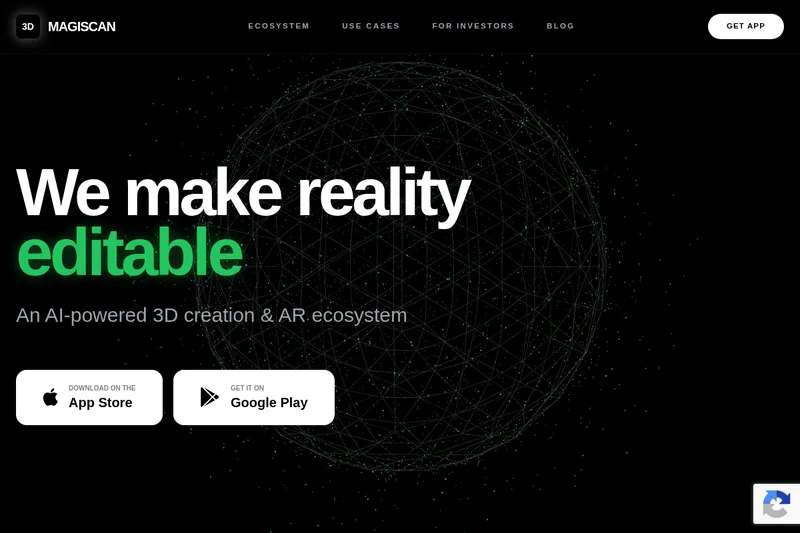
MagiScan turns phone captures, text, and images into 3D assets and connects them to editing, printing, AR, and specialized industry workflows. Creators and teams use it to bring physical objects or generated assets into spatial workflows.
One of 379 tools in Image & Design
Who it's for
- 3D creators who want to scan real objects with a phone and continue editing them in tools such as Blender or Unity.
- 3D-printing users who want to send or prepare scans with Bambu Lab, Cura, PrusaSlicer, or OrcaSlicer.
- Medical, industrial, and logistics teams exploring the listed scanning workflows for planning, custom orthotics, parts restoration, or cargo measurement.
How it fits your workflow
Use the MagiScan phone app to scan a real object into a 3D model, or use Text-to-3D to create an asset from text or an image.
Move the scan into a connected workflow: edit it in Blender, use it in Unity, or prepare it for printing with the listed slicers and printer ecosystem.
For specialized workflows, the site points to ecosystem offerings such as AVA, FreightSizer, Orthio, and ARize.
Pricing
The vendor doesn't publish prices. Check with MagiScan directly.
Prices checked on Jul 15, 2026 from the vendor's site. They can change; confirm before you buy.
Key features
- Phone-based high-quality 3D scanning
- Scan anything into high-quality 3D models using your phone; marketed as production-ready scanning for creators and professionals.
- Text-to-3D AI generation
- Generate high-quality 3D assets from text or images using the platform's AI-driven generation tools.
- Proprietary 3D & AI engine
- Production-ready proprietary 3D and AI engine built and owned by MagiScan, intended as the technical foundation for the ecosystem.
- AR ecosystem and spatial workflow
- Combines scanning, generation, and AR into a single spatial workflow for creating and deploying 3D/AR content.
- Vertical solutions
- Industry-specific offerings such as AVA (medical-grade scanning), FreightSizer (cargo measurement), Orthio (orthotics/prosthetics), and ARize (AR commerce).
Works with
- Unity
- Bambu Lab
- Blender
- Cura
- PrusaSlicer
- OrcaSlicer
Alternatives to consider
-
Instant3D AI
Choose it if you need a web-based studio for generating, editing, and optimizing 3D models from text prompts or images rather than MagiScan's phone-based scanning and connected spatial ecosystem.
-
3D AI Studio
Choose it if you need text- or image-based 3D generation with a studio UI, node-based Flow, and a REST API rather than MagiScan's phone scanning and listed integrations.
-
Image to 3D AI
Choose it if you want a browser-based workflow for converting images or text prompts into editable GLB models, including online preview and auto-retopology.
Getting started
- Choose App Store or Google Play and download the MagiScan app.
- Scan an object with the app or create an asset using text or an image with Text-to-3D.
- Continue with one of the integrations or ecosystem workflows listed on the site.