

Markitdown
Markitdown Online is a browser-based document converter that transforms DOCX, PDF, PPTX, XLSX and many other file types into clean, structured Markdown (and other plain/text-based formats) quickly without installing software.
Markitdown is coding software teams evaluate for coding. Use this page to review pricing, integration signals, and the best alternatives before you commit.
Used in These Packs
Quick Overview
Best for: Coding
What it does
Coding software for decision-makers comparing workflow fit and alternatives.
Best fit
Coding
Pricing snapshot
Contact for pricing
Next step
Compare Markitdown with similar tools before you shortlist it.
Compare this tool before you shortlist it
Review alternatives, pricing posture, and workflow fit side by side.
Markitdown
Markitdown Online is a web-based converter designed to transform a wide range of document formats (DOCX, XLSX, PPTX, PDF, HTML, CSV, JSON, XML, TXT, MD, IPYNB) into Markdown and other plain formats. It targets users who need to convert documents into Markdown quickly and reliably — for example, developers, technical writers, content creators, and anyone managing documentation or migrating content. The service runs in the browser with a simple two-step workflow: upload a file and convert/download the resulting Markdown. Markitdown emphasizes maintaining document structure (headings, lists, tables, and formatting), automatic format detection, batch conversions, and no-install, in-browser operation.
Markitdown Online is a browser-based document converter that transforms DOCX, PDF, PPTX, XLSX and many other file types into clean, structured Markdown (and other plain/text-based formats) quickly without installing software.
Own this listing?
Claim this page to add pricing, features, screenshots, and verified owner details.
Claim this listingKey Features
Multi-format support
Supports conversion from DOCX, XLSX, PPTX, PDF, HTML, CSV, JSON, XML, TXT, MD, IPYNB and can output to Markdown and other text-based formats.
Automatic format detection
The system automatically detects the uploaded document type and selects appropriate processing for optimal conversion results.
Preserve document structure
Aims to maintain original structure including headings, lists, tables, and formatting so the output Markdown closely matches the source.
Batch conversion
Allows converting multiple files simultaneously to save time and streamline workflows.
No installation required
Runs entirely in the browser — upload, convert, and download without installing any software.
Clean, ready-to-use output
Produces formatted Markdown intended to be ready for use in documentation systems, repositories, or publishing platforms.
Drag-and-drop upload
Supports easy upload via click or drag-and-drop for quick conversion.
Multiple output options
Converts documents to Markdown and supports additional text-based outputs (HTML, CSV, JSON, XML, TXT, IPYNB) as listed on the site.
Pricing
Claim this listing to add current pricing tiers.
Use Cases
PDF to Markdown
Convert PDFs into editable Markdown to extract text content, structure, and tables for documentation or publishing.
PPT/PPTX to Markdown
Turn presentation slides into Markdown notes, handouts, or documentation-friendly content.
DOCX to Markdown
Migrate Word documents to Markdown for use in code repositories, static site generators, or documentation platforms.
Excel (XLSX/CSV) to Markdown
Convert spreadsheets and CSVs into Markdown tables for reports, READMEs, or documentation.
HTML/JSON/XML to Markdown or text formats
Transform structured web or data formats into Markdown or other plain-text outputs for integration with content workflows.
Integrations
Claim this listing to add integrations.
Benefits
Limitations
Claim this listing to add transparent limitations.
Frequently Asked Questions
Is this website affiliated with Microsoft?
What file formats does Markitdown Online support?
How does Markitdown handle different document types?
Is Markitdown Online free to use?
How accurate is Markitdown's conversion process?
What are the limitations of Markitdown Online?
Can I batch convert multiple files with Markitdown Online?
How does Markitdown handle tables and complex formatting?
Do I need to create an account to use Markitdown Online?
How can I provide feedback or report issues with Markitdown Online?
Getting Started
- 1 Step 1: Upload your file by clicking the upload area or drag-and-drop (supported types include DOCX, XLSX, PPTX, PDF, HTML, CSV, JSON, XML, TXT, MD, IPYNB).
- 2 Step 2: Click Convert to start the conversion process — the system will automatically detect the file type and process it.
- 3 Step 3: Download the resulting Markdown (or other supported output) and integrate it into your workflow.
Support
Report issues or provide feedback via [email protected]
Docs / Resources
Site includes Resources and a Blog (linked on the site) for guidance and updates.
Legal & Policies
Terms of Service and Privacy Policy pages are available on the site for legal and privacy inquiries.
API
Compare Markitdown with similar tools
See how it stacks up against alternatives
Related Tools
View all 40 →
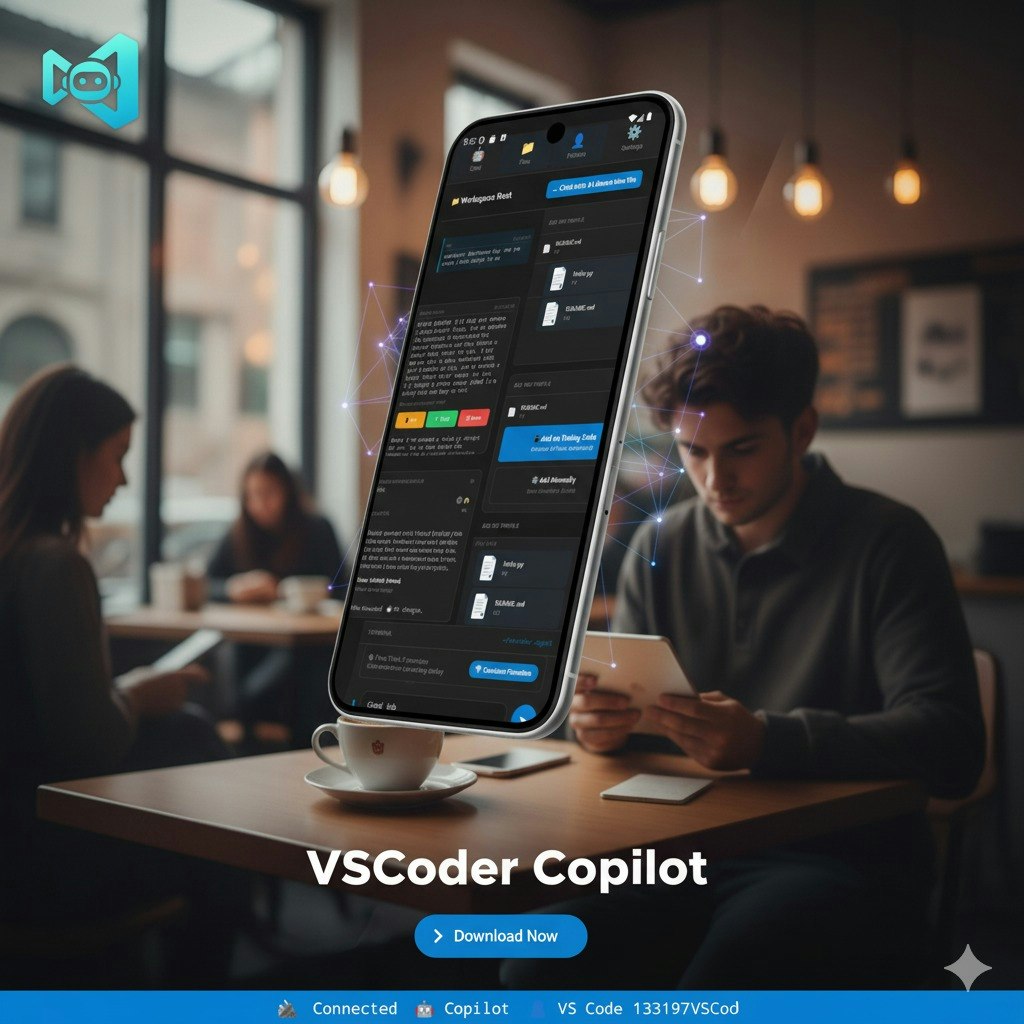
VSCoder Copilot
VSCoder Copilot is a mobile app that transforms your phone into an AI-powered coding companion, enabling remote editing and AI-assisted coding with GitHub Copilot integration and seamless VS Code workspace access.

Vibe Coding Award
Vibe Coding Award is a platform celebrating innovation in AI-native coding projects, showcasing exceptional human-AI collaboration across websites, apps, content, games, and experimental creations.


Promptbuilder
Prompt Builder is a web app for generating, optimizing, testing, and managing AI prompts across multiple models (ChatGPT, Gemini, Claude, Grok, Mistral, etc.). It provides model-tuned prompt generation, a chat-based refinement workspace, versioning, and a searchable prompt library with built-in execution via supported assistants.

augment-code
Augment Code is a powerful AI software development platform that leverages an industry-leading context engine to provide autonomous coding agents, codebase-aware autocomplete, and deep integration with developer workflows, designed to help software engineers write production-ready code efficiently.

octogen-an-open-source-code-interpreter
No information about 'octogen-an-open-source-code-interpreter' is present on the provided page. The page content appears to describe 'JNETOTO', a Togel/Toto Macau analysis listing on an Etsy-like page.
Premium Alternatives


Claude Sonnet 4.5
Claude Sonnet 4.5 is a state-of-the-art AI coding model designed for building complex agents and using computers effectively. It excels in reasoning, math, and long-duration autonomous coding tasks, making it ideal for developers, researchers, and professionals in finance, law, medicine, and STEM fields.

Praneetbrar
Praneet Brar is a web developer and research engineer who designs and builds custom web applications, AI-powered apps, launch/discovery platforms, and productized templates for startups, makers, and businesses.

claude-3
Claude-3 is an advanced AI assistant developed by Anthropic designed to help users tackle complex challenges through conversational interaction. It supports tasks such as coding, research, analysis, and creative brainstorming, providing expert-level collaboration and adaptive problem-solving capabilities.

Headshotsbyai
HeadshotsByAI is a photorealistic AI headshot generator that creates professional headshots in under 10 minutes from 1–5 casual photos, aimed at individuals and teams who need consistent, studio-quality images without an in-person photoshoot.

Ai-architectures
AI-Architectures is a suite of AI-powered visualization tools that turn sketches, photos, or text briefs into photorealistic renders, labeled floor plans, and staged listing photos in roughly 30–40 seconds, with exports in PNG/JPG, PDF and DXF for CAD/BIM workflows.
