
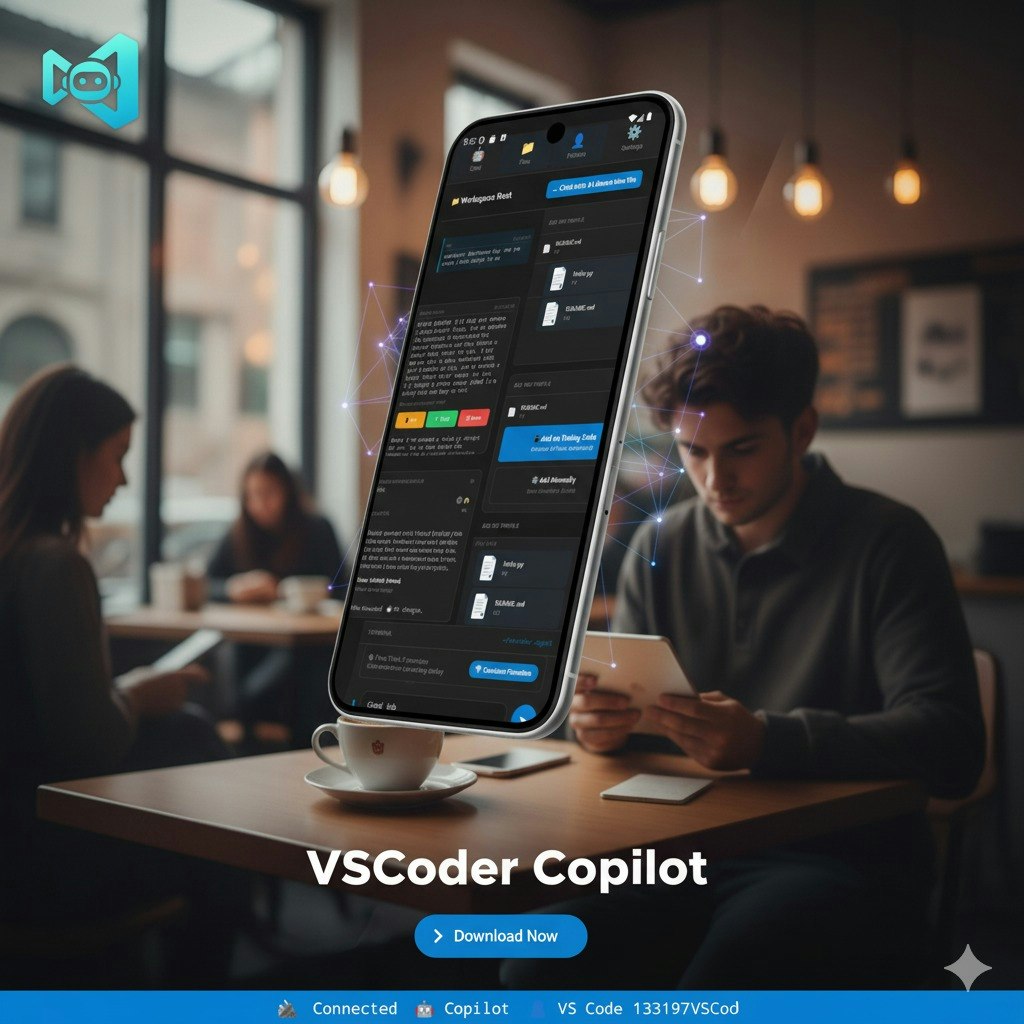
VSCoder Copilot
VSCoder Copilot is a mobile app that transforms your phone into an AI-powered coding companion, enabling remote editing and AI-assisted coding with GitHub Copilot integration and seamless VS Code workspace access.
VSCoder Copilot is android software teams evaluate for coding. Use this page to review pricing, integration signals, and the best alternatives before you commit.
Used in These Packs
Quick Overview
Best for: Coding
What it does
Android software for decision-makers comparing workflow fit and alternatives.
Best fit
Coding
Pricing snapshot
Contact for pricing
Next step
Compare VSCoder Copilot with similar tools before you shortlist it.
Compare this tool before you shortlist it
Review alternatives, pricing posture, and workflow fit side by side.
VSCoder Copilot
VSCoder Copilot is designed to bring the power of GitHub Copilot and VS Code remote editing directly to your mobile device, allowing developers to code smarter and anywhere. It enables users to review, edit, and build projects on the go without complex setup, making it ideal for students, hobbyists, and professional developers. The app securely connects your phone to VS Code across various networks without requiring port forwarding or VPN, providing a seamless and secure remote development experience.
VSCoder Copilot – Use GitHub Copilot from your phone
Own this listing?
Claim this page to add pricing, features, screenshots, and verified owner details.
Claim this listingKey Features
Code from anywhere
Securely connect your phone to VS Code across home, office, or mobile networks without port forwarding or VPN.
Full GitHub Copilot on mobile
Get AI-powered code suggestions, explanations, and completions directly inside the app.
Edit your projects remotely
Browse and edit your entire VS Code workspace from your phone with real-time synchronization.
Instant setup
Quickly install the VS Code extension, start the VSCoder server, pair your mobile app with a 6-digit code, and start coding immediately.
Secure pairing
Connections are temporary, private, and protected by time-limited pairing codes to ensure security.
Optimized for mobile performance
Fast and lightweight app designed to work efficiently on mobile devices.
Pricing
Claim this listing to add current pricing tiers.
Use Cases
Code reviews on the go
Perform code reviews conveniently from your mobile device without needing a laptop.
Debugging during commute or travel
Debug and fix issues remotely while traveling or commuting.
Quick fixes without your laptop
Make immediate code changes and fixes from anywhere using your phone.
Remote development workflows with Copilot
Leverage AI-powered coding assistance combined with remote access to your VS Code workspace.
Integrations
GitHub Copilot
Provides AI-powered code suggestions, explanations, and completions within the mobile app.
Visual Studio Code
Enables remote editing and real-time synchronization of VS Code workspaces on mobile devices.
Benefits
Limitations
Frequently Asked Questions
Do I need to configure port forwarding or VPN to use VSCoder Copilot?
Is my connection secure when using VSCoder Copilot?
Can I use GitHub Copilot features on the mobile app?
What platforms does VSCoder Copilot support?
Getting Started
- 1 Install the VSCoder Copilot extension in your VS Code environment.
- 2 Start the VSCoder server on your development machine.
- 3 Open the mobile app and pair it with your VS Code using the 6-digit pairing code.
- 4 Begin coding remotely with AI assistance on your mobile device.
Support
Contact support via email at [email protected]
website
Visit the official website at https://vscodercopilot.com.tr/ for more information and resources.
docs
Privacy policy and additional details available at https://vscodercopilot.com.tr/privacy/
API
Compare VSCoder Copilot with similar tools
See how it stacks up against alternatives
Related Tools
View all 40 →
augment-code
Augment Code is a powerful AI software development platform that leverages an industry-leading context engine to provide autonomous coding agents, codebase-aware autocomplete, and deep integration with developer workflows, designed to help software engineers write production-ready code efficiently.

Vibe Coding Award
Vibe Coding Award is a platform celebrating innovation in AI-native coding projects, showcasing exceptional human-AI collaboration across websites, apps, content, games, and experimental creations.

Prompt Coder
Prompt Coder is an AI-powered tool that transforms UI design screenshots into detailed code prompts compatible with popular AI code editors, supporting multiple frontend frameworks.

Cleanpaste
Clean Paste is a web tool that removes invisible Unicode characters, AI watermarks, and hidden metadata from text so AI-generated content renders predictably and avoids detection or formatting issues.


Screenshottocode
Screenshot to Code is an AI-powered converter that transforms UI screenshots, mockups, and designs into production-ready code (HTML, React, Vue, Tailwind, Bootstrap, Ionic, SVG) with a live preview and export options.

PerfAI — Vibe Coding Edition
Information about PerfAI — Vibe Coding Edition is currently unavailable due to access restrictions on the source page.
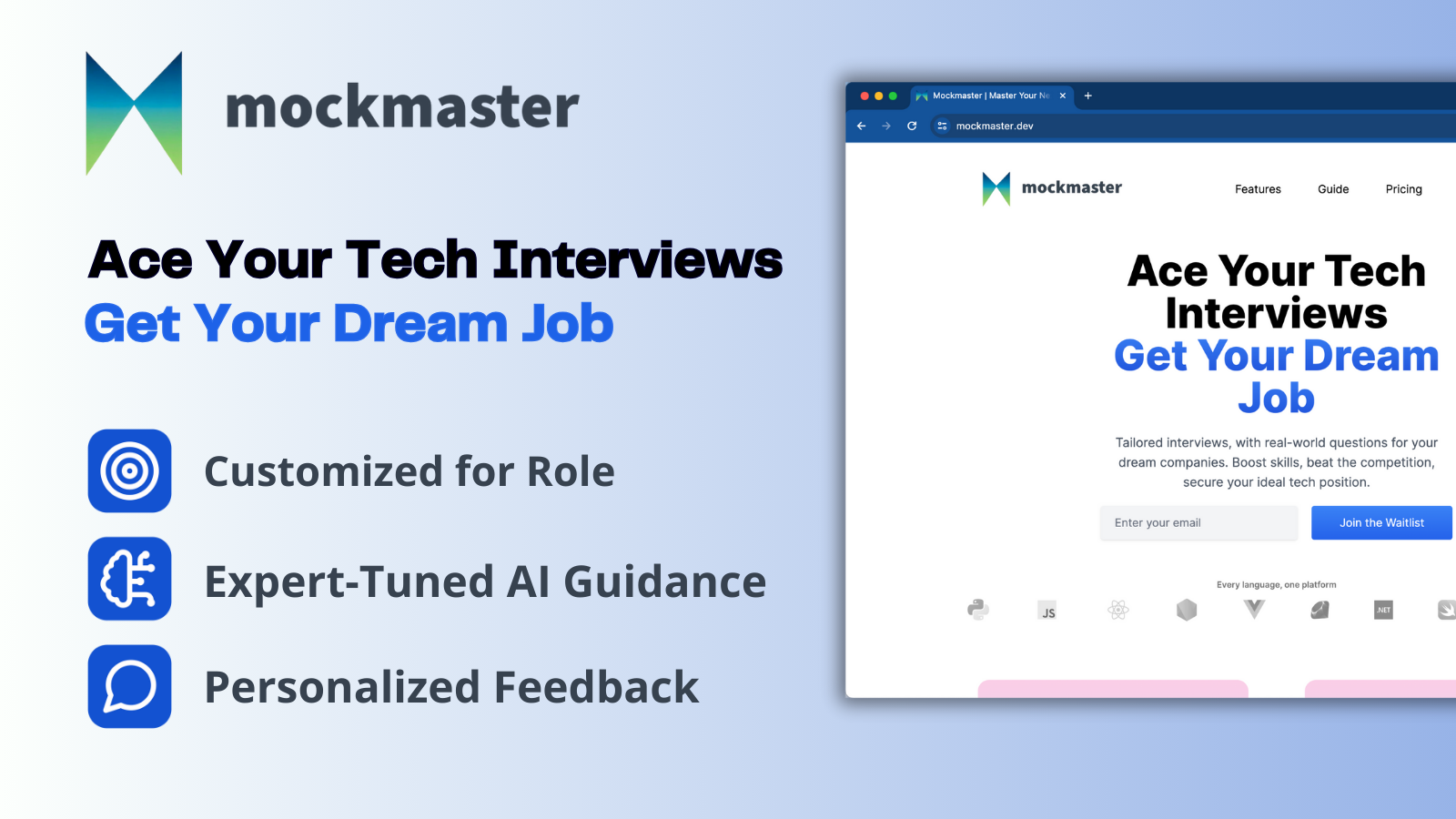
Mockmaster
Mockmaster is an AI-driven interview practice app that generates realistic, role-tailored technical interview simulations and provides personalized feedback and spaced-repetition study to help engineers prepare for tech interviews, including big-tech roles.
Premium Alternatives
PromptPack 100
PromptPack 100 offers 100 ready-to-use ChatGPT prompts designed specifically for entrepreneurs, startup founders, and small-business owners to save time, think bigger, and build faster by leveraging AI.


infiniteanalytics-com
SherlockAI by Infinite Analytics is an AI-powered SaaS platform designed for enterprises to gain deep consumer insights, optimize marketing strategies, and drive growth through data-driven decisions. It serves industries like CPG/Retail, Financial Services, and Hospitality with advanced audience targeting, location intelligence, and site selection tools.




Corner Time
Corner Time is a minimalist macOS app that displays a native-like clock in the screen corner, even when the menu bar is hidden or in fullscreen mode, enabling distraction-free workflows and digital minimalism.

Listingbott
ListingBott is a directory submission service that places your SaaS, product, newsletter, or blog on 100+ hand-picked directories from a 10k+ database to boost Domain Rating and drive relevant traffic, combining AI agents and human review to deliver safe, gradual listings and a full report.