

Mvvitrk
Movavi is a consumer and prosumer multimedia software suite centered on Movavi Video Editor and Movavi Video Suite — offering an easy-to-use video editor with one-click AI tools (auto-subtitles, noise removal, silence removal), a fast converter, and a screen recorder, plus photo editing and effects libraries.
Mvvitrk is video editing software teams evaluate for creative & design. Use this page to review pricing, integration signals, and the best alternatives before you commit.
Used in These Packs
Quick Overview
Best for: Creative & Design
What it does
Video Editing software for decision-makers comparing workflow fit and alternatives.
Best fit
Creative & Design
Pricing snapshot
Freemium from Free to download and try (trial limitations apply)
Next step
Compare Mvvitrk with similar tools before you shortlist it.
Compare this tool before you shortlist it
Review alternatives, pricing posture, and workflow fit side by side.
Mvvitrk
Movavi provides a family of desktop multimedia tools centered on Movavi Video Editor and Movavi Video Suite. The Video Suite is described as a 3-in-1 bundle that includes a video editor with automatic tools, a fast converter supporting 180+ formats, and a screen recorder. The offering targets creators and beginners who want fast, accessible editing with hundreds to thousands of effects, music tracks, and one-click AI features such as auto-subtitles, AI noise removal, and silence removal.
The site emphasizes ease of use and speed — highlighting 'auto-tools' to speed editing workflows, a library of effects (10,000+ effects and 1,500+ music tracks referenced for Movavi Unlimited), and multiple apps for video editing, photo editing, file conversion and screen recording. Trial downloads and purchase/licensing (lifetime or subscription options) are provided on the official site.
Movavi is a consumer and prosumer multimedia software suite centered on Movavi Video Editor and Movavi Video Suite — offering an easy-to-use video editor with one-click AI tools (auto-subtitles, noise removal, silence removal), a fast converter, and a screen recorder, plus photo editing and effects libraries.
Own this listing?
Claim this page to add pricing, features, screenshots, and verified owner details.
Claim this listingKey Features
One-click automatic subtitles
Automatically generate captions from speech in many languages; choose font, color and position before export.
AI noise removal
AI-driven audio denoiser to remove background sounds such as car or wind noise for clearer audio.
AI motion tracking
Attach images, videos, emojis or other overlays to moving objects in footage using AI-assisted tracking.
Silence removal
Automatically cut out unwanted pauses or fine-tune pause length and volume thresholds to speed editing.
Adjustable visual effects
Hundreds to thousands of effects (dust, light leaks, retro/VHS, LUTs, overlays) that are fully customizable.
Slow motion and speed controls
Control clip speed to emphasize motion or adjust rhythm and pacing.
Movavi Video Converter
Fast file conversion and powerful video compression supporting 180+ formats and AI upscaling up to 8X.
Screen recorder
Record full-screen or custom areas, capture webcam and system audio, draw on recordings, and highlight cursor/keystrokes.
Pricing
Free downloadable trial available with limitations (watermark, 60-second video or half audio length, some advanced features locked); full version requires purchase after trial.
Free trial
Free to download and try (trial limitations apply)- Watermark on exported clips (trial-dependent)
- 60-second video or half-audio length limits (trial-dependent)
Paid license (lifetime or annual)
Not listed on page; purchase options referenced as lifetime license or annual subscription- Full feature access without trial restrictions
- One-time or subscription billing options (details on purchase flow)
Movavi Unlimited bundle
Discounted promotions referenced (example: 'Buy Now at 80% Off') — exact price not listed on page- Access to all Movavi programs and effects
- 10,000+ effects and 1,500+ music tracks referenced
Use Cases
YouTube and short-form social videos
Create and edit YouTube videos, YouTube Shorts, Instagram Reels and TikToks using quick presets, auto-subtitles and effects.
Tutorials and screen recordings
Record screen and webcam, annotate in real time, and produce instructional videos or demos.
File conversion and compression
Convert media between formats and compress large files for distribution using Movavi Video Converter.
Photo editing and retouching
Use Movavi Photo Editor for AI retouching, background swap and object removal for images used in multimedia projects.
Quick editing for events
Edit event footage (e.g., weddings) quickly using auto-tools, presets and silence removal to streamline workflow.
Integrations
Claim this listing to add integrations.
Benefits
Limitations
Frequently Asked Questions
How can I safely edit videos for free?
Which is the best video editor for beginners?
How can I download a video editor for free?
How to add transitions in a video editor?
Which is the best iMovie alternative for Windows?
Getting Started
- 1 Download the free trial from the Movavi website ('Download for Free').
- 2 Install on a supported system (Windows 10/11 64-bit or macOS version as listed) and review system requirements.
- 3 Try core features (auto-subtitles, noise removal, screen recording) and consult tutorials or the Help Center for workflows.
- 4 Purchase a lifetime license or annual subscription if you need to remove trial limits and watermarks.
Support
Phone
+1-855-5220335 (available Monday–Friday; hours listed on site)
Help center / Knowledge base
Access how-tos, support articles and a learning portal via the Movavi Support / Help Center links.
Documentation / Tutorials
On-site tutorials, 'How-tos' and learning portal content and video tutorials linked from product pages.
API
Compare Mvvitrk with similar tools
See how it stacks up against alternatives
Related Tools
View all 27 →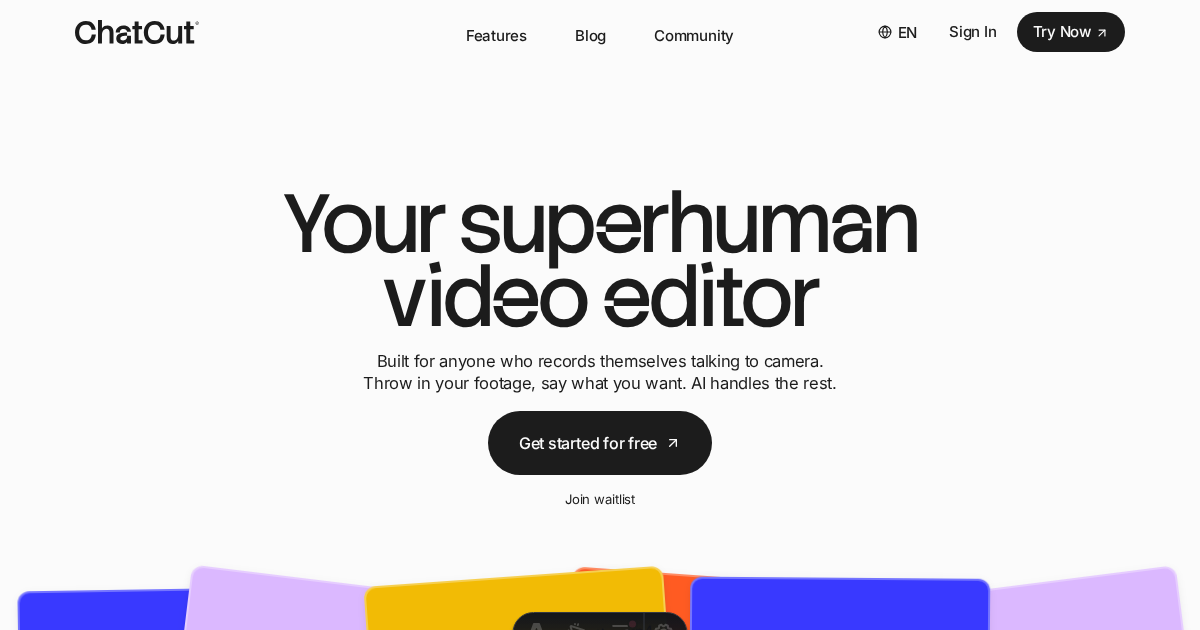

Gling
Gling is an AI-powered desktop video editor for content creators, especially YouTube creators, that automates time‑consuming editing tasks—removing bad takes, silences and filler words—and provides tools like captions, auto framing, title and chapter generation to speed up content production.


Tailored Labs
Tailored Labs is an AI-powered video editor that transforms raw footage into polished, professional videos in minutes using advanced GPT-4 and computer vision technology, requiring no manual editing skills.



Premium Alternatives



Keywordinsights
Keyword Insights is an SEO platform that builds topical authority for Google and AI search by converting keyword research into clustered topic plans, AI-driven content briefs, and writing tools — plus discovery of Reddit, Quora and YouTube mention opportunities.



Scrapethemap
ScrapeTheMap ist ein AI-unterstütztes, plattformübergreifendes Tool zum Extrahieren von Geschäftsdaten und Bewertungen aus Google Maps, Bing Maps und Yandex Maps – optimiert für hyperzielgerichtete Lead-Generierung und Marktanalyse, angeboten als einmaliger Kauf mit lebenslangen Updates.

Seeyourbaby
SeeYourBaby is an AI-powered baby generator that predicts a future child's likely appearance from photos of two parents, delivering multiple high-resolution boy and girl images via email with a one-time payment.