ChatCut
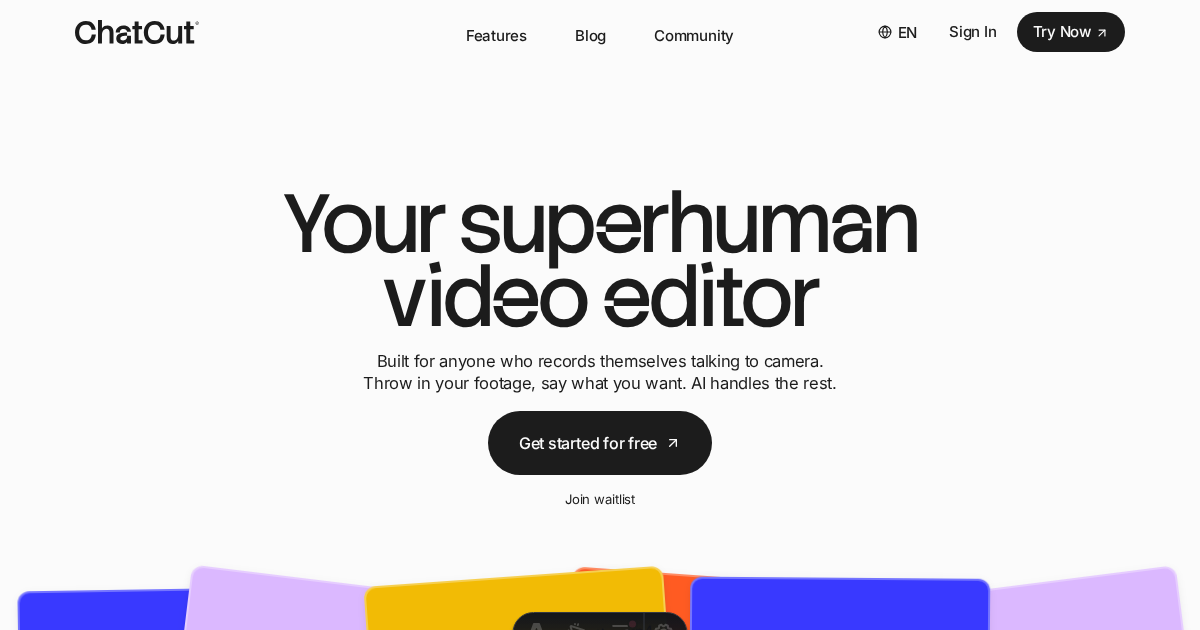
ChatCut is a browser-based AI video editor that uses prompt-driven agents to automatically edit footage, generate motion graphics, captions, images, video, and music, and lets creators refine edits via transcript-based text editing or a ChatGPT plugin.
ChatCut is ai tools software teams evaluate for video editing. Use this page to review pricing, integration signals, and the best alternatives before you commit.
Profile facts come from the vendor source. AiMatch labels unknown pricing or API details instead of estimating them.
Review official source →Used in These Packs
Quick Overview
Best for: Video Editing
What it does
AI Tools software for decision-makers comparing workflow fit and alternatives.
Best fit
Video Editing
Pricing snapshot
Freemium from Free /month
Next step
Compare ChatCut with similar tools before you shortlist it.
Compare this tool before you shortlist it
Review alternatives, pricing posture, and workflow fit side by side.
ChatCut is a web-based AI video editor that automates common editing tasks through prompt-based agents and integrated AI tools. It watches footage, identifies highlights, removes repeated takes and filler words, and produces a first cut that creators can refine. The product is aimed at video creators and editors who want faster editing workflows, offering motion graphics generation, image and video generation, automatic captions, transcript-based text editing, and AI-generated music directly inside the editor. ChatCut can be used in the browser or via a ChatGPT plugin.
Your AI video editor in ChatGPT, desktop, and web Discussion | Link
Own this listing?
Claim this page for a one-time $29 to add pricing, features, screenshots, verified owner details, and a clearly labeled 30-day category position after the profile is live.
Claim this listing for $29Key Features
Prompt-based AI Agent Editing
An agent analyzes footage, finds highlights, removes repeated takes, arranges clips into a coherent first cut and follows natural-language instructions to edit.
Text-Based Transcript Editing
Edit talking-head videos like a document: change words, cut sentences, or remove filler words in the transcript and the timeline updates accordingly.
AI Motion Graphics Generator
Generate chapter cards, charts, timelines, and emphasis animations from plain-English descriptions and place them directly on the timeline without keyframing.
Auto Captions in 100+ Languages
Automatically generate accurate captions from transcripts with 20+ styles and saveable templates.
AI Image & Video Generation
Generate images for thumbnails or B-roll and create video shots you couldn't film, using reference images to keep consistency with real footage.
AI Music Generator
Create royalty-free music tracks tailored to the video's length and vibe directly inside the editor.
ChatGPT Plugin
Integrate ChatCut with ChatGPT: install the ChatCut plugin and set up tasks from the ChatGPT desktop app.
Pricing
Starter credits, basic editing and exports, and access to try AI image, captions, music, and motion graphics without a credit card.
Free
Free /month- Starter credits included
- Basic editing and exports
- Access to AI image, captions, music, and motion graphics for testing
Paid (example tier)
$25 /month (billed monthly)- 100 credits / month
- Seedance 2.0 (up to 166s of video)
- GPT Image 2 and other AI generation allowances
- Motion graphics and AI music generation
Paid (higher tier example)
$100 /month (billed monthly)- 400 credits / month
- Larger AI generation quotas (Seedance 2.0 up to 666s of video)
- Expanded image and motion graphics quotas
Use Cases
Creator editing and chapters
Turn rough creator edits into polished videos with chapters, emphasis animations, and charts to make long-form creator content easier to follow.
Talking-head cleanup
Quickly remove filler words and tighten pacing by editing directly in the transcript instead of scrubbing the timeline.
Generate B-roll and shots you couldn't film
Produce B-roll or establishing shots from prompts and reference images when on-set capture is not possible.
Create motion graphics without After Effects
Build chapter cards, timelines, and emphasis effects from plain-English descriptions and drop them onto the timeline.
Produce royalty-free music for videos
Generate music at the precise length and vibe needed for a video to avoid searching stock libraries or manual trimming.
Integrations
ChatGPT plugin
Install via https://chatcut.io/chatgpt to create and run ChatCut editing tasks from the ChatGPT desktop app.
Discord community
Community resource listed under Resources for discussion and support.
Benefits
Limitations
No verified limitations are available.
Frequently Asked Questions
No verified FAQs are available.
Getting Started
- 1 Step 1: Visit https://chatcut.io/ and click 'Try Now' or 'Enter Editor'.
- 2 Step 2: Sign up (Free plan available) and upload your footage into a new project.
- 3 Step 3: Use natural-language prompts in the editor or install the ChatCut ChatGPT plugin (see https://chatcut.io/chatgpt) to create an AI editing task; refine the cut via transcript editing and export.
Support
Contact the team at [email protected]
docs
Resources on the site include Blog and Prompt Library for guides and examples.
community
Discord community listed under Resources for user support and discussion.
API
Compare ChatCut with similar tools
See how it stacks up against alternatives
Related Tools
View all 23 →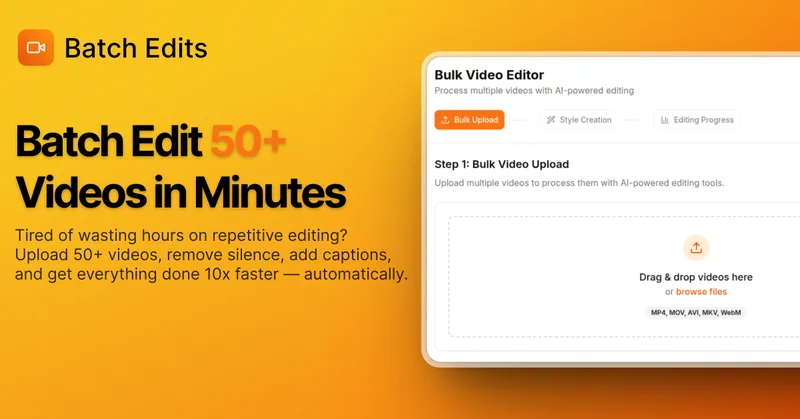
BatchEdits
BatchEdits is a web-based batch AI video editor for content creators that processes up to 50 videos simultaneously to remove silence, add auto-captions in 50+ languages, apply auto-zoom and crop for platform-specific formats, enabling high-volume creators to scale editing work.
Vidmoat
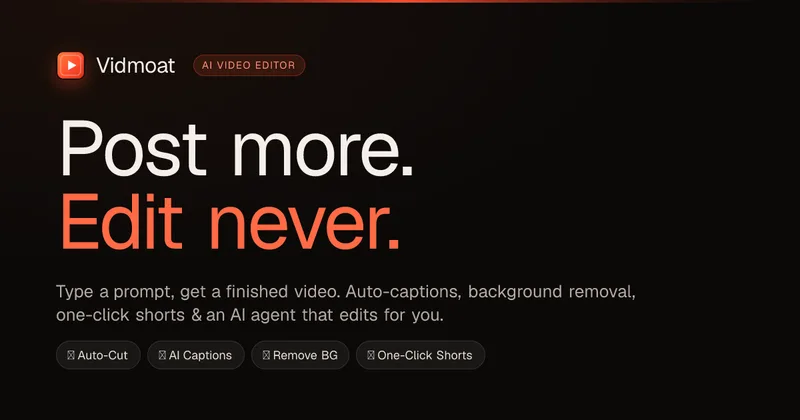
Vidmoat is an agent-first AI video editor that automates cutting, captions, color grading and multi-format export. Users type a prompt (or connect their own agent) and Vidmoat’s built-in AI or a connected MCP agent produces finished videos ready for TikTok, Reels, Shorts and YouTube.



Choppity
Choppity is an AI-powered video editing platform that automatically turns long-form videos and podcasts into 20–50+ short social clips with automated transcription, captioning, framing, tracking, and one-click posting/scheduling for TikTok, Instagram Reels and YouTube Shorts.
autoagentx
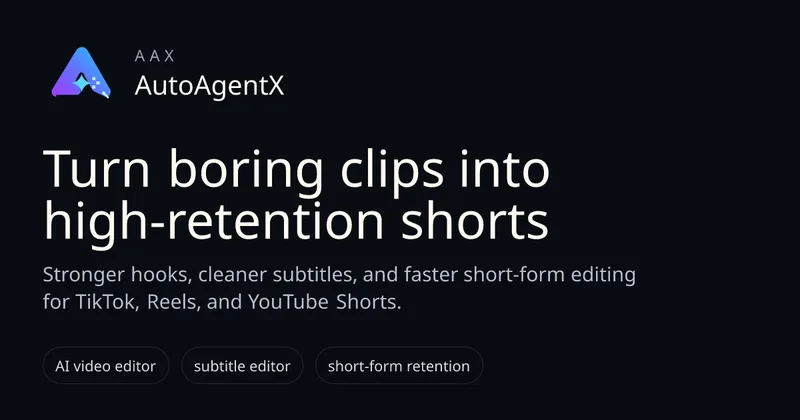
AutoAgentX is an AI-powered video editor focused on improving short-form clips by creating stronger hooks, cleaner subtitles, and tighter pacing to increase retention for creators and teams.
Premium Alternatives
Eddie AI
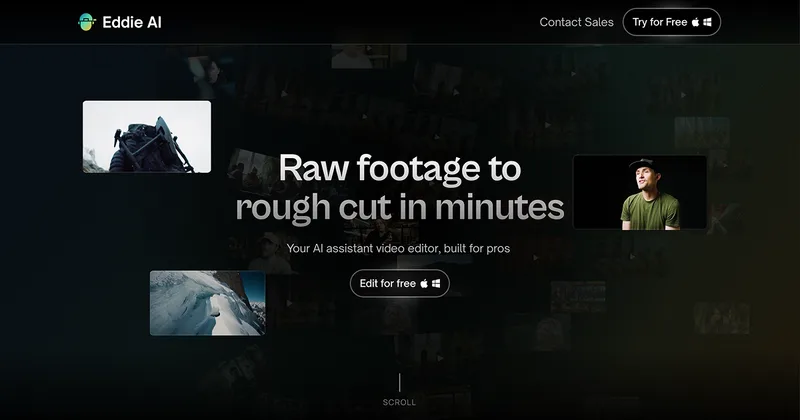
Eddie AI is an AI assistant video editor that turns raw footage into structured rough cuts from plain-language instructions. It also handles tasks such as footage logging, multicam editing, color grading, captions, and music, with exports to professional NLEs.
Tella
Tella is an all-in-one screen recorder and video editor that captures screen, camera, microphone and system audio on Mac, Windows or in the browser, and provides editing, AI-assisted cleanup, hosting, analytics, and team collaboration for sharing or exporting videos up to 4K.