Gling
Gling is an AI-powered desktop video editing application focused on YouTube creators that automates trimming bad takes, removing silences and filler words, and generating captions, titles, and chapters to speed up video production.
Gling is video editing software teams evaluate for video editing. Use this page to review pricing, integration signals, and the best alternatives before you commit.
Profile facts come from the vendor source. AiMatch labels unknown pricing or API details instead of estimating them.
Review official source →Used in These Packs
Quick Overview
Best for: Video Editing
What it does
Video Editing software for decision-makers comparing workflow fit and alternatives.
Best fit
Video Editing
Pricing snapshot
Free
Next step
Compare Gling with similar tools before you shortlist it.
Compare this tool before you shortlist it
Review alternatives, pricing posture, and workflow fit side by side.
Gling is an AI-powered desktop video editor designed primarily for YouTube creators and content producers. It automates time-consuming editing tasks — removing bad takes, silences, and filler words — by transcribing and analyzing recordings, enabling creators to produce polished videos faster. The product also provides AI-driven creator aids such as auto-generated captions/subtitles, noise removal, automated framing (zoom in/out), and tools to generate titles, chapters, and next-video suggestions to help optimize YouTube performance. Gling supports exporting to MP4/MP3 with SRT captions and integration with professional editors like Final Cut Pro, DaVinci Resolve, and Adobe Premiere.
Gling is an AI-powered desktop video editing application focused on YouTube creators that automates trimming bad takes, removing silences and filler words, and generating captions, titles, and chapters to speed up video production.
Own this listing?
Claim this page for a one-time $29 to add pricing, features, screenshots, verified owner details, and a clearly labeled 30-day category position after the profile is live.
Claim this listing for $29Key Features
Remove Bad Takes
Automatically detect and remove unwanted takes from recordings to shorten editing time.
Cut Silences & Filler Words
Detects and removes silences and filler words to create tighter, more engaging videos.
AI Text-Based Trimmer
Transcribes content and enables editing based on the text transcript to quickly trim content.
AI Captions & Subtitles
Automatically generates captions and subtitles and can export SRT files alongside media exports.
Noise Removal
Removes background noise to improve audio quality.
Auto Framing (Zoom In/Out)
Automatically applies framing adjustments (zoom in/out) to keep subjects centered and improve visual composition.
YouTube Optimization Tools
Title generator, automated chapters generator, and next-video suggestions to help maximize YouTube performance.
Export & Integrations
Export finished media as MP4 or MP3 with SRT captions and integrate workflows with Final Cut Pro, DaVinci Resolve, and Adobe Premiere.
Generate Video from Link
Feature to generate video content from any link (as advertised on the page).
Pricing
The site advertises a free offering with calls-to-action 'Start for Free' (no detailed plan prices provided on the supplied content).
Use Cases
YouTube Creator Editing
Speed up post-production for YouTube videos by automatically trimming pauses, filler words, and bad takes.
Create Viral Clips
Quickly cut and export short, shareable clips optimized for social platforms.
Generate Videos from Links
Produce new video content derived from links using Gling's generation features.
Integrate with Professional Editors
Prepare and export timelines or media for further editing in Final Cut Pro, DaVinci Resolve, or Adobe Premiere.
Integrations
Final Cut Pro
Export or integrate edited media/timelines for further editing in Final Cut Pro.
DaVinci Resolve
Export or integrate edited media/timelines for further editing in DaVinci Resolve.
Adobe Premiere
Export or integrate edited media/timelines for further editing in Adobe Premiere.
Benefits
Limitations
Frequently Asked Questions
No verified FAQs are available.
Getting Started
- 1 Step 1: Request the desktop download — Gling sends the download link to your email (desktop-only).
- 2 Step 2: Upload your raw recording (video or audio); Gling transcribes it and the AI removes unwanted takes and silences.
- 3 Step 3: Review and refine the AI-edited video using the text-based timeline editor, then export to MP4/MP3 with SRT or integrate with Final Cut Pro, DaVinci Resolve, or Adobe Premiere.
Support
Contact page
Contact Support link is available in the site footer (site lists 'Contact Support').
Discord
An invitation to 'Join Discord' is shown on the site for community support and discussion.
API
Compare Gling with similar tools
See how it stacks up against alternatives
Related Tools
View all 23 →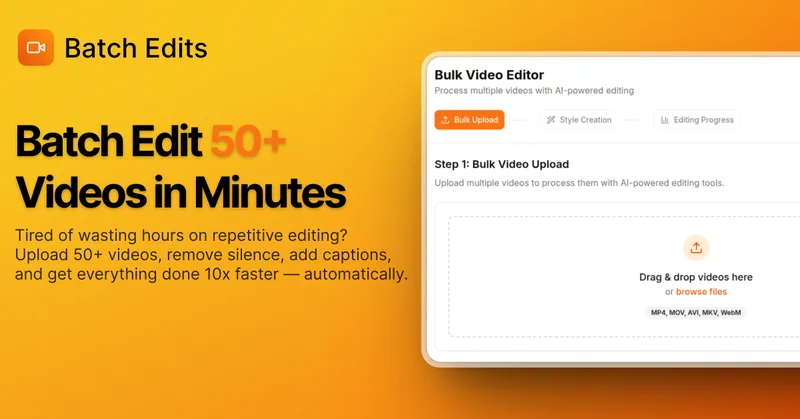
BatchEdits
BatchEdits is a web-based batch AI video editor for content creators that processes up to 50 videos simultaneously to remove silence, add auto-captions in 50+ languages, apply auto-zoom and crop for platform-specific formats, enabling high-volume creators to scale editing work.
Vidmoat
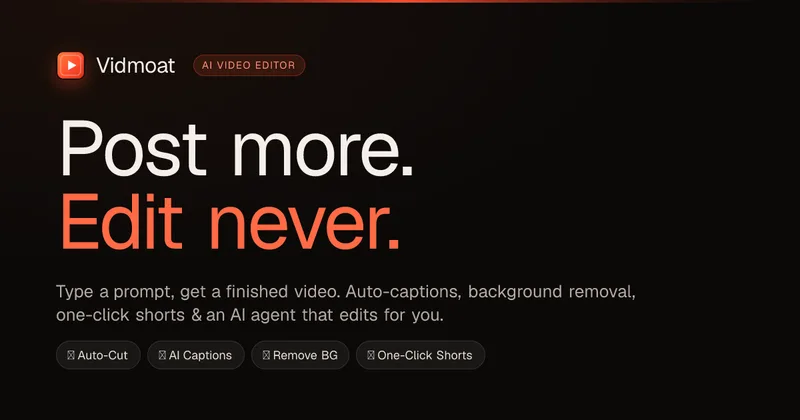
Vidmoat is an agent-first AI video editor that automates cutting, captions, color grading and multi-format export. Users type a prompt (or connect their own agent) and Vidmoat’s built-in AI or a connected MCP agent produces finished videos ready for TikTok, Reels, Shorts and YouTube.

Writepanda
PandaStudio (by Writepanda) is a local-first, agent-native video editor for macOS and Windows that records screen/camera/podcasts and uses on-device transcription and user-provided AI accounts to automate editing, captions, and publishing. It is sold as a one-time license with lifetime updates.


reap: AI Video Editor
reap is an AI-first video editor that automates turning long videos, webinars, and interviews into clips, animated captions, dubbed audio, and translated subtitles across 100+ languages, with REST API, CLI, and MCP for automation and publishing.
Premium Alternatives
Tella
Tella is an all-in-one screen recorder and video editor that captures screen, camera, microphone and system audio on Mac, Windows or in the browser, and provides editing, AI-assisted cleanup, hosting, analytics, and team collaboration for sharing or exporting videos up to 4K.
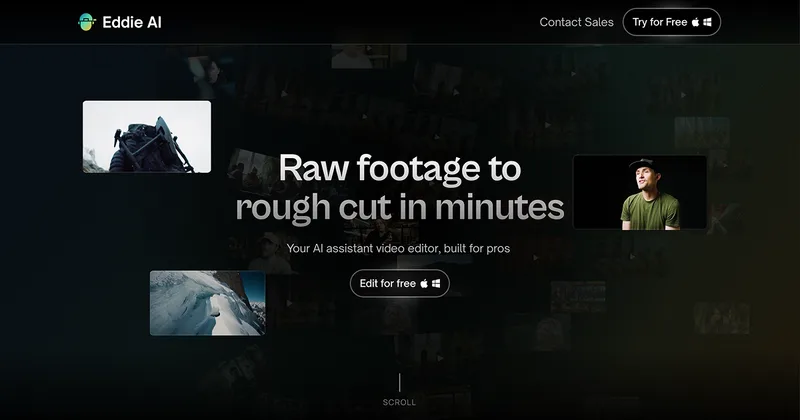
Eddie AI
Eddie AI is an AI assistant video editor that turns raw footage into structured rough cuts from plain-language instructions. It also handles tasks such as footage logging, multicam editing, color grading, captions, and music, with exports to professional NLEs.