Wisecut
Wisecut is an AI-powered automatic video editor that transforms long videos into short, engaging clips by detecting highlights, auto-generating captions and translations, removing silences, and applying automatic edits like zooms and music adjustments.
Wisecut is video editing software teams evaluate for content & marketing. Use this page to review pricing, integration signals, and the best alternatives before you commit.
Profile facts come from the vendor source. AiMatch labels unknown pricing or API details instead of estimating them.
Review official source →Used in These Packs
Quick Overview
Best for: Content & Marketing
What it does
Video Editing software for decision-makers comparing workflow fit and alternatives.
Best fit
Content & Marketing
Pricing snapshot
Free
Next step
Compare Wisecut with similar tools before you shortlist it.
Compare this tool before you shortlist it
Review alternatives, pricing posture, and workflow fit side by side.
Wisecut is an AI automatic video editor designed to convert long-form videos into short, shareable clips and highlights. The product targets creators and media teams by automating tasks such as highlight detection, silence removal, caption generation and translation, and format reframing to produce engaging shorts quickly. The interface emphasizes simplicity—features like a transcribed storyboard allow users to edit by moving text and scenes rather than using traditional timelines, aiming to remove the need for advanced video-editing skills.
Wisecut is an AI-powered automatic video editor that transforms long videos into short, engaging clips by detecting highlights, auto-generating captions and translations, removing silences, and applying automatic edits like zooms and music adjustments.
Own this listing?
Claim this page for a one-time $29 to add pricing, features, screenshots, verified owner details, and a clearly labeled 30-day category position after the profile is live.
Claim this listing for $29Key Features
AI highlight detection
AI analyzes footage to find viral-worthy snippets and key moments for short clips.
Auto captions and translations
Automatically generates captions and supports translation to reach global audiences; captions are editable via the Storyboard tool.
Storyboard-based video editing
Generates a transcribed storyboard from speech so users can edit by moving text and scenes without keyframes or complex timelines.
Automatic silence removal
Detects and cuts silent pauses to streamline pacing and reduce manual editing time.
Smart background music with auto ducking
Automatically selects background music, tailors it to the video, and lowers music volume when speech is detected.
Auto punch-in/out and auto zoom-in
Highlights key moments with automated punch-in/out zoom transitions and auto zoom features.
Auto Reframe
Adjusts videos to vertical, square, or horizontal formats automatically for different platforms.
Hook Title
Creates prominent intro text that appears in the first seconds to capture viewers' attention.
Studio Voice
Audio refinement feature to make voice audio sound more like a professional broadcaster or podcaster.
Background noise cancelling
Removes unwanted background noise to improve audio clarity.
Highlights
Generates short, engaging videos from the best moments identified in footage.
Pricing
Get started for free (page includes 'Get started for free' call-to-action; no specific prices shown in supplied content).
Use Cases
Create social media shorts
Automatically extract and format short, attention-grabbing clips for platforms like TikTok, Instagram, and YouTube Shorts.
Repurpose long-form content
Turn webinars, podcasts, and long videos into multiple short clips to increase content output and engagement.
Corporate and client testimonial editing
Streamline editing of testimonial videos by removing pauses, adding captions, and producing polished clips for clients.
Media team clip generation
Media teams can rapidly generate highlights and clips for distribution across channels, as referenced by customer testimonials (e.g., DraperTV).
Integrations
No verified integration details are available.
Benefits
Limitations
No verified limitations are available.
Frequently Asked Questions
No verified FAQs are available.
Getting Started
- 1 Step 1: Visit the Wisecut website and create an account (site promotes 'Get started for free').
- 2 Step 2: Upload your long-form video to the Wisecut editor.
- 3 Step 3: Use one-click AI editing to generate highlights, then fine-tune using the transcribed Storyboard and export the formatted short clips.
Support
docs
Help & Support and Resources sections are referenced on the site (access via the main website).
blog
Product and usage articles available via the site's Blog link.
API
Compare Wisecut with similar tools
See how it stacks up against alternatives
Related Tools
View all 23 →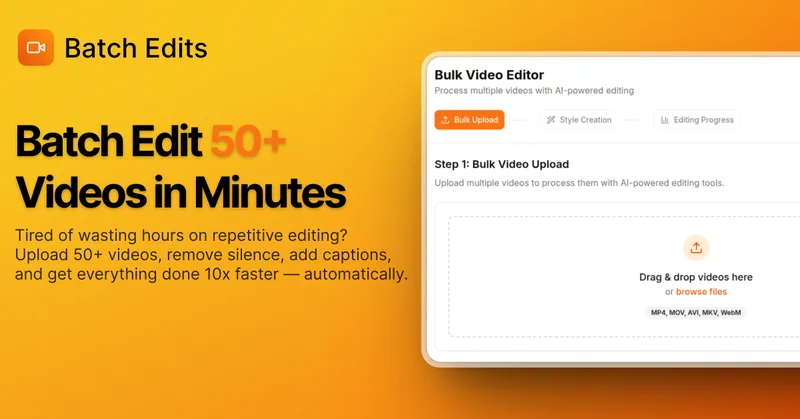
BatchEdits
BatchEdits is a web-based batch AI video editor for content creators that processes up to 50 videos simultaneously to remove silence, add auto-captions in 50+ languages, apply auto-zoom and crop for platform-specific formats, enabling high-volume creators to scale editing work.
Vidmoat
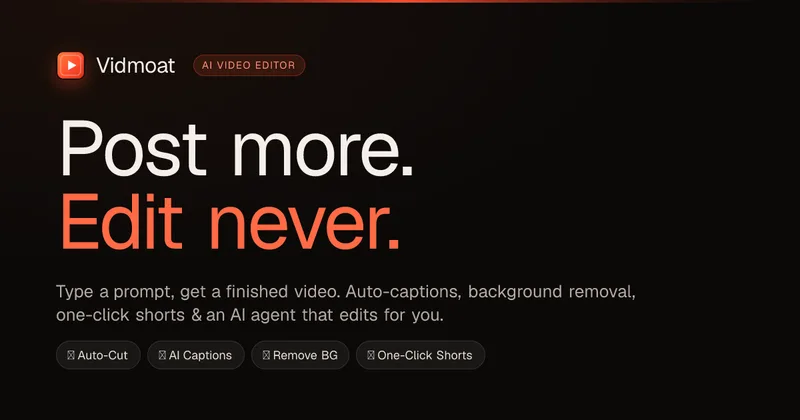
Vidmoat is an agent-first AI video editor that automates cutting, captions, color grading and multi-format export. Users type a prompt (or connect their own agent) and Vidmoat’s built-in AI or a connected MCP agent produces finished videos ready for TikTok, Reels, Shorts and YouTube.

Writepanda
PandaStudio (by Writepanda) is a local-first, agent-native video editor for macOS and Windows that records screen/camera/podcasts and uses on-device transcription and user-provided AI accounts to automate editing, captions, and publishing. It is sold as a one-time license with lifetime updates.

Submagic
Submagic is an AI-powered video editing platform that automates short-form video creation — from auto-captions and one-click edits to magic clip extraction, scheduling, and team collaboration — aimed at creators, teams, and businesses that need to publish shorts at scale.

Choppity
Choppity is an AI-powered video editing platform that automatically turns long-form videos and podcasts into 20–50+ short social clips with automated transcription, captioning, framing, tracking, and one-click posting/scheduling for TikTok, Instagram Reels and YouTube Shorts.
Tella
Tella is an all-in-one screen recorder and video editor that captures screen, camera, microphone and system audio on Mac, Windows or in the browser, and provides editing, AI-assisted cleanup, hosting, analytics, and team collaboration for sharing or exporting videos up to 4K.
Premium Alternatives
Tella
Tella is an all-in-one screen recorder and video editor that captures screen, camera, microphone and system audio on Mac, Windows or in the browser, and provides editing, AI-assisted cleanup, hosting, analytics, and team collaboration for sharing or exporting videos up to 4K.

Eddie AI
Eddie AI is an AI assistant video editor that turns raw footage into structured rough cuts from plain-language instructions. It also handles tasks such as footage logging, multicam editing, color grading, captions, and music, with exports to professional NLEs.