Phototo
PhotoTo.Video is an online AI image-to-video generator that converts a single photo into an animated MP4 using prompt-driven AI motion, multiple aspect ratios, and in-browser processing with a free tier and optional premium features.
Phototo is text-to-video software teams evaluate for content & marketing. Use this page to review pricing, integration signals, and the best alternatives before you commit.
Used in These Packs
Quick Overview
Best for: Content & Marketing
What it does
Text-to-Video software for decision-makers comparing workflow fit and alternatives.
Best fit
Content & Marketing
Pricing snapshot
Freemium from Free
Next step
Compare Phototo with similar tools before you shortlist it.
Compare this tool before you shortlist it
Review alternatives, pricing posture, and workflow fit side by side.
Phototo
PhotoTo.Video is an online AI-powered tool that transforms still images into animated videos. Aimed at content creators, marketers, and casual users, the service uses advanced AI to analyze an uploaded photo and generate natural, lifelike motion guided by a text prompt. The tool runs in the browser (no downloads required), outputs MP4 videos in platform-ready aspect ratios, and offers a free tier with premium options for higher-quality output.
PhotoTo.Video is an online AI image-to-video generator that converts a single photo into an animated MP4 using prompt-driven AI motion, multiple aspect ratios, and in-browser processing with a free tier and optional premium features.
Own this listing?
Claim this page to add pricing, features, screenshots, and verified owner details.
Claim this listingKey Features
AI Motion Generation
The AI analyzes image content and generates natural motion patterns to animate subjects and scenes, producing smooth, lifelike animations.
Prompt-Based Animation
Users guide the animation with text prompts to specify actions or styles (for example: make two people hug, create rustling trees, make a person dance).
Custom Video Duration
Choose preferred video length (examples shown: 5 seconds and 10 seconds) to create short clips for social media or longer animations for presentations.
Multiple Aspect Ratios
Export videos in 16:9, 9:16, and 1:1 aspect ratios suitable for YouTube, TikTok/Instagram Stories, and Instagram posts.
Browser-Based, No Download Required
Convert photos to videos directly in the browser without installing software.
MP4 Output & High-Quality
Generates MP4 videos in high-quality formats suitable for sharing and editing with external video software.
Free Daily Credits
Users can receive free credits daily (10 free credits per day when logged in) to generate videos without immediate payment.
Pricing
Yes — free photo to video conversion available; users get 10 free credits per day when logged in.
Free
Free- Basic photo-to-video conversions
- 10 free credits per day when logged in (as advertised)
Premium
Not listed on site- Higher-quality output and additional premium options
- Intended for professional needs
Use Cases
Social media clips
Create short, platform-ready animated clips from photos formatted for TikTok, Instagram Stories, Reels, or YouTube thumbnails and posts.
Marketing & presentations
Produce attention-grabbing animated visuals for marketing campaigns, ads, product pages, and presentation assets.
Content creation and storytelling
Enable creators to animate portraits, landscapes, and scenes to enhance storytelling or produce unique video content.
Personal & commercial use
Generate videos from personal photos for sharing or use commercially — users retain rights to videos created from their photos.
Integrations
Claim this listing to add integrations.
Benefits
Limitations
Frequently Asked Questions
How does your photo to video converter work?
What types of photos can I convert to video?
How long does photo to video conversion take?
Can I convert multiple photos to video?
What video formats do you support?
Is your photo to video converter free?
Can I use the converted videos commercially?
What makes your photo to video AI unique?
What animation styles are available?
Can I edit my video after conversion?
Getting Started
- 1 Upload your photo (PNG, JPG, GIF up to 10MB) or provide a reference image.
- 2 Describe the desired animation in the prompt and select the video duration and aspect ratio.
- 3 Click Generate and wait (most conversions complete within about 5 minutes), then download the MP4 when ready.
Support
Contact support at [email protected] for help or inquiries.
docs
On-site FAQ, Terms of Service and Privacy Policy pages provide guidance (links available on the website).
API
Compare Phototo with similar tools
See how it stacks up against alternatives
Related Tools
View all 72 →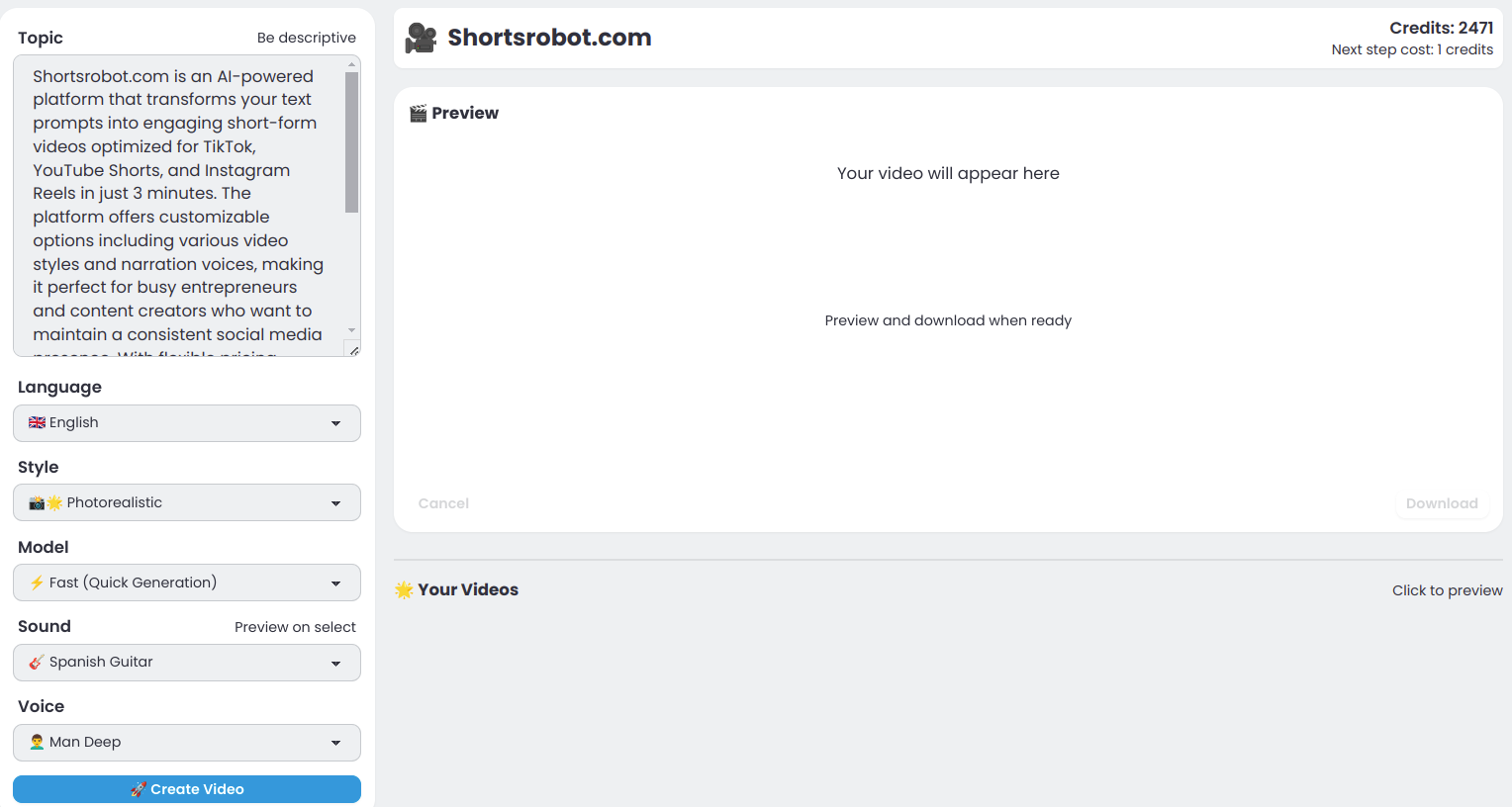
Shortsrobot.com
ShortsRobot is an AI-powered video shorts generator that transforms user prompts into engaging, ready-to-post short-form videos optimized for TikTok, YouTube Shorts, and Instagram Reels, enabling effortless automated content creation.

Pictory
Pictory is an AI-powered video generation and editing platform that converts text, URLs, images, audio, and presentations into polished videos with automated editing, captions, AI voices, and branding tools. It’s aimed at creators, marketers, educators, and enterprise teams who need to scale video production quickly without traditional filming or heavy editing.

Videoplus
VideoPlus.ai is an AI-powered Image-to-Video platform that converts static images and text into animated videos using multiple top-tier AI models. It offers free usage with optional paid plans for watermark-free output and advanced quotas, targeting creators across marketing, education, e‑commerce, and social media.

Renderlion
RenderLion is a free AI-powered video generator that converts text, images, URLs and other content into short animated videos without manual editing, aimed at marketers, creators, businesses, and social media managers.

Image2video
Image to Video AI converts static photos (JPEG/PNG) into short, dynamic MP4 videos using AI-driven animations, camera motion, cinematic effects and templates — available as a web-based, mobile-responsive photo-to-video generator with free and subscription tiers.
Invideo
invideo AI is a web-based AI video generator that turns text prompts into finished videos by generating scripts, selecting stock footage from a 16M+ media library, adding voiceovers, subtitles, music and transitions, with an intuitive editor for edits and prompt-driven changes.
Premium Alternatives
copyflow-pro
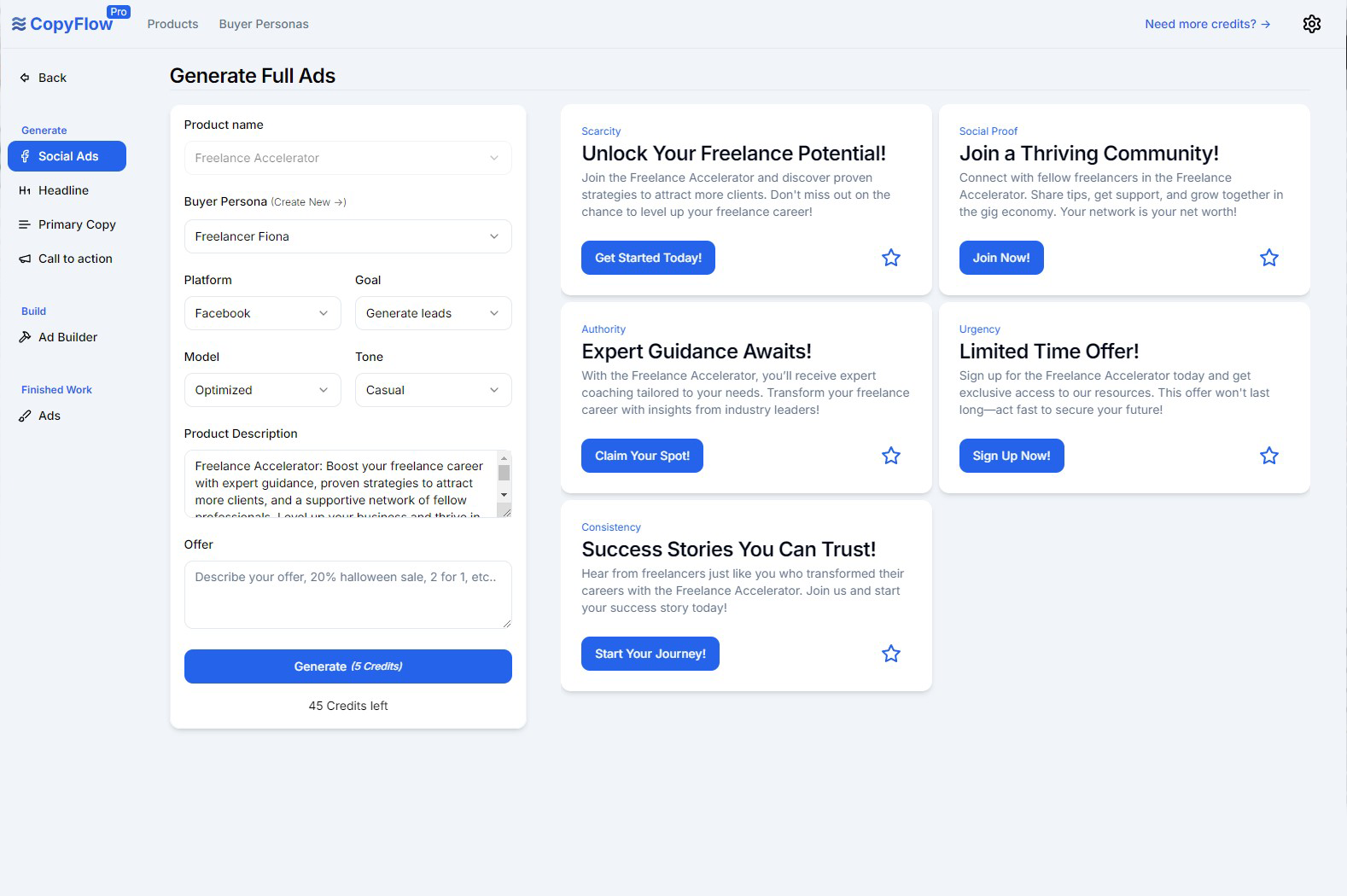
CopyFlow Pro is an AI-powered tool designed to generate high-converting PPC ad copy quickly, helping marketers create targeted headlines, primary copy, and calls-to-action tailored to their ideal customers.

Pixelmost
Pixelmost is an AI-powered app prototyping tool for iPhone, iPad, and Mac that generates mobile app mockups, interactive prototype flows, and app icons from a simple prompt in seconds. It's aimed at founders, designers, and product teams who need rapid visual concepts, pitch screens, and review-ready prototypes.

AIclicks
AIclicks is an AI and LLM search visibility optimization tool designed to help brands track, analyze, and improve their presence in AI search engines like ChatGPT, Perplexity, and Gemini. It provides actionable analytics, competitor analysis, and AI-generated content to boost AI search rankings.

Chat
NanthAI Chat is a multi-model AI chat platform that lets users compare responses from models such as ChatGPT, Claude, and Gemini side-by-side and advertises significant cost savings (claimed up to 95% cheaper). It targets developers, researchers, and teams evaluating or deploying conversational AI.
imitate-ai
Imitate AI is a creative design tool that allows users to generate copyright-free images resembling their original reference pictures using AI technology, simplifying the process of sourcing unique visuals.