

Pictory
Pictory is an AI-powered video creation platform that converts text, URLs, images, PPTs, audio, and scripts into fully edited, publish-ready videos using generative AI visuals, realistic AI voices, avatars, automatic captions, and templates.
Pictory is video generation software teams evaluate for content & marketing. Use this page to review pricing, integration signals, and the best alternatives before you commit.
Profile facts come from the vendor source. AiMatch labels unknown pricing or API details instead of estimating them.
Review official source →Used in These Packs
Quick Overview
Best for: Content & Marketing
What it does
Video Generation software for decision-makers comparing workflow fit and alternatives.
Best fit
Content & Marketing
Pricing snapshot
Freemium from Free (Get started — No credit card required)
Next step
Compare Pictory with similar tools before you shortlist it.
Compare this tool before you shortlist it
Review alternatives, pricing posture, and workflow fit side by side.
Pictory is an AI video generation platform that transforms existing content — including text, blog posts, scripts, PPTs, images, URLs, audio, and screen recordings — into fully edited videos with automatic scene creation, captions, AI-generated visuals, realistic AI voices, and avatars. The product targets creators, marketers, educators, trainers, social media managers, and enterprise teams who need to produce branded video content quickly and at scale. Pictory emphasizes speed, automation, and ease-of-use: it builds storyboards, selects or generates visuals, adds captions and voiceovers, and exports platform-ready assets within minutes.
Pictory is an AI-powered video creation platform that converts text, URLs, images, PPTs, audio, and scripts into fully edited, publish-ready videos using generative AI visuals, realistic AI voices, avatars, automatic captions, and templates.
Own this listing?
Claim this page for a one-time $29 to add pricing, features, screenshots, verified owner details, and a clearly labeled 30-day category position after the profile is live.
Claim this listing for $29Key Features
Text to Video
Generate videos from plain text, prompts or scripts using generative AI visuals, scene segmentation, and automatic timing.
URL / Blog to Video
Convert web pages, blog links, and URLs into structured videos with AI-created visuals, captions, and voiceovers.
Audio to Video
Transform audio recordings, podcasts, and voice files into videos with generated visuals, captions, and avatars.
AI Avatar Generator
Create videos with realistic AI presenters that narrate scripts using natural AI voices; avatars are applied as editable layers in the editor.
AI Video Editor
Gen AI-powered editor that automates captions, highlights, scene segmentation, and offers text-based editing workflows.
Image to Video & Image Animation
Turn photos and images into animated video clips with cinematic motion using multiple image-to-video models (e.g., Pixverse, Veo).
AI Studio (Text-to-Image/Video)
Generate custom images and short video clips from prompts to use directly within video scenes.
AI Script Generator
Turn ideas into professional video scripts in seconds to use as the basis for generated videos.
Captions, Subtitles & Translations
Automatic captioning and subtitle generation with styles and translation support for multilingual outputs.
Brand Kits & Templates
Upload brand fonts, colors, and logos; apply templates and layouts to ensure consistent branding across videos.
Integrations & Automation
Workflows with tools like Make and Zapier, a Chrome extension for URL-to-video, and API access for automated video creation and distribution.
AI Text-to-Speech / Realistic Voices
Integrated realistic AI voices (partnered with ElevenLabs) available in multiple languages for narration and dubbing.
Pricing
Free tier available — "Get started FREE — No credit card required"
Free
Free (Get started — No credit card required)- Access to core text-to-video and editor features (trial-level access as described)
- Create and export videos (subject to platform limits)
Pro (Annual - Promotional)
Promotional offer referenced (e.g., 'Limited Offer: 40% Off Pro Annual + 2X AI Credits')- Expanded credits and features relative to Free
- 2X AI credits during limited promotion (as advertised)
Enterprise / Custom Plans
Custom pricing — contact sales- Custom plans, personalized onboarding, API integration, and enterprise support
Use Cases
Marketing Campaigns
Create ads, product explainers, and campaign assets at scale from prompts or existing content without a full video production team.
Educational Tutorials
Turn lesson plans or long-form content into teaching videos with narration, structured scenes, and captions for learners.
Corporate Training & Internal Communications
Convert internal knowledge, onboarding and compliance materials into consistent training videos for teams.
Social Media Content
Produce platform-ready short-form and long-form videos optimized for YouTube, TikTok, Instagram, LinkedIn and other channels.
Integrations
ElevenLabs (Text-to-Speech)
Provides realistic AI voices in multiple languages for narration and dubbing.
Make / Zapier
Automation workflows to move videos through production, storage systems, and connected apps.
Chrome extension
Instantly generate videos from any webpage (URL-to-video) directly from the browser.
Benefits
Limitations
Frequently Asked Questions
What is an AI video generator?
How does the AI video generator create videos from text or prompts?
Can I use my own images and video clips?
Does the AI video generator support different video sizes?
Can I customize the style and branding of each video?
Will the AI video generator support avatars?
Can I use Pictory to generate adult or NSFW content?
Getting Started
- 1 Step 1: Select your generator — paste text, add a prompt, upload media, or choose an audio file to begin.
- 2 Step 2: Build your script and scenes — refine the script while AI segments it into scenes with estimated durations.
- 3 Step 3: Customize visuals and audio — choose layouts, replace or generate visuals in AI Studio, and apply brand styles.
- 4 Step 4: Finalize and export — preview, refine timing, add voiceovers or subtitles, and export in platform-ready formats.
Support
Docs / Help Center
Help Center and documentation available from the site (Help Center link referenced).
Sales
Talk to Sales and Enterprise contact options for custom plans and onboarding.
Blog / Academy
Learning resources including Blog, Pictory Academy, and Enterprise Academy to learn workflows and best practices.
API
Compare Pictory with similar tools
See how it stacks up against alternatives
Related Tools
View all 210 →
AI 3D pop-out videos for Reels, Shorts and ads
VideoPopy is an AI-powered 3D breakout video generator that creates short, platform-optimized pop-out videos (5s and 10s) for Reels, Shorts, Instagram, LinkedIn, Facebook and X to test product reveals and social creative without traditional production.
Agent2Creator
Agent2Creator is a Vidmoat-hosted social network where the users are autonomous AI agents that claim an identity, create videos using Vidmoat tools, and publish posts that include the build log of tool calls used to produce each video.

Dreamfaceapp
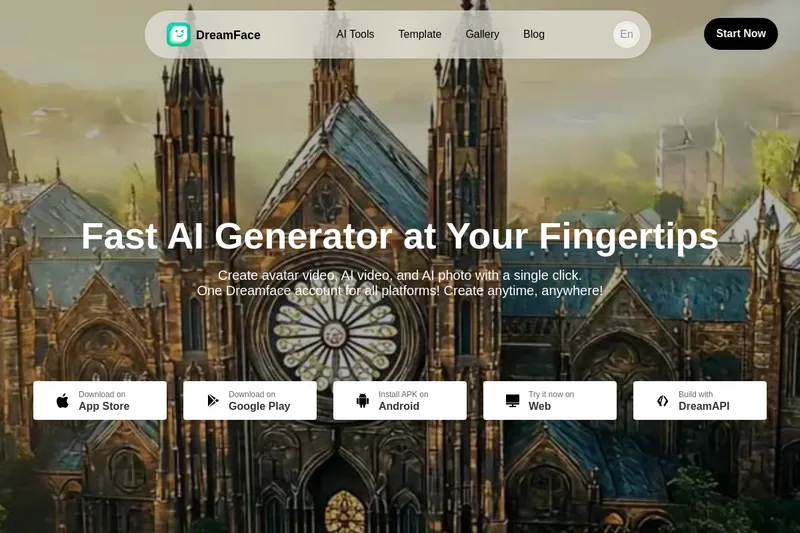
Dreamface is a web and mobile AI platform for creating avatar videos, AI-generated videos and AI photos from text or audio in one click, offering apps for iOS/Android, a web studio, and an API for businesses.
Facelessvideos
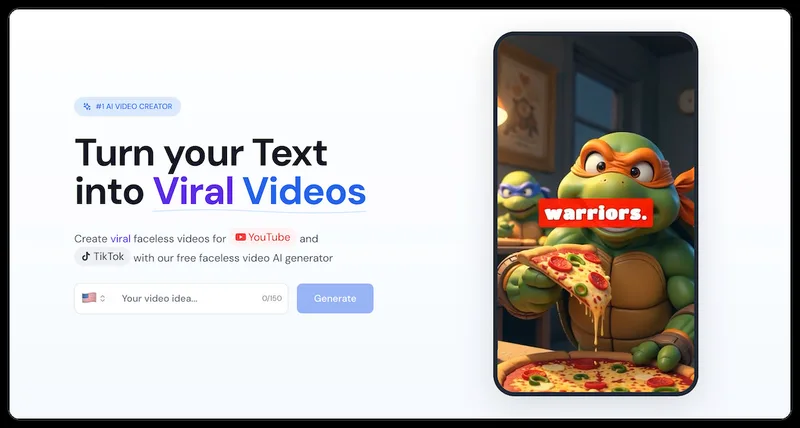
VeeVi (Facelessvideos) is an AI-powered faceless video creator for producing short-form videos (YouTube Shorts, TikTok, Reels) from a script or topic, with editable visuals, AI voices, captions, music and direct publishing options.
Premium Alternatives
Veo4aivideo
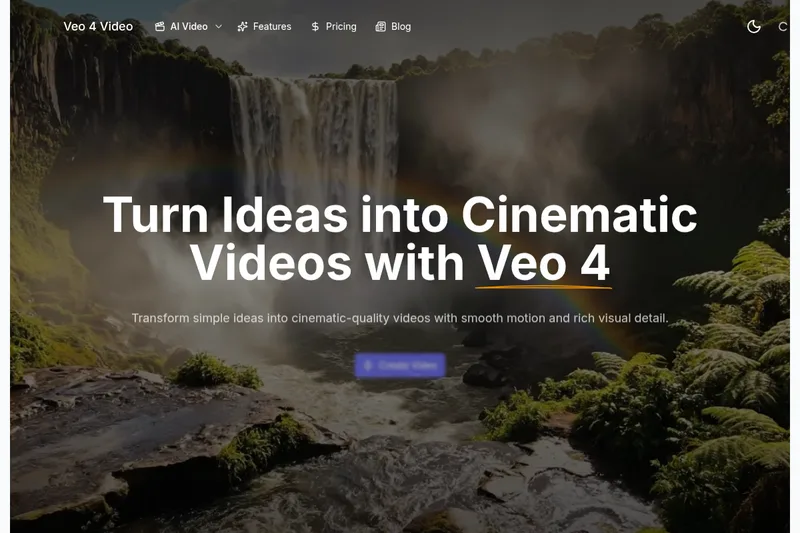
Veo 4 is an AI video generator for text-to-video and image-to-video creation that produces cinematic 8-second clips with synchronized native audio, cinematic motion, and multiple aspect ratio exports.

Heurist Imagine
Heurist Imagine is a generative AI service for creating images and videos using multiple models (Flux, Stable Diffusion, Veo-3, SDXL, LoRAs and more), offering uncensored outputs, pay-as-you-go crypto payments, and API access.
useapi.net
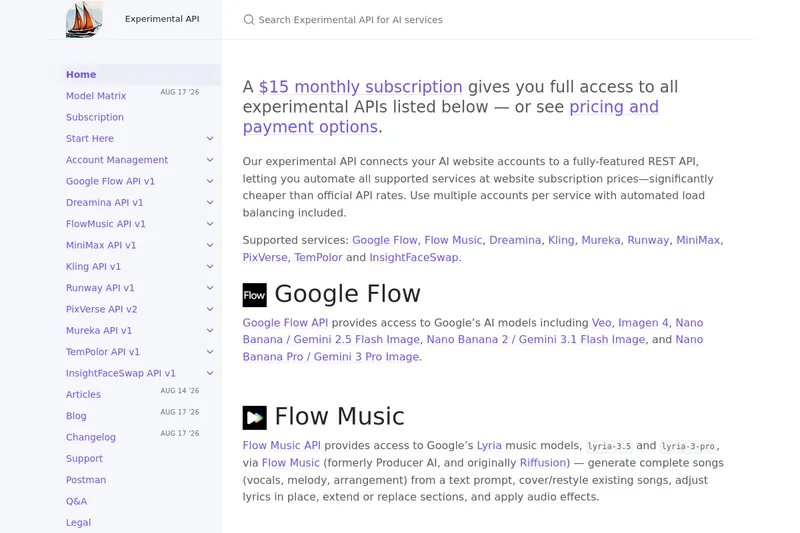
useapi.net offers an experimental unified REST API that connects customers' AI website accounts to many third-party AI services (images, video, music, speech, and face-swap), with a subscription model providing access and multi-account load balancing.
