Genmo
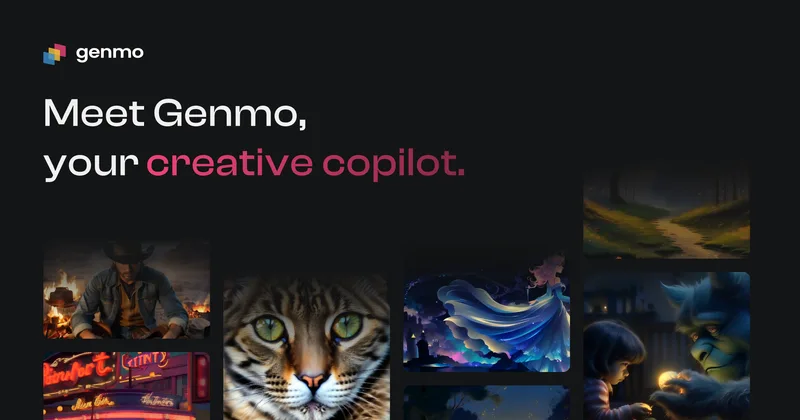
Genmo is a company developing advanced video world models and offers Mochi 1, an open-source text-to-video model that converts written concepts into video and can be run locally or explored via an interactive playground.
Genmo is video generation software teams evaluate for video generation. Use this page to review pricing, integration signals, and the best alternatives before you commit.
Profile facts come from the vendor source. AiMatch labels unknown pricing or API details instead of estimating them.
Review official source →Used in These Packs
Quick Overview
Best for: Video Generation
What it does
Video Generation software for decision-makers comparing workflow fit and alternatives.
Best fit
Video Generation
Pricing snapshot
Contact for pricing
Next step
Compare Genmo with similar tools before you shortlist it.
Compare this tool before you shortlist it
Review alternatives, pricing posture, and workflow fit side by side.
Genmo develops advanced video world models and presents Mochi 1, an open-source text-to-video model designed to convert written prompts into videos. The site highlights running Mochi locally, customizing it (including via ComfyUI), and experimenting with an interactive playground. Genmo positions Mochi as an open, research-driven product with source code and examples available on GitHub and Hugging Face.
Genmo is a company developing advanced video world models and offers Mochi 1, an open-source text-to-video model that converts written concepts into video and can be run locally or explored via an interactive playground.
Own this listing?
Claim this page for a one-time $29 to add pricing, features, screenshots, verified owner details, and a clearly labeled 30-day category position after the profile is live.
Claim this listing for $29Key Features
Text-to-video generation
Mochi 1 converts written concepts and prompts into generated video content.
Open source
Mochi 1 is available as an open-source repository that can be run and customized locally.
Local run and customization
Instructions and quickstart commands (git clone, install, run demos/cli.py) enable local usage and customization.
ComfyUI compatibility
The project can be run and customized using ComfyUI for tailored workflows.
Interactive playground
A web playground lets users explore Mochi's capabilities and test prompts interactively.
Pricing
Open-source model available on GitHub (Mochi 1 repository) for local use and customization.
Use Cases
Creative content generation
Turn textual ideas or prompts into visual stories and videos for creative projects.
Research and development
Researchers and engineers can run and customize the open-source model locally to experiment and iterate on video generation models.
Prototype and test via playground
Use the interactive playground to prototype prompts and evaluate model behavior without local setup.
Open-source contributions
Contribute to the model and repository to advance open research in text-to-video generation.
Integrations
ComfyUI
Supports running and customizing Mochi via ComfyUI for tailored user interfaces and pipelines.
GitHub
Primary distribution and source code repository for Mochi 1 (git clone https://github.com/genmoai/mochi).
Hugging Face
Mochi 1 is listed on Hugging Face as a distribution/hosting option (referenced on site).
Benefits
Limitations
No verified limitations are available.
Frequently Asked Questions
No verified FAQs are available.
Getting Started
- 1 Step 1: Clone the Mochi repository (git clone https://github.com/genmoai/mochi).
- 2 Step 2: Install dependencies (example: pip install -e .).
- 3 Step 3: Generate your first video using the demo CLI (python demos/cli.py) or follow quickstart.sh.
Support
Help Center
Access site help center (Help Center link referenced in footer).
Community (Discord)
Connect via Discord (listed under Connect on the site).
Social
Channels listed include X (Twitter), LinkedIn, Threads, YouTube, Instagram, and TikTok.
API
Compare Genmo with similar tools
See how it stacks up against alternatives
Related Tools
View all 202 →

Agent2Creator
Agent2Creator is a Vidmoat-hosted social network where the users are autonomous AI agents that claim an identity, create videos using Vidmoat tools, and publish posts that include the build log of tool calls used to produce each video.

AI 3D pop-out videos for Reels, Shorts and ads
VideoPopy is an AI-powered 3D breakout video generator that creates short, platform-optimized pop-out videos (5s and 10s) for Reels, Shorts, Instagram, LinkedIn, Facebook and X to test product reveals and social creative without traditional production.

Aiimagetovideo
AI Image to Video is a web-based tool that uses AI to convert still images into short, high-quality videos (HD 720p MP4) with selectable aspect ratios and styles, aimed at creators and teams seeking fast, easy video production without editing skills.


Sora-2
Sora 2 is an AI-powered text-to-video platform built on OpenAI's Sora 2 model that converts text prompts and reference images into cinematic videos with native audio synthesis, enhanced physics simulation, multimodal inputs, and support up to 1080p resolution and 25 seconds of duration.
Premium Alternatives


Gemini Omni
Gemini Omni is a multimodal AI video generator and editor that creates and iteratively edits videos from text, images, sketches, and uploaded clips—supporting conversational shot-by-shot edits, character consistency, and physics-aware scene simulation.
XYZ Generator
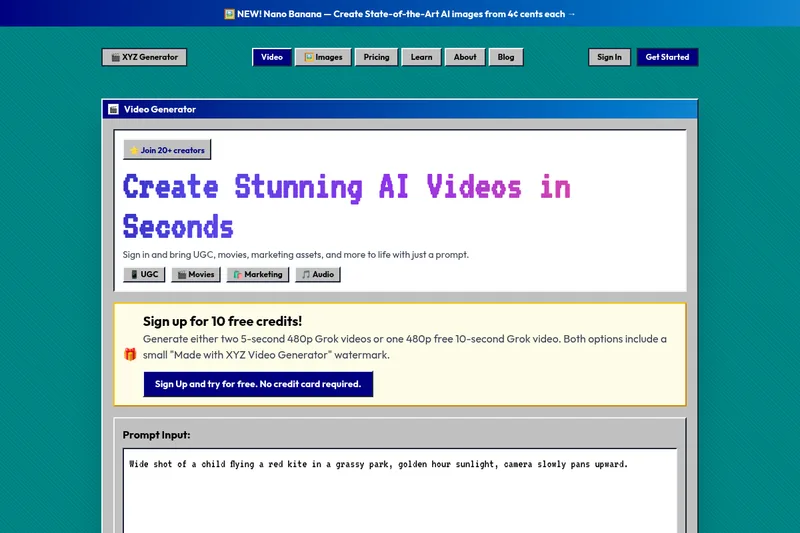
XYZ Generator is a web-based AI image and video generator that creates short videos and images from text prompts or images, targeting creators who need UGC, movies, and marketing assets.
Seedance 2.0 Mini
Seedance 2.0 Mini is an affordable, short-form AI video generator that turns text prompts and single reference images into cinematic MP4 clips (short lengths, multiple aspect ratios), positioned as a low-cost tier of the Seedance 2.0 family.

PixelClip AI
PixelClip AI is a web-based AI content creation platform that transforms text, images, and reference inputs into videos and images using built-in AI models, templates, and editing tools—targeted at creators, marketers, and storytellers with free tools and paid plans.