

Pikaai
Pika AI (by Pica Art Labs) is an AI-powered video generator that creates high-quality videos from text prompts and still images, offering multiple visual styles (3D, anime, cartoon, cinematic) and a library of effect templates for fast, share-ready content production.
Pikaai is video generation software teams evaluate for content & marketing. Use this page to review pricing, integration signals, and the best alternatives before you commit.
Profile facts come from the vendor source. AiMatch labels unknown pricing or API details instead of estimating them.
Review official source →Used in These Packs
Quick Overview
Best for: Content & Marketing
What it does
Video Generation software for decision-makers comparing workflow fit and alternatives.
Best fit
Content & Marketing
Pricing snapshot
Free
Next step
Compare Pikaai with similar tools before you shortlist it.
Compare this tool before you shortlist it
Review alternatives, pricing posture, and workflow fit side by side.
Pika AI is an image-to-video and text-to-video generator from Pica Art Labs that converts photos and prompts into high-quality animated clips. It supports multiple visual styles including cinematic, realistic, anime, cartoon and 3D, and provides a set of pre-designed effect templates (AI Hug, Venom transformation, muscle enhancement, old photo animation, etc.) to accelerate creative production. The tool is positioned for creators and brands who need fast iteration and polished, share-ready videos for social, ads, presentations, and other campaigns.
Pika AI (by Pica Art Labs) is an AI-powered video generator that creates high-quality videos from text prompts and still images, offering multiple visual styles (3D, anime, cartoon, cinematic) and a library of effect templates for fast, share-ready content production.
Own this listing?
Claim this page for a one-time $29 to add pricing, features, screenshots, verified owner details, and a clearly labeled 30-day category position after the profile is live.
Claim this listing for $29Key Features
Image to Video
Upload a photo and describe the desired movement or effect to transform still images into animated clips.
Text to Video
Generate dynamic AI videos from text prompts to create cinematic shots, stylized animation, realistic motion, and social clips.
Pre-designed Effect Templates
Use ready-made templates such as AI Hug, AI Venom Transformation, AI Muscle Enhancement, AI Squish Effect, AI Handshake, and Old Photo Animation for fast results.
Flexible Visual Styles
Choose from styles including cinematic, realistic, anime, cartoon, 3D, and social media-focused looks to match platform or audience.
Prompt-Based Controls
Guide results with detailed prompts, uploaded images, aspect ratio choices, and model settings to shape motion, mood, and scene direction.
Fast Iteration Workflow
Create draft videos quickly to test ideas, compare prompts, and iterate on motion, style, and composition.
Pricing
Free trial / free generator available (page lists 'Free Trial' and 'Free Pika AI Video Generator'); no detailed paid-tier pricing shown on the page.
Use Cases
Social media content
Create vertical or square video clips and stylized shorts optimized for social platforms and engagement.
Product and marketing videos
Produce attention-grabbing product videos and ad creative using cinematic or stylized templates without complex editing.
Creative campaigns and storytelling
Animate photos and generate concept videos for campaigns, presentations, and branded content.
Memes and personal clips
Make playful transformations (e.g., Venom effects, squish effects, muscle enhancement) and shareable meme-style videos.
Photo restoration/animation
Revive old photos with Old Photo Animation to produce engaging moving images from historical or personal photos.
Integrations
No verified integration details are available.
Benefits
Limitations
No verified limitations are available.
Frequently Asked Questions
No verified FAQs are available.
Getting Started
- 1 Step 1: Enter a creative prompt or upload an image to serve as the starting frame.
- 2 Step 2: Choose an aspect ratio, select a model or effect template, and pick a visual style (cinematic, anime, cartoon, etc.).
- 3 Step 3: Click Generate to create a draft video, preview the result, then refine prompts or settings as needed.
Support
contact
Contact Us page on pikaai.org (site footer lists Contact Us and other support links).
API
Compare Pikaai with similar tools
See how it stacks up against alternatives
Related Tools
View all 202 →
AI 3D pop-out videos for Reels, Shorts and ads
VideoPopy is an AI-powered 3D breakout video generator that creates short, platform-optimized pop-out videos (5s and 10s) for Reels, Shorts, Instagram, LinkedIn, Facebook and X to test product reveals and social creative without traditional production.
Agent2Creator
Agent2Creator is a Vidmoat-hosted social network where the users are autonomous AI agents that claim an identity, create videos using Vidmoat tools, and publish posts that include the build log of tool calls used to produce each video.


Seedance3ai
Seedance 3.0 is a web-based AI video generator that creates professional 4K cinematic videos from text, images, or audio with multi-shot narrative consistency, native audio sync, and cinematic camera controls for creators, filmmakers, and marketing teams.
Premium Alternatives

Veo4aivideo
Veo 4 is an AI video generator for text-to-video and image-to-video creation that produces cinematic 8-second clips with synchronized native audio, cinematic motion, and multiple aspect ratio exports.
XYZ Generator
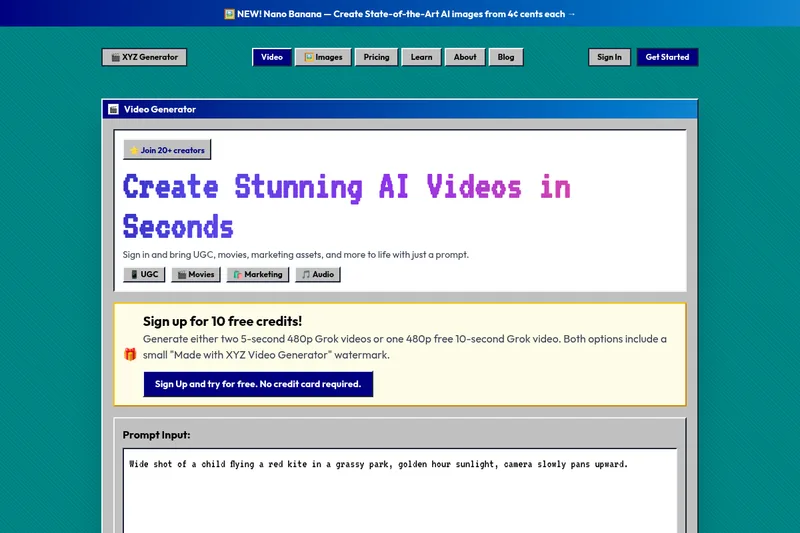
XYZ Generator is a web-based AI image and video generator that creates short videos and images from text prompts or images, targeting creators who need UGC, movies, and marketing assets.
Dreaminai
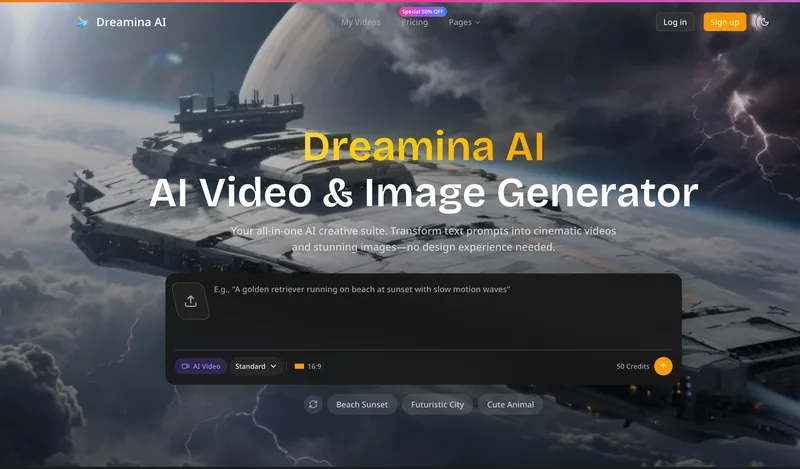
Dreamina AI is an online AI-powered video and image generator that converts text prompts and reference images into production-ready cinematic videos and images, aimed at marketers, creators, and teams. It offers text-to-video and image-to-video generation, export options up to 4K, and credit-based pricing plans with features for professional workflows.
ShortsFaceless
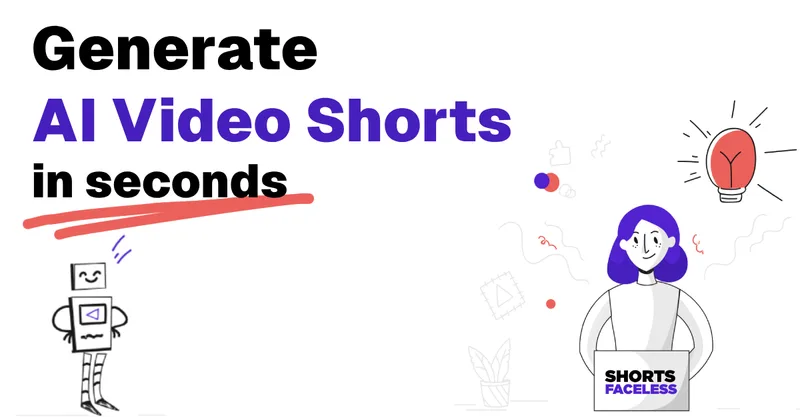
ShortsFaceless is an AI-powered platform that automates creation of faceless short-form videos (YouTube Shorts, TikTok, Reels) by generating scripts, images, voiceovers, subtitles and exporting HD videos to help creators scale production quickly.
useapi.net
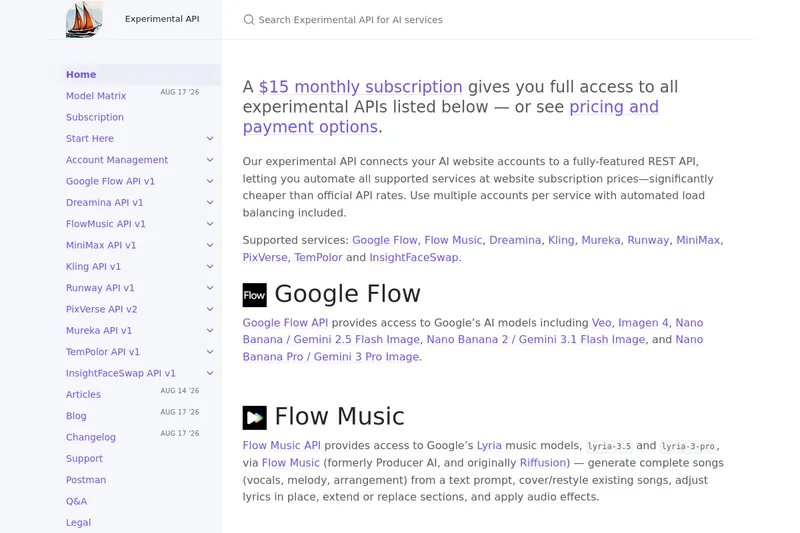
useapi.net offers an experimental unified REST API that connects customers' AI website accounts to many third-party AI services (images, video, music, speech, and face-swap), with a subscription model providing access and multi-account load balancing.