
Pixverse AI
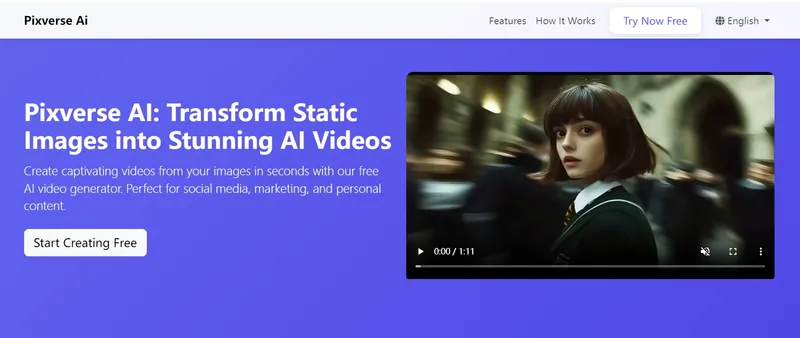
Pixverse AI is a web-based platform that uses artificial intelligence to transform static images into animated videos and visual effects, offering a free plan for creators, marketers, and businesses to generate social-media-ready video content quickly.
Pixverse AI is video generation software teams evaluate for content & marketing. Use this page to review pricing, integration signals, and the best alternatives before you commit.
Profile facts come from the vendor source. AiMatch labels unknown pricing or API details instead of estimating them.
Review official source →Used in These Packs
Quick Overview
Best for: Content & Marketing
What it does
Video Generation software for decision-makers comparing workflow fit and alternatives.
Best fit
Content & Marketing
Pricing snapshot
Free from Free
Next step
Compare Pixverse AI with similar tools before you shortlist it.
Compare this tool before you shortlist it
Review alternatives, pricing posture, and workflow fit side by side.
Pixverse AI is an online AI-powered video generation platform that converts static images into animated videos and visual effects. Aimed at creators, marketers, e-commerce owners, and designers, the service emphasizes an intuitive interface and fast processing to make professional-looking animations accessible without technical expertise. The site promotes a free plan and highlights large user metrics (50K+ active users, 1M+ videos generated) and a high user rating as evidence of active adoption.
Free AI video generator transforming images into stunning videos.
Own this listing?
Claim this page for a one-time $29 to add pricing, features, screenshots, verified owner details, and a clearly labeled 30-day category position after the profile is live.
Claim this listing for $29Key Features
AI Video Generation
Transform static images into dynamic videos using Pixverse AI's video generation algorithms.
Smart Animation
One-click professional animation effects including natural motion effects, smooth transitions, dynamic elements, and custom animations.
Style Transfer
Apply artistic and visual style effects, color enhancement, and custom presets to generated videos.
Wide Toolset (image & video)
Multiple listed tools and generators on the site (examples provided in-site include Qwen Image Generator, Face Swap, Image Upscaler, Background Remover, Headshot Generator, Photo Enhancer, GIF Face Swapper, and more).
Templates and Presets
Access to templates and basic presets to speed up creation workflows (site mentions templates and presets).
Fast Processing
Most videos are processed quickly; the site states many videos are ready within 60 seconds.
Pricing
Completely free plan allowing basic AI video generation, multiple animation styles, standard quality exports, and access to basic templates; no credit card required.
Free
Free- Basic AI video generation
- Multiple animation styles
- Standard quality exports
- Access to basic templates
Use Cases
Social media content
Create eye-catching animated posts and short videos to engage followers and grow accounts.
Digital marketing
Generate engaging video ads and promotional content for campaigns and social placements.
E-commerce product showcases
Animate product photos to create dynamic listings and promotional assets for online stores.
Art & design enhancement
Transform artwork and illustrations into animated pieces for portfolios and presentations.
Integrations
No verified integration details are available.
Benefits
Limitations
Frequently Asked Questions
Is Pixverse AI really free to use ?
How does Pixverse AI work ?
What types of images can I animate?
Do I need technical skills to use Pixverse AI?
How fast can I create a video ?
Can I use the videos commercially?
Getting Started
- 1 Step 1: Upload Image — Upload your image or choose from available templates.
- 2 Step 2: Choose Effect — Select from the platform's range of AI animation effects and presets.
- 3 Step 3: Download — Generate and download your AI-enhanced video.
Support
Support page (web)
Access the site's Support page linked in the quick links on the Pixverse AI website: https://www.pixverseai.org/
API
Compare Pixverse AI with similar tools
See how it stacks up against alternatives
Related Tools
View all 202 →
AI 3D pop-out videos for Reels, Shorts and ads
VideoPopy is an AI-powered 3D breakout video generator that creates short, platform-optimized pop-out videos (5s and 10s) for Reels, Shorts, Instagram, LinkedIn, Facebook and X to test product reveals and social creative without traditional production.
Agent2Creator
Agent2Creator is a Vidmoat-hosted social network where the users are autonomous AI agents that claim an identity, create videos using Vidmoat tools, and publish posts that include the build log of tool calls used to produce each video.
Facelessvideos
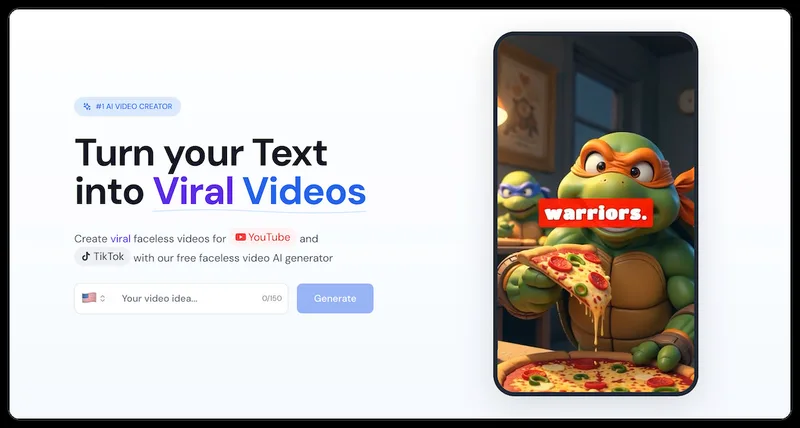
VeeVi (Facelessvideos) is an AI-powered faceless video creator for producing short-form videos (YouTube Shorts, TikTok, Reels) from a script or topic, with editable visuals, AI voices, captions, music and direct publishing options.
Premium Alternatives
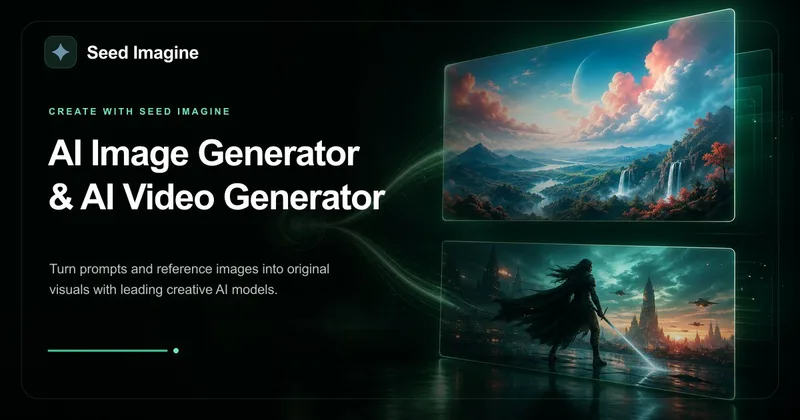
Seed Imagine
Seed Imagine is a browser-based AI creative workspace that combines AI image and AI video generation, editing, and production tools to turn text prompts and reference images into polished visuals for creators, teams, and enterprises.
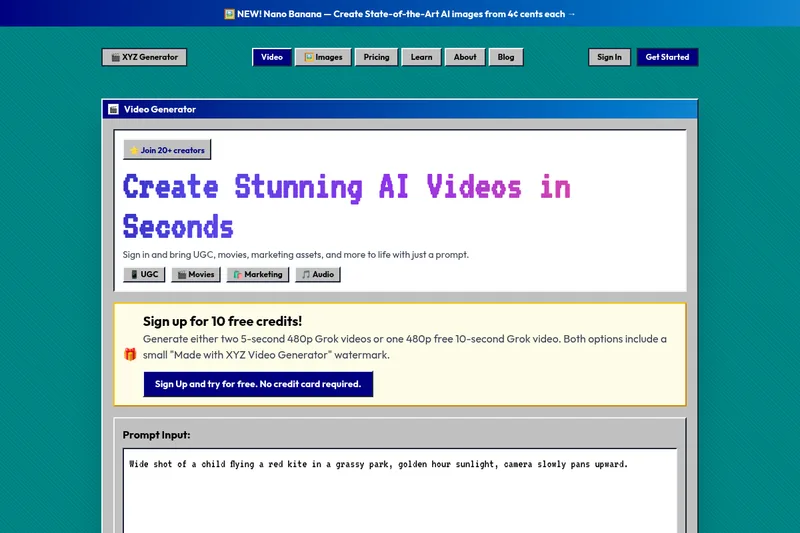
XYZ Generator
XYZ Generator is a web-based AI image and video generator that creates short videos and images from text prompts or images, targeting creators who need UGC, movies, and marketing assets.
Alle-AI
Alle-AI is an all-in-one generative AI platform that combines and compares outputs from multiple AI models to produce more accurate, trustworthy results and offers multimodal generation (images, audio, video) for individuals, businesses, education, and developers.

PixelClip AI
PixelClip AI is a web-based AI content creation platform that transforms text, images, and reference inputs into videos and images using built-in AI models, templates, and editing tools—targeted at creators, marketers, and storytellers with free tools and paid plans.