pixxel
pixxel is a Chrome browser extension that enables users to capture styled, high-quality screenshots with rounded corners, shadows, and custom backgrounds quickly and easily.
pixxel is screenshots software teams evaluate for image & design. Use this page to review pricing, integration signals, and the best alternatives before you commit.
Used in These Packs
Quick Overview
Best for: Image & Design
What it does
Screenshots software for decision-makers comparing workflow fit and alternatives.
Best fit
Image & Design
Pricing snapshot
Free from $0
Next step
Compare pixxel with similar tools before you shortlist it.
Compare this tool before you shortlist it
Review alternatives, pricing posture, and workflow fit side by side.
pixxel
pixxel is a browser-based screenshot tool designed to create pixel-perfect screenshots with style. It allows users to instantly apply rounded corners, shadows, and custom backgrounds to their screenshots without the need for heavy applications or a learning curve. The tool runs as a Chrome extension, making it accessible and easy to use for anyone needing high-quality, styled screenshots quickly. It is ideal for designers, developers, marketers, and anyone who wants to enhance the visual appeal of their screenshots.
A free Chrome extension that lets you style browser screenshots with rounded corners, shadows, and custom backgrounds quickly and easily.
Own this listing?
Claim this page to add pricing, features, screenshots, and verified owner details.
Claim this listingKey Features
Easy to Use
Instantly apply styling to any screenshot with a simple editor.
Export Ready
Download high-quality PNG files that are ready to be shared.
Styling Options
Add rounded corners, shadows, and custom backgrounds to screenshots.
Pro Features
Remove watermarks and receive lifetime updates to new features.
Pricing
Free version includes watermark and basic styling features.
Free Forever
$0- Browser based (runs in Chrome)
- Simple styling editor
- Export to PNG
- Includes watermark
Pro
$10 one-time- Everything in Free
- Removes watermark
- Lifetime updates
Use Cases
Creating Professional Screenshots
Enhance screenshots with styling for presentations, portfolios, or marketing materials.
Quick Sharing
Capture and style screenshots quickly for sharing on social media or with clients.
Design and Development
Use styled screenshots to showcase UI/UX designs or web development progress.
Integrations
Claim this listing to add integrations.
Benefits
Limitations
Frequently Asked Questions
Does pixxel work on browsers other than Chrome?
Can I remove the watermark in the free version?
Is the Pro version a subscription?
Getting Started
- 1 Step 1: Install the pixxel Chrome extension from the Chrome Web Store.
- 2 Step 2: Capture a screenshot using the extension.
- 3 Step 3: Use the simple editor to apply styling such as rounded corners, shadows, and backgrounds.
- 4 Step 4: Export the styled screenshot as a high-quality PNG file.
Support
docs
Support and usage information available on the official website.
API
Compare pixxel with similar tools
See how it stacks up against alternatives
Related Tools
View all 400 →
Removetext
RemoveText is a browser-based AI tool that removes text, watermarks, logos or other unwanted overlays from images, reconstructing backgrounds for natural, high-quality results. It's aimed at photographers, e-commerce sellers, marketers, and anyone needing clean image assets.


Clippingmagic
Clipping Magic is a web-based background removal and image editing tool that combines a fully automatic Auto-Clip AI with manual precision tools (scalpel, hair tool, markers) for fast, consistent clipping and finishing of photos and graphics.


recraft-image-model
Recraft is an AI-powered image generation and editing platform designed specifically for designers, offering a suite of tools for creating logos, icons, ads, characters, stock images, and more with high creative control and quality.
.png)
Assembo
Assembo.ai is an AI-driven ecommerce product photography tool that generates professional product photos and animated product videos from user images, offering background replacement, AI fashion models, platform-optimized presets, and quick exports for Amazon, Shopify and social channels.


Wplacetool
Wplace Tool is a free, fan-made suite of browser-based utilities for Wplace Live players that includes a color converter, pixel editor, overlay scripts, server status monitors, and browser extensions to streamline collaborative pixel art creation.
Premium Alternatives


Whatshouldido
What should I do? is an AI-driven service from GAJIX that helps users explore life and career directions through a short questionnaire and personalized suggestions for a one-time fee of $5.

Documentpro
DocumentPro is an AI-powered document processing and workflow automation platform that extracts structured data from any document format and exports it to downstream systems, delivered via API or a web app for rapid embed and deployment.
jupid-ai-accountant
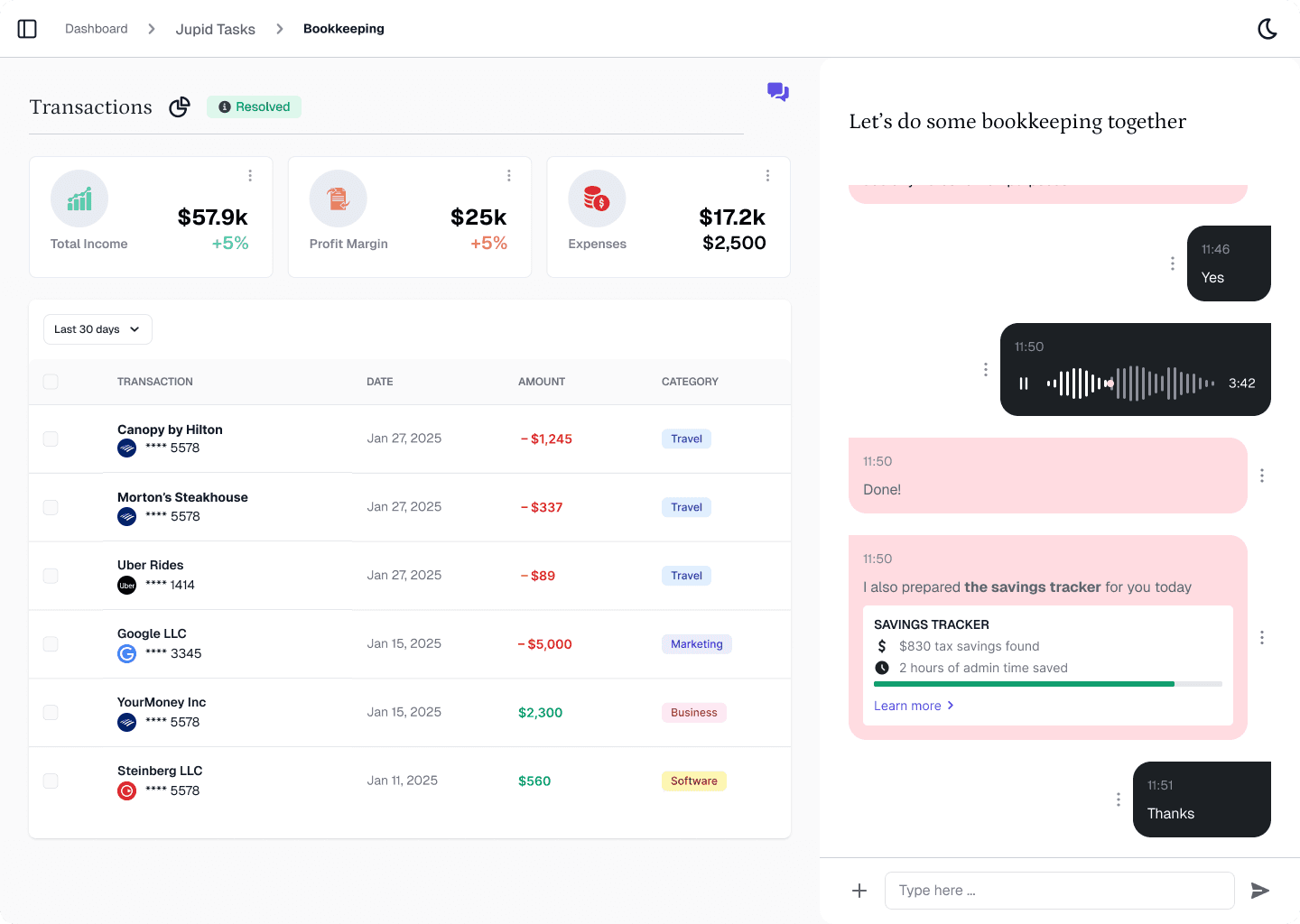
Jupid is an AI-powered accounting platform designed for small businesses, offering LLC formation, bookkeeping, tax filing, and ongoing financial management through natural language chat interactions.

intellectia-ai
Intellectia.AI is an AI-driven investment platform providing actionable insights, trading strategies, and real-time market analysis to empower investors and traders for smarter, data-driven decisions in stocks, ETFs, cryptocurrencies, and forex.