Befunky
BeFunky is an all-in-one online creative platform for photo editing, collage making, and graphic design, offering web and mobile apps with AI-powered tools and pre-made templates for users of all skill levels.
Befunky is image & design software teams evaluate for content & marketing. Use this page to review pricing, integration signals, and the best alternatives before you commit.
Profile facts come from the vendor source. AiMatch labels unknown pricing or API details instead of estimating them.
Review official source →Used in These Packs
Quick Overview
Best for: Content & Marketing
What it does
Image & Design software for decision-makers comparing workflow fit and alternatives.
Best fit
Content & Marketing
Pricing snapshot
Freemium from Pricing not listed on the supplied page; BeFunky Plus is presented as the paid tier that unlocks additional features
Next step
Compare Befunky with similar tools before you shortlist it.
Compare this tool before you shortlist it
Review alternatives, pricing posture, and workflow fit side by side.
BeFunky is an all-in-one online creative platform that combines a Photo Editor, Collage Maker, and Graphic Designer into a single web and mobile application. It targets users who want easy-to-use tools for editing photos, creating collages, and producing graphic designs without complex software. The platform includes essential editing tools (crop, resize, exposure), stylistic effects (Cartoonizer, Digital Art, Artsy filters), design templates, and AI-powered features such as a Background Remover to streamline common workflows.
BeFunky is an all-in-one online creative platform for photo editing, collage making, and graphic design, offering web and mobile apps with AI-powered tools and pre-made templates for users of all skill levels.
Own this listing?
Claim this page for a one-time $29 to add pricing, features, screenshots, verified owner details, and a clearly labeled 30-day category position after the profile is live.
Claim this listing for $29Key Features
Photo Editor
Essential editing tools including crop, resize, exposure, blur, and unique effects like Cartoonizer, Digital Art, and Enhance DLX.
AI Background Remover
Artificial intelligence-powered tool that detects the main subject and removes backgrounds in a single click to create transparent or solid-colored backgrounds.
Batch Processing
Batch Edit Photos lets you crop, resize, and enhance multiple photos at the same time.
Collage Wizard
One-Click Collage Maker automatically generates multiple collage layouts from your photos; includes layouts optimized for social platforms.
Graphic Designer & Templates
Drag-and-drop graphic design tools with professionally designed templates for banners, flyers, cards, and more.
Touch Up / Portrait Retouch
Collection of Touch Up tools for retouching portraits and selfies.
Stock Images & Graphics
Integrated access to over a million free stock images via partnerships with Pixabay and Pexels, plus thousands of vector graphics and icons.
Mobile App
Mobile apps available to edit photos, create collages, and customize designs on the go.
Pricing
BeFunky offers free online photo editing, collage making, and design tools in the web app, with additional premium features available in BeFunky Plus.
BeFunky Plus
Pricing not listed on the supplied page; BeFunky Plus is presented as the paid tier that unlocks additional features- Unlocks the most powerful features (specific paid features not enumerated on the supplied page)
Use Cases
Social media content
Create collages and optimized layouts for Pinterest, Facebook, Twitter, and Instagram using templates and the Collage Wizard.
Product photography
Use the AI Background Remover to create transparent or solid backgrounds for product images and e-commerce listings.
Marketing collateral
Design banners, flyers, and other promotional materials quickly using pre-made templates in the Graphic Designer.
Batch photo workflows
Apply consistent crops, resizes, and enhancements to many images at once with Batch Processing.
Portrait enhancement
Retouch portraits and selfies using the Touch Up toolset to produce polished images.
Integrations
Pixabay
Provides free stock images directly within the BeFunky web app.
Pexels
Provides free stock images directly within the BeFunky web app.
Benefits
Limitations
Frequently Asked Questions
No verified FAQs are available.
Getting Started
- 1 Step 1: Visit the BeFunky website and sign up or register for an account (options include email and social sign-in).
- 2 Step 2: Choose a product (Photo Editor, Collage Maker, or Graphic Designer) or upload your photo using 'Upload Your Photo Now!'.
- 3 Step 3: Use built-in tools, templates, or the Collage Wizard to edit or design, then download or share your finished work. Optionally download the mobile app to work on the go.
Support
docs
User Guides, Tutorials, and FAQs available via the site's Learn and Support sections.
help/support
Help / Support links are provided in the site navigation and footer for account and product assistance.
API
Compare Befunky with similar tools
See how it stacks up against alternatives
Related Tools
View all 386 →

Imageprompt
ImagePrompt.org is a web-based suite of AI-powered tools for creating, enhancing, and analyzing image prompts and generating AI artwork; it helps users convert images to prompts, improve prompt detail, describe images, and produce images from prompts.
Mycolorelf
MyColorElf is an AI-powered web app that generates custom, high-resolution coloring pages from text prompts in seconds for parents, teachers, artists, and businesses.

Impossibleimages
Impossible Images is an AI-generated stock image library and text-to-image generator that lets users generate, buy, download, upscale, and (soon) contribute AI-created images for design, marketing and social media.

Jpg-to-excel
Online JPG-to-Excel converter that uses AI OCR to extract tables and text from images (JPG, PNG, HEIC, screenshots) into editable Excel (.xlsx) or CSV files with a split‑screen editor for verification and corrections.


Premium Alternatives
Illusion Diffusion
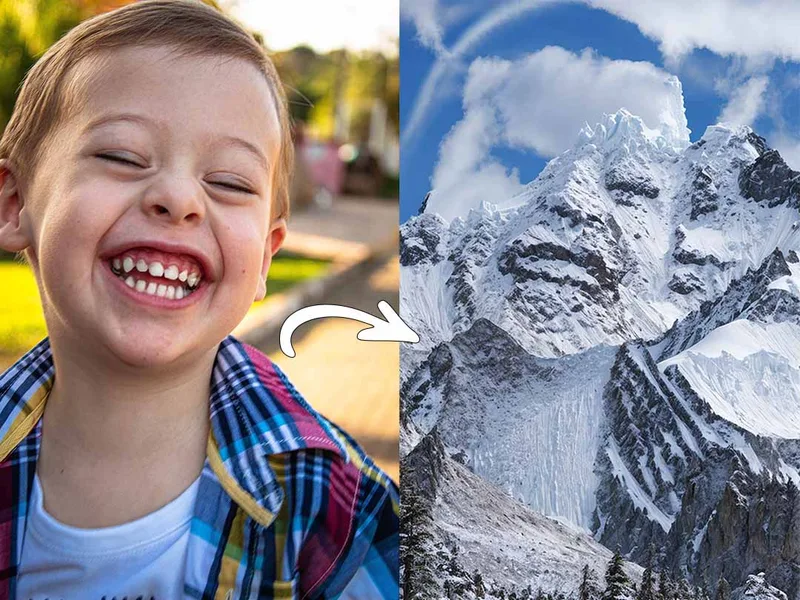
Illusion Diffusion is a web-based AI photo-to-art generator that transforms designs, text, or photos into illusion-style artwork using ControlNet, OpenPose, and Stable Diffusion models. It offers credit-based image generation, downloadable results, and presets for text-to-image and brand/logo reimagining.

Ghibli Art Generator
Ghibli Art Generator is a web-based AI tool that transforms user photos into Studio Ghibli–inspired artwork using a proprietary deep-learning style generator, offering multiple film-style filters, batch processing, and downloadable high-resolution outputs.
Prophotos
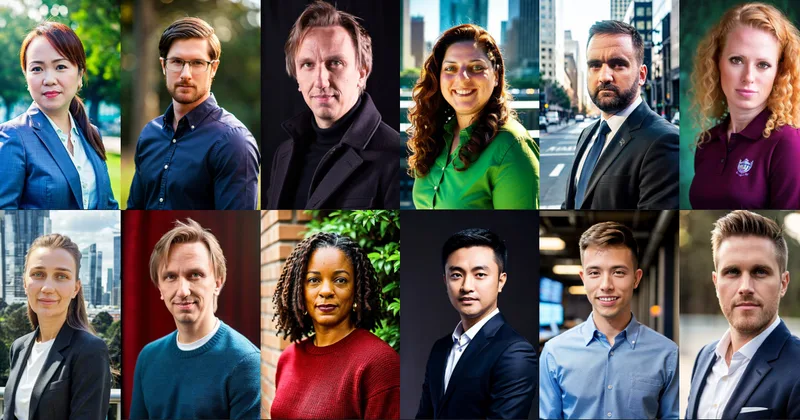
ProPhotos is a commercial AI-powered headshot generator that creates photorealistic, industry-specific professional headshots from user-uploaded photos, aimed at individuals and enterprises wanting quick, production-ready portraits for LinkedIn, resumes, and corporate use.

Aux Machina
Aux Machina is an AI-powered image creation platform that generates custom, royalty-free visuals and offers upcoming AI-assisted image-editing tools, aimed at creators, marketers, and teams who need quick, high-quality images.
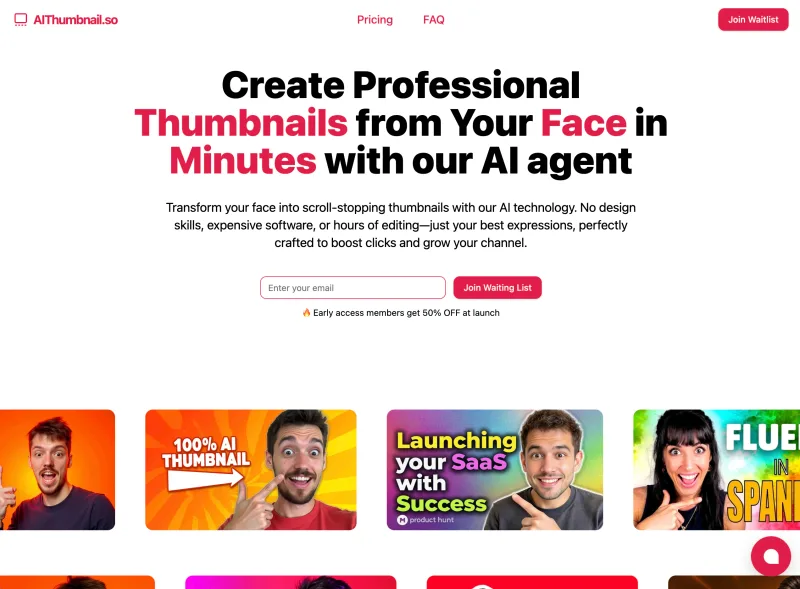
Aithumbnail
AIThumbnail.so is an AI-powered thumbnail maker for YouTube and creators that generates high-converting thumbnails in under a minute, offering features like Replica Mode, one-photo face integration, and AI smart suggestions to boost CTR and views.