

Wplacetool
Wplace Tool is a free, fan-made suite of browser-based utilities for Wplace Live players that includes a color converter, pixel editor, overlay scripts, server status monitors, and browser extensions to streamline collaborative pixel art creation.
Wplacetool is image & design software teams evaluate for image & design. Use this page to review pricing, integration signals, and the best alternatives before you commit.
Used in These Packs
Quick Overview
Best for: Image & Design
What it does
Image & Design software for decision-makers comparing workflow fit and alternatives.
Best fit
Image & Design
Pricing snapshot
Free from Free
Next step
Compare Wplacetool with similar tools before you shortlist it.
Compare this tool before you shortlist it
Review alternatives, pricing posture, and workflow fit side by side.
Wplacetool
Wplace Tool is a free online toolkit created by Wplace fans to support and enhance Wplace Live gameplay. It bundles essential utilities such as a Wplace color converter, pixel editor, overlay and Tampermonkey scripts, server-status monitoring (Is Wplace Down), and navigation tools (Wplace Anywhere) to help players coordinate, plan, and place pixel art on the global canvas. The platform targets a broad audience including competitive players, national communities, pixel artists, content creators, and casual users.
All tools are browser-based (no signup required) and designed to be accessible across modern browsers and mobile devices where possible. Some advanced features—overlay scripts and certain extensions—require Tampermonkey or desktop browser support and are provided to streamline collaborative building and tracing workflows.
Wplace Tool is a free, fan-made suite of browser-based utilities for Wplace Live players that includes a color converter, pixel editor, overlay scripts, server status monitors, and browser extensions to streamline collaborative pixel art creation.
Own this listing?
Claim this page to add pricing, features, screenshots, and verified owner details.
Claim this listingKey Features
Wplace Color Converter
Converts uploaded images to Wplace-compatible pixel art using the official 64-color Wplace palette. Supports HEX/RGB/HSL, shows closest palette match, and provides color previews and exact hex codes.
Wplace Pixel Editor
An in-browser pixel editor that uses Wplace's 64-color palette with drawing, erasing, fill tools, zoom/navigation, grid customization, undo/redo, and image export.
Is Wplace Down? (Server Monitor)
Real-time server status monitoring showing live status, uptime history, response times, and alert notifications to keep players informed about Wplace Live availability.
Wplace Overlay (Tampermonkey)
Tampermonkey-based script that overlays images onto the Wplace canvas, allows dynamic resizing, template overlay, and automatic color matching to the official palette for easy tracing.
Wplace Blue Marble (Tampermonkey Script)
A Tampermonkey script that overlays a local image onto the canvas with coordinate support to trace artwork without switching tabs or monitors.
Wplace Extension
Browser extension (Chrome & Firefox) that provides overlay guides, quick color picker, coordinate display, and auto-draw features to place pixels more efficiently (Chrome extension currently under review).
Wplace Anywhere
Search and jump tool to find countries, cities, or towns by name, jump directly to map coordinates, copy/share location links, and bookmark places for quick navigation.
Gallery, Templates & Community Submissions
Community gallery to discover artwork, submission process for showcasing art via email, and a library of templates collected for quick conversion and placement (removal available by email request for copyright concerns).
Pricing
All Wplace Tool features are completely free with no hidden costs or premium tiers.
Free
Free- Access to all core tools (Color Converter, Pixel Editor, Is Wplace Down, Wplace Anywhere)
- Tampermonkey scripts and browser extension features (where applicable)
- No signup required, unlimited use
Use Cases
Template Coordination
Share pixel art templates with teammates to synchronize building across the Wplace canvas using overlays and template exports.
Overlay Guides & Tracing
Use Tampermonkey overlay scripts or browser extensions to trace images directly on the canvas, easing large or detailed builds without switching windows.
Territory Defense & Monitoring
Monitor server status and canvas activity in real time to react quickly to griefing or coordinate defensive actions with teammates.
Large-Scale Collaborative Projects
Coordinate cross-community projects with progress tracking, resource planning, and shared templates to organize multi-team artworks.
Speed Building & Automation
Improve placement speed using auto-draw modes, batch operations, and hotkey support available in extensions and scripts.
Location Navigation & Coordination
Quickly find and jump to map coordinates, share precise locations with teammates, and bookmark important areas using Wplace Anywhere.
Pixel Art Creation & Preparation
Design and refine artwork with the pixel editor and color converter before placing on the canvas to ensure palette-accurate results.
Integrations
Tampermonkey
Required for overlay scripts like Wplace Overlay and Blue Marble to overlay images and enable tracing directly on the Wplace canvas.
Browser Extensions (Chrome & Firefox)
Extensions provide overlay guides, quick color picker, coordinate display, and auto-draw features to streamline pixel placement. (Chrome extension currently under review.)
Discord
Commonly used alongside Wplace Tool for community coordination, sharing templates, and organizing collaborative builds.
Community discovery and discussion platform referenced in the site's community section for sharing and discovering artwork.
Channel for announcements, updates, and community engagement linked from the site.
Benefits
Limitations
Frequently Asked Questions
What is Wplace Tool?
Is it free to use?
Do I need to install anything?
How does the color converter work?
Can I coordinate with my team?
What browsers are supported?
Can I use Wplace Tool on mobile?
Getting Started
- 1 Step 1: Visit https://wplacetool.com and choose the tool you need (Color Converter, Pixel Editor, Is Wplace Down, Anywhere, or Extensions).
- 2 Step 2: For image-based tools, upload or choose an image to convert or edit; use the color converter or pixel editor to prepare artwork and export templates.
- 3 Step 3: If you need overlays or auto-place features, install Tampermonkey and the provided scripts or add the browser extension (Chrome/Firefox) following the on-page installation instructions.
Support
Contact page / Email
Contact the team via the site's contact page for submissions, removals, or support requests: https://wplacetool.com/contact
Docs / Blog
Help, tutorials, and updates are available via the Wplace Tool Blog and changelog linked on the site.
Community (Discord)
Community coordination and real-time help are available through the project's Discord community (link on the site).
Social (Reddit & Twitter)
Community posts, announcements, and discussions are available via the linked Reddit and Twitter channels.
API
Compare Wplacetool with similar tools
See how it stacks up against alternatives
Related Tools
View all 399 →
imitate-ai
Imitate AI is a creative design tool that allows users to generate copyright-free images resembling their original reference pictures using AI technology, simplifying the process of sourcing unique visuals.

Banagen
BanaGen (Nano Banana) is a free AI image generator powered by Google Gemini 3.0 Pro that creates text-to-image, image-to-image, and photo editing outputs with strong text rendering, 2K native generation with 4K upscaling, and tools for maintaining character continuity across images.

4oimagegen
4o Image Gen’s FLUX.1 Kontext is a free, instruction-based AI image generator and editor that produces high-quality text-to-image and image-editing results in 6–10 seconds, emphasizing character consistency and accurate text preservation. It’s targeted at creators, marketers, educators, and developers who need fast, editable, commercially-usable images without registration.


Zimageturbo
Z Image Turbo is a lightning-fast AI image generator that creates photorealistic images from text prompts in seconds using a 6B-parameter model and Decoupled-DMD technology, with native English and Chinese support and consumer GPU compatibility.
Bestfaceswap
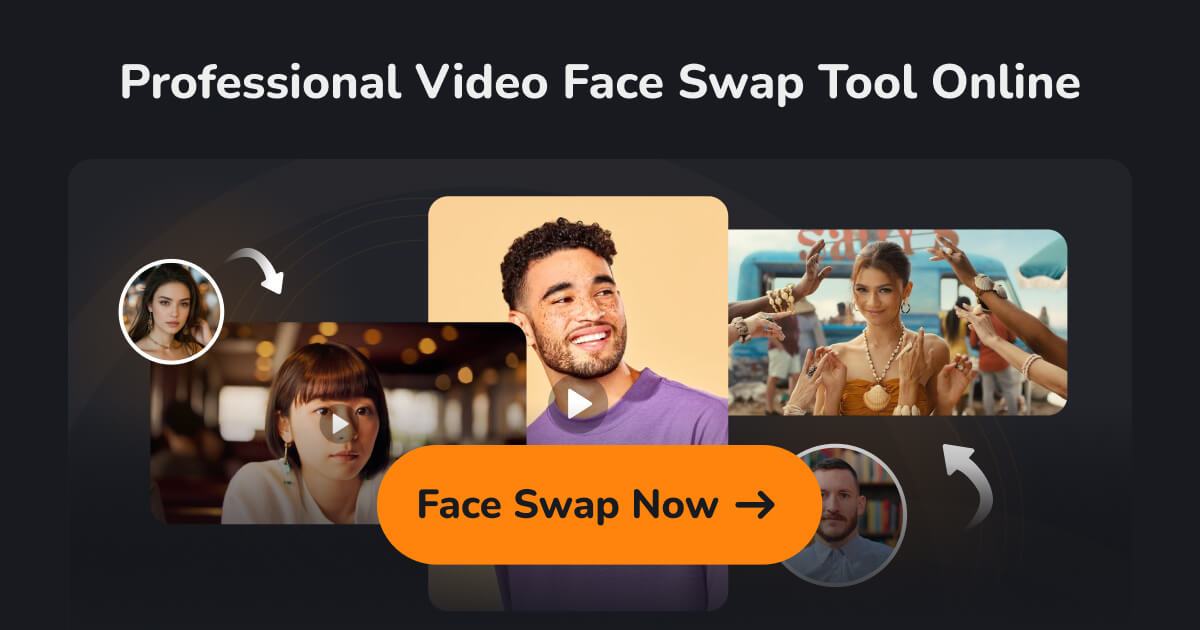
Browser-based AI face swapping for photos and videos that creates realistic, high-quality swaps (1080p) with a simple 3-step workflow aimed at creators, filmmakers, and casual users.

e-commerce-ai
E-Commerce AI is a tool that uses AI generative technology to create professional e-commerce product photos quickly and easily, enabling users to generate high-quality images with custom prompts in seconds.
Premium Alternatives
claude-3
Claude-3 is an advanced AI assistant developed by Anthropic designed to help users tackle complex challenges through conversational interaction. It supports tasks such as coding, research, analysis, and creative brainstorming, providing expert-level collaboration and adaptive problem-solving capabilities.

Idreem
Dreem (branded on site as Dreem / Idreem) is an expert-led, AI-powered immigration platform that helps high-skilled tech professionals, founders, and businesses prepare and submit U.S. and UK talent visa petitions (O-1A, EB-1A, EB-2 NIW, L-1, E-2, UK Global Talent) through a combination of automated tools and licensed attorneys.

solidus-ai-tech
Solidus AI Tech operates Europe's first eco-friendly HPC data center powered by the deflationary AITECH token, offering scalable AI infrastructure and innovative AI solutions for developers and enterprises.

imitate-ai
Imitate AI is a creative design tool that allows users to generate copyright-free images resembling their original reference pictures using AI technology, simplifying the process of sourcing unique visuals.

live-square
LiveSquare provides 24x7 professional live chat agents and AI-powered chatbots to boost lead generation and enhance customer experience, along with website analytics, popups, and uptime monitoring services.
Bunnystudio
Bunny Studio is a platform for professional voice-over, audio, and video production that connects businesses with 13,000+ human creatives for fast, scalable content delivered with transparent pricing and full buyout rights.