
Removetext
Remove Text From Image (Removetext) is a browser-based AI tool that removes text, watermarks, or logos from images by detecting text and reconstructing the underlying background. The service offers a free workflow plus an optional Pro upgrade for faster, priority processing and higher-quality results.
Removetext is image & design software teams evaluate for image & design. Use this page to review pricing, integration signals, and the best alternatives before you commit.
Profile facts come from the vendor source. AiMatch labels unknown pricing or API details instead of estimating them.
Review official source →Used in These Packs
Quick Overview
Best for: Image & Design
What it does
Image & Design software for decision-makers comparing workflow fit and alternatives.
Best fit
Image & Design
Pricing snapshot
Freemium from Free
Next step
Compare Removetext with similar tools before you shortlist it.
Compare this tool before you shortlist it
Review alternatives, pricing posture, and workflow fit side by side.
Remove Text From Image is a web-based AI photo tool that removes visible text, watermarks, or logos from images by automatically detecting text regions and reconstructing the background for a natural result. It supports common image formats and offers an instant preview/edit workspace so users can refine results before export. The service is free to use with an optional Pro upgrade that provides priority processing, faster speeds, and premium quality output. Privacy is emphasized: uploads are encrypted and files are automatically deleted after processing.
Remove Text From Image (Removetext) is a browser-based AI tool that removes text, watermarks, or logos from images by detecting text and reconstructing the underlying background. The service offers a free workflow plus an optional Pro upgrade for faster, priority processing and higher-quality results.
Own this listing?
Claim this page for a one-time $29 to add pricing, features, screenshots, verified owner details, and a clearly labeled 30-day category position after the profile is live.
Claim this listing for $29Key Features
Automatic Text Detection
Uses modern AI algorithms to detect and isolate printed or handwritten text across diverse backgrounds and fonts.
Intelligent Image Reconstruction
Advanced reconstruction engine fills removed text areas by regenerating underlying texture, color, and patterns for natural-looking results.
Privacy-Focused Workflow
Uploads are encrypted and files are automatically deleted after export; the site states no files or user data are stored.
Multi-Format Support
Supports major image formats including JPEG, PNG, BMP, and WEBP.
Instant Preview and Editing
Interactive preview lets users check and refine edits before downloading the final image.
Batch Removal (coming)
The page indicates planned support for batch uploading and processing to handle multiple files consistently (marked WIP).
Flexible Area Selection
Users can select multiple regions in one session for removal and unified output.
Pricing
This Remove Text From Image service is free to use; a paid Pro version is available for priority processing and faster speeds.
Free
Free- Manual and automatic removal (free tier available)
- In-browser processing with preview and download
Pro
Price not specified on page- Priority processing
- Faster speeds
- Premium quality results and automatic processing
Use Cases
E-commerce Product Photos
Remove logos, text overlays, or backgrounds from product images to create clean listings (page explicitly mentions e-commerce sellers).
Photography and Portrait Cleanup
Clean up photos by removing unwanted text overlays or labels while preserving image aesthetics.
Marketing and Asset Preparation
Prepare images for campaigns by removing watermarks or text to repurpose artwork and marketing graphics.
Scanned Documents and Handwriting
The tool adapts to printed fonts and handwritten notes, enabling cleanup of scanned documents.
Business Confidential Images
Process business images with encrypted uploads and automatic deletion to protect sensitive assets.
Integrations
No verified integration details are available.
Benefits
Limitations
Frequently Asked Questions
Is Remove Text From Image service free?
Will using remove text from image reduce resolution or clarity?
Can remove text from image be used on scanned documents with handwriting?
How private is the remove text from image process? Will my files be kept or reused?
What if the text overlaps with graphics or backgrounds?
Can I undo or refine a remove text from image operation before final export?
Is there a limit to file size or number with remove text from image?
Is it legal to remove text from image?
What's the difference between manually and automatically remove text from image?
What if I'm not satisfied with the result?
Getting Started
- 1 Step 1: Open the Remove Text From Image page and click 'Upload Image' to select a PNG, JPG, JPEG or WEBP (max. 20MB).
- 2 Step 2: Use automatic detection or manually select the text/watermark regions you want removed.
- 3 Step 3: Preview the result in the interactive workspace, refine selections if needed, then download the processed image. Optionally upgrade to Pro for priority processing and faster speeds.
Support
Contact form
A 'Contact Us' form is available on the site to submit name, email, issue type and message.
Policy pages
Company pages like Pricing, Privacy Policy, Terms of Service and Refund Policy are linked in the footer for reference.
API
Compare Removetext with similar tools
See how it stacks up against alternatives
Related Tools
View all 377 →
Profilebakery
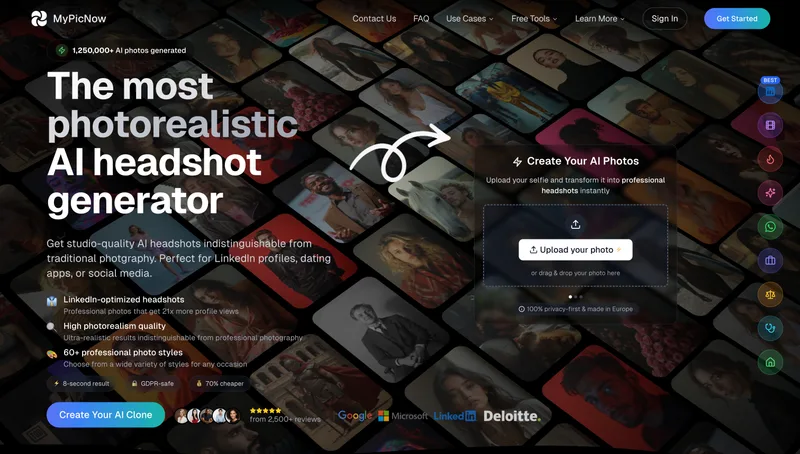
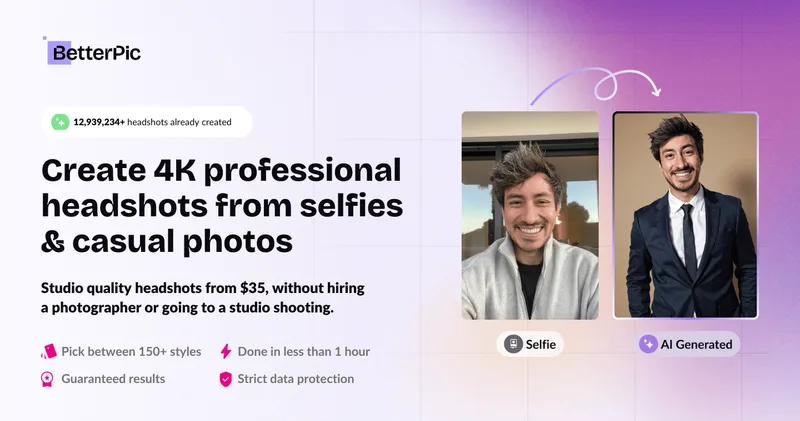
Profile Bakery is an AI headshot generator that creates professional-quality headshots from a single selfie, offering a free preview without signup and paid full packages (personalized training) typically delivered in ~15 minutes.

Trendingprompt
TrendingPrompt is a daily-updated online library of high-performing AI prompts for image generation, organized by category, model, and trend to help creators copy, test, and ship better AI outputs quickly.
Photostudio
Blockode AI Photo Studio is an AI-powered photoshoot generator that trains a custom model from your uploaded selfies to produce stylized, high-resolution AI photoshoots. It targets users who want custom-generated portraits with options for commercial use.
Srefs.co
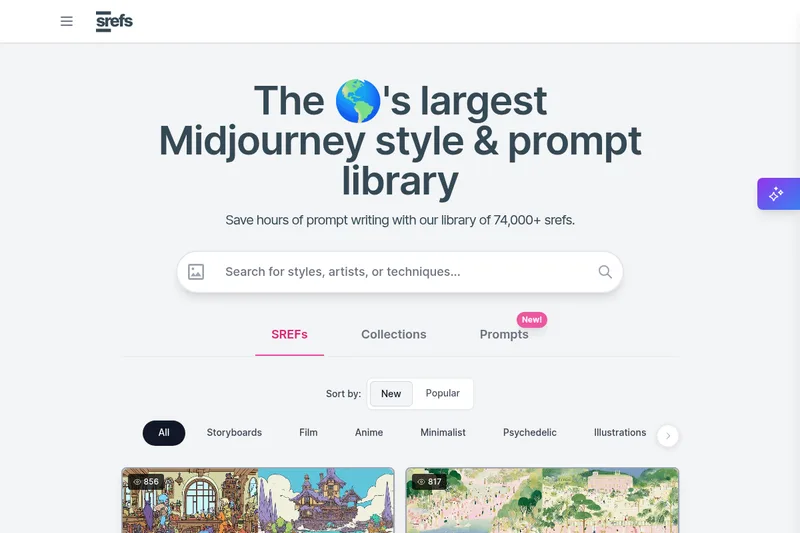
Srefs.co is a searchable library of Midjourney style reference codes (sref) — the world's largest collection of styles (74,000+ srefs) that lets users apply consistent visual aesthetics to AI-generated images, use multiprompt comparisons, save and organize styles, and request API access.

Aighibliimage
AI Ghibli (Aighibliimage) is an AI-powered web platform that transforms user photos into artwork inspired by Studio Ghibli’s visual style using selectable sub-styles and adjustable parameters.
Premium Alternatives
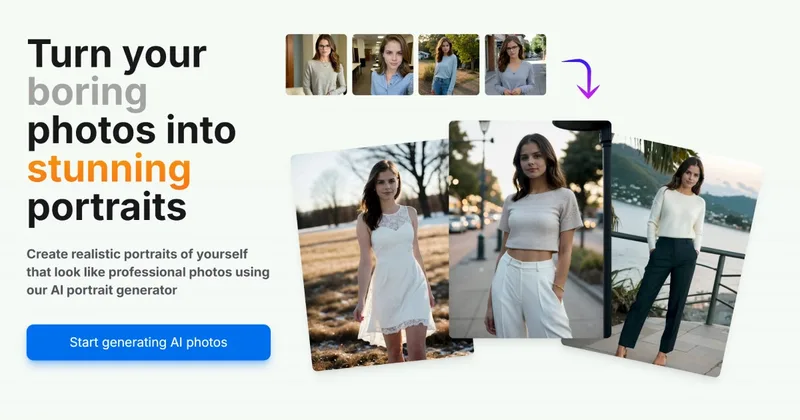
Aiportraitgen
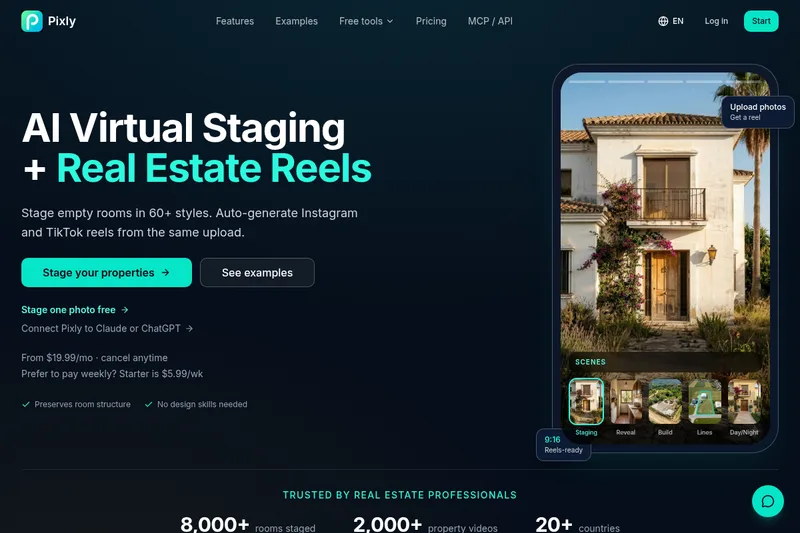
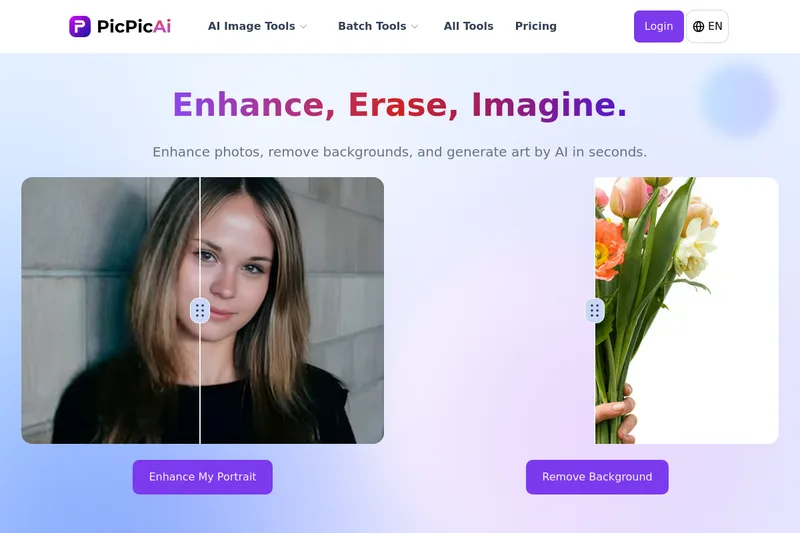
AI Portrait Gen is an online AI portrait generator that creates realistic, high-quality portrait photos from a few user-supplied photos. It offers customizable locations, outfits and styles, pay-as-you-go credits (no subscription), and privacy protections for uploaded images.

Aithumbnail
AIThumbnail.so is an AI-powered thumbnail maker for YouTube and creators that generates high-converting thumbnails in under a minute, offering features like Replica Mode, one-photo face integration, and AI smart suggestions to boost CTR and views.
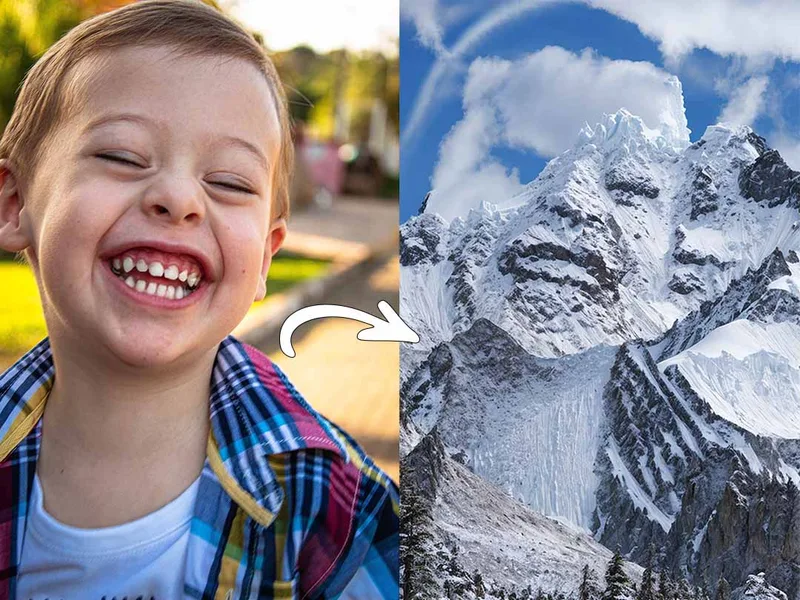
Illusion Diffusion
Illusion Diffusion is a web-based AI photo-to-art generator that transforms designs, text, or photos into illusion-style artwork using ControlNet, OpenPose, and Stable Diffusion models. It offers credit-based image generation, downloadable results, and presets for text-to-image and brand/logo reimagining.

Photostudio
Blockode AI Photo Studio is an AI-powered photoshoot generator that trains a custom model from your uploaded selfies to produce stylized, high-resolution AI photoshoots. It targets users who want custom-generated portraits with options for commercial use.