

QA Manager
QA Management System (QAManageSys) is a comprehensive tool designed to help teams organize test suites, track test execution, and manage software releases efficiently. It features automated ticket creation for failed tests and detailed analytics to monitor testing progress.
QA Manager is open source software teams evaluate for productivity. Use this page to review pricing, integration signals, and the best alternatives before you commit.
Used in These Packs
Quick Overview
Best for: Productivity
What it does
Open Source software for decision-makers comparing workflow fit and alternatives.
Best fit
Productivity
Pricing snapshot
Contact for pricing
Next step
Compare QA Manager with similar tools before you shortlist it.
Compare this tool before you shortlist it
Review alternatives, pricing posture, and workflow fit side by side.
QA Manager
QA Management System (QAManageSys) is a robust platform designed for software quality assurance teams to streamline their testing workflows. It enables users to create, organize, and manage test cases and suites, track test execution status across releases, and assign tasks to team members. The system integrates with Linear to automatically create tickets for failed tests, enhancing issue tracking and resolution. Additionally, it provides a dashboard with analytics such as release status, stale test detection, and testing activity charts, helping teams maintain high-quality software delivery.
QA management platform with Linear and Gmail integration
Own this listing?
Claim this page to add pricing, features, screenshots, and verified owner details.
Claim this listingKey Features
Test Management
Create, organize, and manage detailed test cases including steps, prerequisites, and test data.
Test Suites
Group related tests into reusable test suites for efficient test organization.
Release Tracking
Monitor test execution progress across software releases with comprehensive tracking.
Test Run Recording
Document test executions with pass, fail, and defect statuses.
User Management
Invite team members securely via email invitations with tokens.
Linear Integration
Automatically create Linear tickets for failed tests to streamline issue tracking.
Dashboard Analytics
View current release status, detect stale tests, and analyze testing activity with label filtering.
Priority & Label System
Organize tests using customizable labels and priority levels.
User Assignments
Assign tests and test suites to specific team members.
Pricing
Claim this listing to add current pricing tiers.
Use Cases
Organizing Test Cases
QA teams can create and manage detailed test cases and group them into suites for structured testing.
Tracking Test Execution
Track the progress and results of test runs across different software releases to ensure quality.
Automated Issue Tracking
Automatically generate Linear tickets for failed tests to facilitate quick bug resolution.
Team Collaboration
Invite and manage team members, assign tests, and monitor testing activities collaboratively.
Analytics and Reporting
Use dashboard analytics to monitor release health, detect stale tests, and analyze testing trends.
Integrations
Linear
Integration with Linear for automatic creation of issue tickets from failed tests.
Postmark
Email delivery service used for sending secure invitation emails to users.
MongoDB
Database backend for storing test cases, users, releases, and other data.
Benefits
Limitations
Frequently Asked Questions
Does QAManageSys support automated ticket creation for failed tests?
What authentication method does the system use?
Can I invite team members to collaborate?
Is there a way to track testing progress across releases?
What technologies is QAManageSys built with?
Getting Started
- 1 Clone the repository from GitHub.
- 2 Install dependencies for root, client, server, and shared modules using npm.
- 3 Set up environment variables in the server and client directories as per documentation.
- 4 Run the application in development mode using npm scripts to start frontend and backend.
- 5 Optionally seed the database with sample data for testing using provided npm scripts.
Support
GitHub Issues
Report issues, ask questions, or contribute via the GitHub repository issue tracker.
Documentation
Installation, configuration, and usage instructions are available in the GitHub repository README.
API
Comprehensive REST API endpoints are available for authentication, test management, test suites, releases, test runs, users, labels, dashboard stats, and Linear integration.
Not specified in the available documentation.
Compare QA Manager with similar tools
See how it stacks up against alternatives
Related Tools
View all 182 →
Autoslide AI PowerPoint Add In
Autoslide AI PowerPoint Add-In is a productivity tool designed to help professionals create and format PowerPoint presentations faster using AI-driven slide formatting, content generation, and a rich resource library.

Minuteslink
MinutesLink is an AI meeting note taker that records meetings (via a Chrome extension or a joining bot), provides speaker-labeled transcripts, AI-generated summaries and action items, and stores meeting assets in one organized place for teams and individuals.



Onlinenotepad
A free, browser-based rich text editor for quick note-taking, writing, and document management that autosaves to your browser and supports formatting, imports/exports, and cross-device access without requiring an account.



Softrplatformsgmbh
Productivity Vibes is a page associated with Softrplatformsgmbh. The provided content contains only the page title and media assets; detailed product or service information is not available.
Premium Alternatives
jupid-ai-accountant
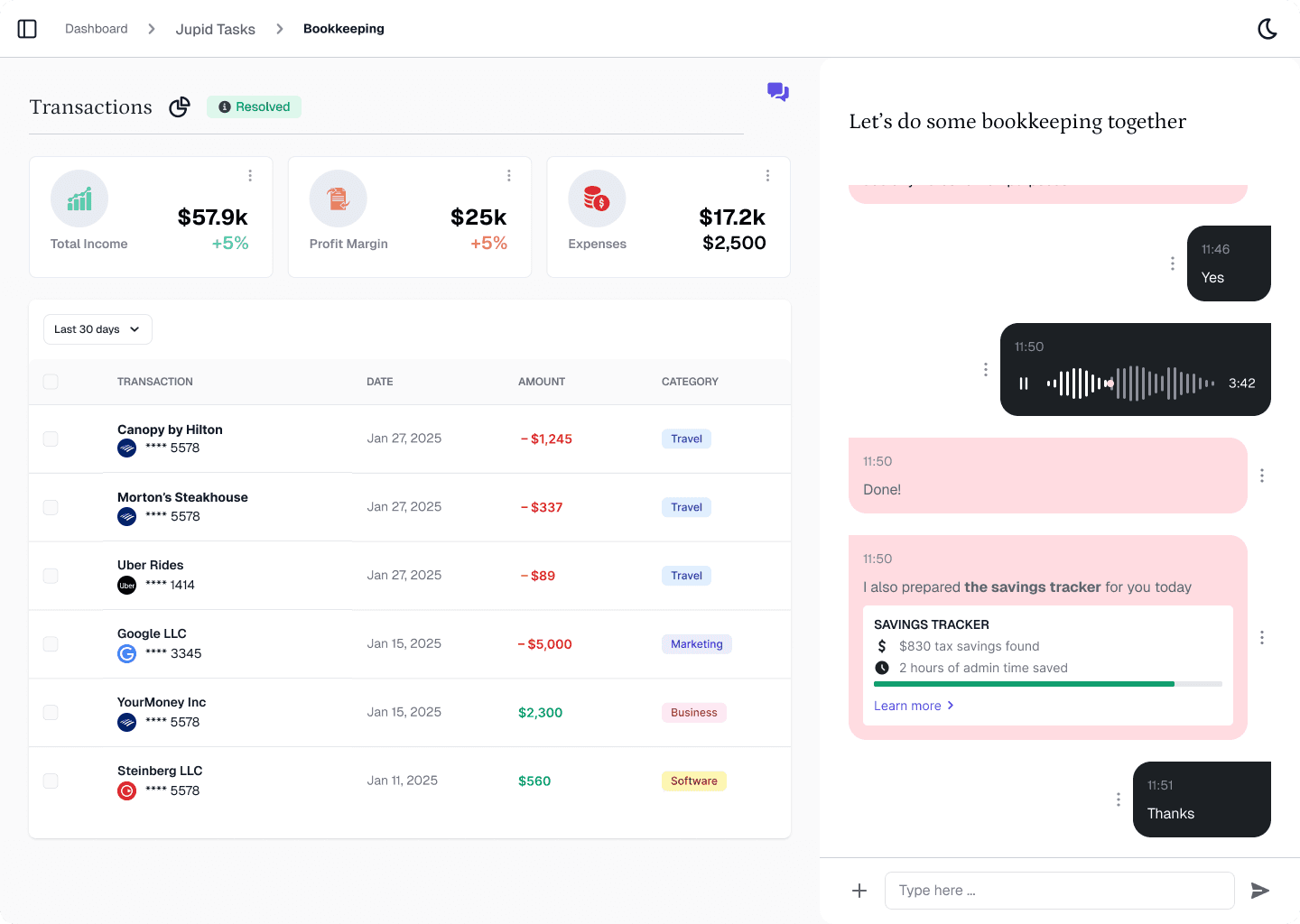
Jupid is an AI-powered accounting platform designed for small businesses, offering LLC formation, bookkeeping, tax filing, and ongoing financial management through natural language chat interactions.

sonic-link
SonicLink.com is a premium domain name currently available for purchase through Atom.com, a trusted marketplace offering secure and flexible domain transactions.

claude-3
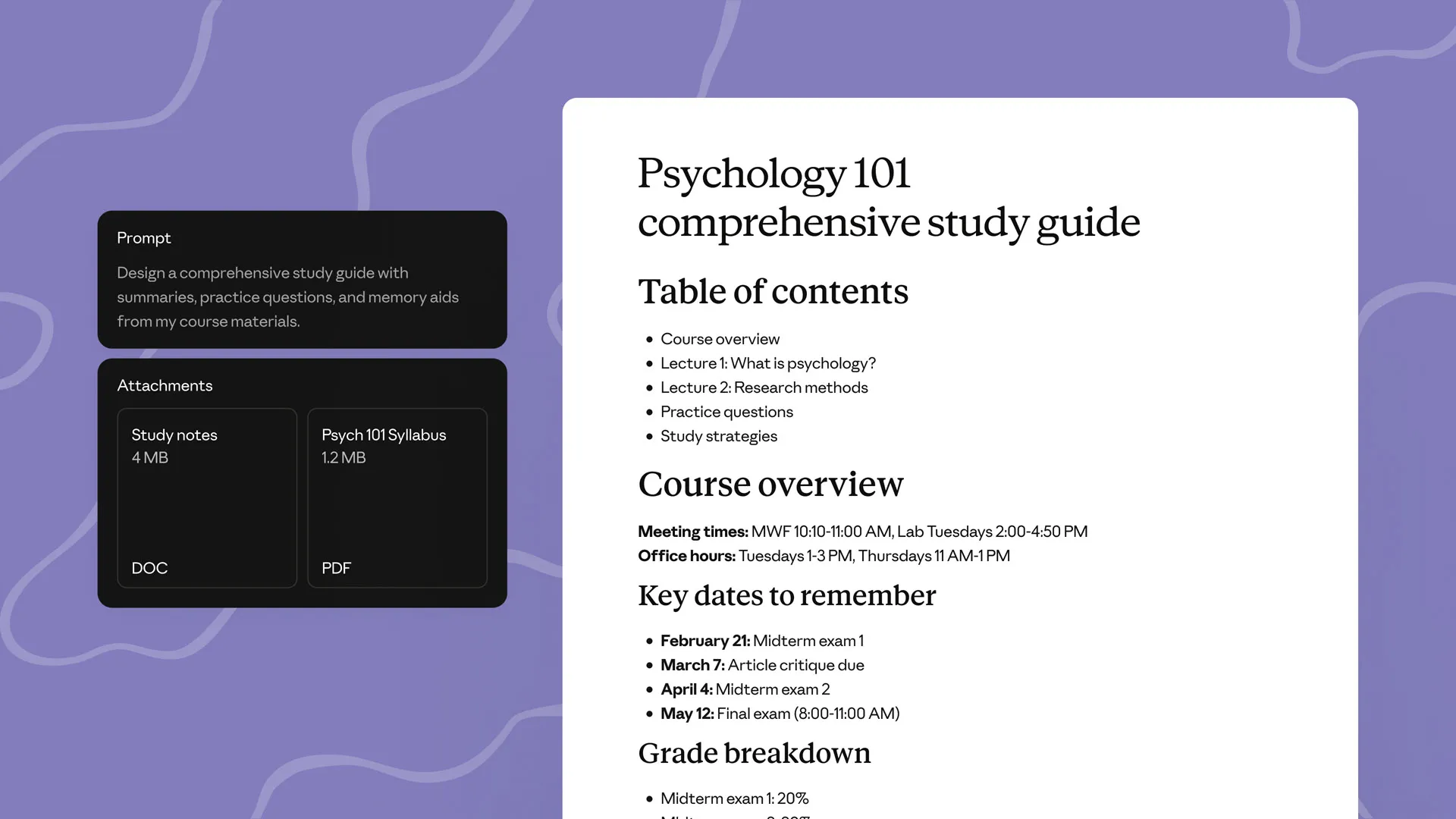
Claude-3 is an advanced AI assistant developed by Anthropic designed to help users tackle complex challenges through conversational interaction. It supports tasks such as coding, research, analysis, and creative brainstorming, providing expert-level collaboration and adaptive problem-solving capabilities.

Drafter
Drafter AI is a no-code platform for building AI-powered apps and automation workflows that integrate internal knowledge and hundreds of data sources and ML models, targeting product teams and businesses that want to add AI features without hiring ML engineers.

Praneetbrar
Praneet Brar is a web developer and research engineer who designs and builds custom web applications, AI-powered apps, launch/discovery platforms, and productized templates for startups, makers, and businesses.