
Wudpecker
Wudpecker is an AI meeting assistant that records and generates personalized notes and insights for Zoom, Google Meet, and Microsoft Teams meetings, designed for teams and product managers to capture details, surface action items, and shorten recordings into concise digests.
Wudpecker is chat software teams evaluate for education & research. Use this page to review pricing, integration signals, and the best alternatives before you commit.
Profile facts come from the vendor source. AiMatch labels unknown pricing or API details instead of estimating them.
Review official source →Quick Overview
Best for: Education & Research
What it does
Chat software for decision-makers comparing workflow fit and alternatives.
Best fit
Education & Research
Pricing snapshot
Freemium from 2-week free trial (no credit card required)
Next step
Compare Wudpecker with similar tools before you shortlist it.
Compare this tool before you shortlist it
Review alternatives, pricing posture, and workflow fit side by side.
Wudpecker is an AI meeting assistant that records online meetings (Zoom, Google Meet, Microsoft Teams) and generates personalized notes, digests, and insights tailored to user instructions. It is aimed at teams, product managers, and professionals who need to capture details, action items, and knowledge from customer and internal meetings. Wudpecker emphasizes personalization (custom vocabulary, preferred note structures, multilingual output), fast summarization (2-minute meeting digests), and integrations into a user’s tech stack.
Wudpecker is an AI meeting assistant that records and generates personalized notes and insights for Zoom, Google Meet, and Microsoft Teams meetings, designed for teams and product managers to capture details, surface action items, and shorten recordings into concise digests.
Own this listing?
Claim this page for a one-time $29 to add pricing, features, screenshots, verified owner details, and a clearly labeled 30-day category position after the profile is live.
Claim this listing for $29Key Features
AI-powered meeting summarization
Generates tailored notes and digests from meeting recordings using an AI assistant (Ask Wudpecker) designed for knowledge extraction.
Personalized structures
Allows users to instruct Wudpecker to format notes in a familiar structure to speed information scanning.
Notes in 35 languages
Supports writing meeting notes in multiple languages as specified by the user.
Custom vocabulary
Remembers spelling of special names and words to ensure accurate, consistent transcription and notes.
Text into table
Converts meeting information into tables to organize content for easier consumption.
Ask Wudpecker (brainstorming)
An AI-powered assistant that helps develop ideas using contextual information from meeting discussions.
Integrations into tech stack
Information from meetings can be integrated into a user's existing tools and workflows (integrations are emphasized on the site).
Security & compliance
GDPR compliance, AES-256 encryption at rest, mandatory HTTPS in transit, and storage on EU servers are highlighted as platform protections.
Pricing
Sign up for Wudpecker for free (the site advertises a free offering and a 2-week premium trial).
Premium trial
2-week free trial (no credit card required)- Access to premium features during trial (specific premium features not listed on the page)
Use Cases
Product & user research
Capture detailed customer feedback during interviews and convert recordings into structured, searchable notes for product teams and product managers.
Sales & partnerships
Summarize customer and partner meetings, extract action items, and preserve details to improve follow-ups and relationship management.
Customer success & marketing
Generate concise meeting digests and insights to inform customer success workflows and marketing reports.
Recruiting / Talent acquisition
Record and summarize interviews to retain candidate details and streamline hiring decisions.
Integrations
Zoom
Supports recording and note-generation for Zoom meetings (site references use with Zoom).
Google Meet
Supports recording and note-generation for Google Meet meetings (site references use with Google Meet).
Microsoft Teams
Supports recording and note-generation for Microsoft Teams meetings (site references use with Microsoft Teams).
Benefits
Limitations
No verified limitations are available.
Frequently Asked Questions
No verified FAQs are available.
Getting Started
- 1 Step 1: Sign up or click 'Try for free' to create an account.
- 2 Step 2: Connect your meeting platform (Zoom, Google Meet, Microsoft Teams) to capture meetings.
- 3 Step 3: Give instructions to personalize how notes are formatted, what details to capture, and any custom vocabulary.
Support
Docs / Blog
Resources and blog articles are available from the site to provide insights and guidance.
Privacy & Security documentation
A dedicated 'Privacy & Security' section outlines policies, GDPR compliance, and security practices.
API
Compare Wudpecker with similar tools
See how it stacks up against alternatives
Related Tools
View all 81 →

Jivochat
JivoChat is an all-in-one omnichannel live chat and customer service platform that consolidates website live chat, messengers (WhatsApp, Instagram, Telegram, Facebook), email and phone into a single interface, adds AI-powered automation and analytics, and provides apps and APIs for businesses to manage customer conversations and sales.

GPTOnline.ai
GPTOnline.ai is a free, ad-supported web interface that provides instant chat access to advanced GPT language models (promoting GPT-5) without registration, aimed at students, creators, marketers and developers.
Premium Alternatives

Promptbuilder
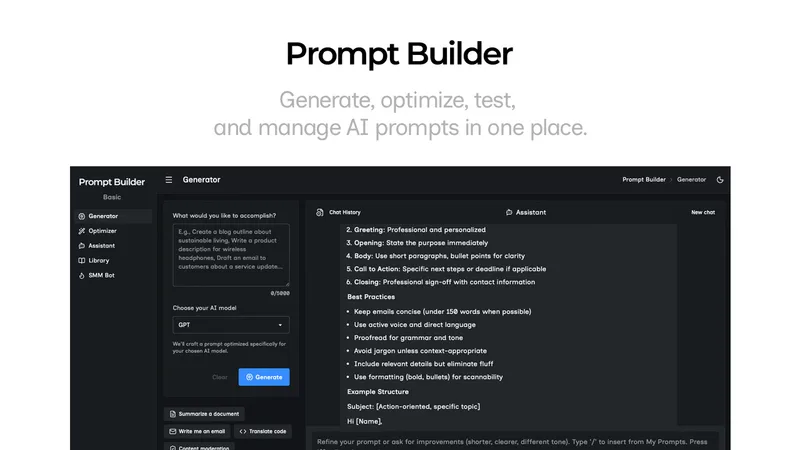
Prompt Builder is a web app that generates, optimizes, tests, and manages AI prompts tuned to specific models (ChatGPT, Gemini, Claude, Grok, etc.), with a prompt library, optimizer, built-in chat assistant, and versioning for prompt workflows.

pandachat-ai
PandaChat runs supervised AI customer operations for complex Adria/DACH e‑commerce stacks: a managed team of specialists and supervisors that connects to your systems, handles multilingual 24/7 support across channels, and sends daily briefings with value reports.
Uncensored
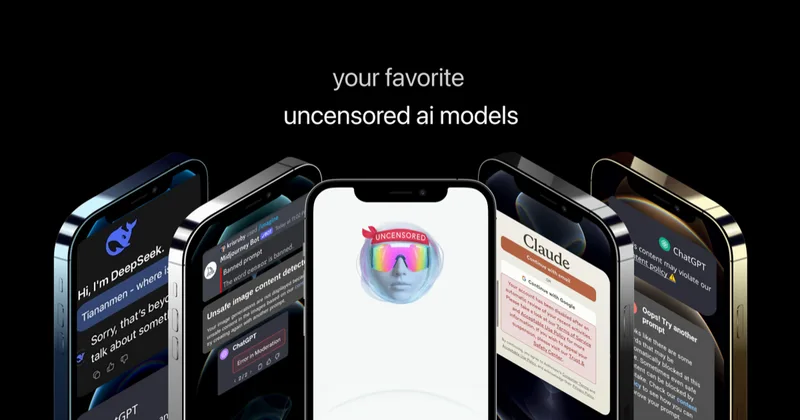
Uncensored AI is a chat and developer platform that provides access to a broad catalog of powerful, minimally filtered AI models for chat, voice, vision, code, and API access, with privacy features like auto-redaction and developer tooling.
screensnapai
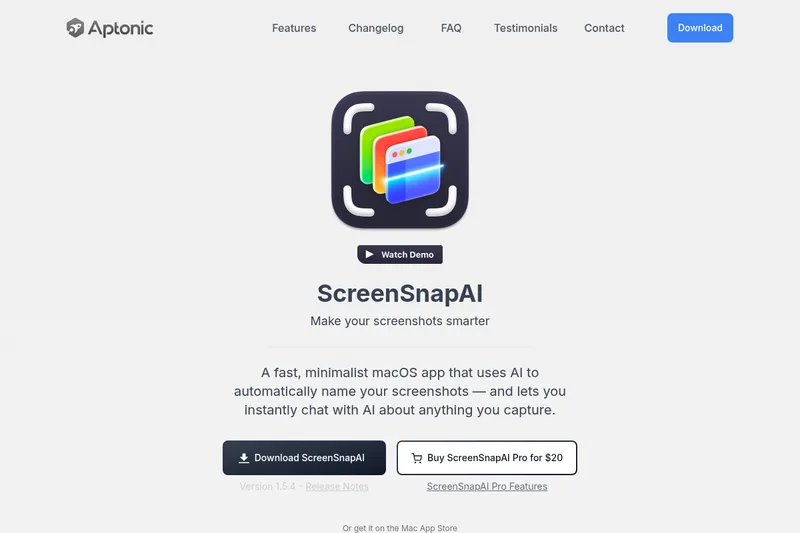
ScreenSnapAI is a native macOS app that automatically names and tags screenshots and lets users ask AI questions about selected areas of their screen. It supports Intel and Apple Silicon Macs running macOS 13 or later.