

Readdle
PDF Expert by Readdle is a fast, intuitive PDF editor and reader for iPhone, iPad, and Mac that enables editing, annotating, signing, organizing and converting PDFs with advanced features like OCR and AI-powered scan enhancement.
Readdle is productivity software teams evaluate for productivity. Use this page to review pricing, integration signals, and the best alternatives before you commit.
Used in These Packs
Quick Overview
Best for: Productivity
What it does
Productivity software for decision-makers comparing workflow fit and alternatives.
Best fit
Productivity
Pricing snapshot
Freemium from Free download available (specific feature limits not detailed on the page)
Next step
Compare Readdle with similar tools before you shortlist it.
Compare this tool before you shortlist it
Review alternatives, pricing posture, and workflow fit side by side.
Readdle
PDF Expert, developed by Readdle, is a PDF editor and reader optimized for Apple platforms (iPhone, iPad, and Mac). It provides tools to edit PDF text and images, annotate, fill and sign forms, manage pages, perform OCR on scanned documents, convert PDFs to common file formats, and enhance scans with AI-powered features. The product targets individuals and teams who need powerful PDF capabilities on Apple devices, from students and educators to business and construction professionals.
Built with Apple technologies in mind, PDF Expert emphasizes a clean, intuitive interface and performance across devices. Readdle positions the app as a comprehensive PDF toolkit that combines editing, annotation, conversion and document organization within a single app and syncs usage across Apple devices via one account.
PDF Expert by Readdle is a fast, intuitive PDF editor and reader for iPhone, iPad, and Mac that enables editing, annotating, signing, organizing and converting PDFs with advanced features like OCR and AI-powered scan enhancement.
Own this listing?
Claim this page to add pricing, features, screenshots, and verified owner details.
Claim this listingKey Features
PDF Editing
Edit PDF text, images, links, and other content. Modify text, redact content, change images and update links directly within PDFs.
Annotation Toolkit
A broad set of annotation tools including highlights, notes, stamps, stickers, drawing, audio notes, and multiple pen types for markup and review workflows.
Fill Out & Sign Forms
Fill complex PDF forms (including checklists and forms with calculations) and sign documents with personal electronic signatures. Collect signatures on iPhone and iPad.
Page & Document Management
Merge documents, rearrange, extract, delete, rotate, crop and split pages to reorganize PDFs quickly and easily.
Convert PDFs
Convert PDFs to Word, Excel, PowerPoint and JPG with fast and accurate conversion on-device.
OCR & Scan Enhancement
Recognize text in scanned documents (OCR) to enable search, copy and highlight. AI-powered Enhance fixes distortions, removes shadows and improves contrast; crop and split double-page scans.
Reading Modes & Search
Multiple reading modes (Day, Night, Sepia), smart reading mode that adapts multi-column PDFs to screen, fluid scrolling and advanced search with indexing and bookmarks.
Customization & Workflow
Customize frequently used tools, combine pens with colors and thicknesses, create a constructor kit of markup tools and quick-access signatures to match individual workflows.
Apple Platform Optimization
Designed specifically for iPhone, iPad and Mac, leveraging Apple technologies including support for Apple Pencil and Magic Keyboard where applicable.
Cross-device Account
One Readdle account lets users access PDF Expert across iPhone, iPad and Mac with consistent tools and settings.
Pricing
Free download is offered; the page indicates a free download is available but does not list exact limitations or which features are free versus paid.
Free / Trial
Free download available (specific feature limits not detailed on the page)- Access to basic PDF viewing and possibly some editing/annotation features (not fully detailed)
Paid / Pro
Not specified on the page (Buy now button shown)- Full editing, conversion, OCR and advanced features likely included for paid users (details not provided on the page)
Business / Enterprise
Not specified on the page (Business Pricing link referenced)- Business-focused pricing and features available via Readdle's business offerings (details not provided)
Use Cases
Reading & Reviewing Documents
Use PDF Expert's reading modes, smart reflow and annotation tools for comfortable on-screen reading, research, and document review.
Editing & Preparing Business Documents
Edit PDF text and images, redact sensitive information, add links and manage pages to prepare contracts, reports and proposals.
Form Filling & Signing
Fill complex forms (tax, insurance, checklists) and sign or collect signatures electronically on mobile devices.
Processing Scanned Documents
Apply OCR to scanned PDFs, enhance scans with AI to improve readability and extract searchable text for archiving or editing.
Education & Note-taking
Students and educators can annotate reading materials, add notes, use audio notes during lectures and organize class materials across devices.
Industry Workflows (Construction, Management)
Specialized pages for Construction and Management indicate tailored workflows for project documents, plans, and document collaboration.
Integrations
Readdle Productivity Suite
PDF Expert is part of Readdle's ecosystem alongside Spark (email), Scanner Pro, Documents and Calendars — enabling workflows across Readdle apps.
Apple Ecosystem
Optimized to work with iPhone, iPad and Mac, supports Apple Pencil and Magic Keyboard; leverages Apple platform capabilities.
Benefits
Limitations
Frequently Asked Questions
On which platforms is PDF Expert available?
Is there a free version of PDF Expert?
Does PDF Expert support OCR and scanned document enhancement?
Can I convert PDFs to other formats?
Can I use one account across multiple devices?
Getting Started
- 1 Step 1: Download PDF Expert from the App Store or the Readdle website (Free download available).
- 2 Step 2: Create a Readdle account to enable use across iPhone, iPad, and Mac.
- 3 Step 3: Import PDFs into the app and begin editing, annotating, signing, or applying OCR/enhancements.
Support
Help Center
Help Center and How-to guides (iOS and Mac) are referenced for user assistance and step-by-step workflows.
Documentation / Guides
Resources include blog posts, templates, and detailed how-to guides covering editing, form filling, signing, merging, OCR and AI explanations.
Customer Support
Readdle states a customer support team is available; specific contact methods are not listed on this page.
Press & Legal
Press Kit, Responsible Disclosure, Privacy Notice and Terms of Service links are provided for press and legal inquiries.
API
Compare Readdle with similar tools
See how it stacks up against alternatives
Related Tools
View all 182 →
Autoslide AI PowerPoint Add In
Autoslide AI PowerPoint Add-In is a productivity tool designed to help professionals create and format PowerPoint presentations faster using AI-driven slide formatting, content generation, and a rich resource library.
Big Weather
Big Weather is a user-friendly weather app for macOS that provides detailed weather information directly from the Mac menubar, offering both free and premium tiers to suit different user needs.
time-squeeze
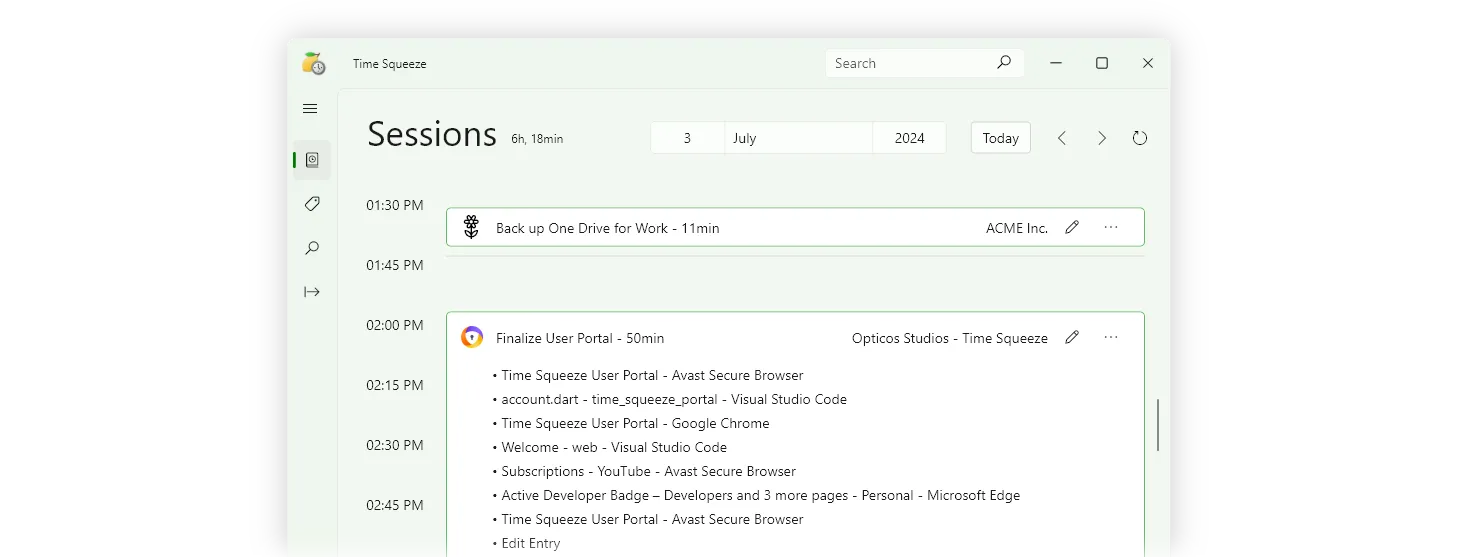
Time Squeeze is an automatic time tracking and productivity tool that records computer activity down to the second, helping users improve productivity, simplify billing, and gain insights into time usage without manual timers or third-party software.
GPTforWork
GPT for Work offers AI-powered add-ins for Microsoft Excel, Word, Google Sheets, and Docs, integrating top AI models like ChatGPT, Perplexity, and Gemini to automate translation, content generation, data analysis, and document editing for enhanced productivity across various business sectors.


%22%2F%3E%20%3Ctext%20x%3D%2250%25%22%20y%3D%2250%25%22%20dominant-baseline%3D%22central%22%20text-anchor%3D%22middle%22%20font-family%3D%22system-ui%2C-apple-system%2Csans-serif%22%20font-weight%3D%22700%22%20font-size%3D%2250%22%20fill%3D%22white%22%3EB%3C%2Ftext%3E%20%3C%2Fsvg%3E)
Premium Alternatives

Livepatrol
Live Patrol provides 24/7 remote live video monitoring, AI-powered analytics, remote concierge and access control management, plus time-lapse and solar-powered monitoring solutions for construction sites, residential and commercial properties, and other remote assets.

Drafter
Drafter AI is a no-code platform for building AI-powered apps and automation workflows that integrate internal knowledge and hundreds of data sources and ML models, targeting product teams and businesses that want to add AI features without hiring ML engineers.
copyflow-pro
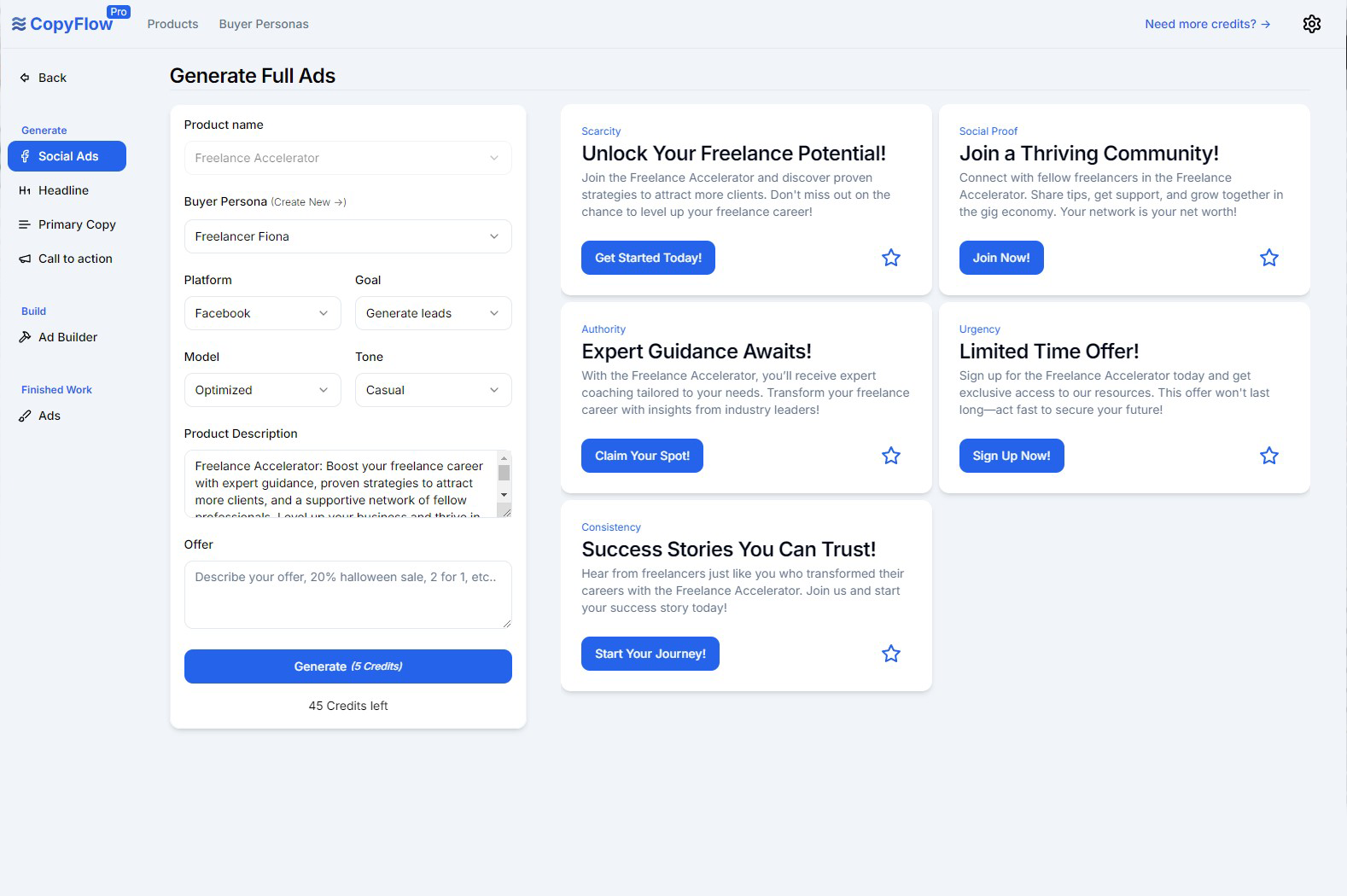
CopyFlow Pro is an AI-powered tool designed to generate high-converting PPC ad copy quickly, helping marketers create targeted headlines, primary copy, and calls-to-action tailored to their ideal customers.
Ultrafaceswap
The available site content describes Pixora, a text-to-image AI generator that creates original images from text prompts and explicitly states it does not support face-swapping or file uploads. No specific product details for "Ultrafaceswap" are provided on the page.



Pixelmost
Pixelmost is an AI-powered app prototyping tool for iPhone, iPad, and Mac that generates mobile app mockups, interactive prototype flows, and app icons from a simple prompt in seconds. It's aimed at founders, designers, and product teams who need rapid visual concepts, pitch screens, and review-ready prototypes.