
shortwave
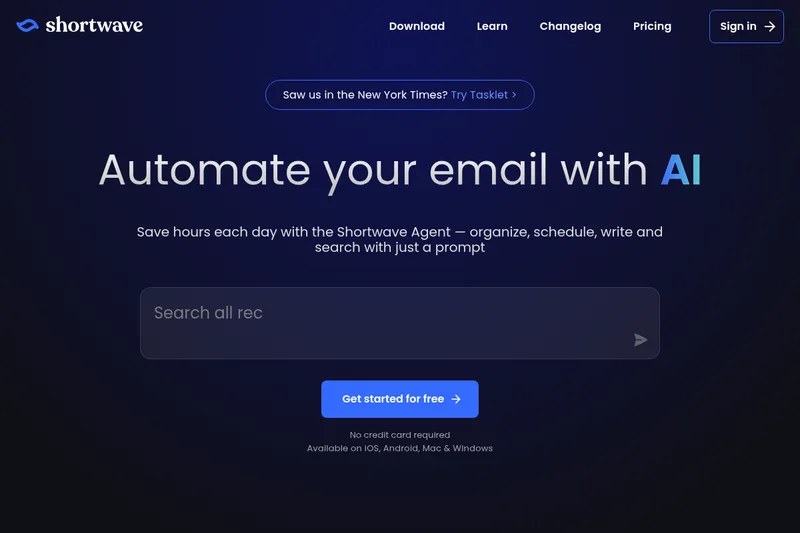
Shortwave helps professionals and teams organize, search, write, and coordinate around email with AI-assisted inbox tools. It turns messages into organized work, drafts, reminders, and shared team actions.
One of 132 tools in Productivity
Who it's for
- Professionals who want AI assistance for inbox organization, email writing, and finding information across messages.
- Teams coordinating work through shared email threads that need comments, assignments, and shared labels.
- People using iOS, Android, Mac, or Windows who want email productivity features across those platforms.
How it fits your workflow
Use Shortwave to sort incoming email into tabs and bundles, apply AI filters, and turn messages into prioritized todos. Search with natural language or filters to find emails and answers in team messages and attachments.
Draft or improve email with AI, use autocomplete suggestions drawn from email history, and ask the assistant to help with availability and scheduling. Connect tools such as Slack, Calendar, Notion, Asana, and HubSpot.
For team work, share live threads, comment privately, assign next steps, and reuse shared labels and prompts. The page also describes Tasklet as an option for automating email workflows and connecting to more than 3,000 apps.
Pricing
Free: A free plan is available with usage and feature limits.
Free plan
$0
- · Free and paid plans are documented. Feature and usage limits depend on the selected plan.
Paid plans
Price not published
- · See the provider pricing page for current rates, billing periods, and usage limits.
Prices checked on Sep 7, 2026 from the vendor's site. They can change; confirm before you buy.
Key features
- AI email assistant
- Automate writing, scheduling, and organizing emails using AI; the assistant learns your voice and style to write emails that sound like you.
- Advanced AI automation
- Create custom AI filters and scripts in plain English to label, star, archive, and take other actions automatically.
- Organize your inbox
- Split your inbox into tabs, use bundles for bulk triage, and turn emails into actionable todos with grouping, renaming, prioritization, and notes.
- Integrations
- Connect the AI to Slack, Calendar, Notion, Asana, Hubspot, and more to automate workflows without leaving the inbox.
- AI-powered search
- Use AI-enhanced search to find emails and analyze team emails and attachments; supports Gmail-style filters and natural language queries.
- Instant AI summaries
- Automatic TL;DR summaries placed at the top of emails to surface important information quickly.
Works with
- Slack
- Calendar
- Notion
- Asana
- HubSpot / CRM
- Tasklet (sister product)
Alternatives to consider
-
WriteMail.ai
Choose it if your main need is generating, replying to, and refining email copy with controls for tone, style, and length rather than managing a full inbox and team email workflow.
Getting started
- Choose “Get started for free”; the page says no credit card is required.
- Use Shortwave on iOS, Android, Mac, or Windows.
- Connect the work tools you use, such as Slack, Calendar, Notion, Asana, or HubSpot.