
Silenttype
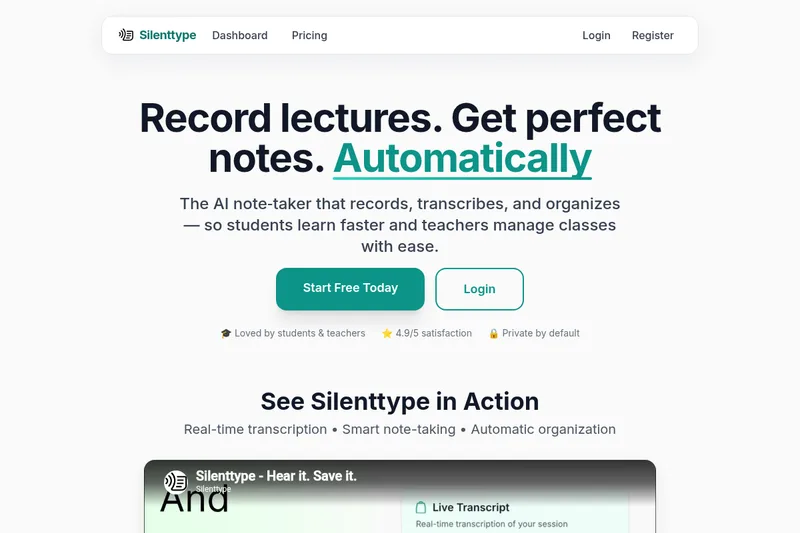
Silenttype records lectures in a web browser, transcribes and structures them with AI, extracts homework and action items, and exports notes (including to Notion) for students and teachers.
One of 124 tools in Education
Who it's for
- Students attending lectures who want to focus on listening while capturing perfect notes
- Teachers managing classes who need session organization and automatically generated student action items
How it fits your workflow
Open Silenttype in a web browser and it begins capturing audio automatically; no setup is required.
The service's AI transcribes, organizes, and extracts key information in real time, producing structured notes and checklists.
Notes and summaries can be exported or synced to Notion and shared with students or peers.
Pricing
Free: Free tier available — 'Start Free Today' with no credit card required; cancel anytime. (No detailed plan pricing listed on page.)
The vendor doesn't publish prices. Check with Silenttype directly.
Prices checked on Sep 29, 2026 from the vendor's site. They can change; confirm before you buy.
Key features
- Real-time transcription
- Captures lectures in real time and provides live transcription so users get immediate text versions of spoken content.
- AI-Powered Notes
- Automatically transcribes and structures lectures into clean, readable notes with smart formatting and key points highlighted.
- Smart Task Extraction
- Automatically pulls out homework and assignments as checklist items so deadlines and to-dos are easy to track.
- Voice Confusion Cues
- Users can say 'Silenttype: confused' to mark moments for later review, enabling focused follow-up on unclear topics.
- Explain Later
- Flagged concepts can receive simplified explanations for later study or review.
- Notion Sync
- Each lecture can become a formatted Notion page via Notion sync for easy storage and sharing.
Works with
- Notion
Alternatives to consider
-
HyNote AI
Choose it if you need multi-format input support and wide language coverage (eight input types and 50+ languages) rather than Silenttype's lecture-focused real-time web capture.
-
Speechtonote
Choose it if you want a cross-platform voice-to-text app with broad language support (100+ languages) and desktop/mobile/web clients instead of Silenttype's web-focused lecture workflow.
-
SpeakNotes
Choose it if you need multi-source transcription (meetings, lectures, podcasts, videos) and multi-language support for creators and professionals rather than Silenttype's student/educator lecture-centric features.
Getting started
Works on web (web browser access required)
- Open Silenttype in a web browser so it starts capturing your lecture.
- Allow the AI to transcribe and organize the session in real time.
- Export or sync the formatted lecture notes to Notion or share with students.