

sitecompanion
SiteCompanion.ai converts a website's content (sitemaps, web pages, PDFs) into AI-powered chatbots that can be embedded on sites with one line of code to provide 24/7 customer support and guidance. It's aimed at businesses of all sizes with free and paid plans.
sitecompanion is chatbots & assistants software teams evaluate for business operations. Use this page to review pricing, integration signals, and the best alternatives before you commit.
Profile facts come from the vendor source. AiMatch labels unknown pricing or API details instead of estimating them.
Review official source →Quick Overview
Best for: Business Operations
What it does
Chatbots & Assistants software for decision-makers comparing workflow fit and alternatives.
Best fit
Business Operations
Pricing snapshot
Freemium from Free
Next step
Compare sitecompanion with similar tools before you shortlist it.
Compare this tool before you shortlist it
Review alternatives, pricing posture, and workflow fit side by side.
SiteCompanion.ai provides a service for creating AI-powered chatbots from a website's own content. It parses sitemaps, individual web pages, or uploaded PDF files and uses that content to generate chatbots that answer visitor questions and guide navigation. The product is positioned for business use — from small business owners to enterprise customers — and emphasizes quick setup, one-line integration, and a free plan and demo to get started.
The site describes the demo bot as being trained by the page data you provide, with options to register to finetune the bot and add additional data sources for improved results. Pricing tiers and a contact email are provided on the same page.
SiteCompanion.ai creates AI chatbots for websites using existing content for customer support and engagement.
Own this listing?
Claim this page for a one-time $29 to add pricing, features, screenshots, verified owner details, and a clearly labeled 30-day category position after the profile is live.
Claim this listing for $29Key Features
Content-Powered Chatbots
Creates chatbots by analyzing website content via sitemaps, individual pages, or uploaded PDF files to provide instant access to information.
One-Line Integration
Embed generated chatbots into your website using a single line of code for quick deployment.
Enhanced User Engagement
Provides conversational navigation and instant answers to improve visitor experience and help users find relevant site content.
Time and Cost Efficiency
Automates routine inquiries and customer support tasks to save time and resources while providing 24/7 access to information.
JavaScript-rendered Content Parsing
Executes JavaScript and parses the resulting page so JS-generated content is processed correctly (page states it parses JS-rendered content).
Customization Options
Offers customization for chatbot appearance and behavior to align with brand and user preferences.
Pricing
Free plan: 1 Bot, 1 Data Source, 10 Messages per Month (no credit card needed).
Starter (Free)
Free- 1 Bot
- 1 Data Source
- 10 Messages per Month
Advanced
$19.99/mo- Up to 3 Bots
- 1000 Data Sources per Bot (web page or PDF)
- 1000 Incoming Messages Per Month
- 3 Day Free Trial
Pro
$49.99/mo- Up to 10 Bots
- 5000 Data Sources per Bot
- 4000 Messages per Month
Enterprise
Custom Pricing- As many bots as needed
- Matching limits and pricing
- Quick setup of custom plan
Use Cases
Customer support and FAQs
Provide instant answers to common customer questions and automate routine support 24/7 using site content as the knowledge base.
Website navigation and information discovery
Help visitors find specific information on the site via conversational guidance instead of manual searching through pages.
Corporate knowledge sharing
Turn internal or public documentation (web pages, PDFs) into an accessible conversational agent for employees or customers.
Lead engagement and conversion
Engage site visitors interactively to answer queries and guide them toward conversion actions.
Multilingual and global support
(Listed on the site) Support multilingual scenarios to serve diverse visitor audiences.
Integrations
Website Sitemap & Pages
Parses sitemaps and individual web pages as data sources for chatbot knowledge.
PDF Uploads
Upload PDF files to include document content in the chatbot's knowledge base.
One-line Website Embed
Embed the chatbot into a website using a single line of code.
Benefits
Limitations
Frequently Asked Questions
What is SiteCompanion.ai?
How does SiteCompanion work?
What are the benefits of using a SiteCompanion chatbot?
I do not have a sitemap. Can I still train my bot?
Can I customize that chatbot to my needs?
Can I use SiteCompanion for free?
What does your free plan offer?
Can you parse my JavaScript rendered content?
Getting Started
- 1 Sign up for an account or start for free and/or try the demo.
- 2 Provide your website content by submitting a sitemap, adding pages individually, or uploading PDF files (or add your homepage to auto-detect internal links up to 20 pages).
- 3 Embed the chatbot into your website with the provided one-line integration and optionally register to finetune the bot and add more data sources.
Support
Contact support via email: [email protected]
demo
Try the demo bot on the website to see how the chatbot works and to get interactive help.
signup
Register or sign up to access account features, finetuning, and additional support options.
API
Compare sitecompanion with similar tools
See how it stacks up against alternatives
Related Tools
View all 147 →
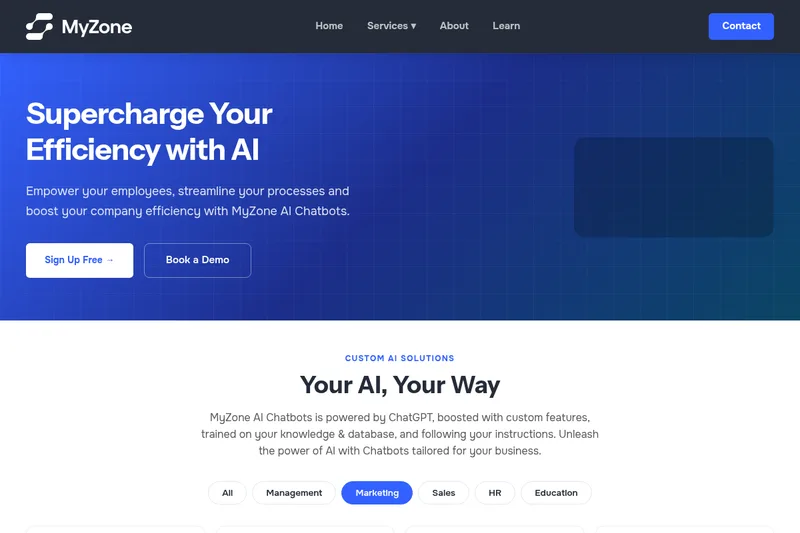
Myzone
MyZone AI Chatbots is a business-focused, trainable chatbot platform powered by ChatGPT that lets organizations build, customize, train, and deploy AI chat assistants embedded on websites or shared via URL to automate support, sales, marketing, HR, and training workflows.
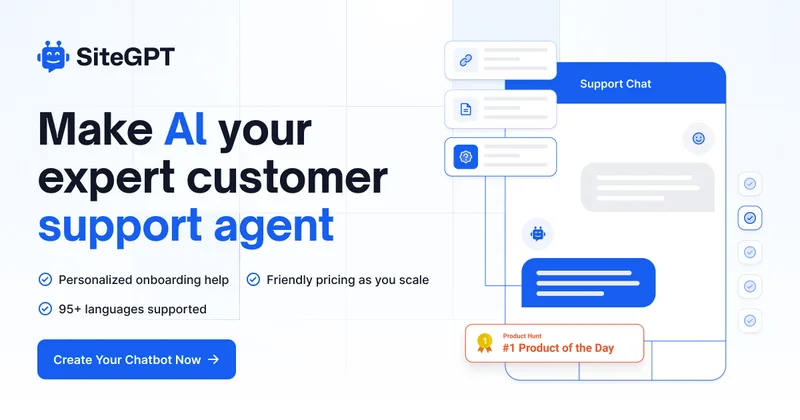
Sitegpt
SiteGPT provides a personalized AI chatbot trained on your website and documents to deliver 24/7 customer support, automate support tickets, capture leads, and escalate to humans when needed. It targets companies seeking to augment support teams with a customizable chatbot that integrates with existing tools.



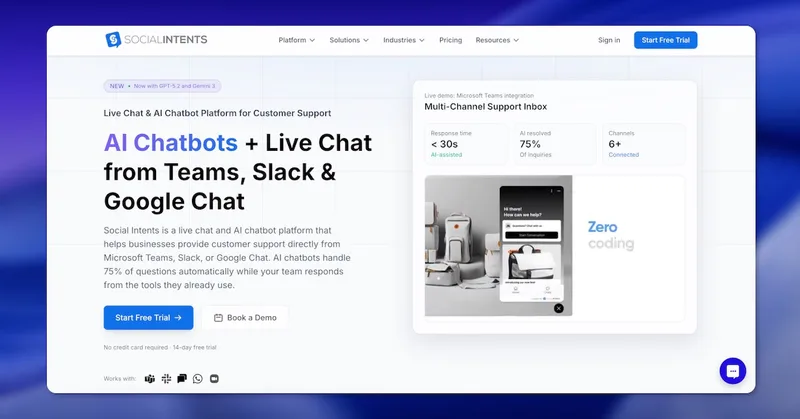
Socialintents
Social Intents is a SaaS live chat and AI chatbot platform that enables teams to respond to website visitors and messages from collaboration tools (Microsoft Teams, Slack, Google Chat, Zoom, Webex) and messaging channels (WhatsApp, SMS, Messenger) while using AI (ChatGPT, Claude, Gemini) to automate common support inquiries.
Premium Alternatives






trainmy-ai
TrainMyAI builds custom, on-premise or cloud-hosted AI chatbots using retrieval-augmented generation (RAG) for private content, with access via WhatsApp, the web, and a private API while keeping all data on your own server.

MARA
MARA is AI-powered hotel reputation management software that helps hotel teams draft review replies in their brand voice, analyze guest feedback, and manage reputation workflows across properties. It combines a shared review inbox, analytics, surveys, widgets, and integrations.
innerai-com
Inner AI é uma plataforma brasileira que reúne mais de 50 modelos de IA pagos (como GPT-5, Claude 4.6, Gemini 3.1 e Grok) oferecendo acesso centralizado, bibliotecas de prompts, templates de documentos, assistentes personalizados, cursos com certificado e aplicativos web/móvel — tudo com foco em equipes e uso profissional.