
Quickblox
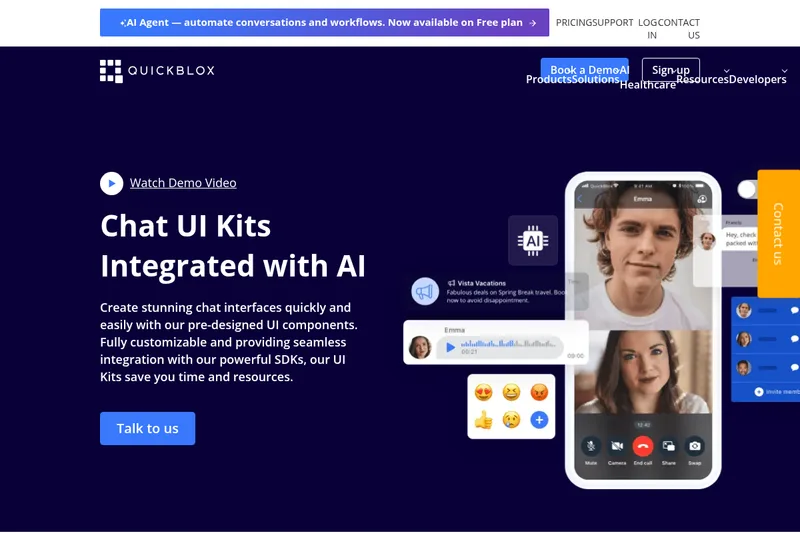
QuickBlox UI Kit is a pre-built, customizable chat UI component library and messaging solution from QuickBlox that accelerates building messenger apps across platforms, with built-in AI features (Answer Assist, Translate, Rephrase) and integration with QuickBlox SDKs and Server API.
Quickblox is chat software teams evaluate for personal & entertainment. Use this page to review pricing, integration signals, and the best alternatives before you commit.
Profile facts come from the vendor source. AiMatch labels unknown pricing or API details instead of estimating them.
Review official source →Used in These Packs
Quick Overview
Best for: Personal & Entertainment
What it does
Chat software for decision-makers comparing workflow fit and alternatives.
Best fit
Personal & Entertainment
Pricing snapshot
Free from Free
Next step
Compare Quickblox with similar tools before you shortlist it.
Compare this tool before you shortlist it
Review alternatives, pricing posture, and workflow fit side by side.
QuickBlox UI Kit is a collection of pre-designed, fully customizable chat interface components and ready-to-use screens for building messenger and telehealth apps. It targets developers and product teams who want to accelerate chat UX development by embedding pre-built dialogs, message threads, attachments handling, and push/typing indicators, while integrating with QuickBlox SDKs and Server API. The UI Kit also includes pre-enabled AI features such as Answer Assist, Translate, and Rephrase, and is positioned for professional use cases including telehealth, customer support, HR, marketplaces, and finance.
QuickBlox UI Kit is a pre-built, customizable chat UI component library and messaging solution from QuickBlox that accelerates building messenger apps across platforms, with built-in AI features (Answer Assist, Translate, Rephrase) and integration with QuickBlox SDKs and Server API.
Own this listing?
Claim this page for a one-time $29 to add pricing, features, screenshots, verified owner details, and a clearly labeled 30-day category position after the profile is live.
Claim this listing for $29Key Features
Pre-designed UI components
Chat-specific UI components such as chat bubbles, input fields, message threads, typing statuses, and push notifications handling.
Messaging controls
Built-in message operations including send text, forward, reply, edit, delete, highlight URLs, and typing status handling.
Attachments and media
Attachments support including send image, send video, send voice message, send file, send location, play video message, full-screen image view, download and save attachments.
Pre-enabled AI functionality
Includes AI Answer Assist, AI Translate, and AI Rephrase to assist with responses, real-time translation, and tone/style rewriting.
Cross-platform compatibility
UI Kits and SDKs available for iOS, Android, JavaScript, React Native, and Flutter (Flutter listed as coming soon).
Ready-to-use workflows and screens
Provides dialog screens (private, group, public), member lists, create dialog, search, and dialog info screens that can be embedded into applications.
Customizable design assets
Graphical assets and a Figma/sketch UI graphic kit are available for teams that only need design assets rather than full functionality.
Integration with QuickBlox platform
Designed to integrate seamlessly with QuickBlox SDKs and Server API for backend messaging, voice & video calling, and other platform capabilities.
Pricing
QuickBlox indicates that AI Agent functionality is now available on the Free plan. No further pricing details are provided on the page.
Free plan
Free- AI Agent now available on Free plan (as stated on the page)
Use Cases
Telehealth / Q-Consultation
Build HIPAA-compliant telehealth chat and video workflows with pre-built dialogs and AI agent assistance for healthcare consultations.
Customer Support
Implement operator-driven chat flows, message threading, attachments, and AI Answer Assist to improve support response quality and speed.
Marketplaces & Social Networks
Embed messaging and chat features into marketplace and social networking apps using ready-made UI components and integration with QuickBlox SDKs.
Enterprise & Financial Services
Use white-label messaging for secure, compliant communications in finance and enterprise environments, leveraging HIPAA-compliant hosting where required.
HR & Recruitment
Provide in-app messaging for recruitment workflows, candidate communication, and interview scheduling with attachments and media support.
Integrations
iOS SDK
Integrate the Chat UI Kit with QuickBlox iOS SDK for native Apple apps.
Android SDK
Integrate the Chat UI Kit with QuickBlox Android SDK for native Android apps.
JavaScript / Web
Use QuickBlox JavaScript SDK and UI Kit components for web-based chat applications.
React Native
Integrate with React Native SDK for cross-platform mobile apps.
Flutter
Flutter support is listed (coming soon) for building cross-platform apps.
Design tools (Figma / Sketch)
Graphical assets and design kits are available for Figma and Sketch for teams that need only design resources.
Server API
Server API integration for backend messaging, user management, and other platform services.
Benefits
Limitations
No verified limitations are available.
Frequently Asked Questions
No verified FAQs are available.
Getting Started
- 1 Sign up for a QuickBlox account or log in to your QuickBlox dashboard.
- 2 Read the detailed Chat UI Kit documentation and developer docs for integration instructions.
- 3 Download the UI Kit code or Figma/Sketch graphical assets (Get UI Kit Code / Get Figma Graphical Assets).
- 4 Integrate the UI Kit components with your chosen QuickBlox SDK (iOS, Android, JS, React Native, Flutter) and Server API.
- 5 Customize UI components and enable AI features as needed; contact QuickBlox support or book a demo for help.
Support
Documentation
Developer documentation, code samples, and how-to tutorials available in the Developers / Documentation section.
Help centre
Help Centre for product support and knowledge resources.
Video tutorials
Video tutorials and demo videos referenced on the site.
Community
QuickBlox Discord community for developer discussions.
Contact / Sales
Contact us and Book a Demo options are available for pre-sales, enterprise enquiries, and custom integrations.
API
Developer documentation and Server API docs are available via the QuickBlox Developers section (SDKs, Server API, code samples, and chat UI integration guides).
Compare Quickblox with similar tools
See how it stacks up against alternatives
Related Tools
View all 81 →



Nofiltergpt
NoFilterGPT is an anonymous, unfiltered AI chat platform and API that promises uncensored conversational AI, image and video generation/editing, and voice features while claiming to purge logs and encrypt communications. It targets users seeking unrestricted AI interactions and developers via RESTful API access.

Premium Alternatives
Uncensored
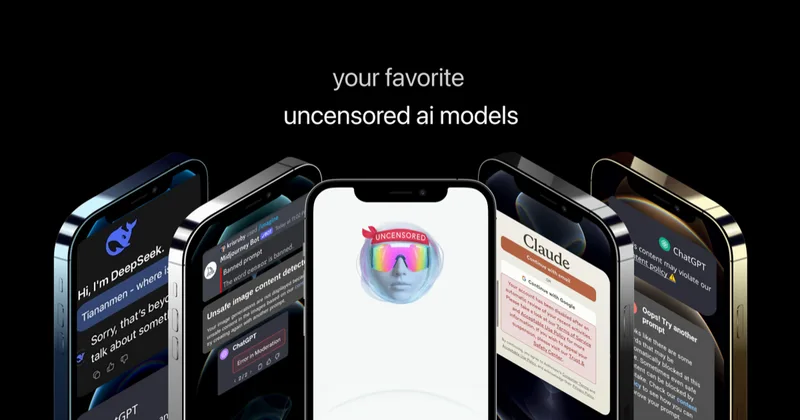
Uncensored AI is a chat and developer platform that provides access to a broad catalog of powerful, minimally filtered AI models for chat, voice, vision, code, and API access, with privacy features like auto-redaction and developer tooling.

pandachat-ai
PandaChat runs supervised AI customer operations for complex Adria/DACH e‑commerce stacks: a managed team of specialists and supervisors that connects to your systems, handles multilingual 24/7 support across channels, and sends daily briefings with value reports.
screensnapai
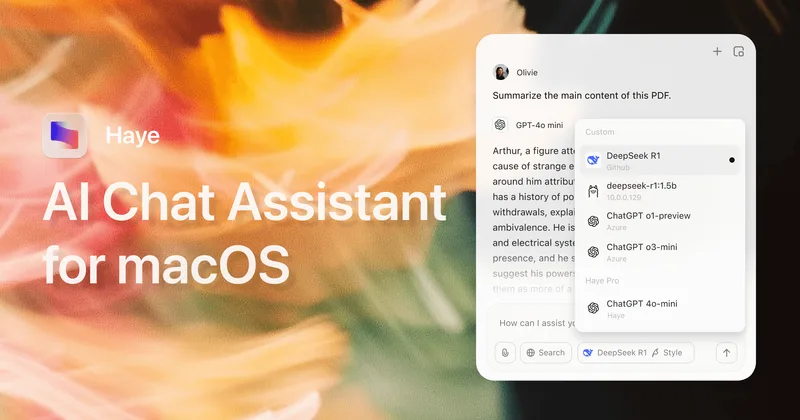
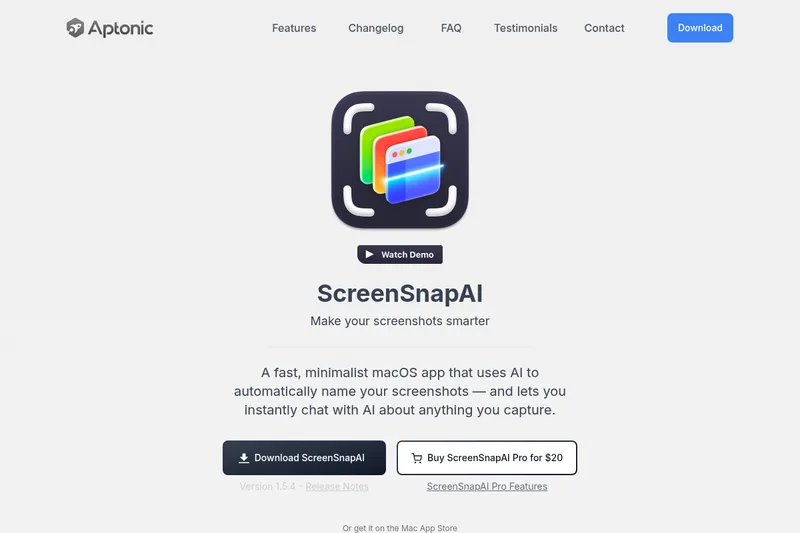
ScreenSnapAI is a native macOS app that automatically names and tags screenshots and lets users ask AI questions about selected areas of their screen. It supports Intel and Apple Silicon Macs running macOS 13 or later.
Promptbuilder
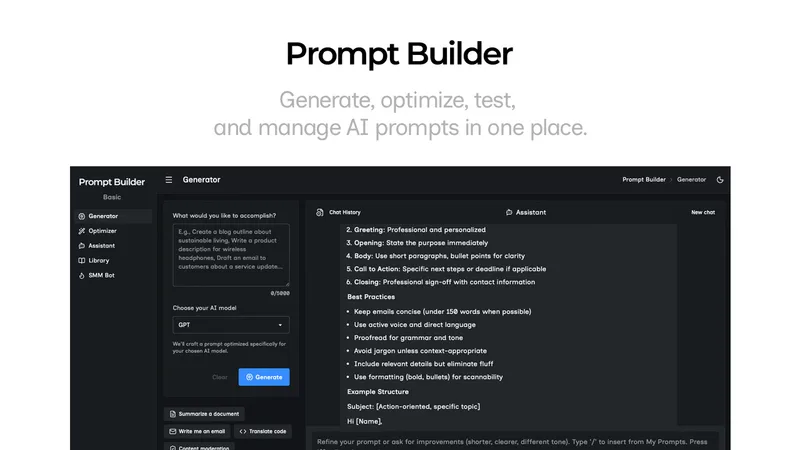
Prompt Builder is a web app that generates, optimizes, tests, and manages AI prompts tuned to specific models (ChatGPT, Gemini, Claude, Grok, etc.), with a prompt library, optimizer, built-in chat assistant, and versioning for prompt workflows.
